Accounting guide · section 1 of 28
Find your way around Accounting
Know where each part of Accounting lives before you start entering work.
Watch this in the video (0:03)
Steps
In the pictures, a numbered red box marks where to click or type. Where a picture has more than one box, the numbers give the order.
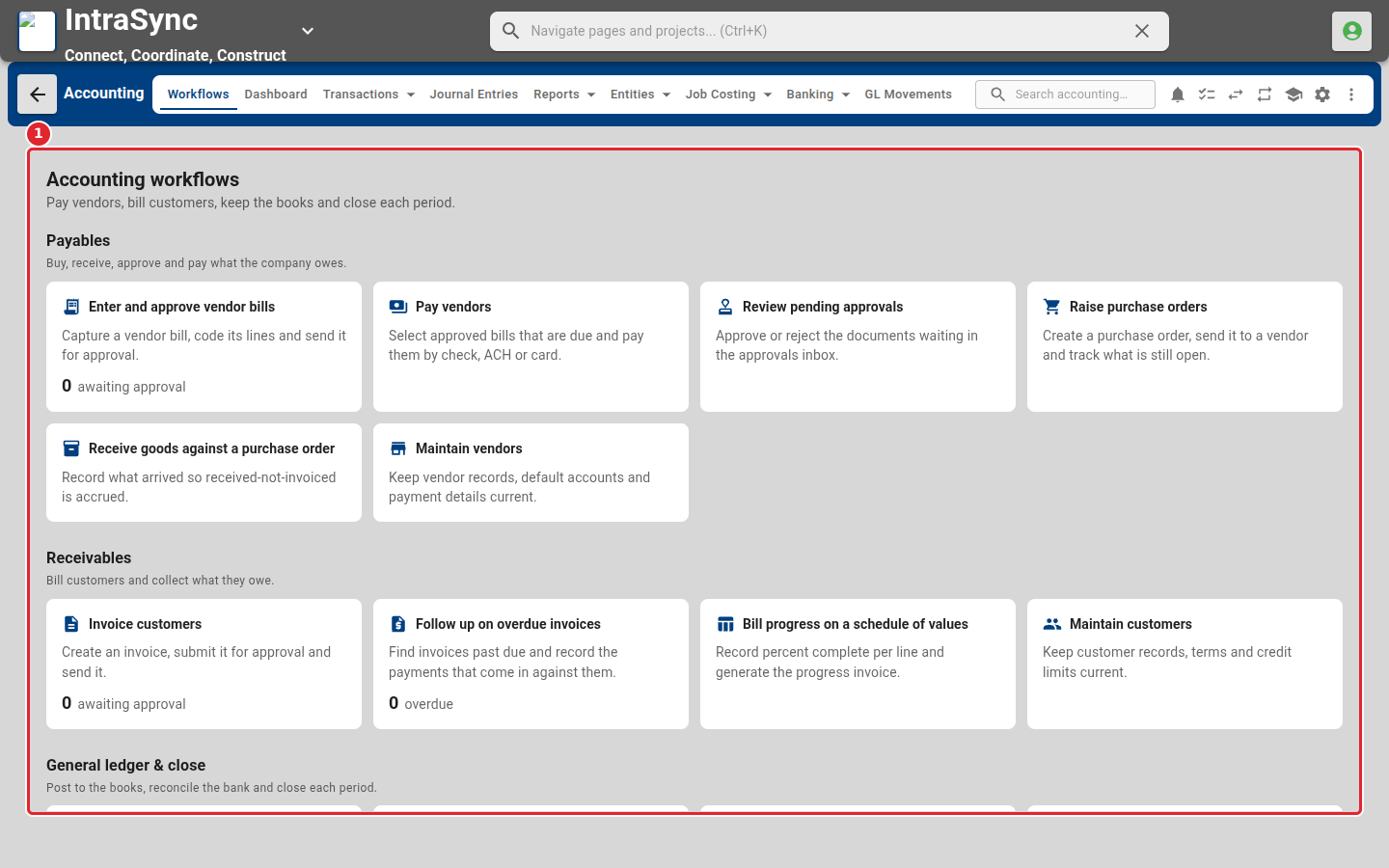
The Workflows page opens first. Its cards group the daily jobs: payables, receivables, and the general ledger and close.
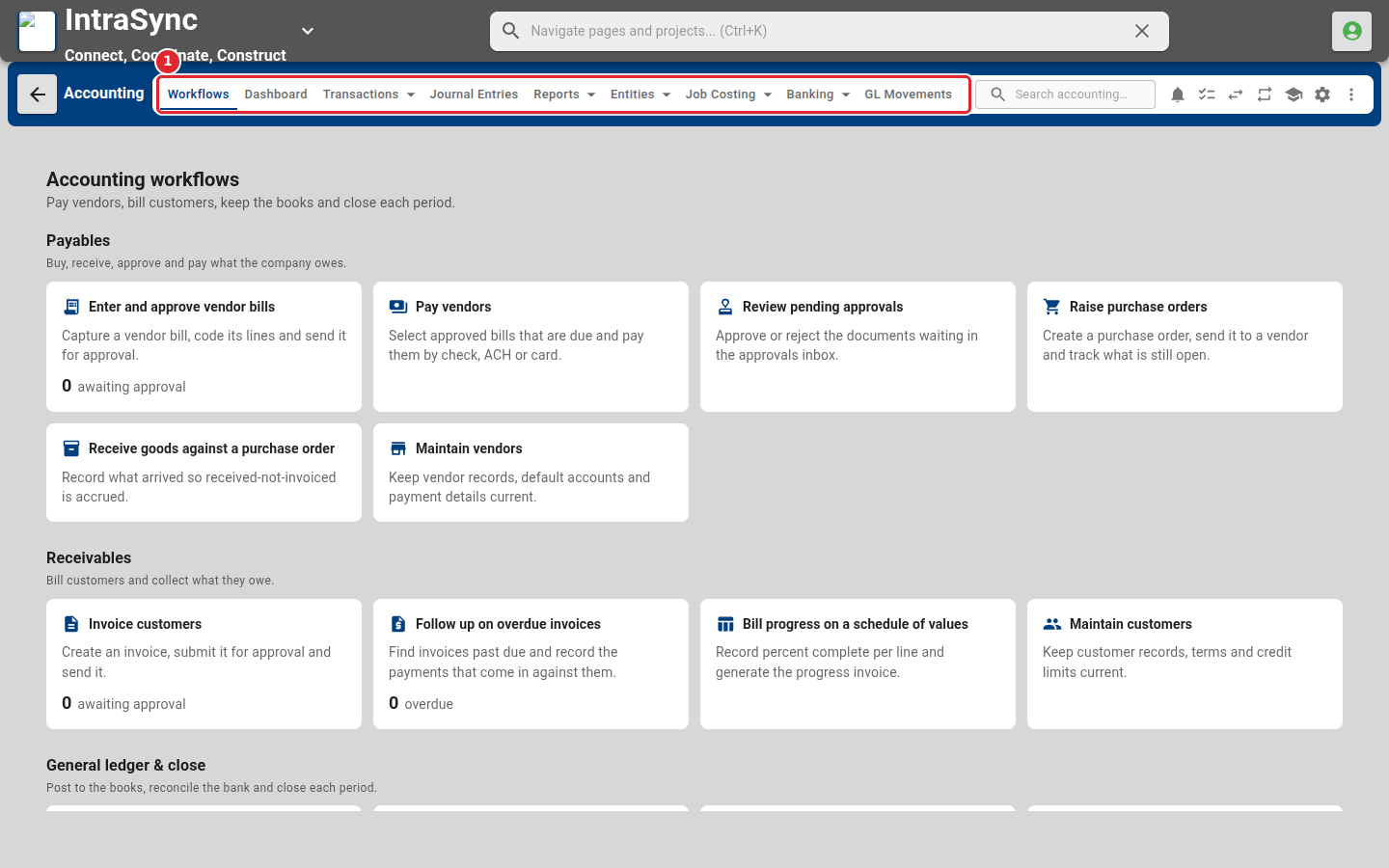
Use the menu across the top to move between areas. Entries with an arrow open a menu.
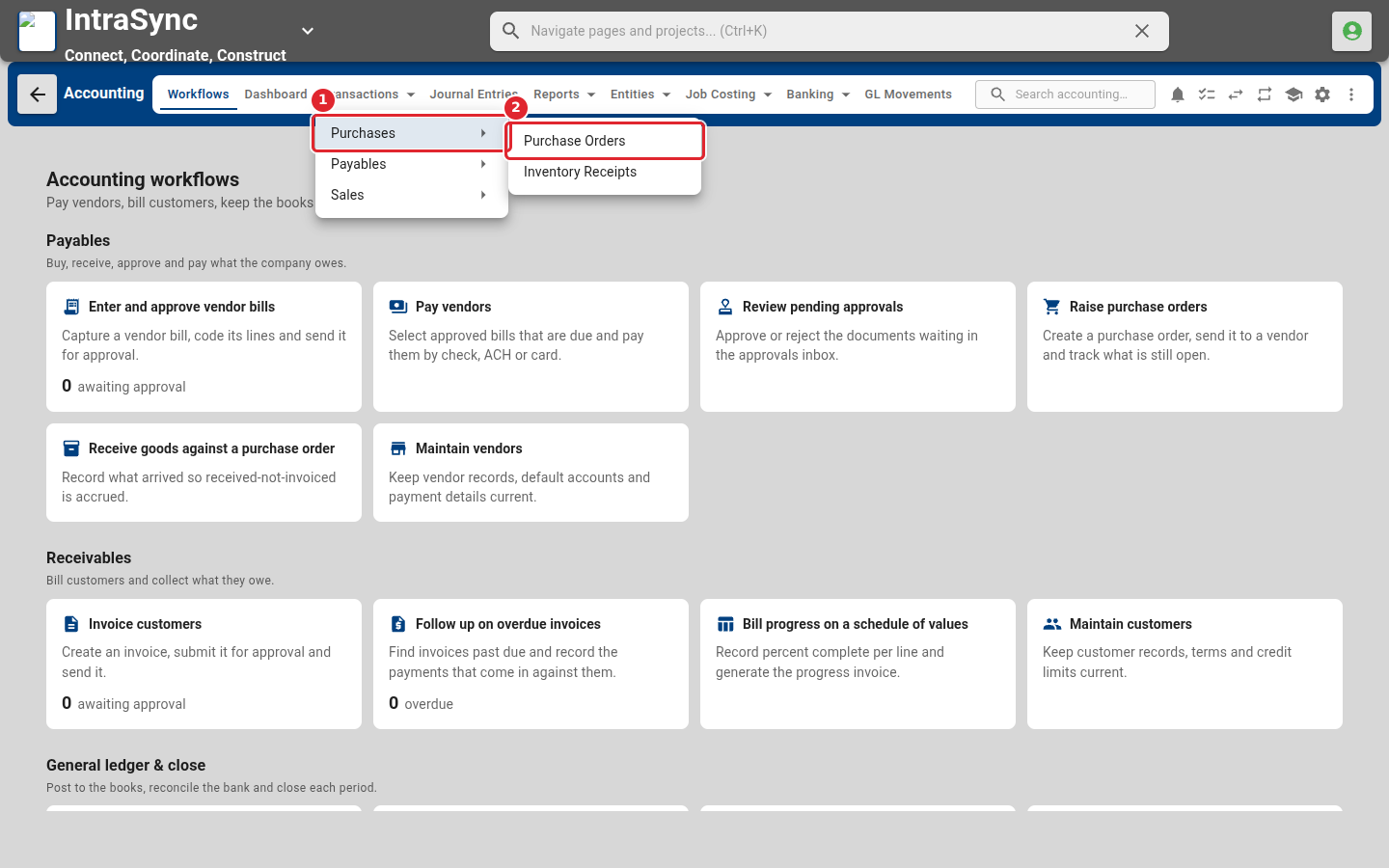
Select Transactions, then point to a group such as Purchases to see the screens inside it.
Tips
- The header search and the buttons beside it work from every screen.
- Your company may not show every screen in this guide: features can be turned on or off in Settings > Module Features.