Accounting guide · section 17 of 28
Set the GL budget
Budget each account by month, so budget against actual has something to compare.
Watch this in the video (1:34)
Steps
In the pictures, a numbered red box marks where to click or type. Where a picture has more than one box, the numbers give the order.
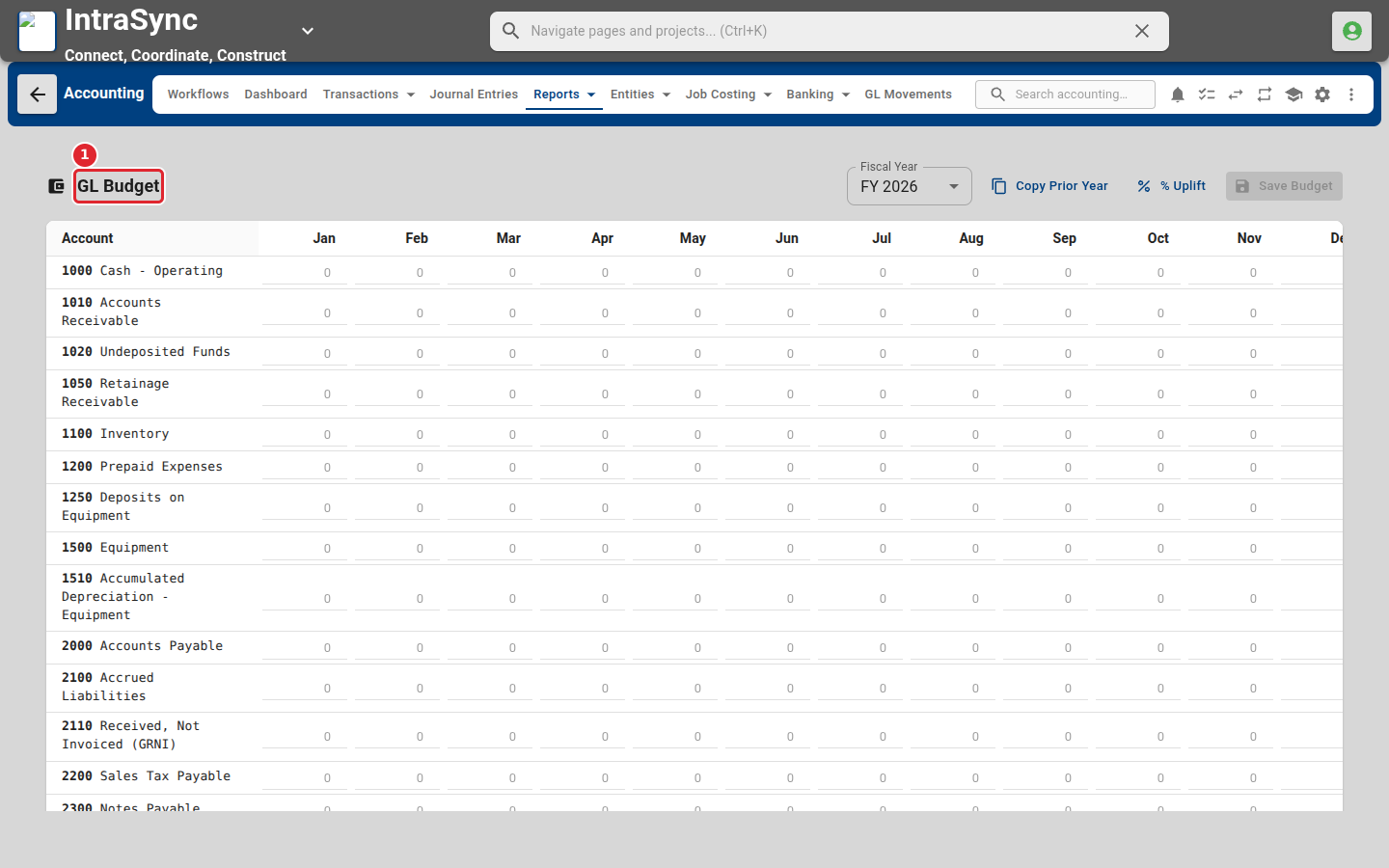
Select Reports > Financial > GL Budget. Each account has a row and each month a column. Enter the budget in the cells.
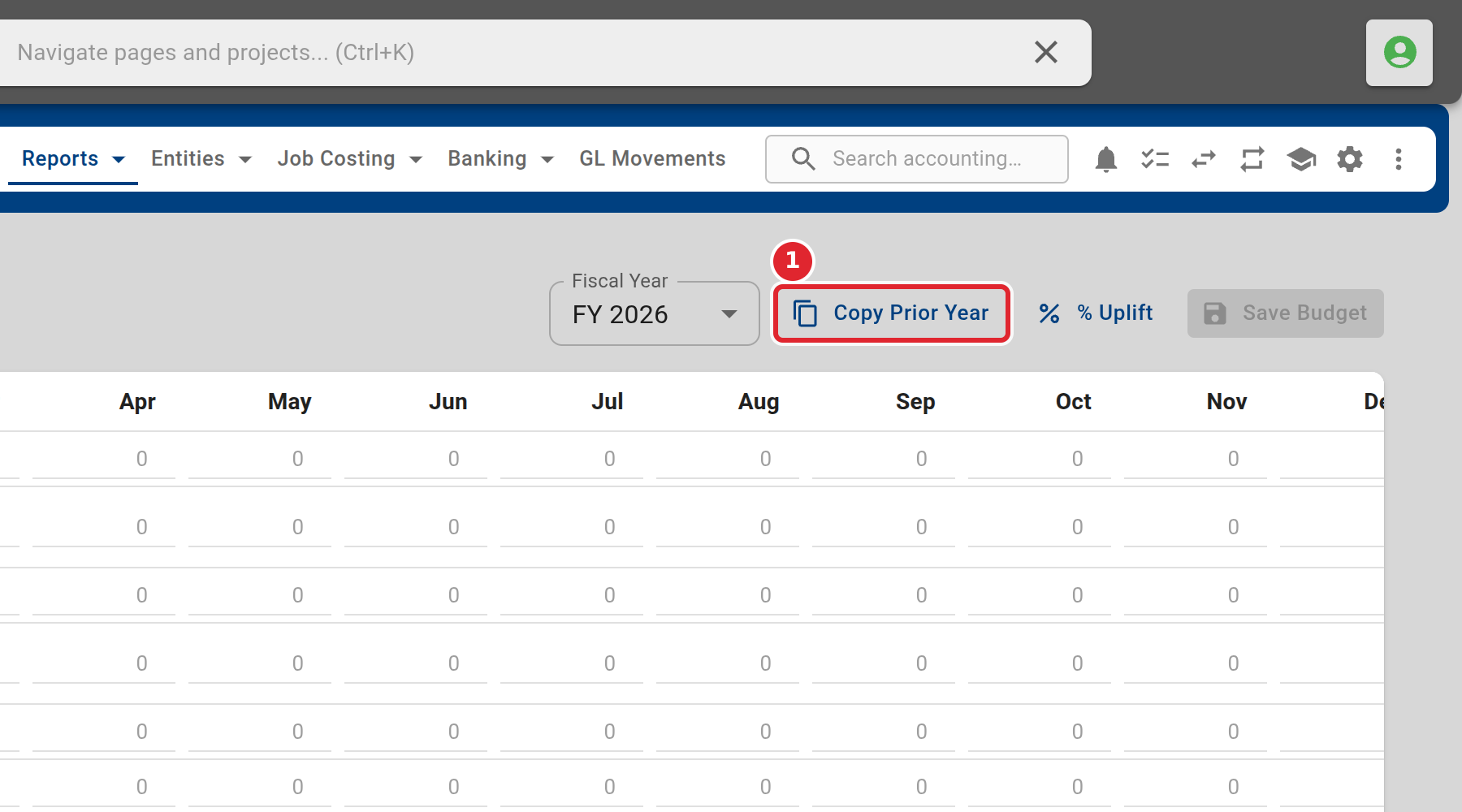
Choose the fiscal year, and select Copy Prior Year to start from last year's budget.