Accounting guide · section 16 of 28
Build a custom report
Report on exactly the records you need when the standard statements do not cover it.
Watch this in the video (1:24)
Steps
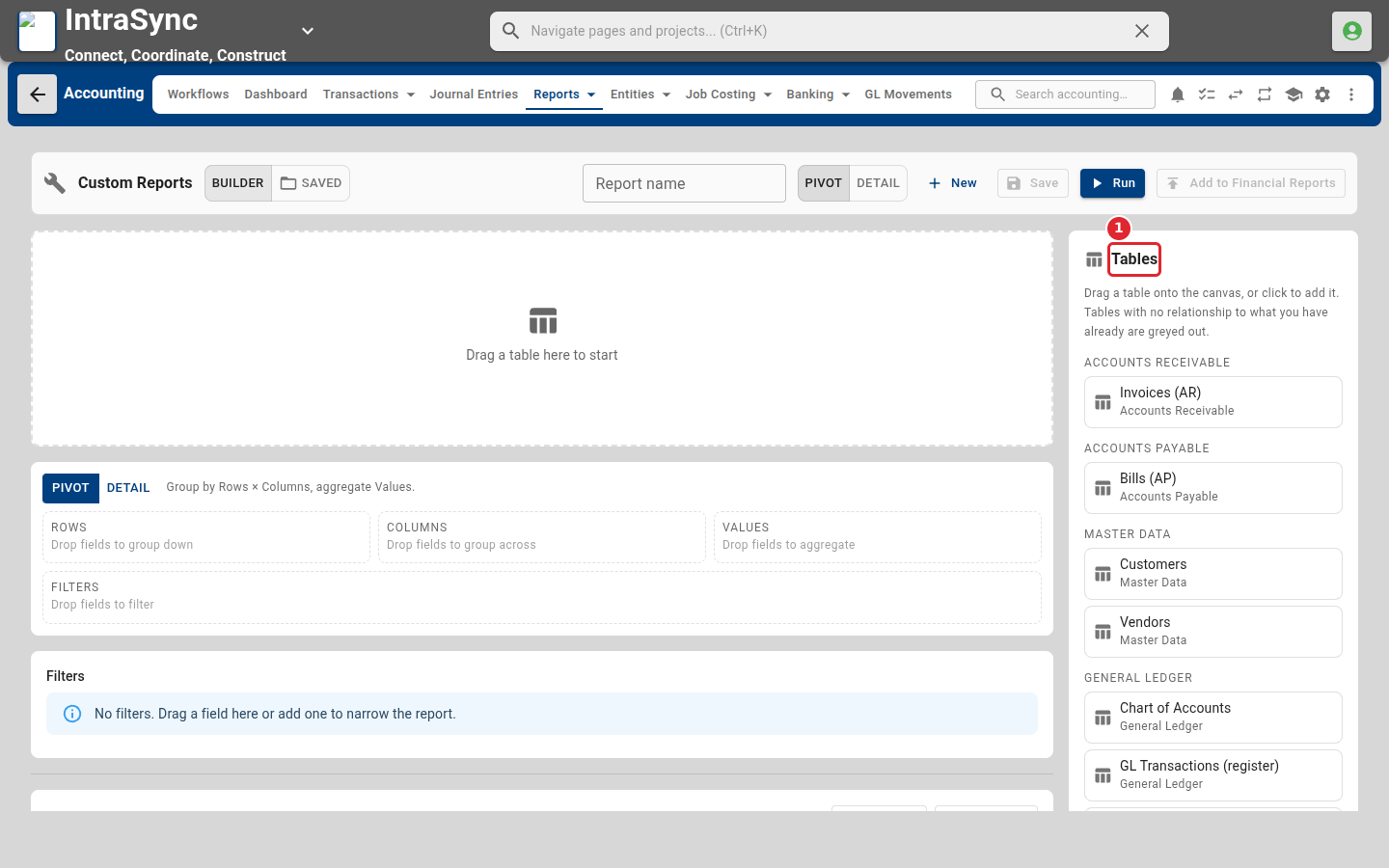
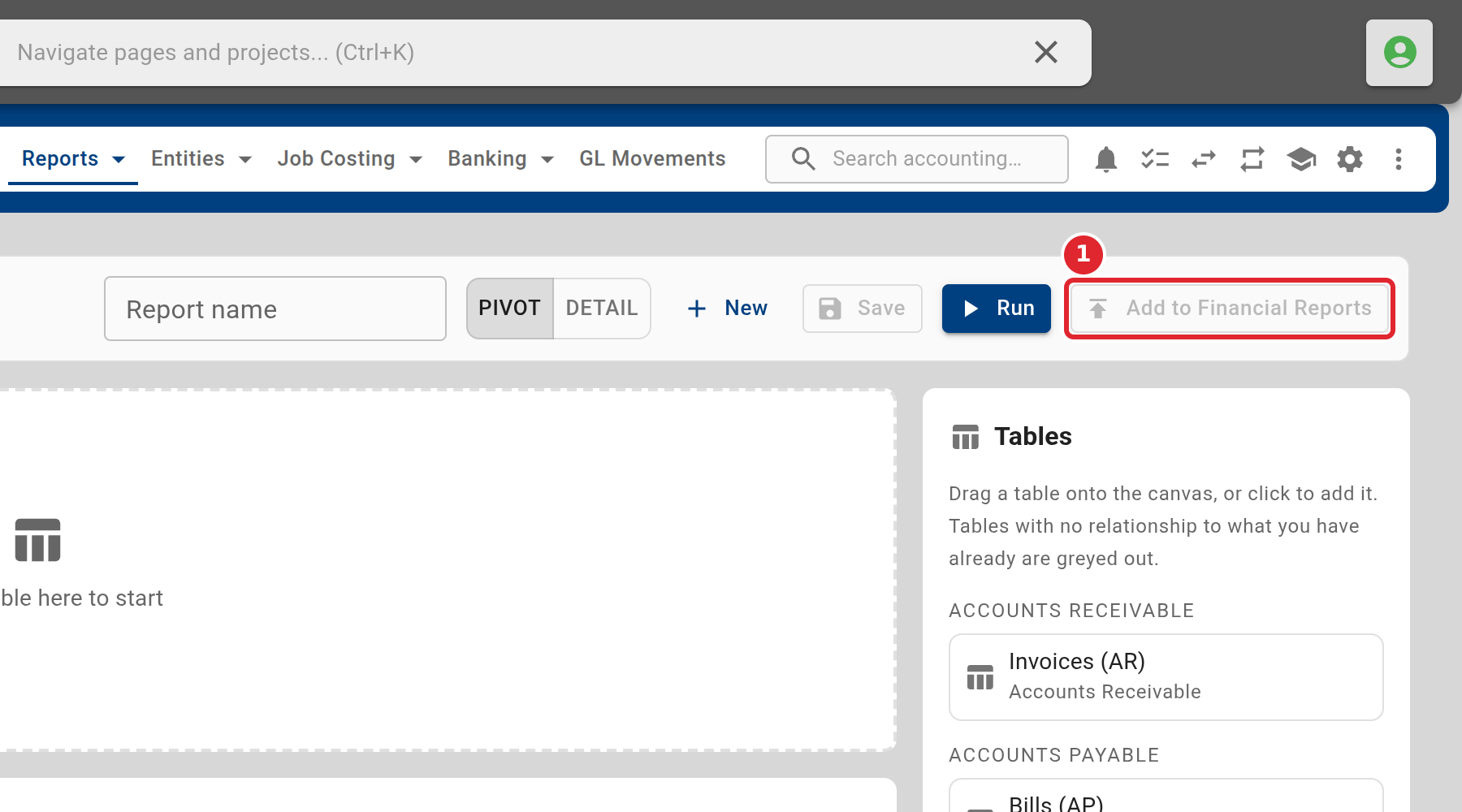
In the pictures, a numbered red box marks where to click or type. Where a picture has more than one box, the numbers give the order.
Select Reports > Financial > Custom Reports. Drag a table from the Tables list onto the canvas to start a report.
When the report is right, select Add to Financial Reports so it sits beside the standard statements.
Tips
- A report needs at least one table on the canvas before it can run.