Core guide · section 1 of 21
Find your way around
Know where each page lives before you start, so every other task in this guide is one click away.
Watch this in the video (0:03)
Before you start
- An account that someone in your company has added for you, and your password.
Steps
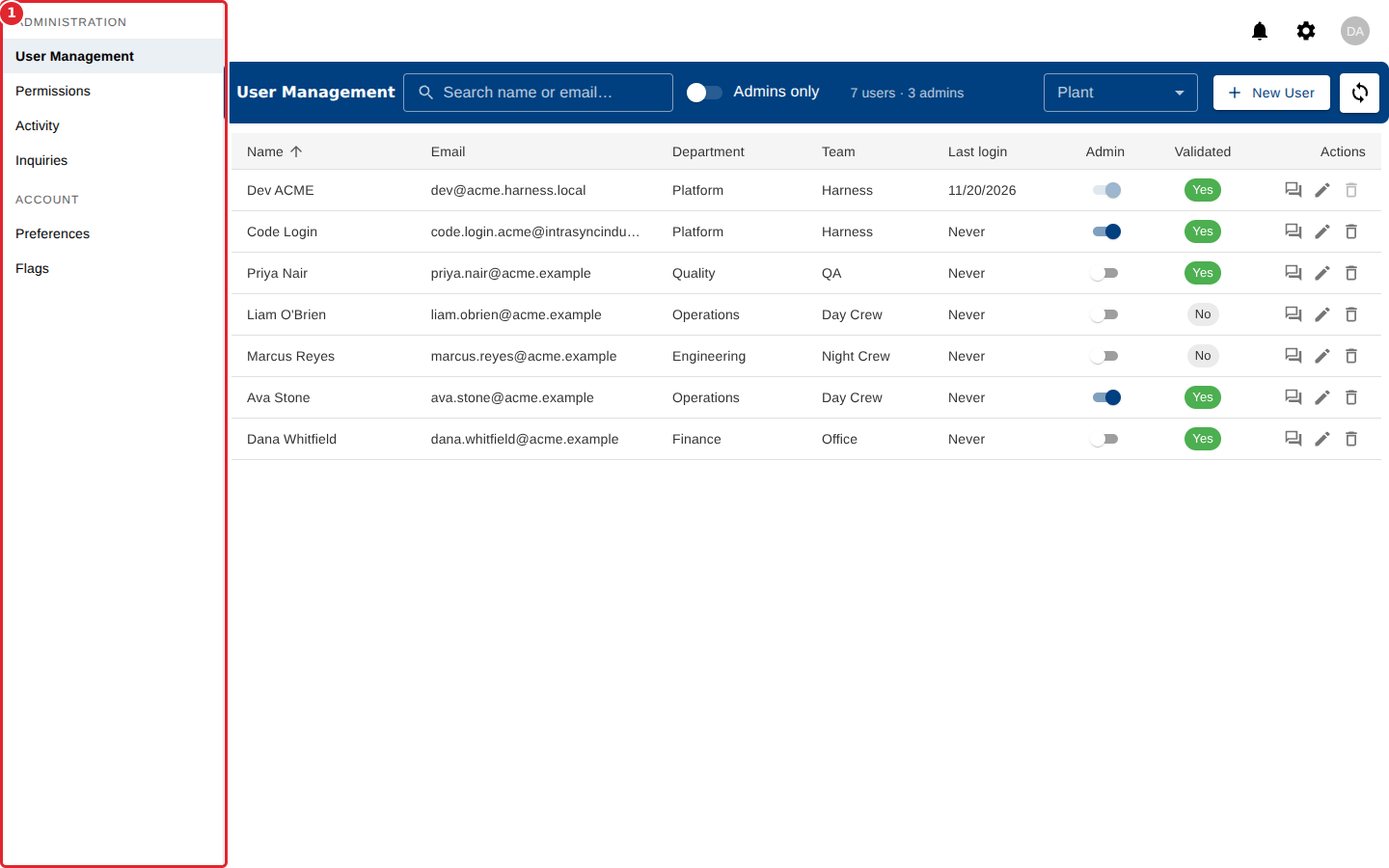
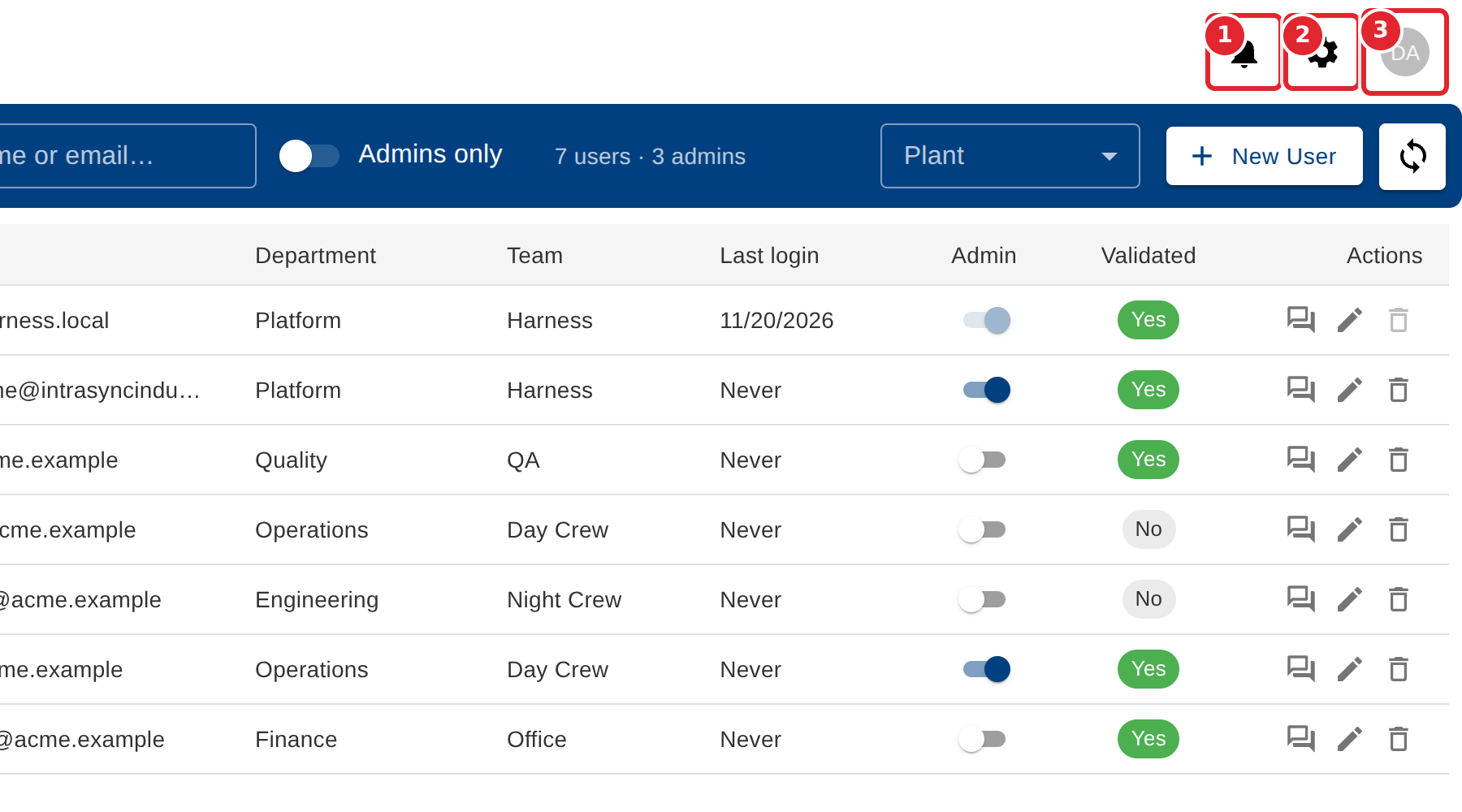
In the pictures, a numbered red box marks where to click or type. Where a picture has more than one box, the numbers give the order.
Sign in. You land on User Management.
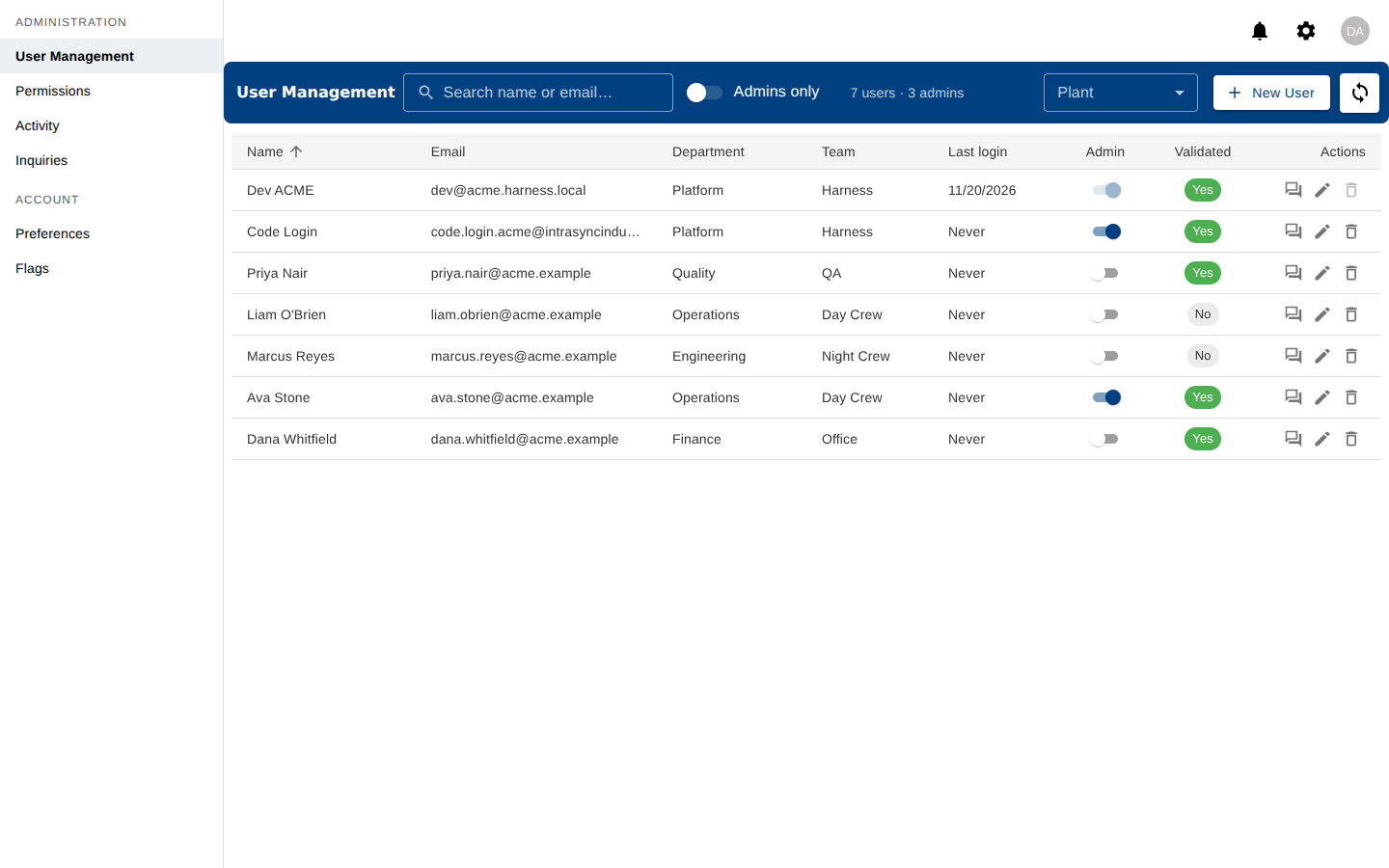
Use the menu on the left to move between pages. Administration holds the company's pages; Account holds your own.
Use the icons at the top right for notifications, settings and your account.
Tips
- If a chip saying Offline appears at the top, changes made by other people are not reaching you. The app reconnects by itself.
- Each page has a Refresh button in its blue header bar that reloads what you see.