Core guide · section 2 of 21
Find a person in your company
Look someone up before you change their access, their details or their roles.
Watch this in the video (0:06)
Steps
In the pictures, a numbered red box marks where to click or type. Where a picture has more than one box, the numbers give the order.
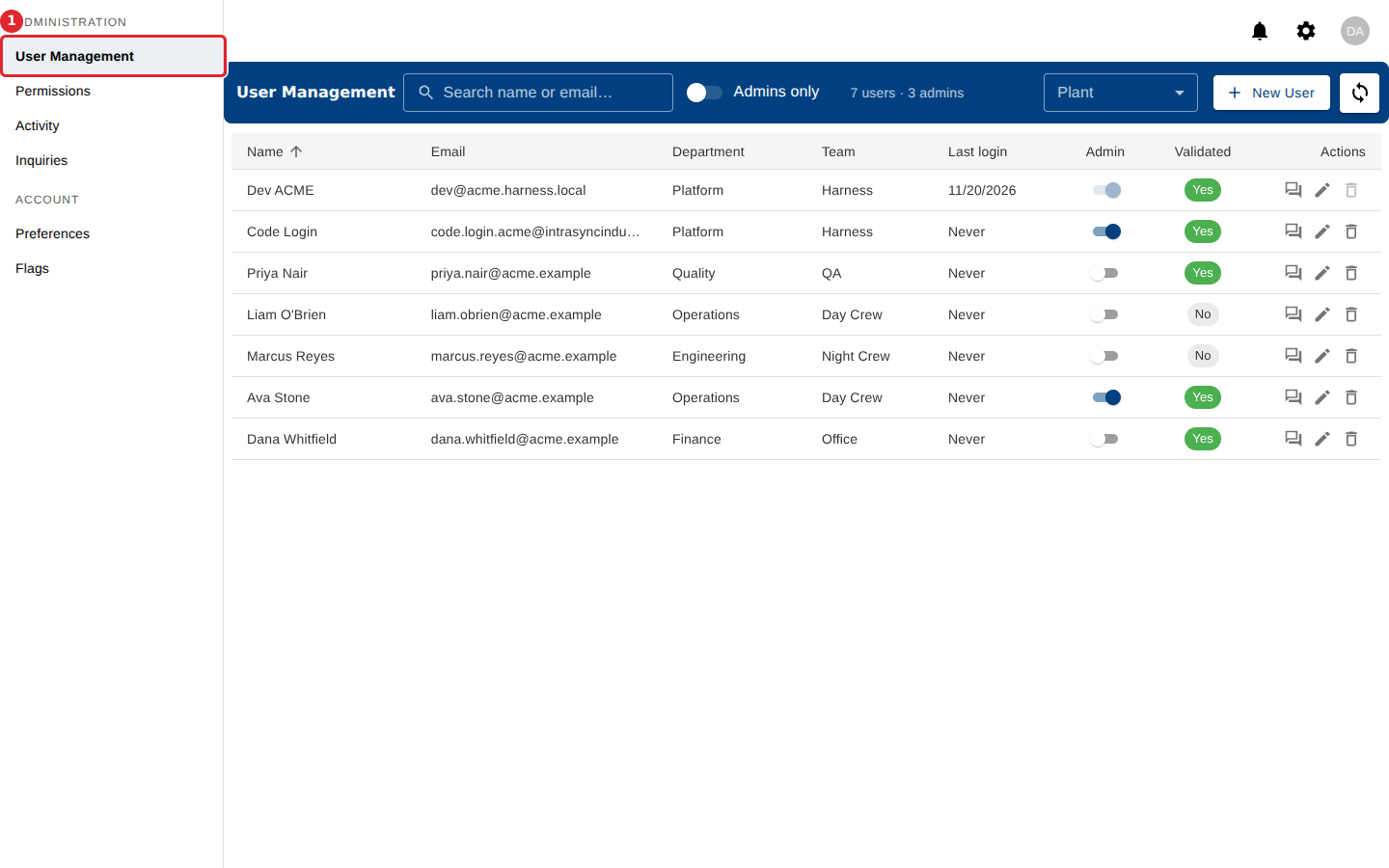
Open User Management.
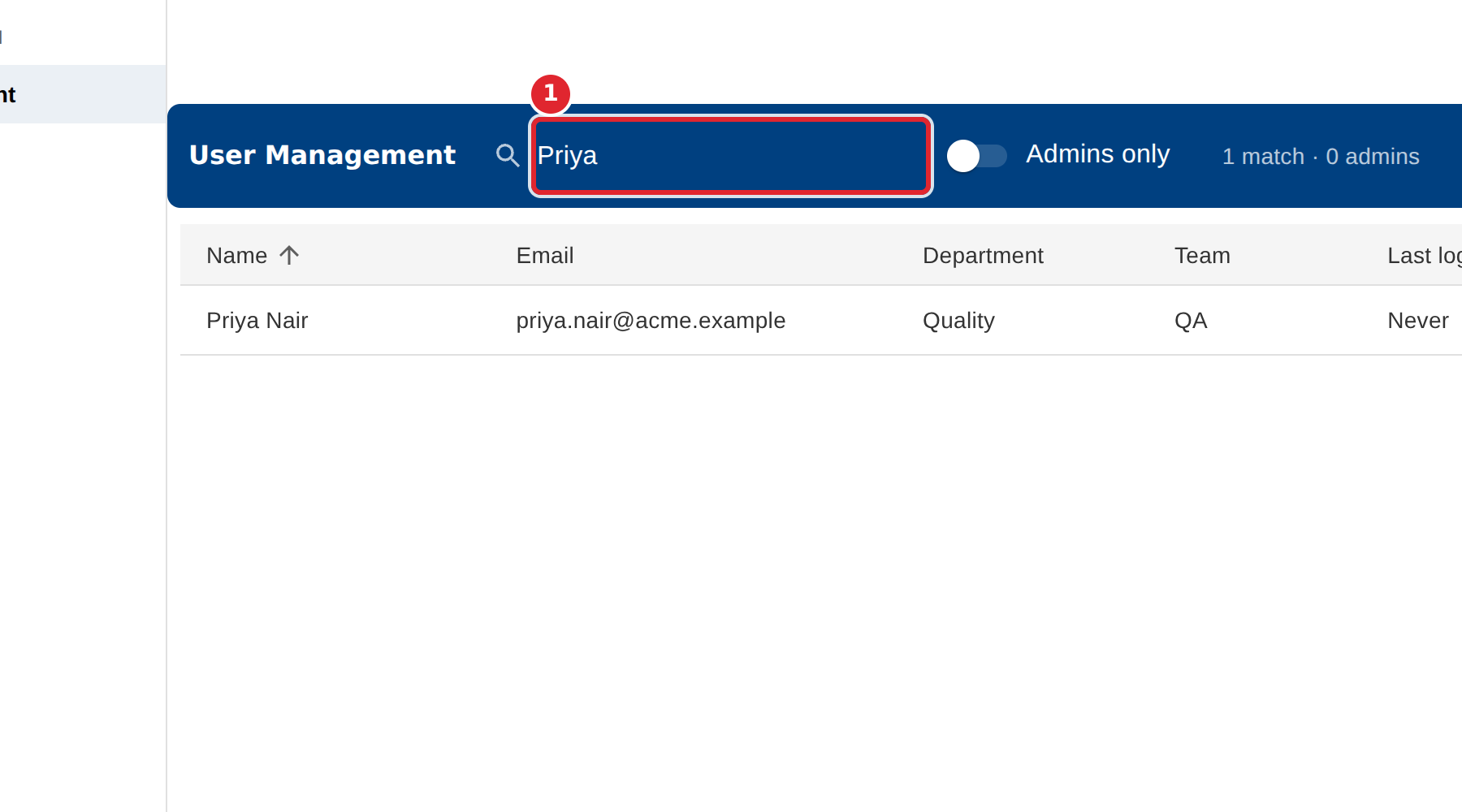
Type part of a name or email in the search box. The list narrows as you type.
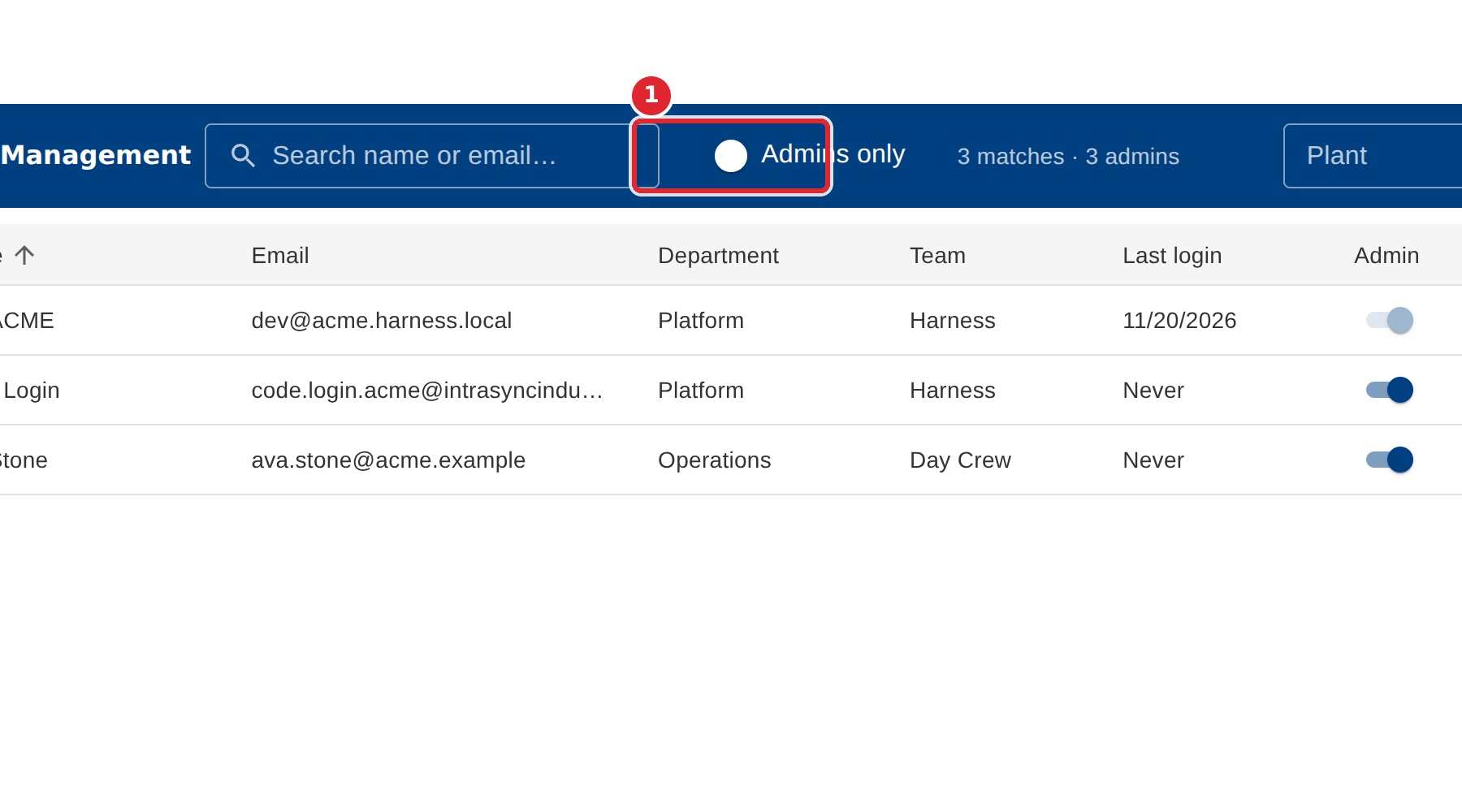
Turn on Admins only to see just the administrators. The count beside it says how many are shown.
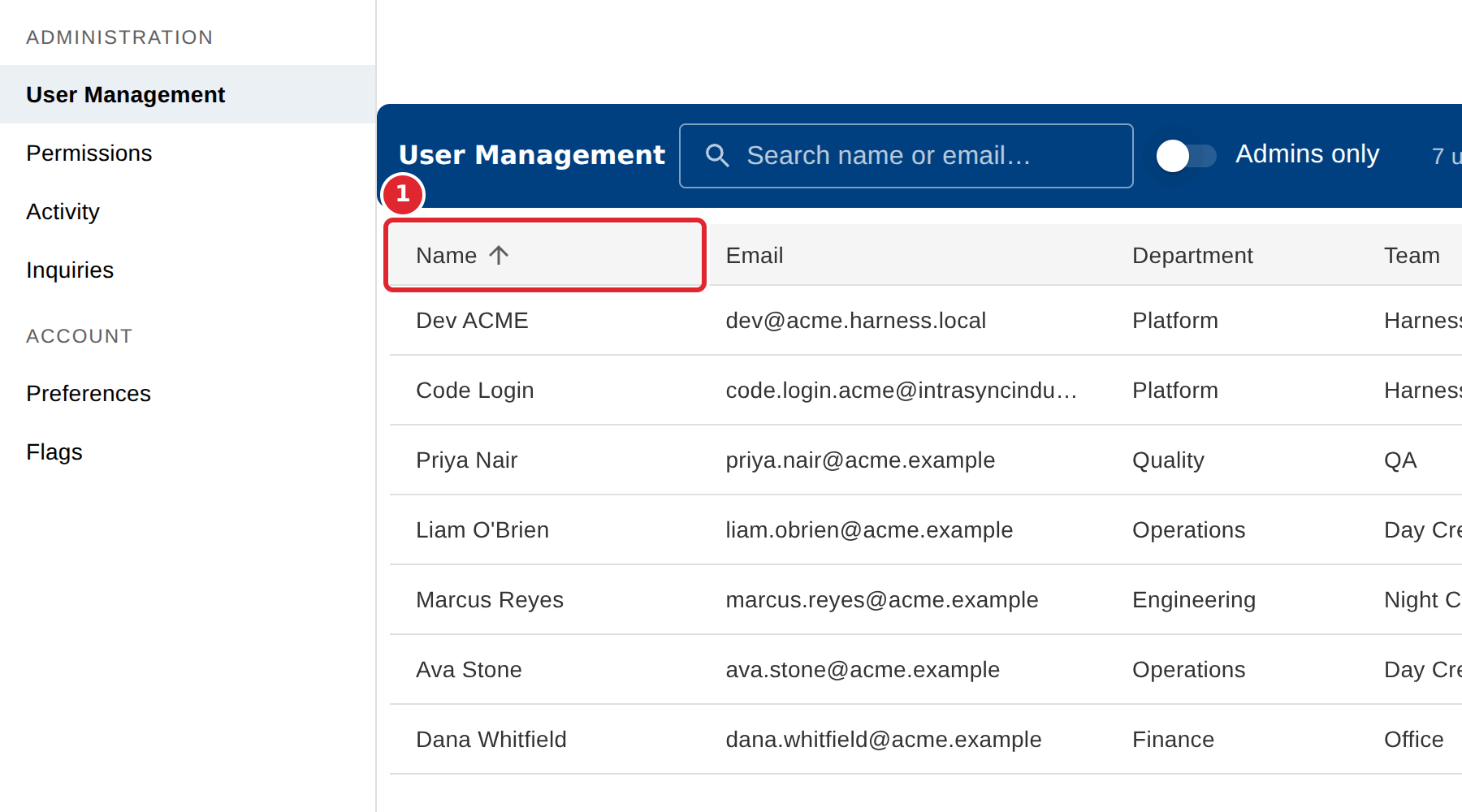
Select a column heading, such as Name or Last login, to sort by it.
If the list is long, select Load more at the bottom to see the rest.
Tips
- Search looks at names and email addresses only, not at departments or teams.
- If nothing matches, the list says No users match the current filter. Clear the search box to see everyone again.
- Where your company has more than one plant, use the Plant menu in the header to choose the plant you are working in.