Dashboard guide · section 2 of 14
Choose the period the board shows
Look at the same board over the last week, month, quarter or year without changing it for anyone else.
Steps
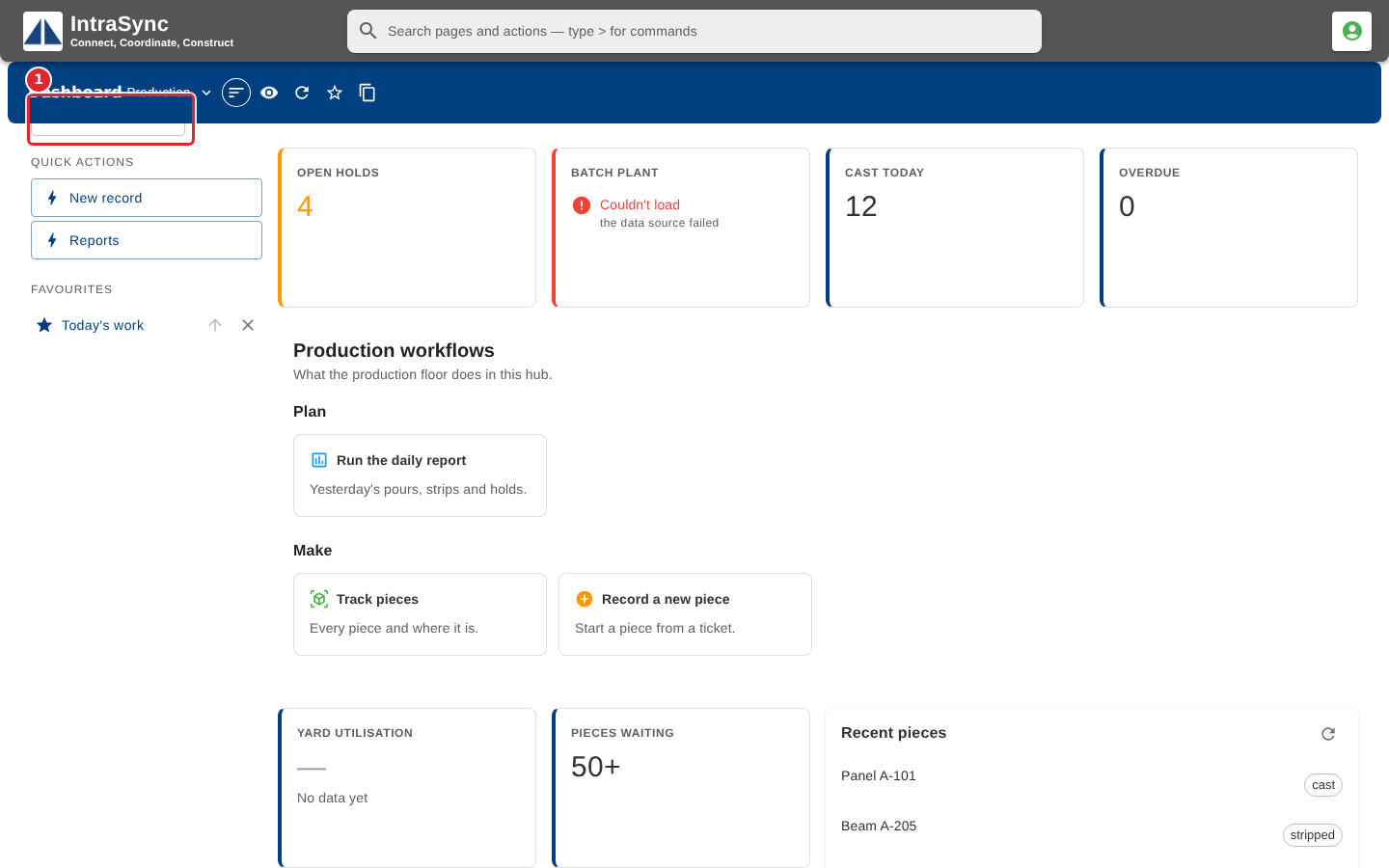
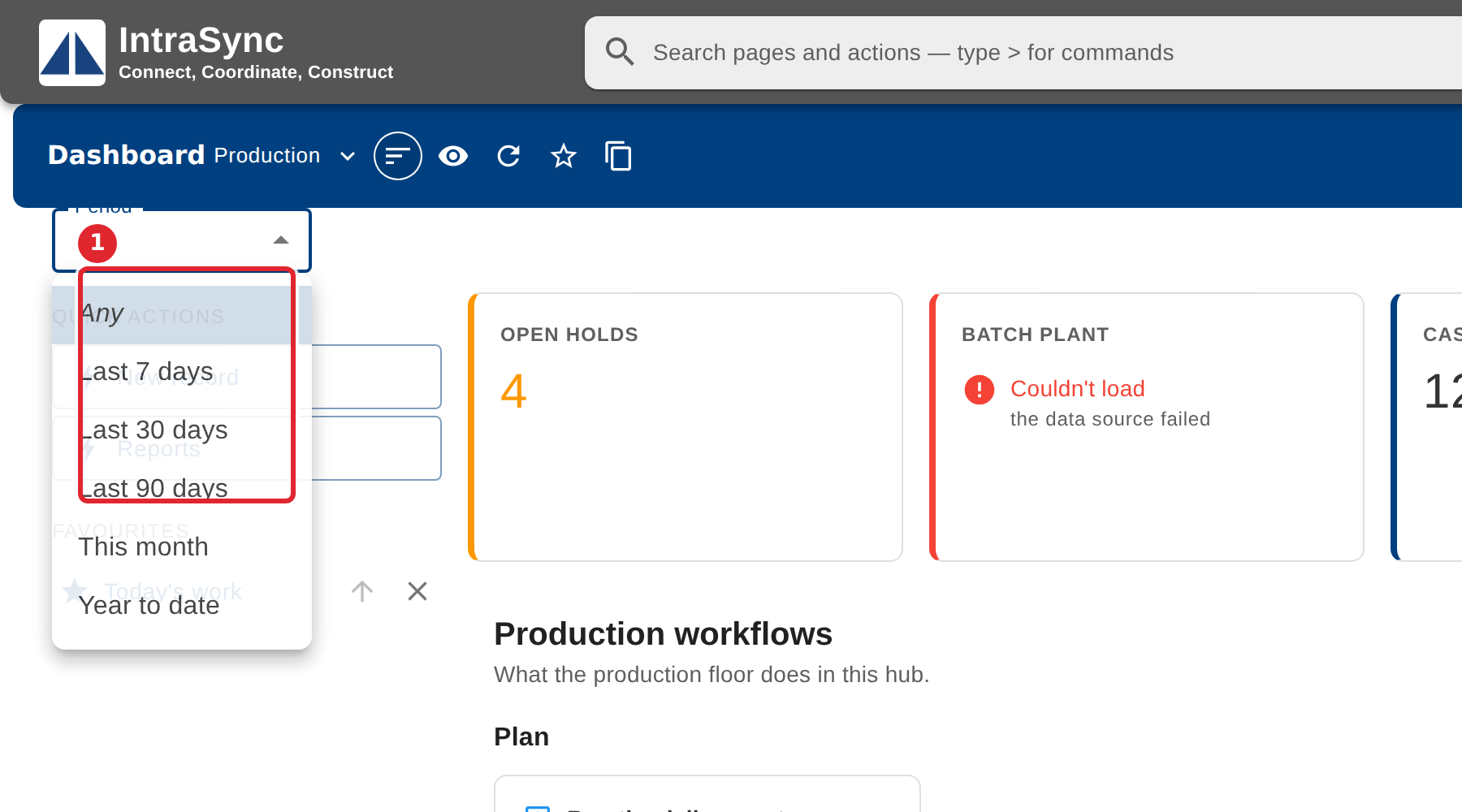
In the pictures, a numbered red box marks where to click or type. Where a picture has more than one box, the numbers give the order.
Select the Period list above the board.
Choose the period. Every widget on the board follows it, and the board remembers your choice.
Tips
- Your choice is kept for you on this board, so it is still set the next time you open it.