Dashboard guide · section 1 of 14
Read your board
See the figures, work and shortcuts that matter to you on one screen, and know which figures you can rely on.
Watch this in the video (0:03)
Before you start
- You need access to Dashboard. Your administrator sets which boards you can see.
Steps
In the pictures, a numbered red box marks where to click or type. Where a picture has more than one box, the numbers give the order.
Open Dashboard. Your hub board opens first.
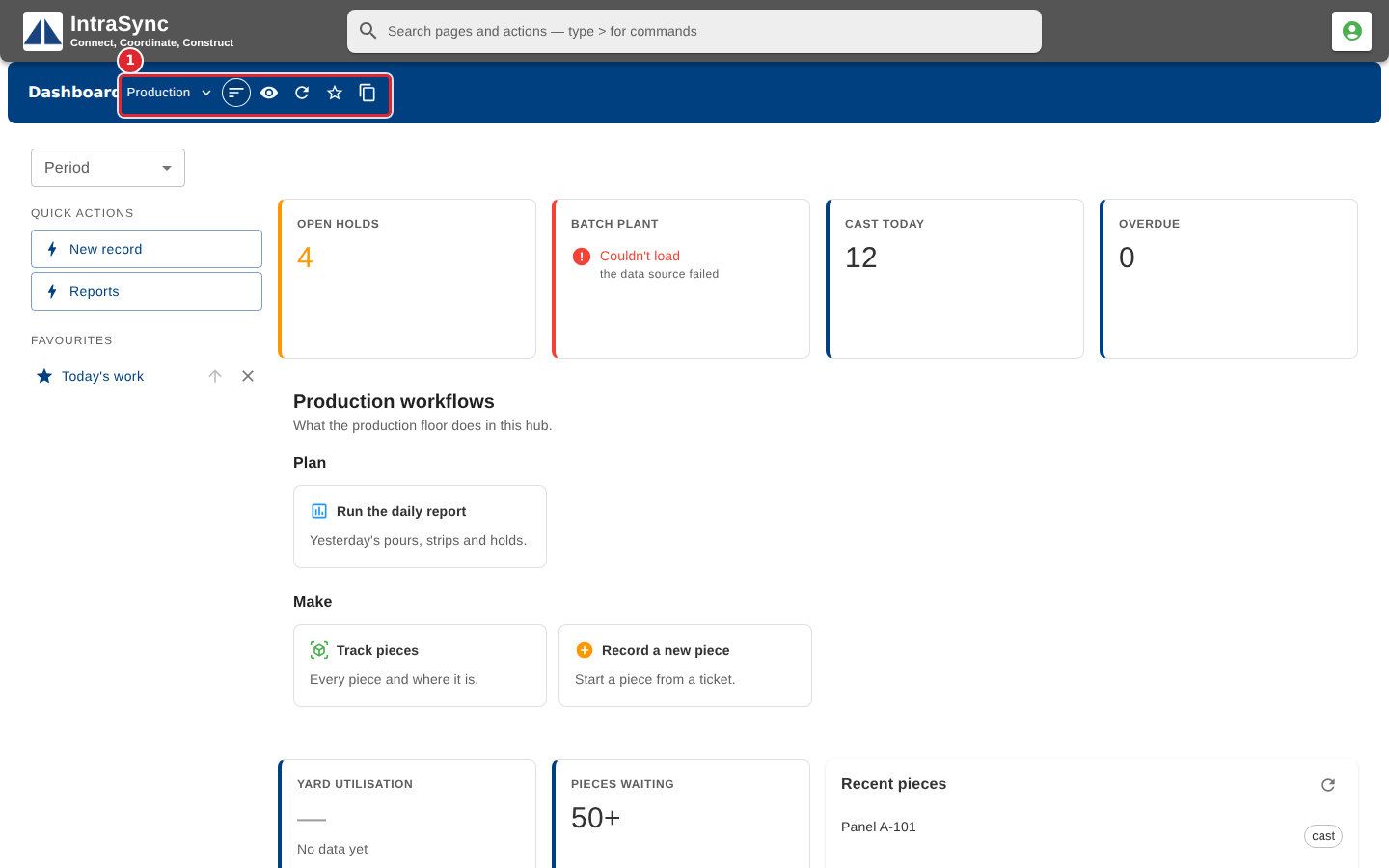
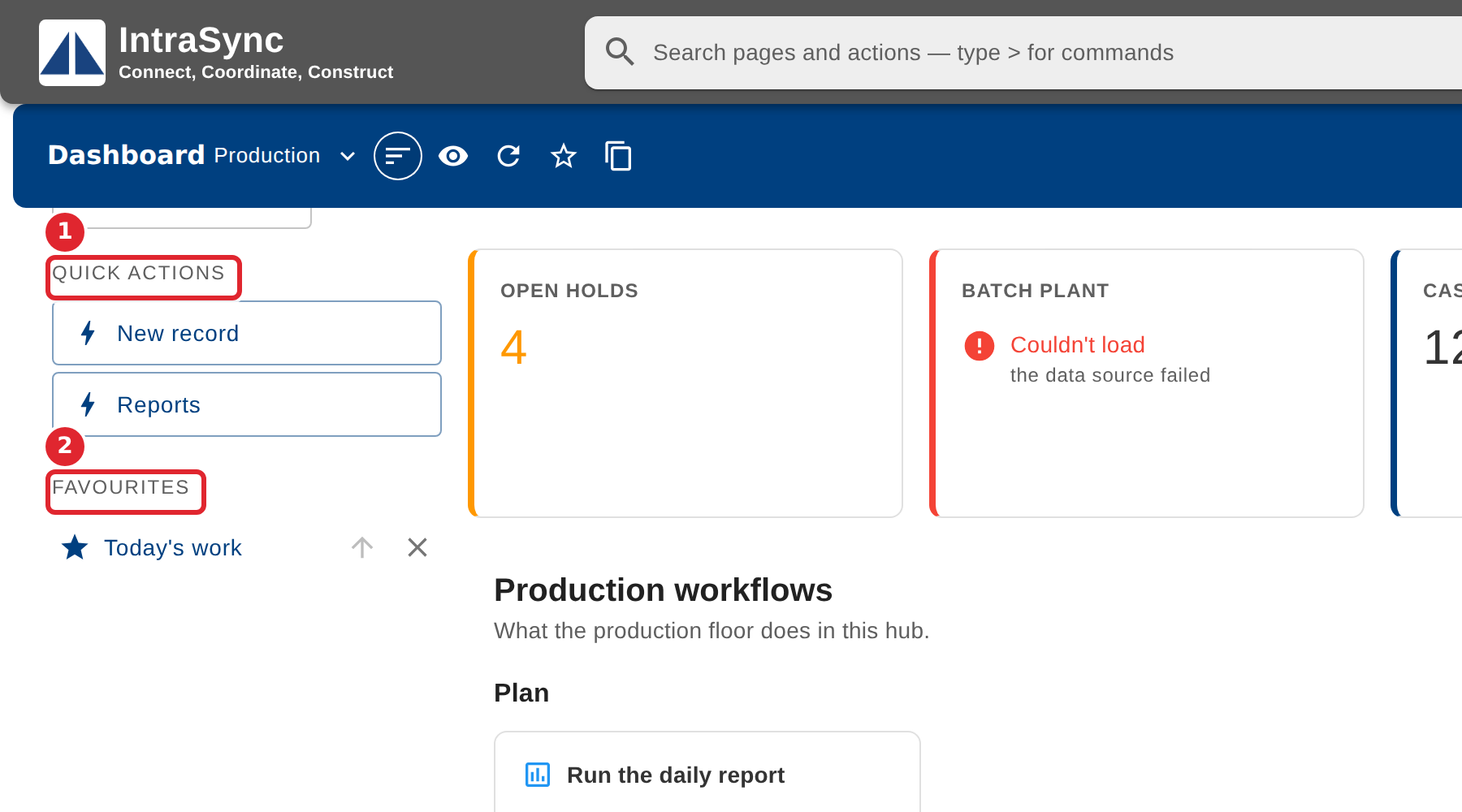
Read the figure tiles across the top of the board.
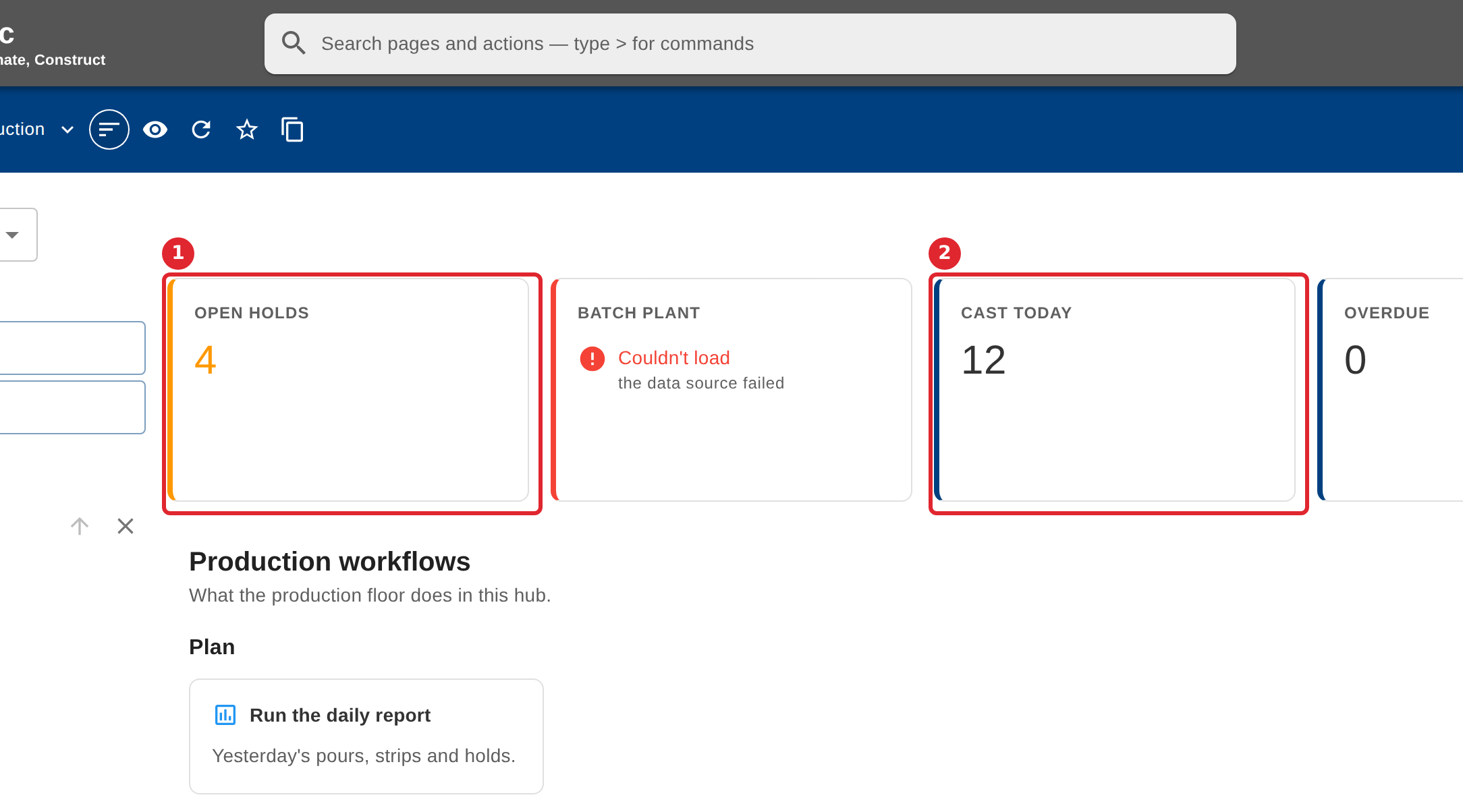
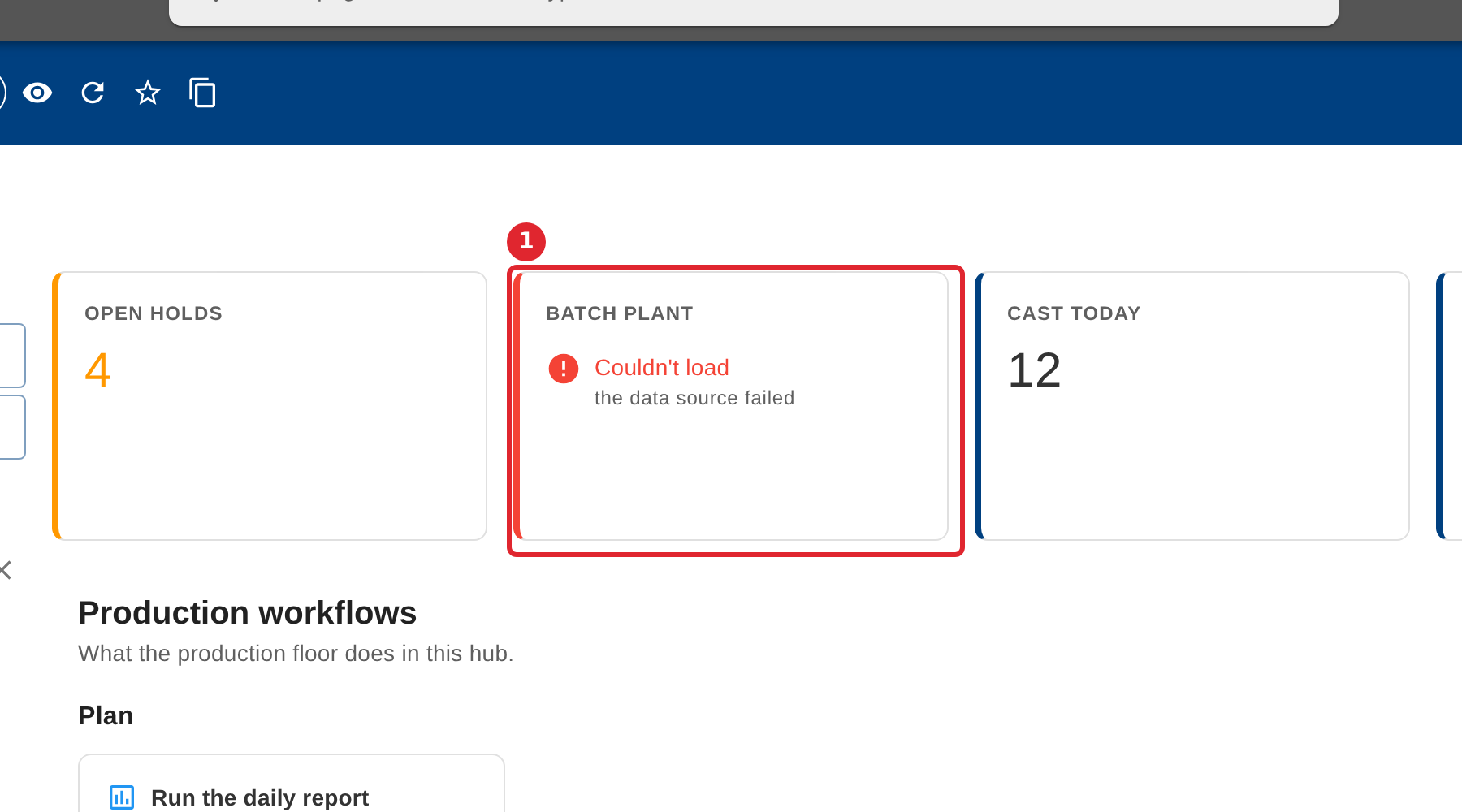
A tile that says Couldn't load could not reach its source. It never shows zero in its place.
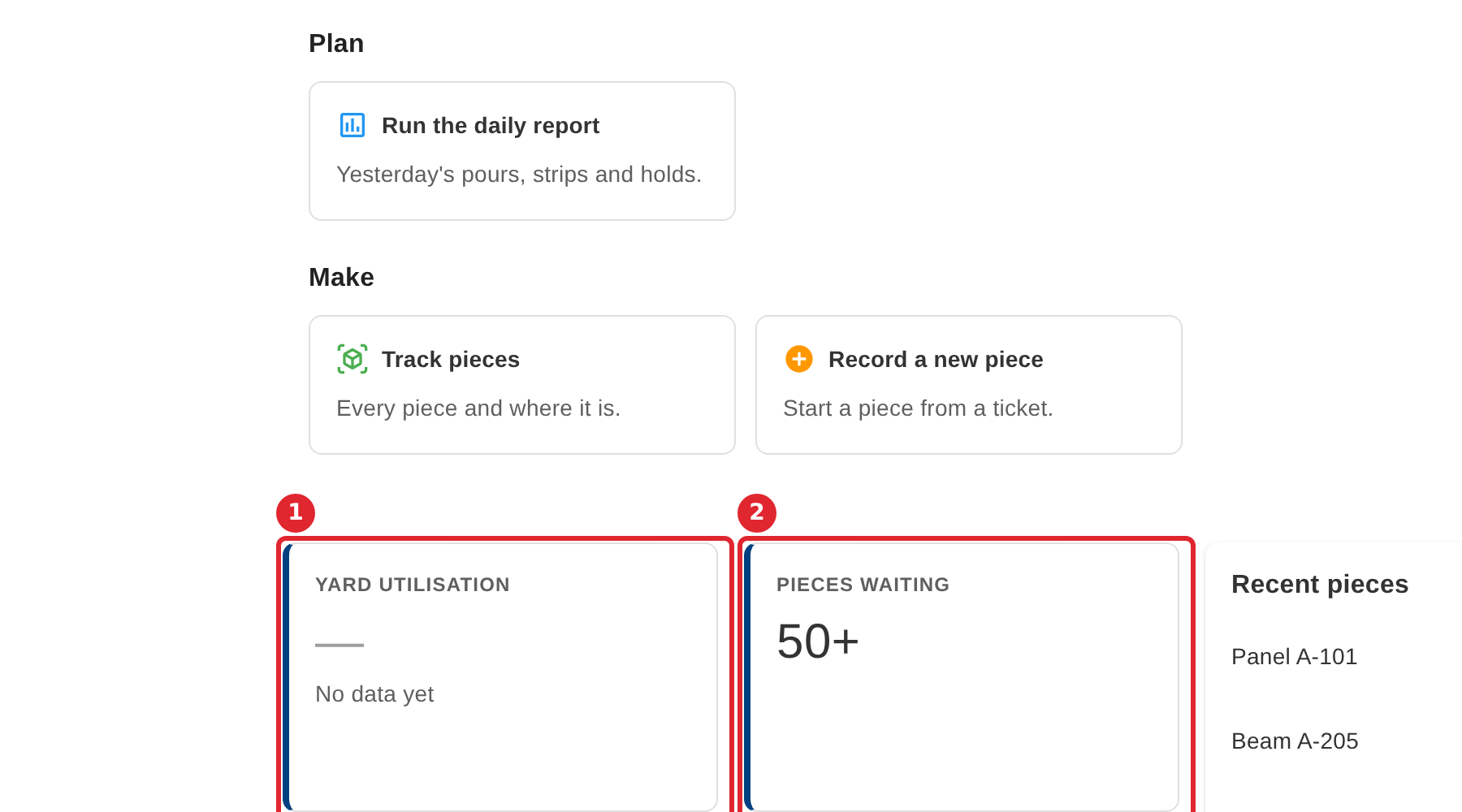
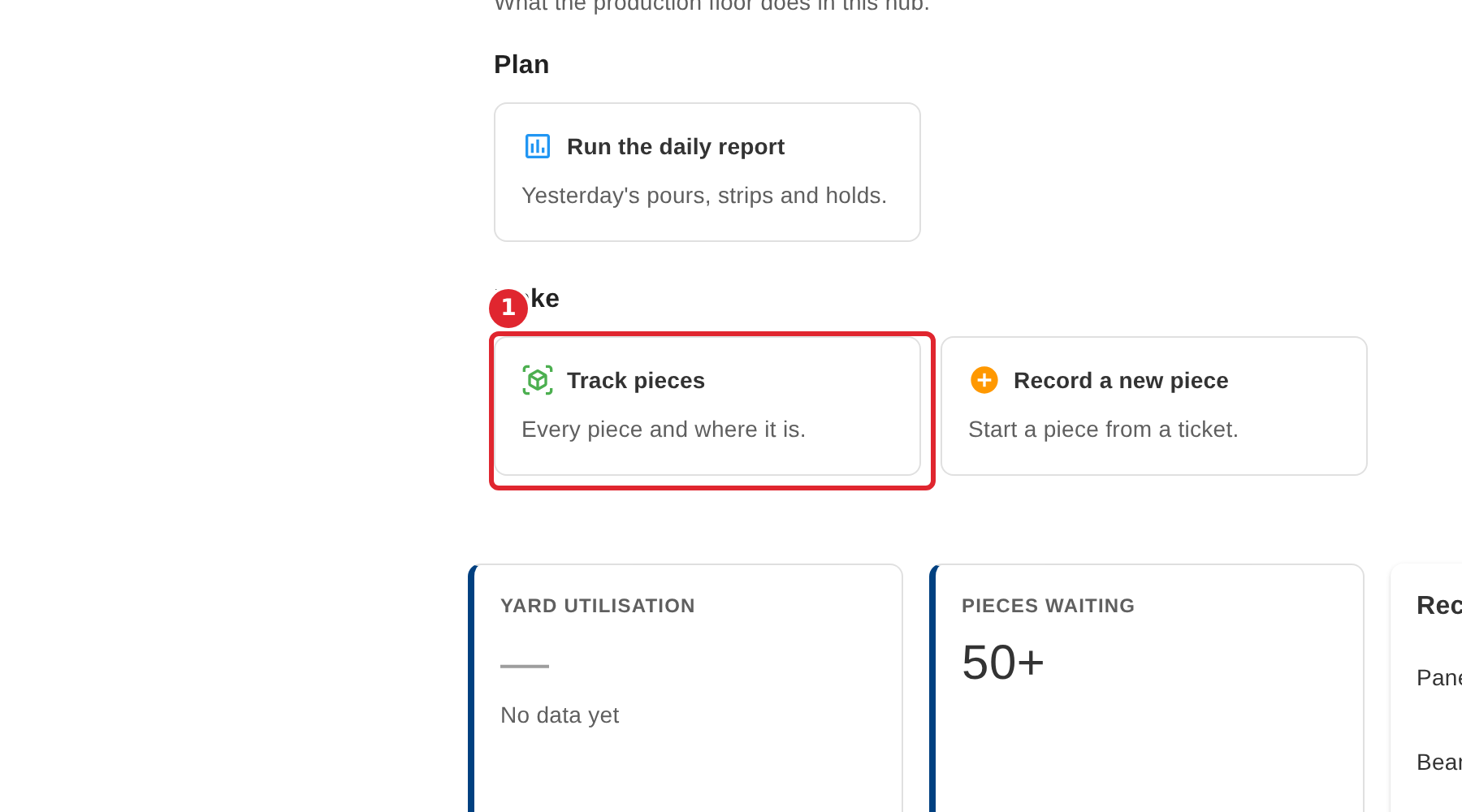
A dash means the figure is not measured yet. A number followed by a plus sign means there are at least that many.
Select a workflow card to go straight to that step of the work.
Use Quick actions and Favourites on the left for the things you do most.
Tips
- A tile never shows zero when it could not get its figure. Couldn't load means the source did not answer; try Refresh, and tell your administrator if it stays.
- A dash means nothing has been measured yet. It is not the same as zero.