Dashboard guide · section 4 of 14
Find every board you can open
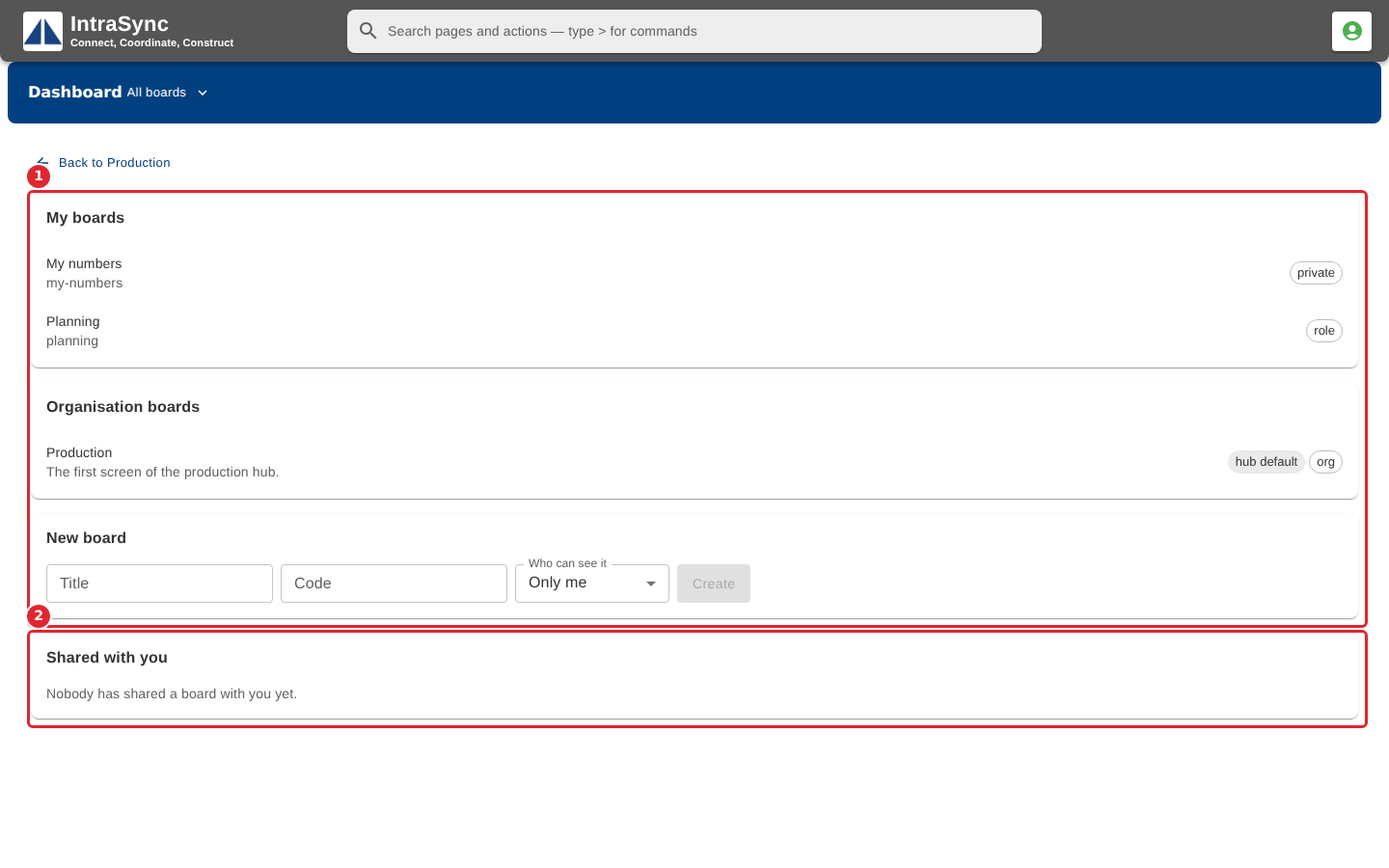
See your own boards, your organisation's boards and the boards others have shared with you, in one list.
Watch this in the video (0:26)
Steps
In the pictures, a numbered red box marks where to click or type. Where a picture has more than one box, the numbers give the order.
Select the board name, then All boards. The page lists your boards, your organisation's boards and the boards shared with you.
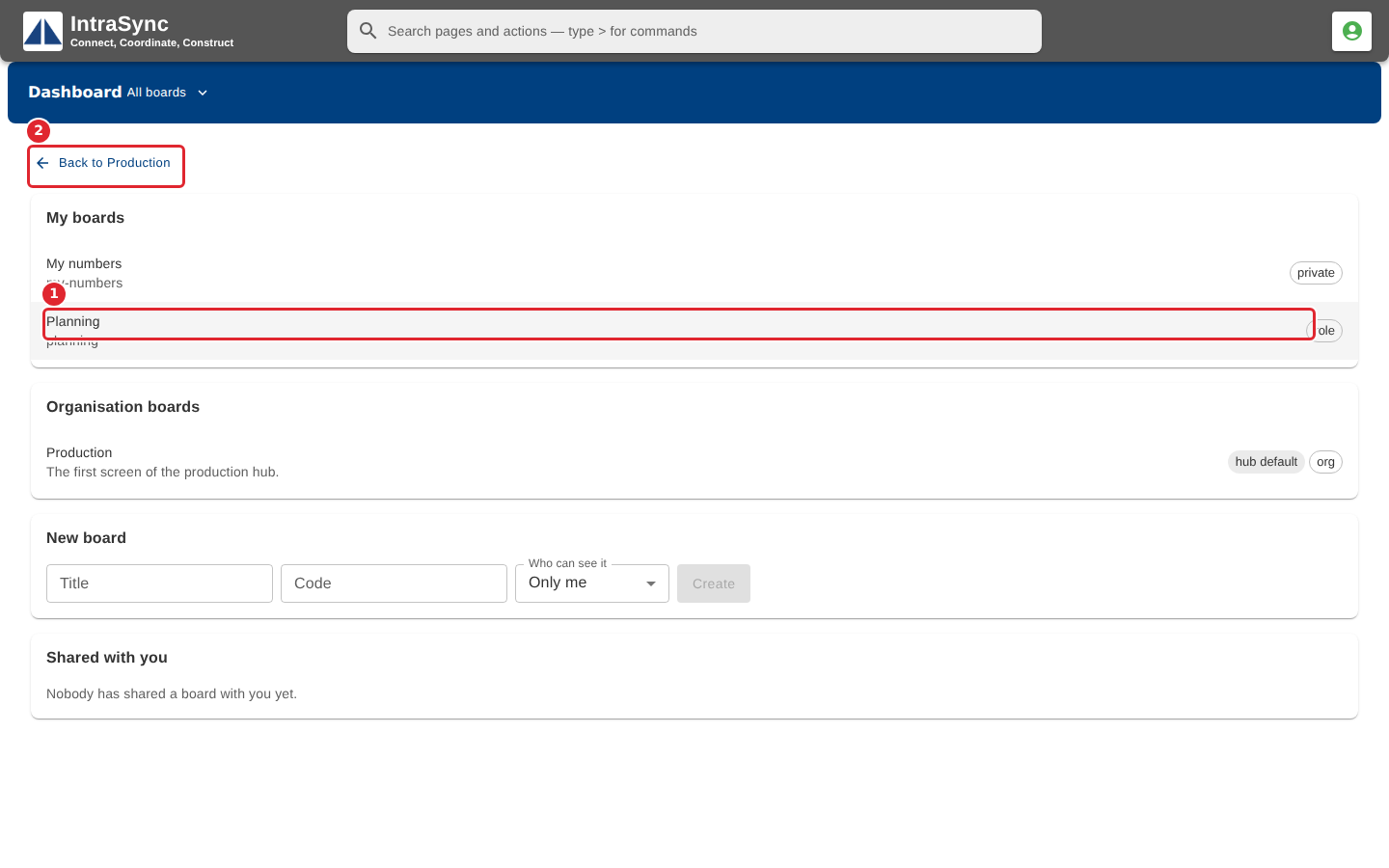
Select a board in the list to open it, or select Back to return to the board you came from.