Dashboard guide · section 5 of 14
Create a board of your own
Start a board for the figures you check every day.
Before you start
- Anyone can create a private board. A board for the whole organisation needs permission to manage organisation boards.
Steps
In the pictures, a numbered red box marks where to click or type. Where a picture has more than one box, the numbers give the order.
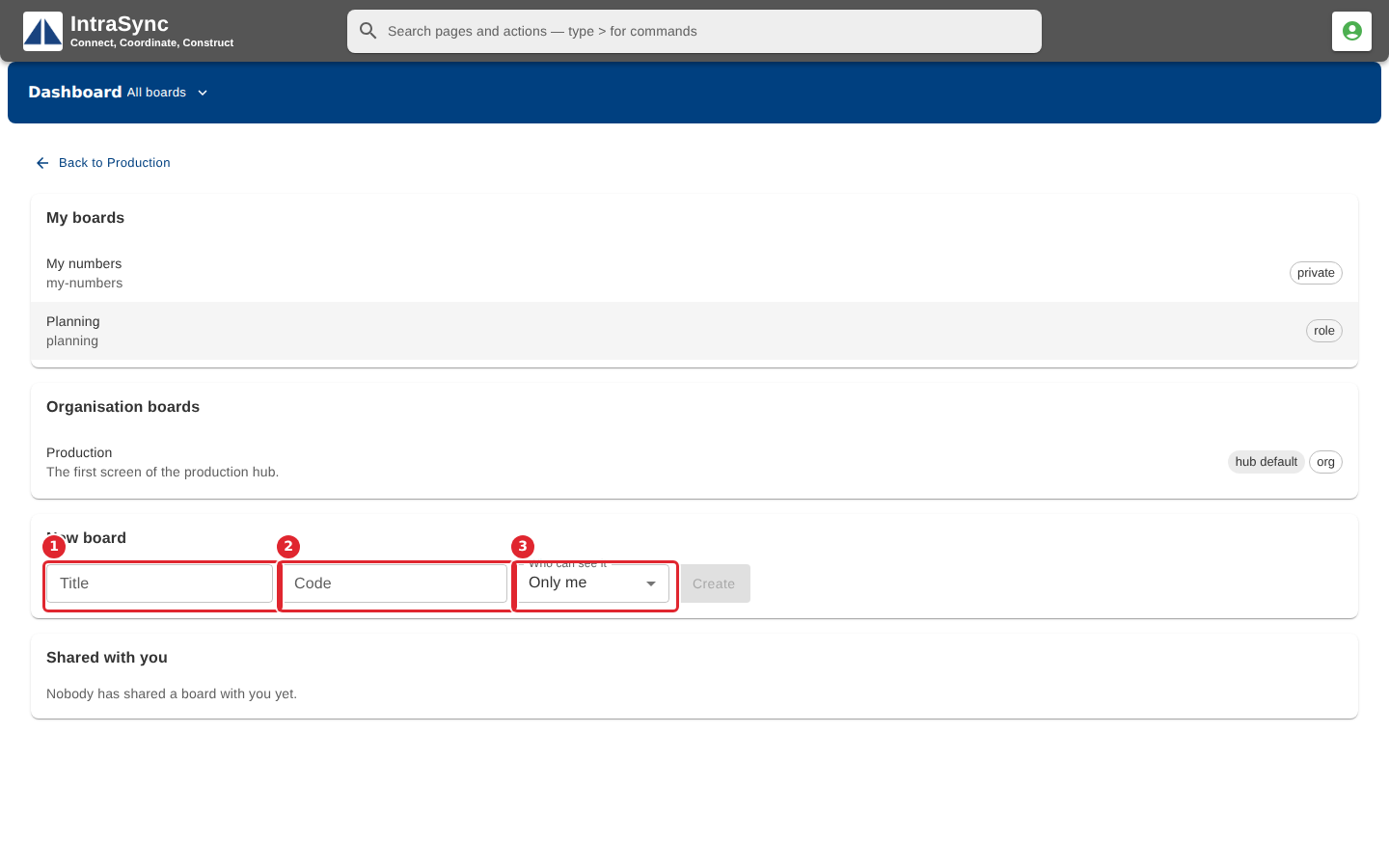
Under New board, type a Title and a short Code, and choose Who can see it.
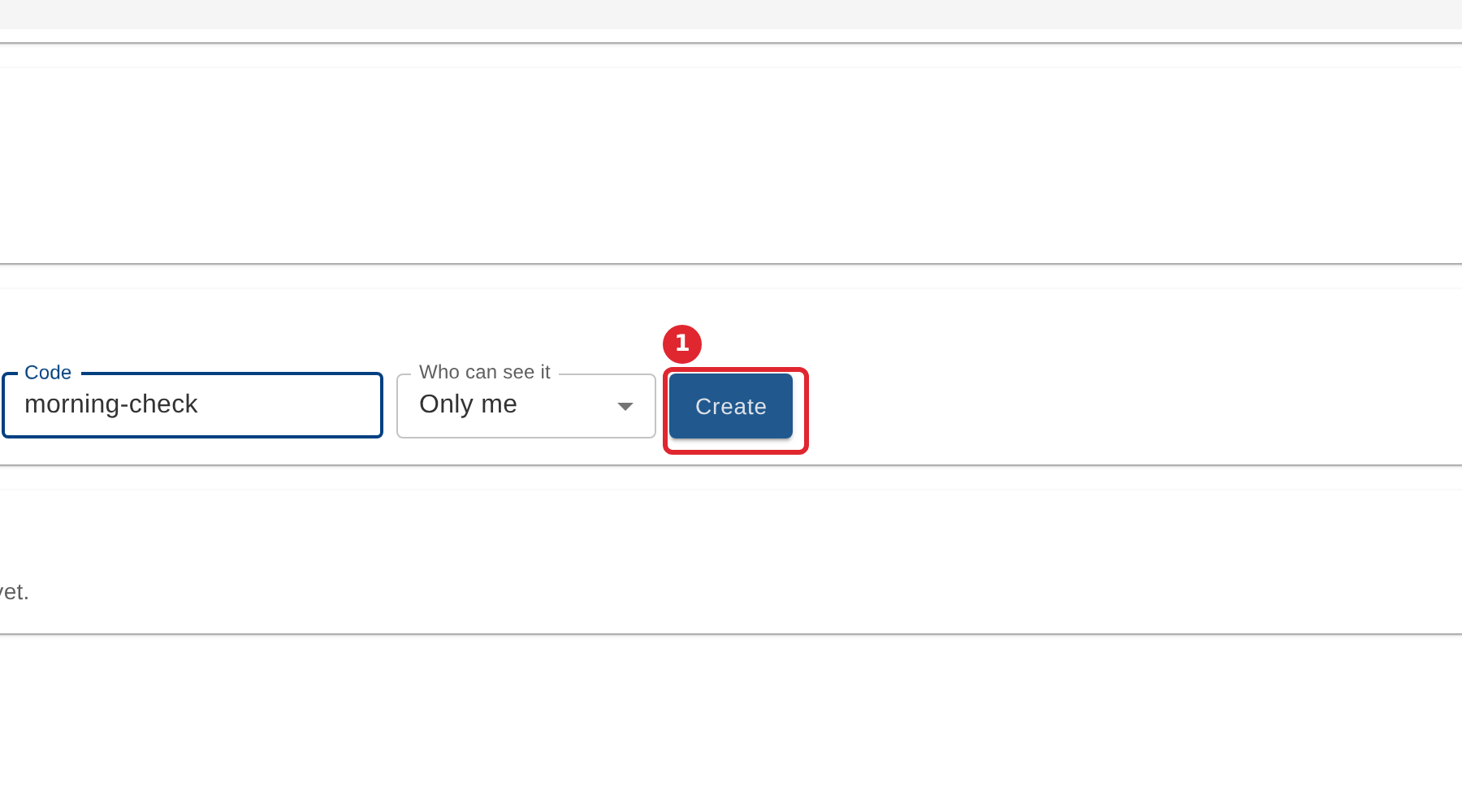
Select Create.
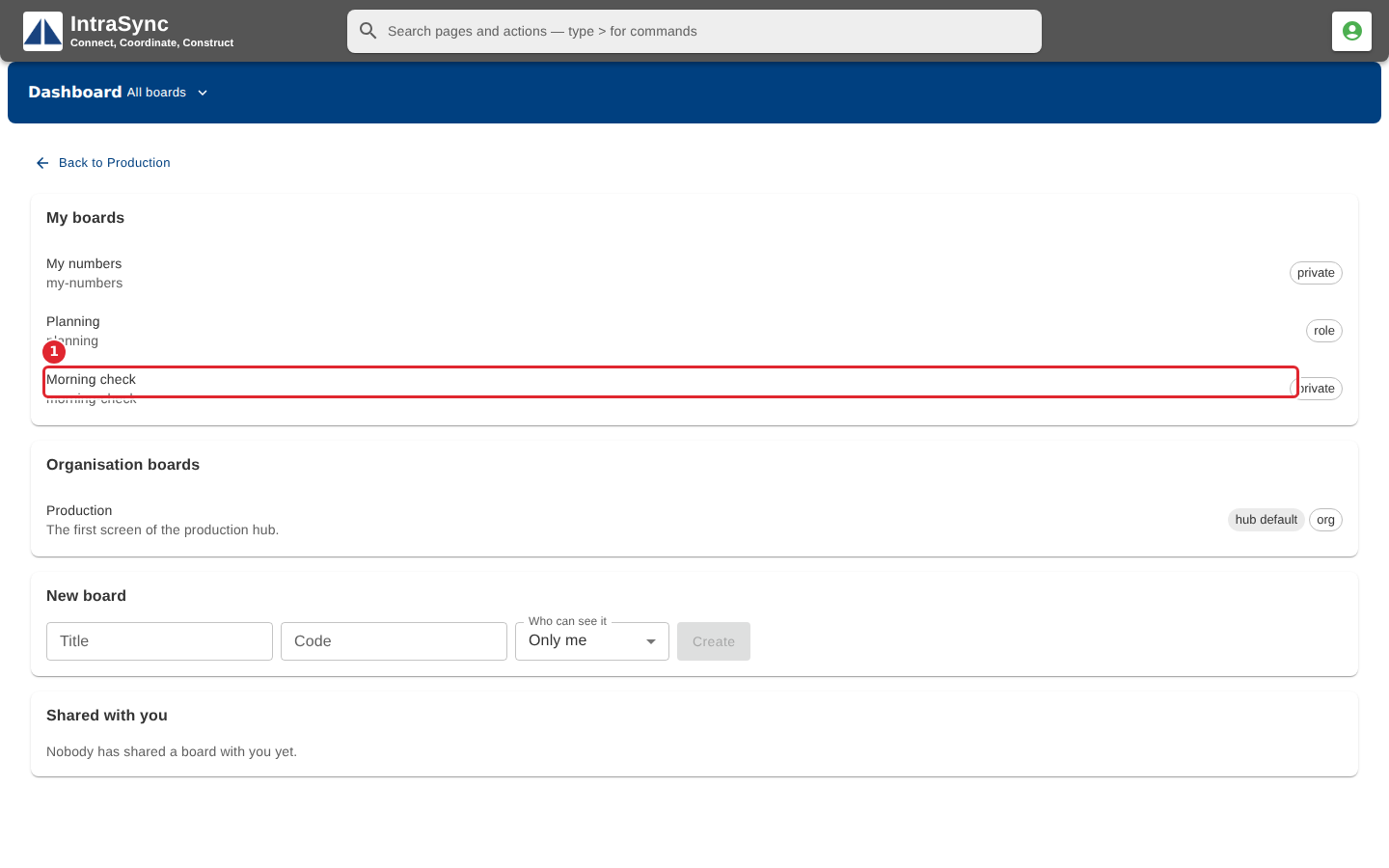
The new board appears under My boards. Select it to open it.
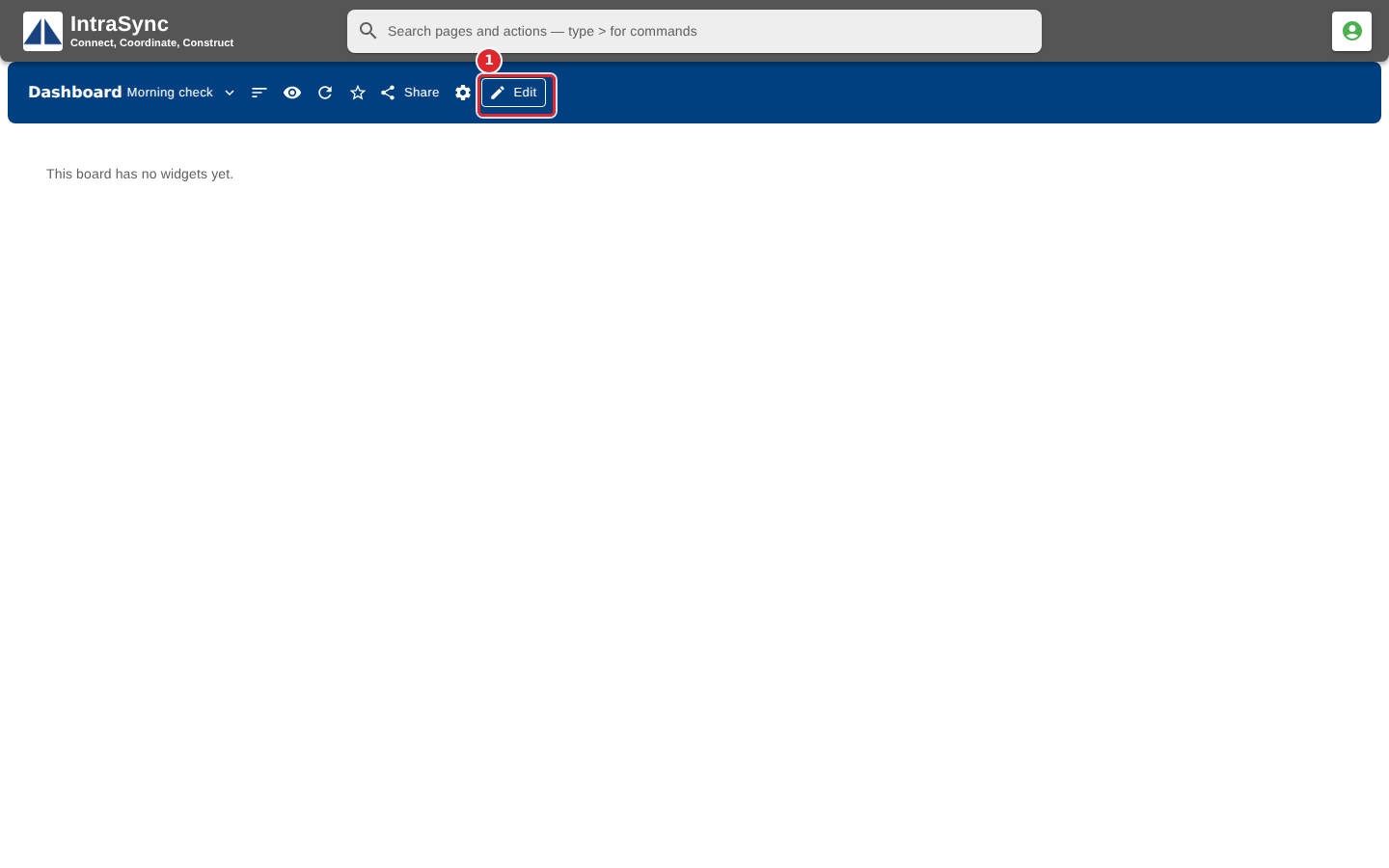
The board opens empty. Select Edit to start adding widgets.
Tips
- The Code accepts letters, digits, dots, dashes and underscores only; anything else is left out as you type.
- Create stays unavailable until the board has a Title and a Code.