Dashboard guide · section 14 of 14
Filter and download a table widget
Find the rows you need in a table and take them away as a spreadsheet.
Watch this in the video (1:15)
Steps
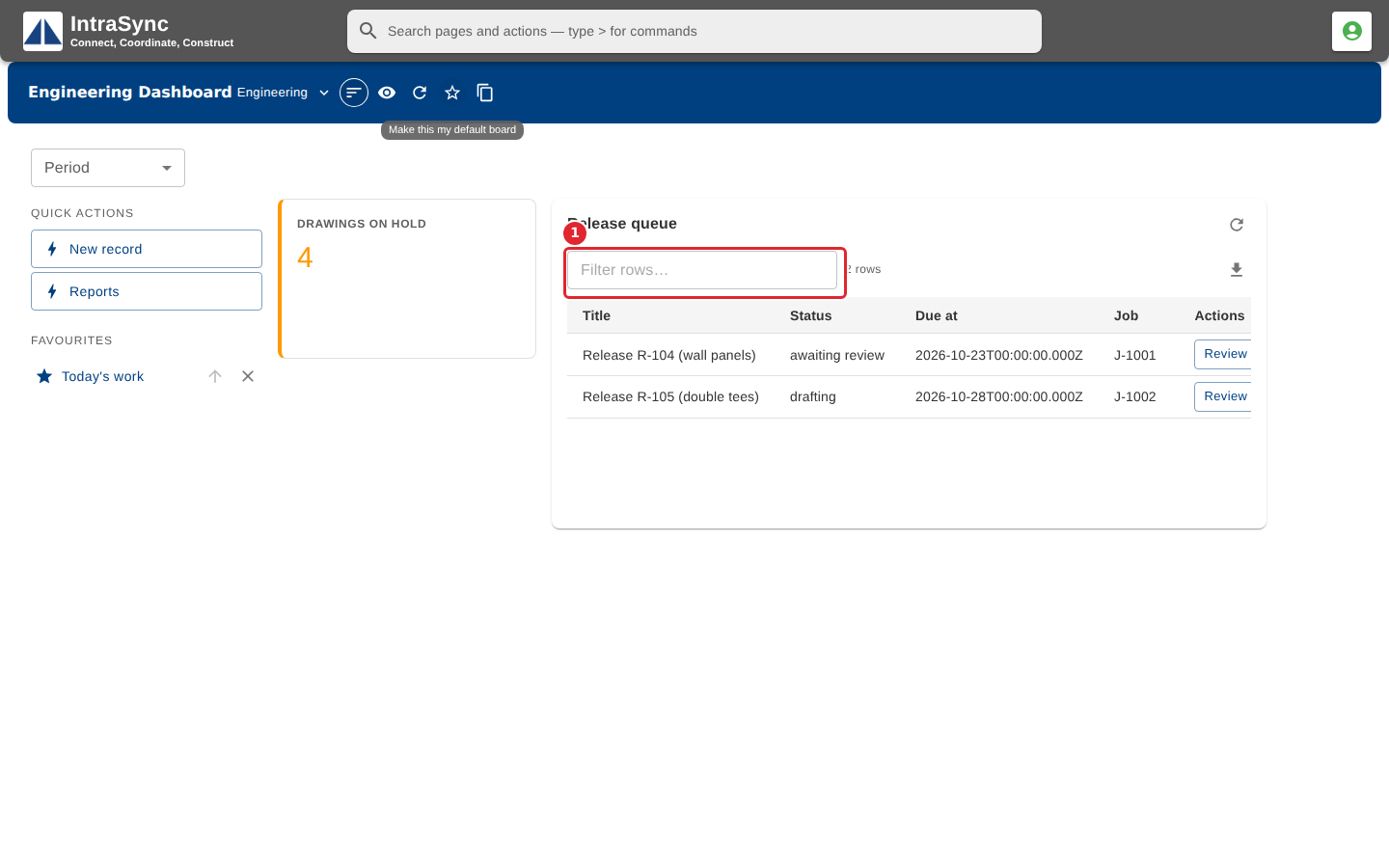
In the pictures, a numbered red box marks where to click or type. Where a picture has more than one box, the numbers give the order.
A table widget lists records from a module. Type in Filter rows to narrow the list.
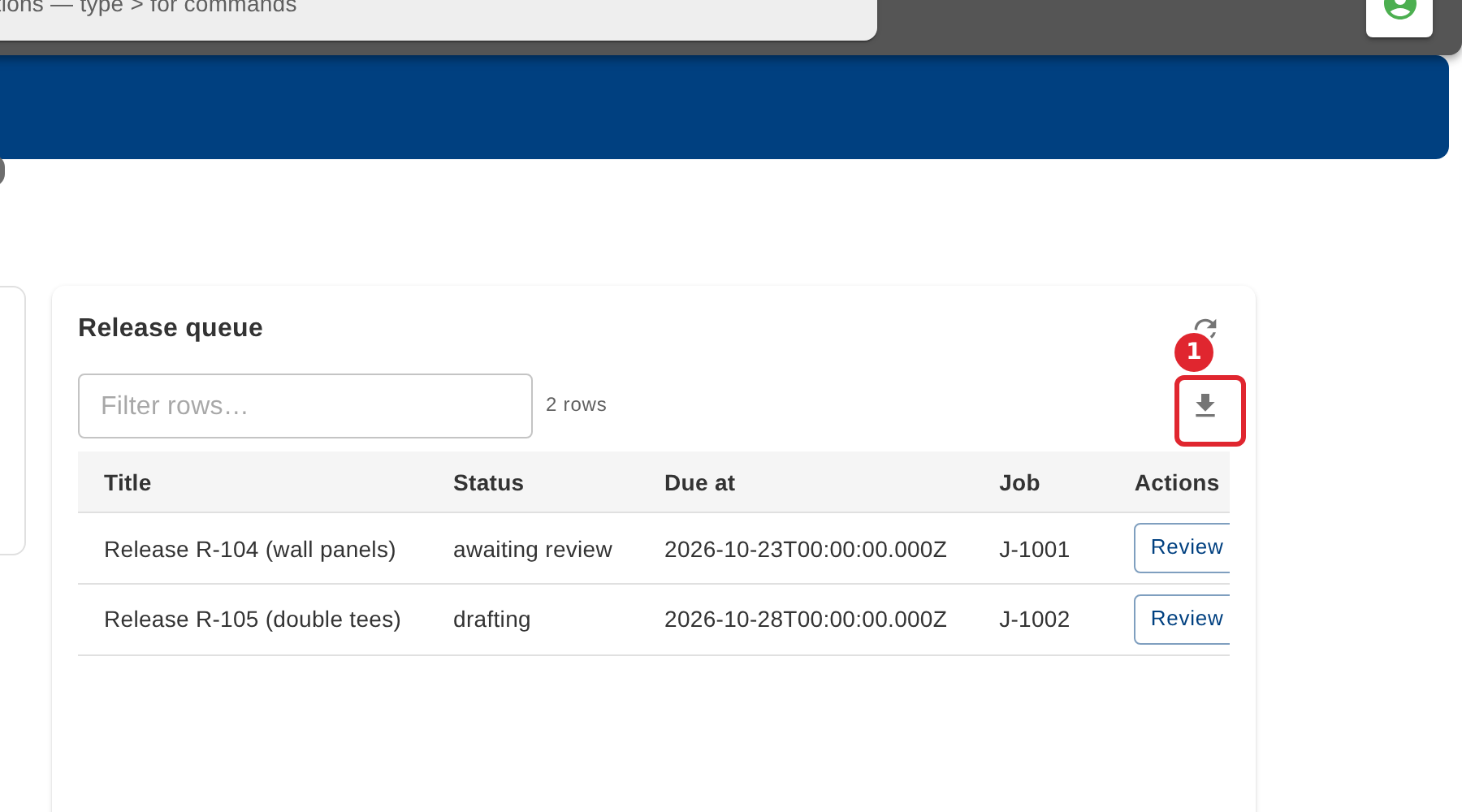
Select the download button to save the table as a CSV file.