Dispatch guide · section 20 of 20
Review the dispatch event log
Every status change is recorded, so you can see what happened to a load and when.
Before you start
- You must be a Dispatch administrator.
Steps
In the pictures, a numbered red box marks where to click or type. Where a picture has more than one box, the numbers give the order.
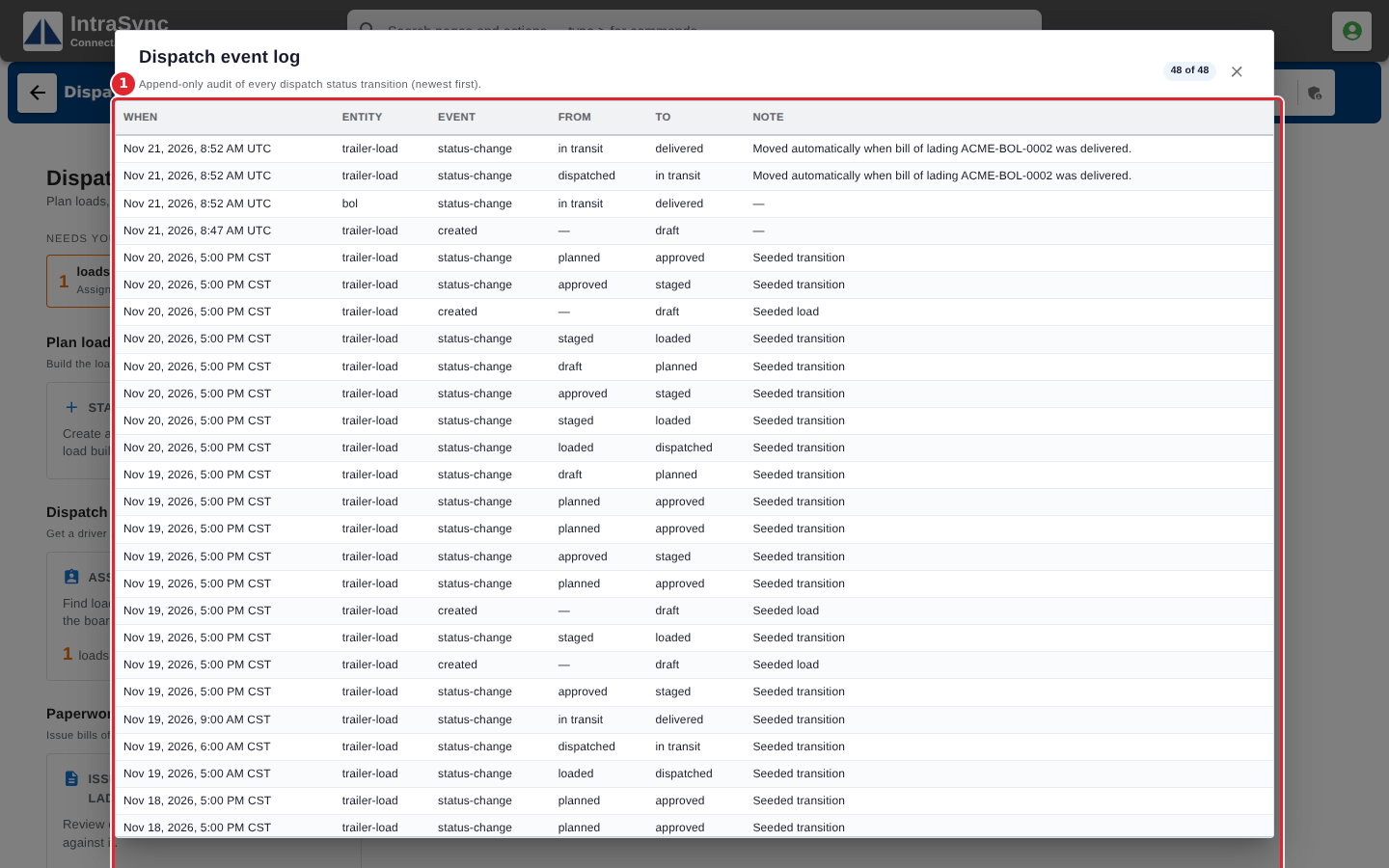
Select Dispatch administration > Dispatch event log to see every status change, newest first: when it happened, what changed, from and to which status, and the note.
Tips
- The log shows the newest changes first, up to the latest two hundred.