Dispatch guide · section 11 of 20
Preview a load in three dimensions
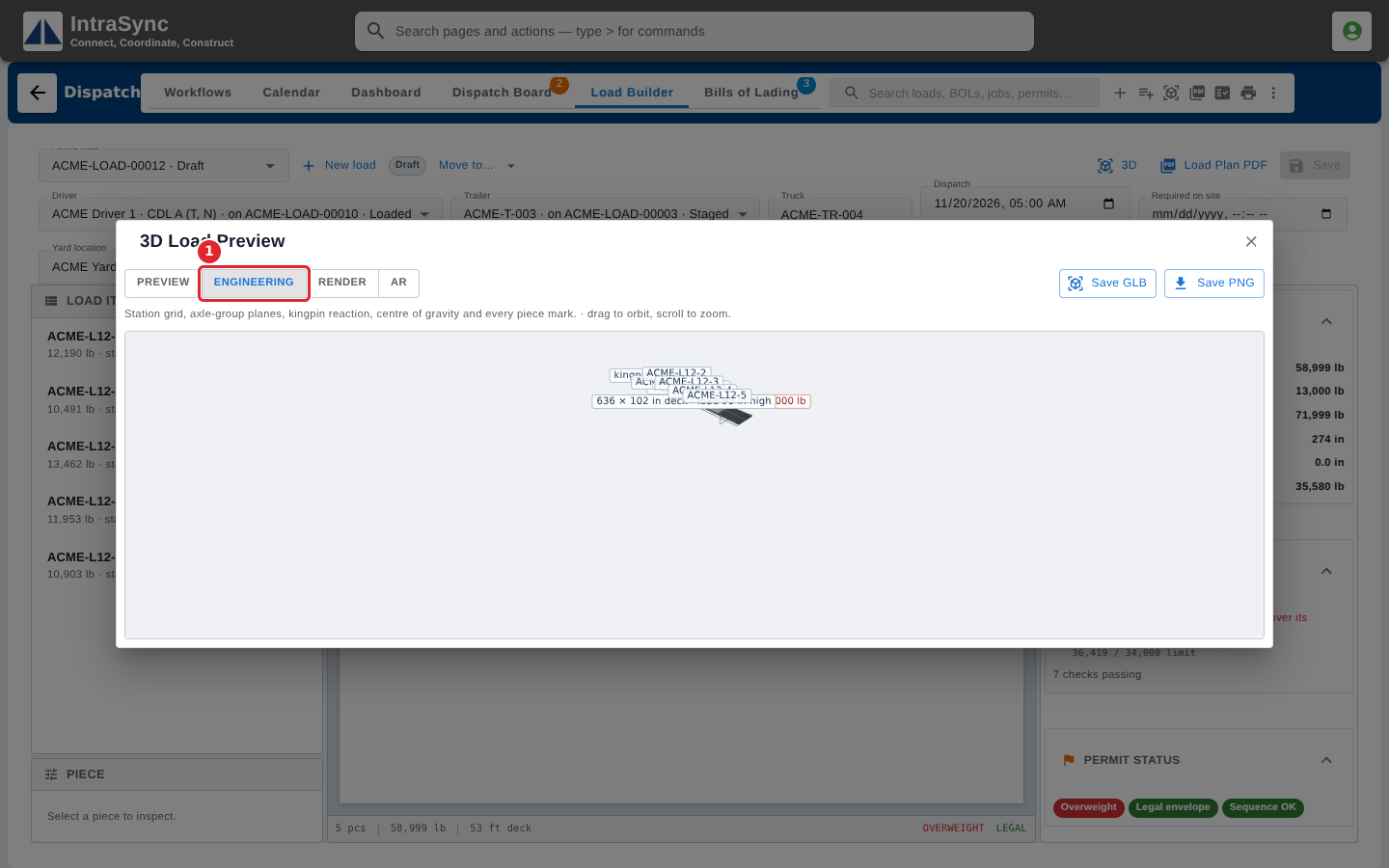
The preview shows the load as it will sit on the trailer, and its Engineering view shows the numbers behind the checks.
Watch this in the video (1:58)
Steps
In the pictures, a numbered red box marks where to click or type. Where a picture has more than one box, the numbers give the order.
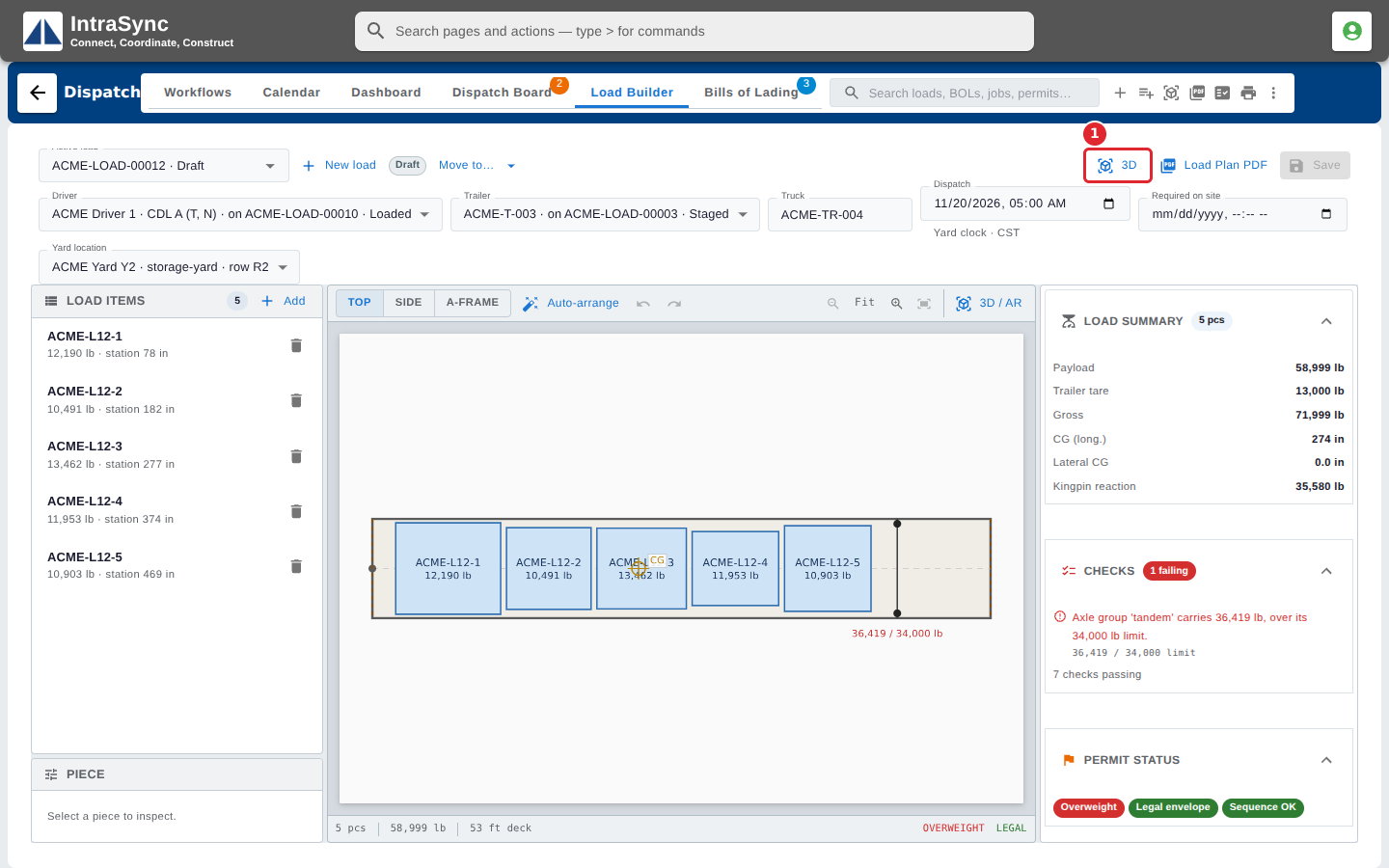
Select 3D to open the load in three dimensions.
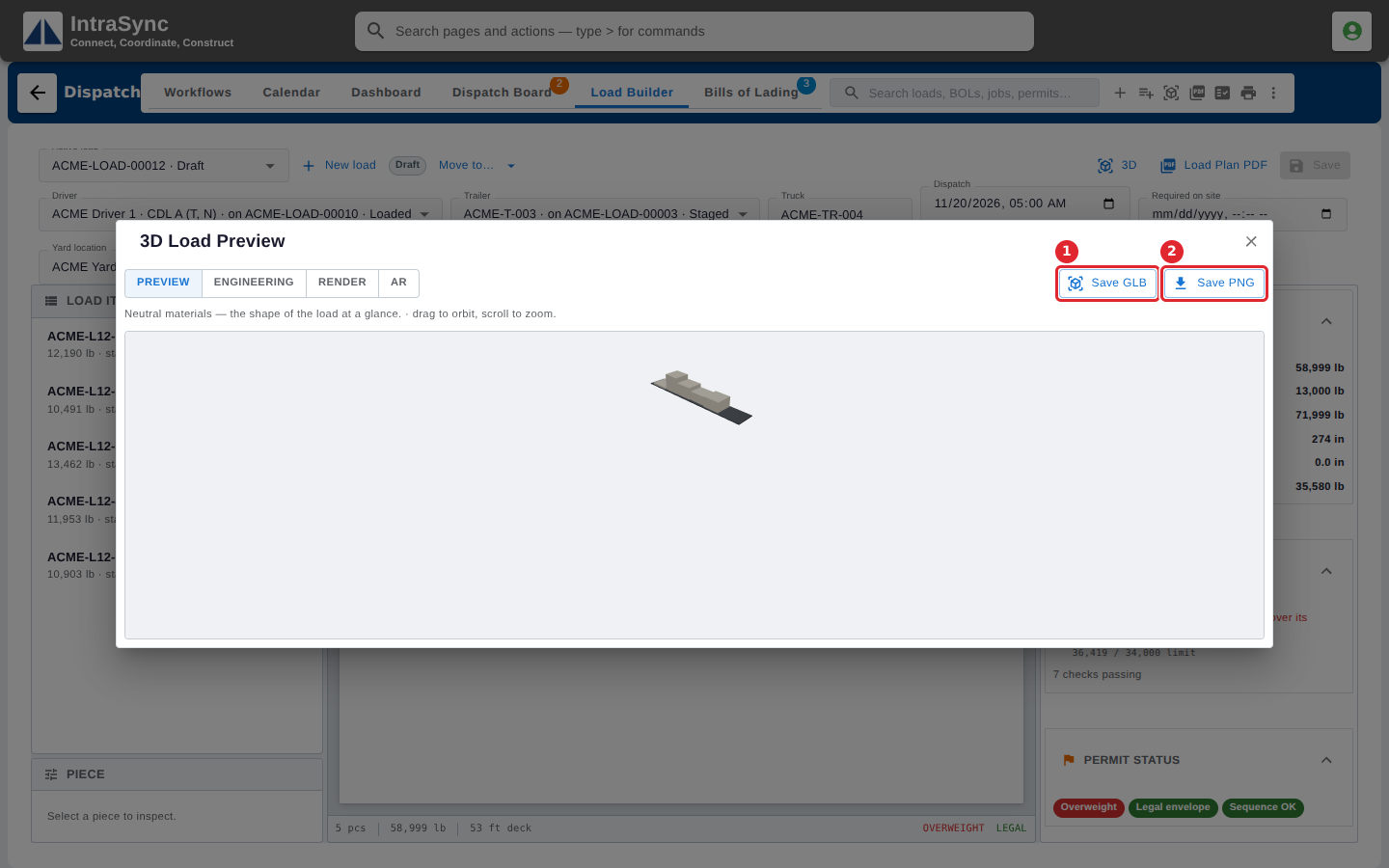
Drag to turn the load and scroll to zoom. Select Save GLB to save the 3D model, or Save PNG to save a picture.
Select Engineering to add the station grid, the axle-group planes, the kingpin reaction, the centre of gravity and every piece mark.