Estimating guide · section 28 of 29
Change the estimating settings
Set how estimating works for the whole company.
Before you start
- You must be an Estimating administrator: the Estimating admin button appears only for administrators.
Steps
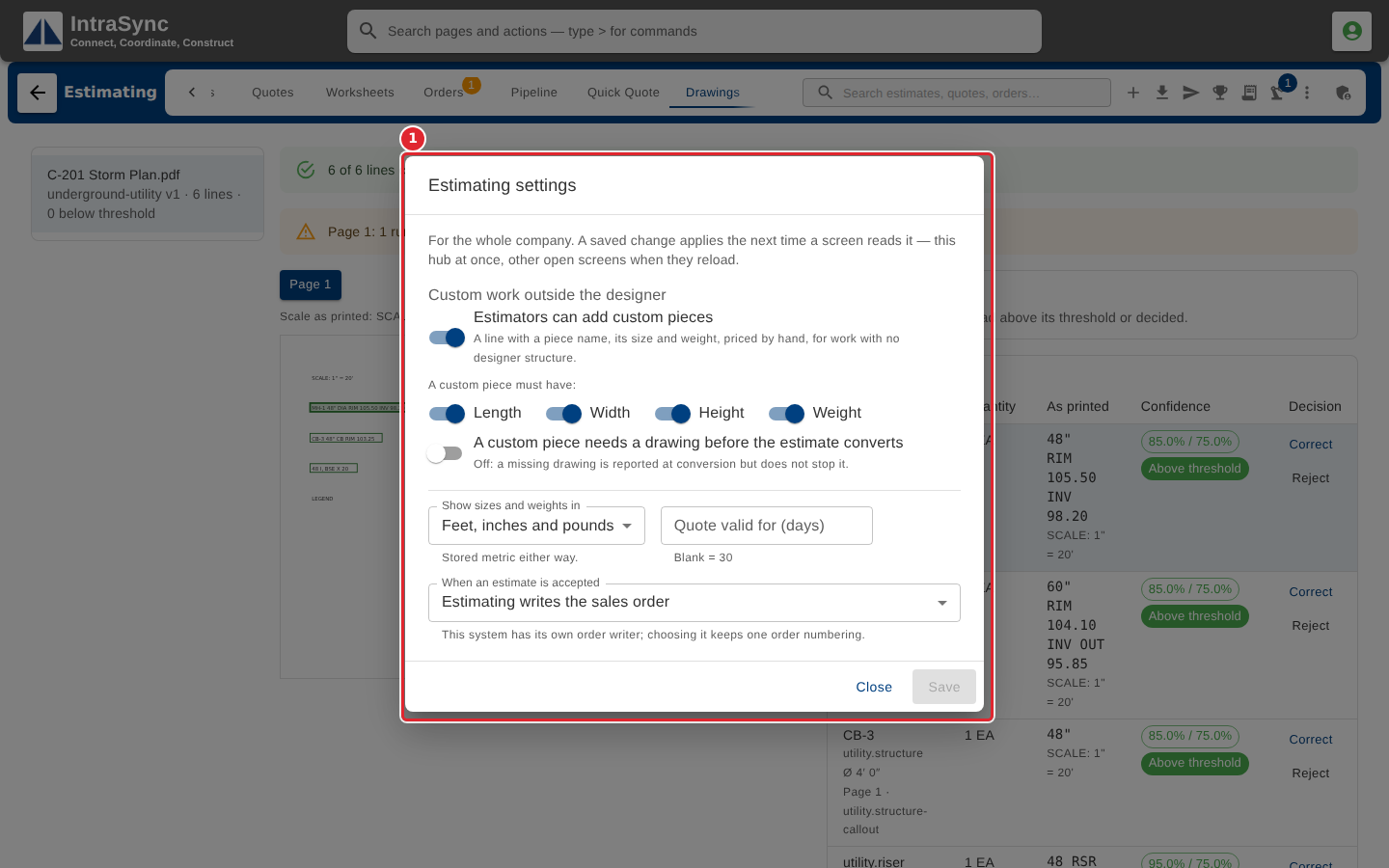
In the pictures, a numbered red box marks where to click or type. Where a picture has more than one box, the numbers give the order.
Estimating settings apply to the whole company: whether estimators can add custom pieces and what a custom piece must have, the units sizes and weights are shown in, how many days a quote is valid for, and who writes the sales order when an estimate is accepted. Select Save.
Tips
- Quote valid for takes a whole number of days. Left blank, it is thirty.
- A saved change reaches this hub at once, and other open screens when they reload.
- Sizes and weights are stored in metric either way; the setting changes only how they are shown.