Estimating guide · section 27 of 29
Set up agency specifications
Define the agency specifications a job can be built to, so the quote prints the right tag and submittal note.
Before you start
- You must be an Estimating administrator: the Estimating admin button appears only for administrators.
Steps
In the pictures, a numbered red box marks where to click or type. Where a picture has more than one box, the numbers give the order.
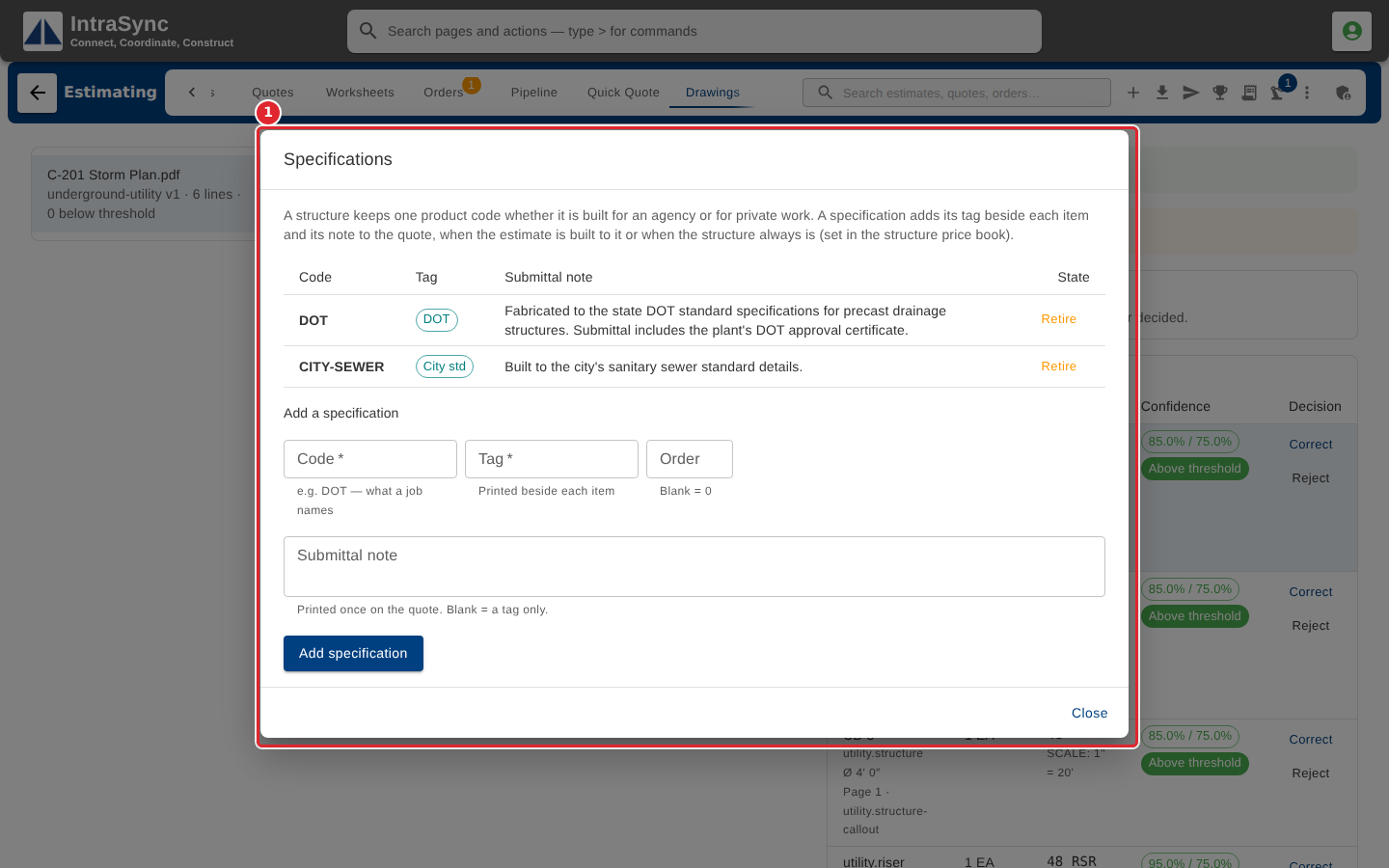
Specifications are the agency specifications a job can be built to. Each has a code, the tag printed beside each item, and an optional submittal note printed once on the quote. Fill in Add a specification and select Add specification.
Tips
- A code is letters, digits, - and _, up to thirty characters.
- A code that already exists is refused. Change its tag or note in the table instead.
- A structure that is always built to one specification can be set to it in the structure price book.