Production Schedule guide · section 23 of 23
Check settings and reload data (administrators)
See the settings your system supplies to scheduling, and reload the schedule's data if a screen looks out of date.
Watch this in the video (1:47)
Before you start
- The administration button is shown to administrators only.
Steps
In the pictures, a numbered red box marks where to click or type. Where a picture has more than one box, the numbers give the order.
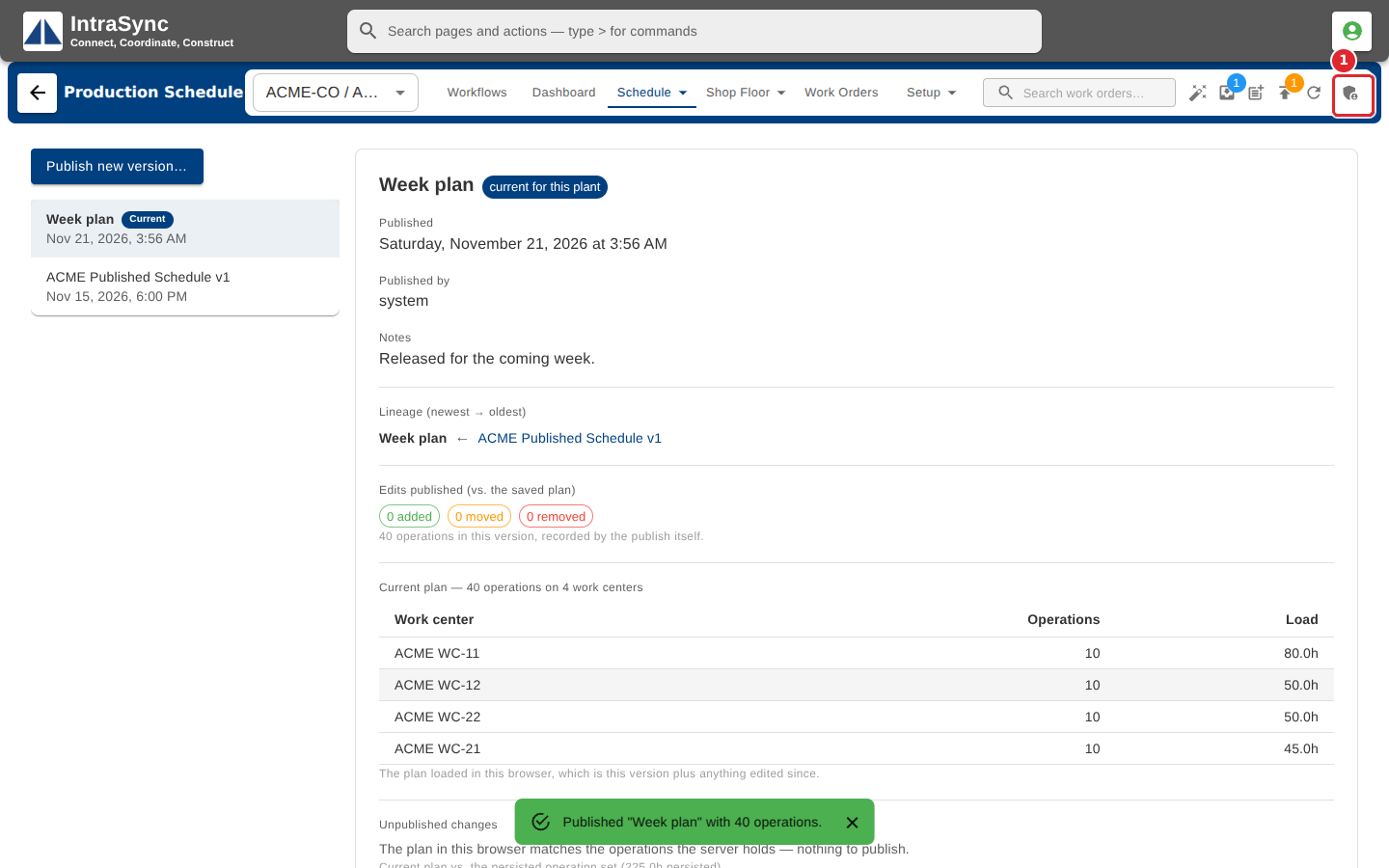
Administrators: select the administration button at the far right.
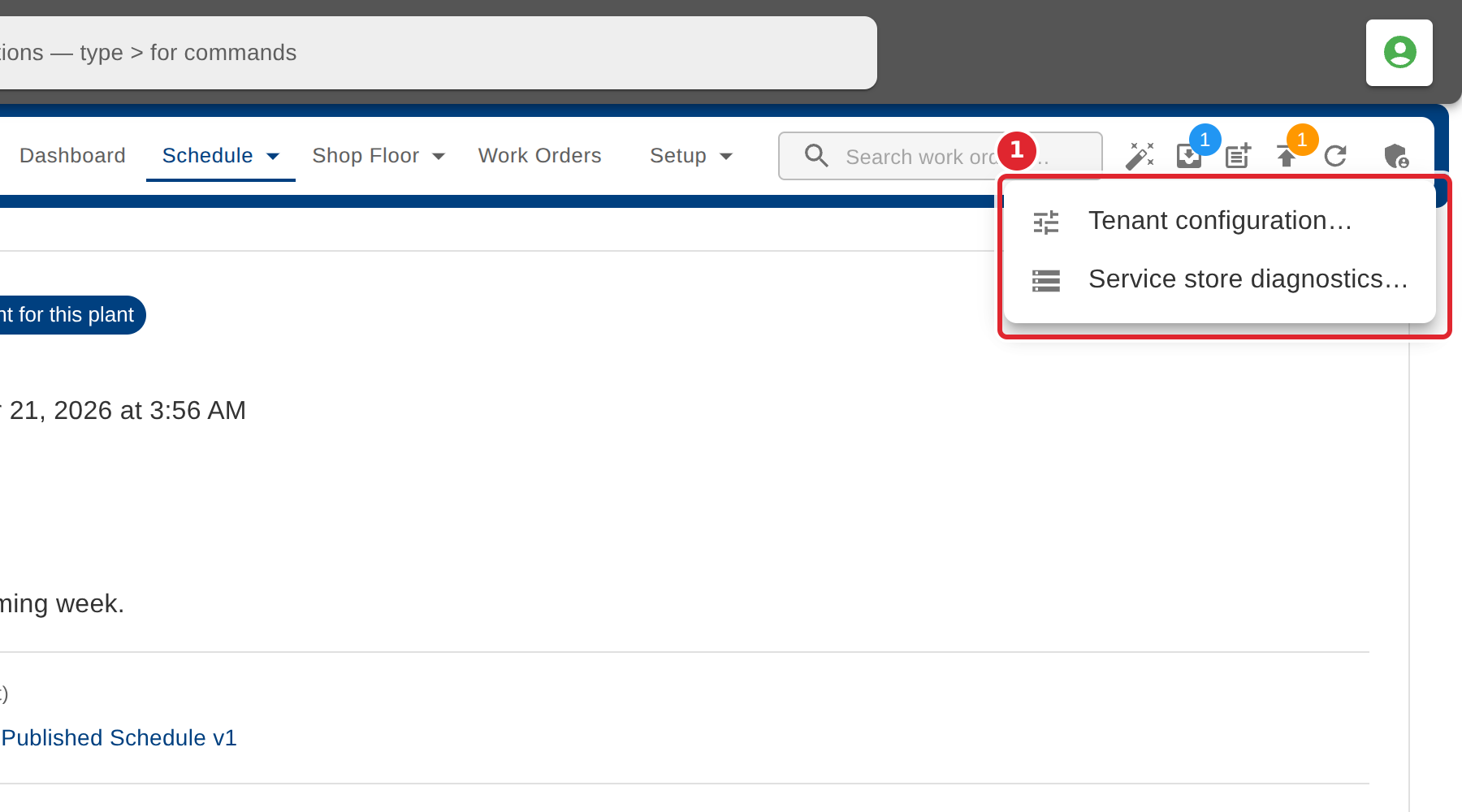
Pick Tenant configuration or Service store diagnostics.
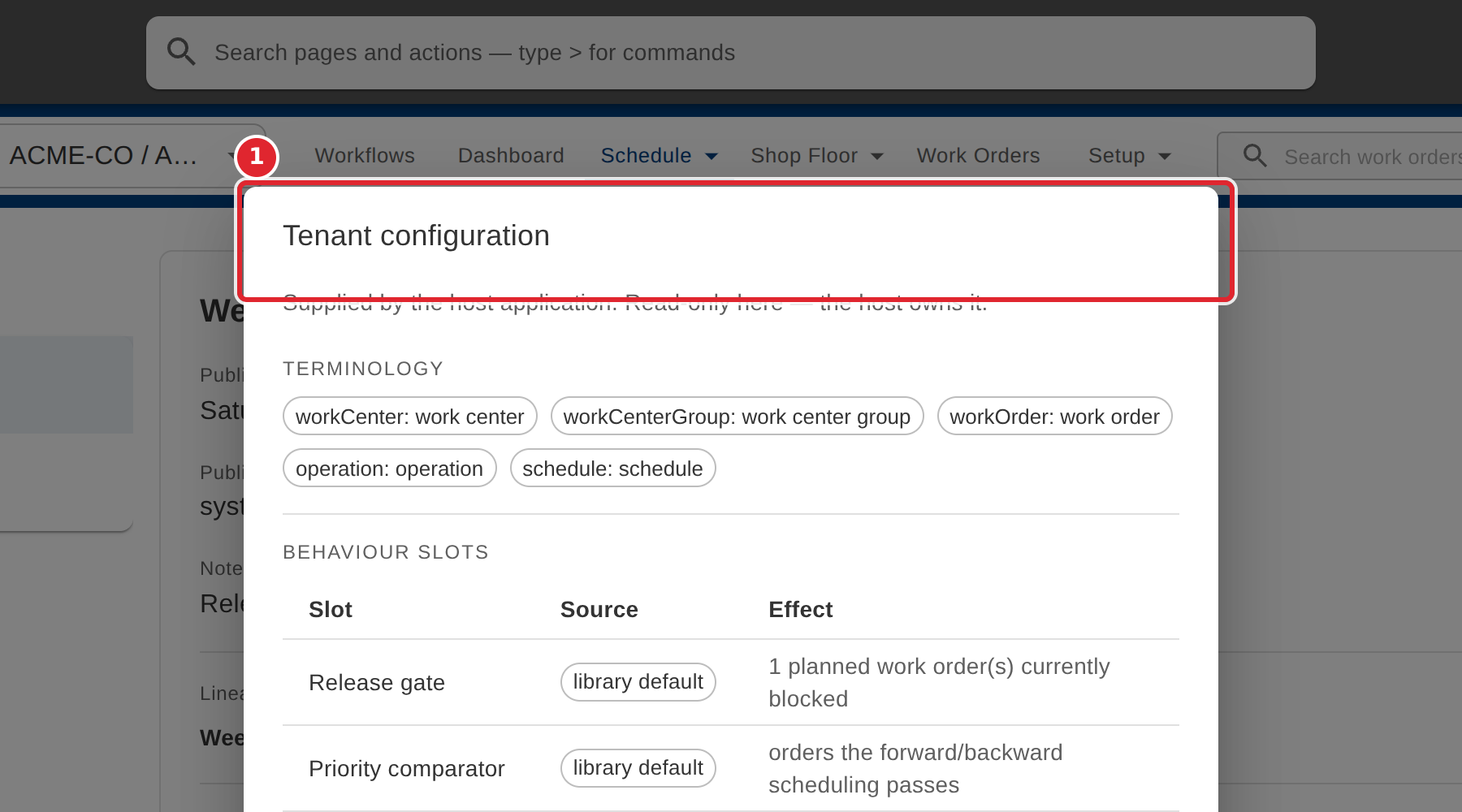
Tenant configuration shows the settings your system supplies to scheduling. It is read-only here.
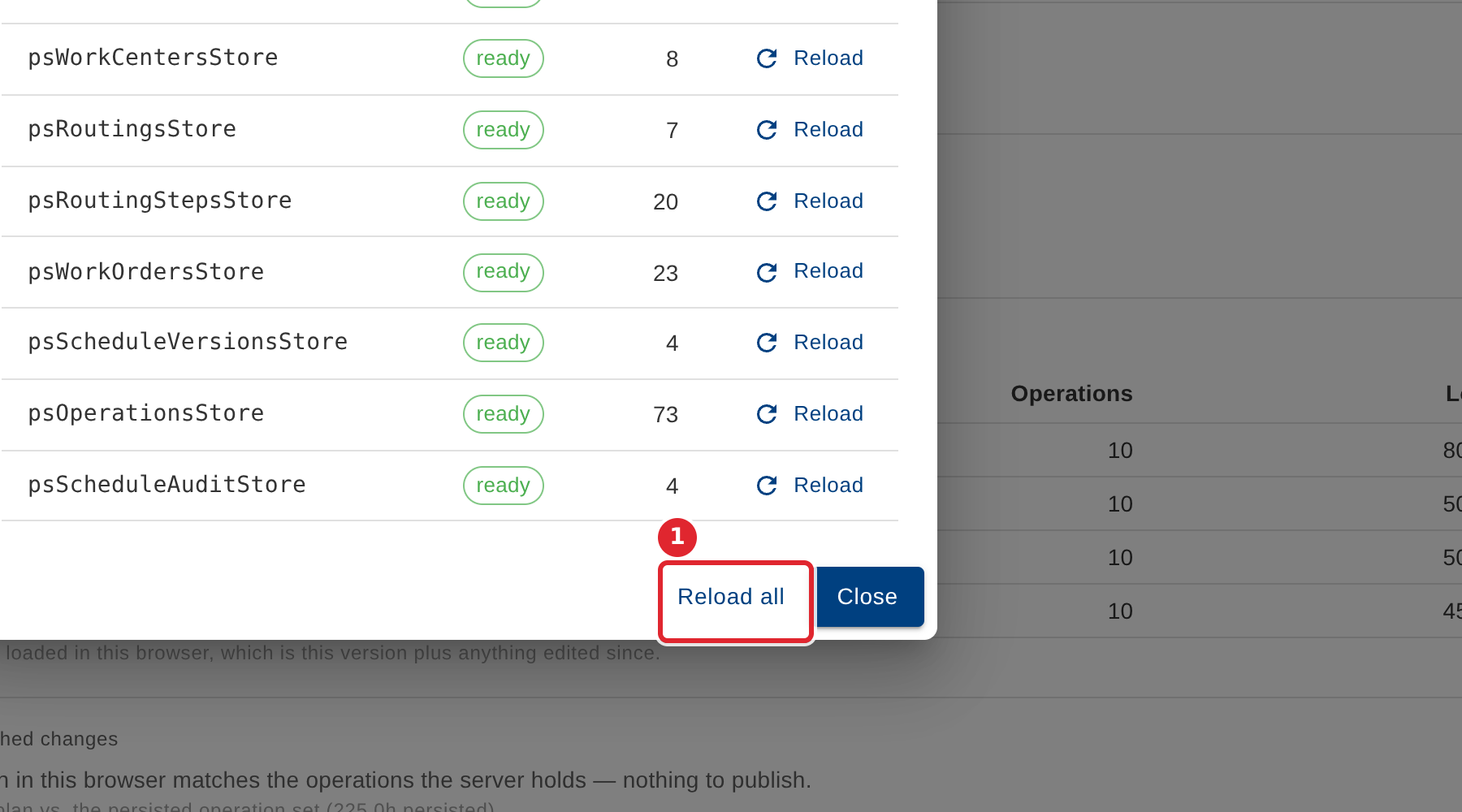
Service store diagnostics reloads the schedule's data. Select Reload all if a screen looks out of date.
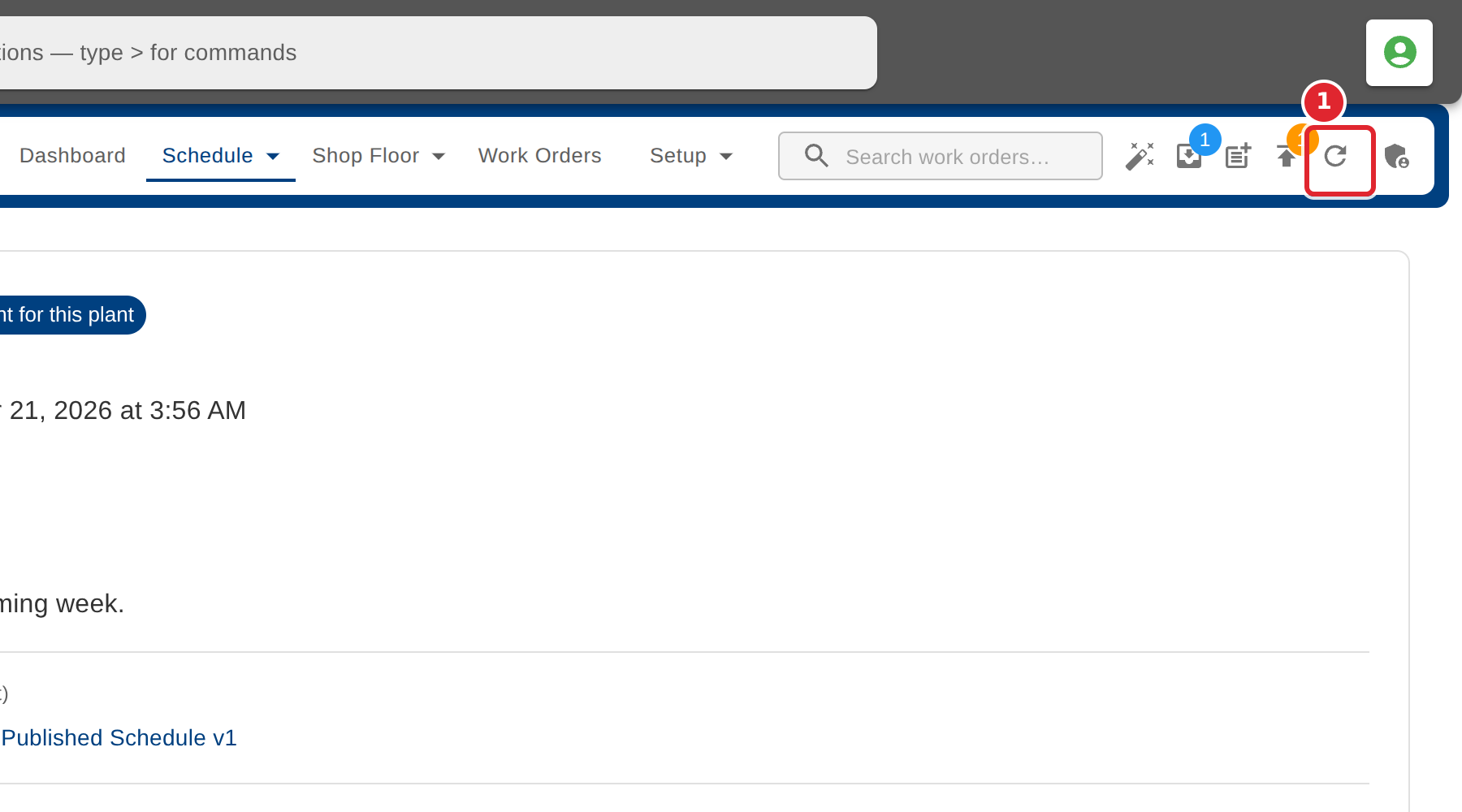
Everyone can select Refresh to load the latest schedule data.
Tips
- Tenant configuration is supplied by your system and cannot be changed here.