Production Schedule guide · section 22 of 23
Review routings
See the ordered steps each product runs through.
Watch this in the video (1:09)
Steps
In the pictures, a numbered red box marks where to click or type. Where a picture has more than one box, the numbers give the order.
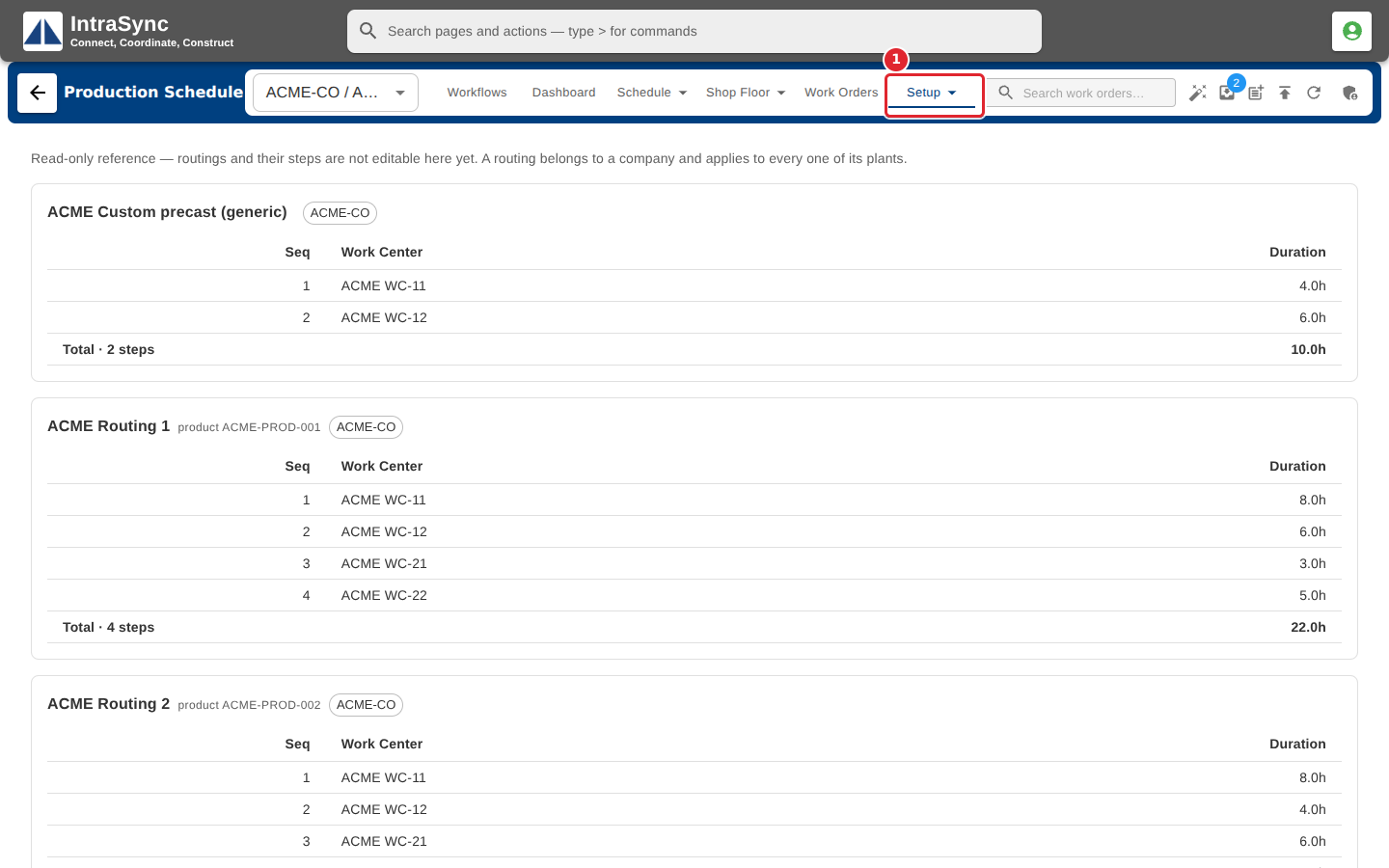
Select Setup > Routings.
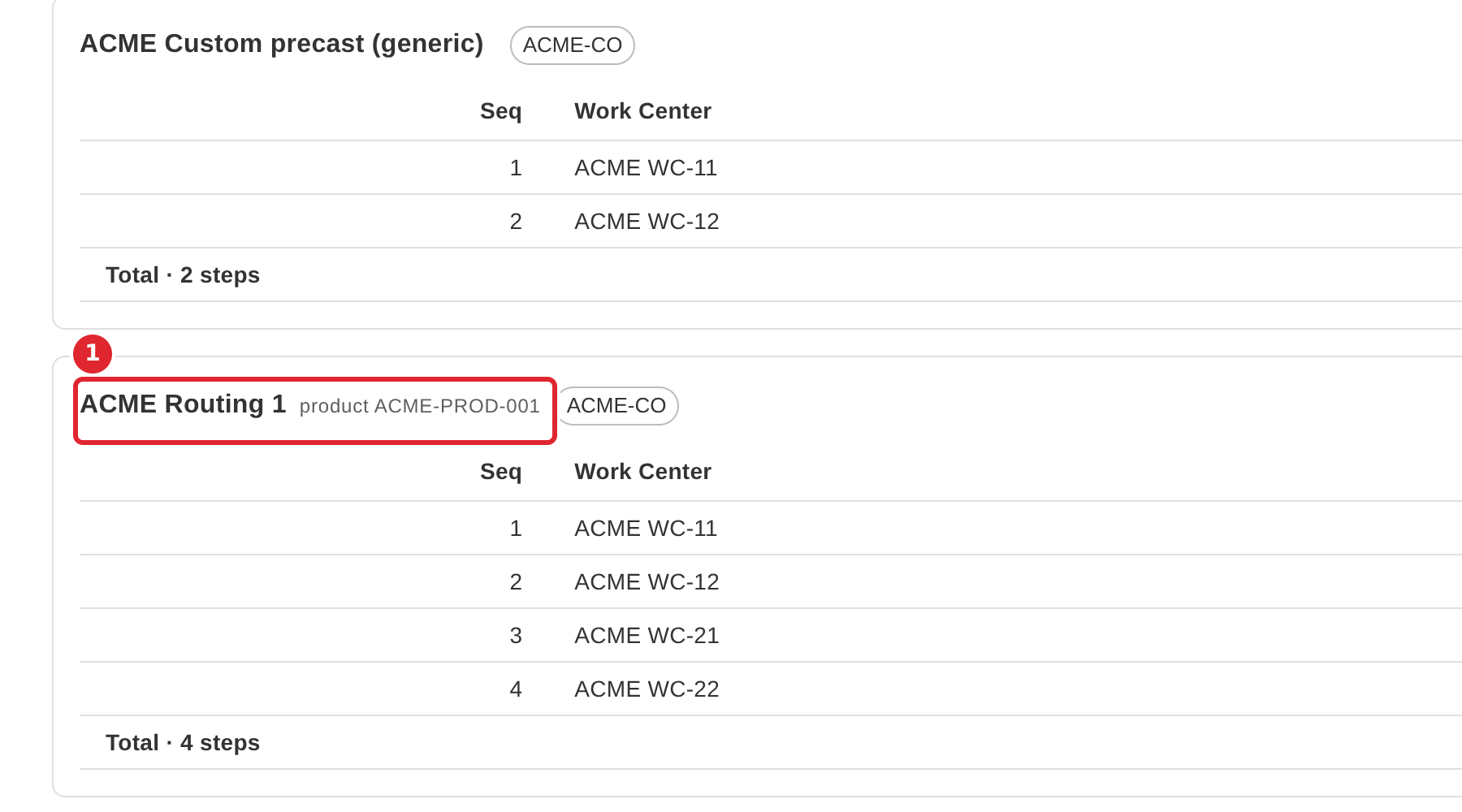
Read each routing's steps in order, with the work center and duration of each.
Tips
- Routings are read-only here. A routing belongs to a company and applies to every one of its plants.