Production Schedule guide · section 19 of 23
Record a pour
Record the pieces that were cast for a work order.
Steps
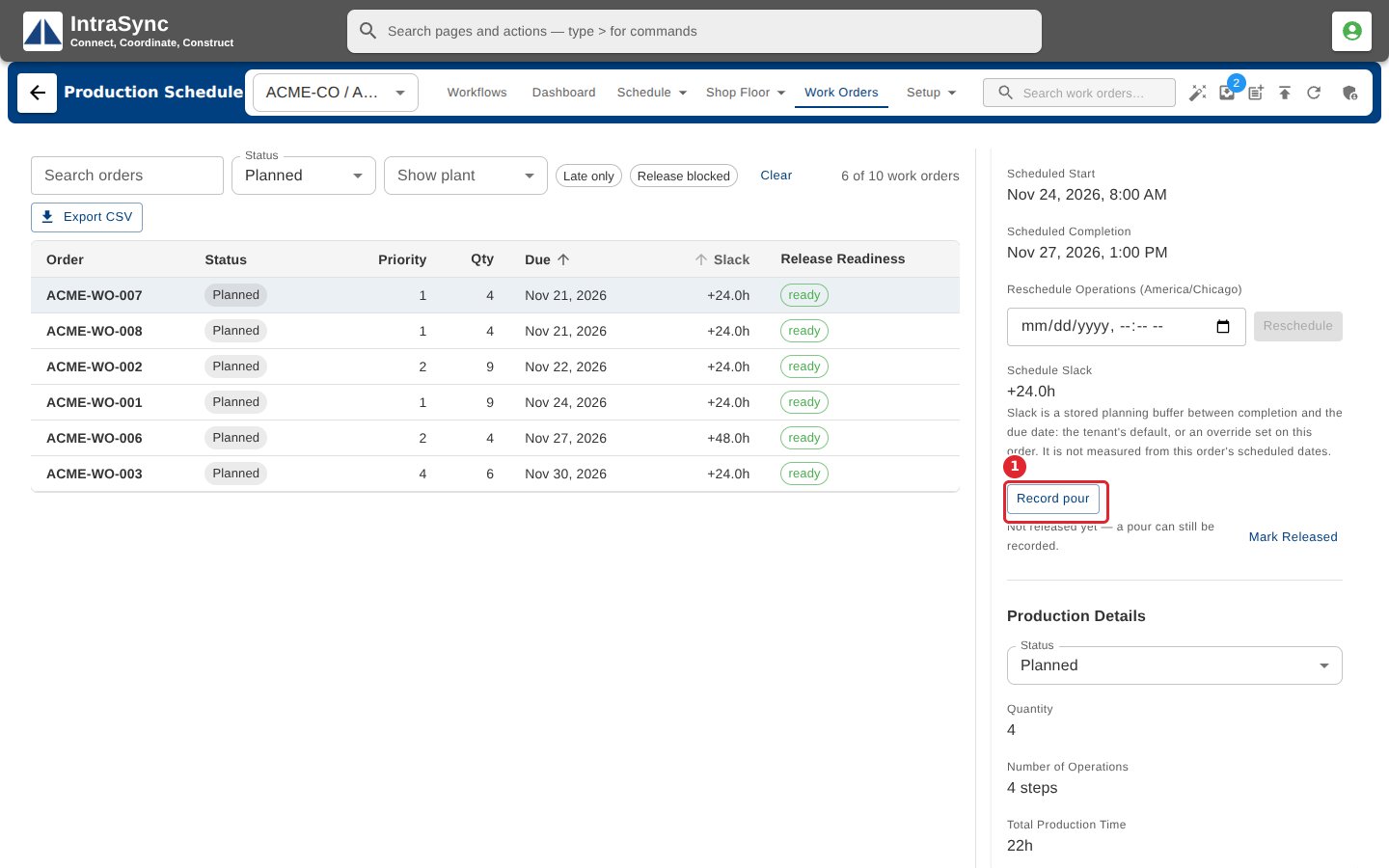
In the pictures, a numbered red box marks where to click or type. Where a picture has more than one box, the numbers give the order.
In a work order's details, select Record pour.
Tick the pieces that were cast, or tick the box at the top of the list to select them all.
Select Record pour to save, or Cancel to leave without recording.
Tips
- A pour can be recorded before the work order is released.
- The list shows planned pieces for the order's plant. Turn on the option to show only this order's mark when it has one.