Production Schedule guide · section 18 of 23
Work a work center's queue
Run the work at one work center in order, and record when each operation starts and finishes.
Watch this in the video (0:46)
Steps
In the pictures, a numbered red box marks where to click or type. Where a picture has more than one box, the numbers give the order.
Select Shop Floor > Run Queue.
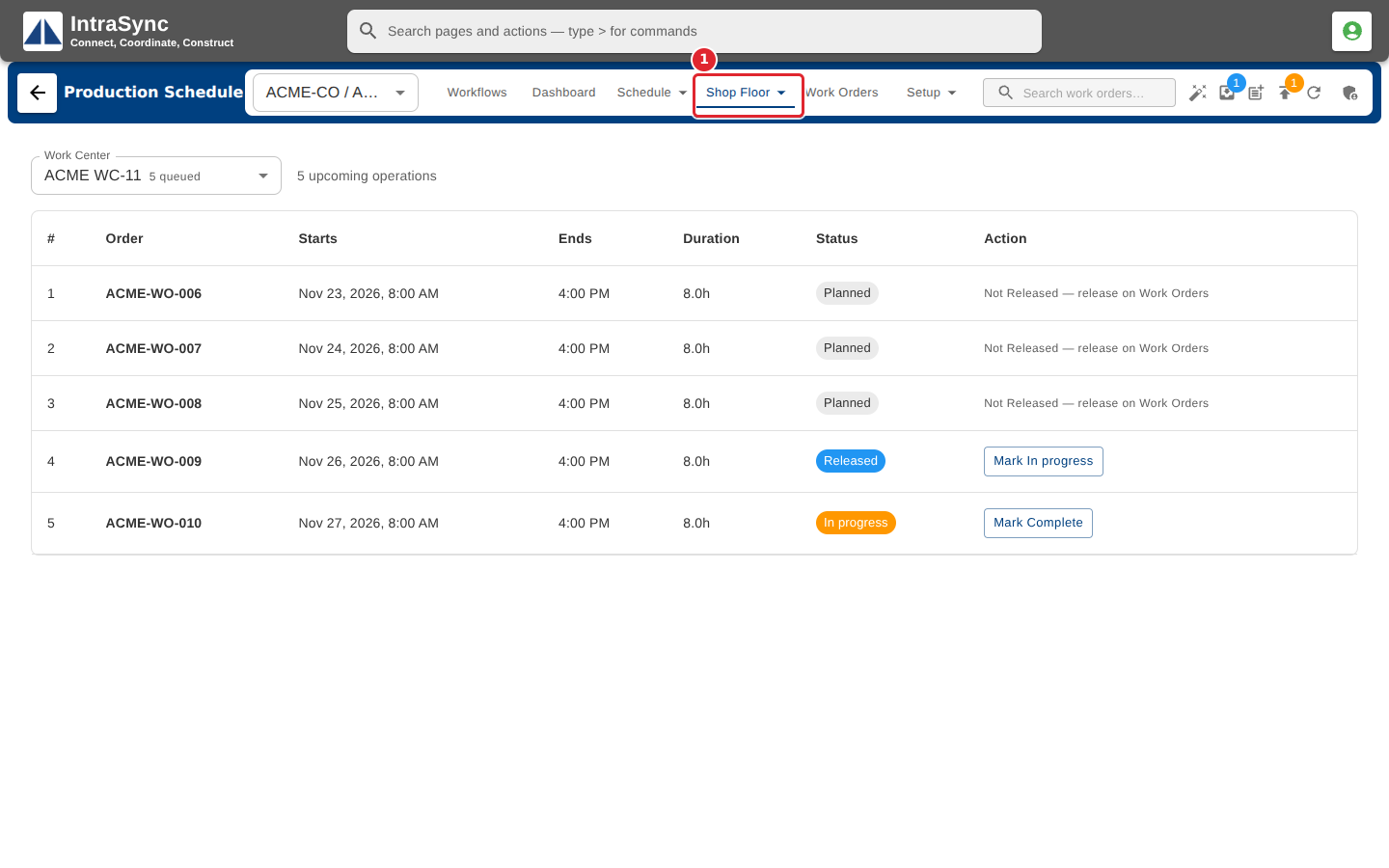
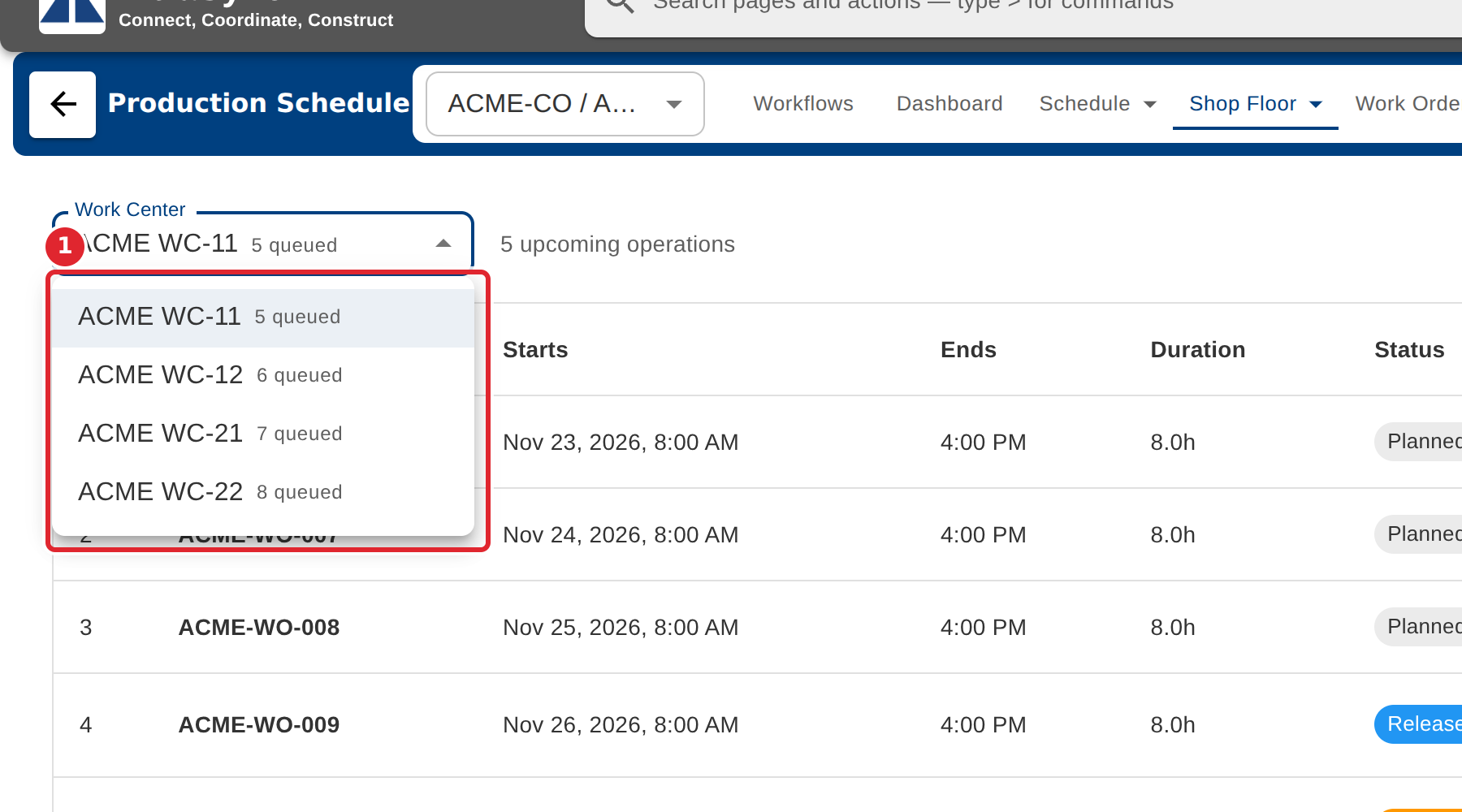
Choose the work center. Each one shows how many operations are queued.
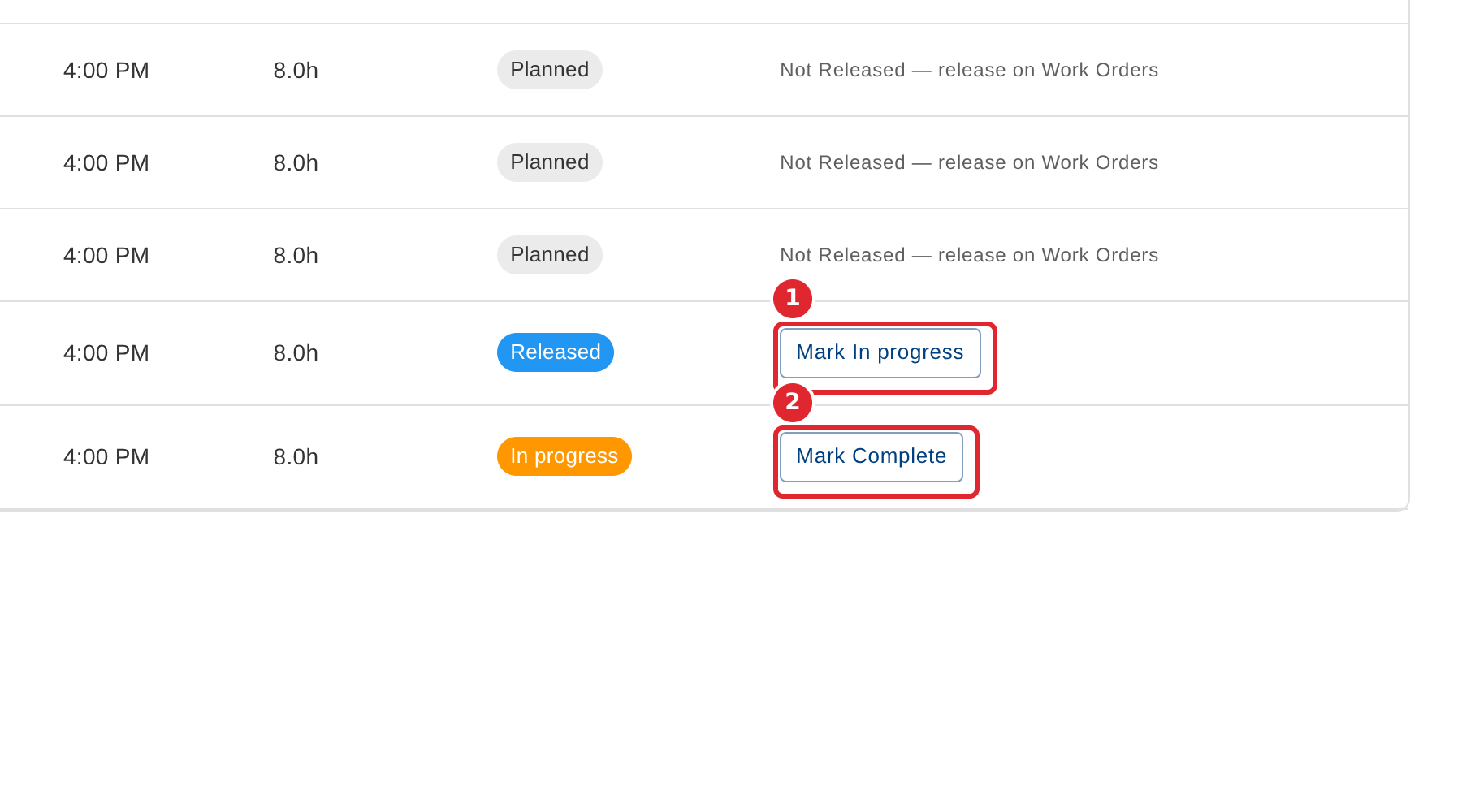
Work down the list in order. Select Mark In progress when work starts and Mark Complete when it is done.
Tips
- An operation whose work order is not released yet says so. Release it on Work Orders first.