Production Schedule guide · section 21 of 23
Review work centers
See the work centers and groups the schedule places work on, and how much time each has.
Watch this in the video (1:03)
Steps
In the pictures, a numbered red box marks where to click or type. Where a picture has more than one box, the numbers give the order.
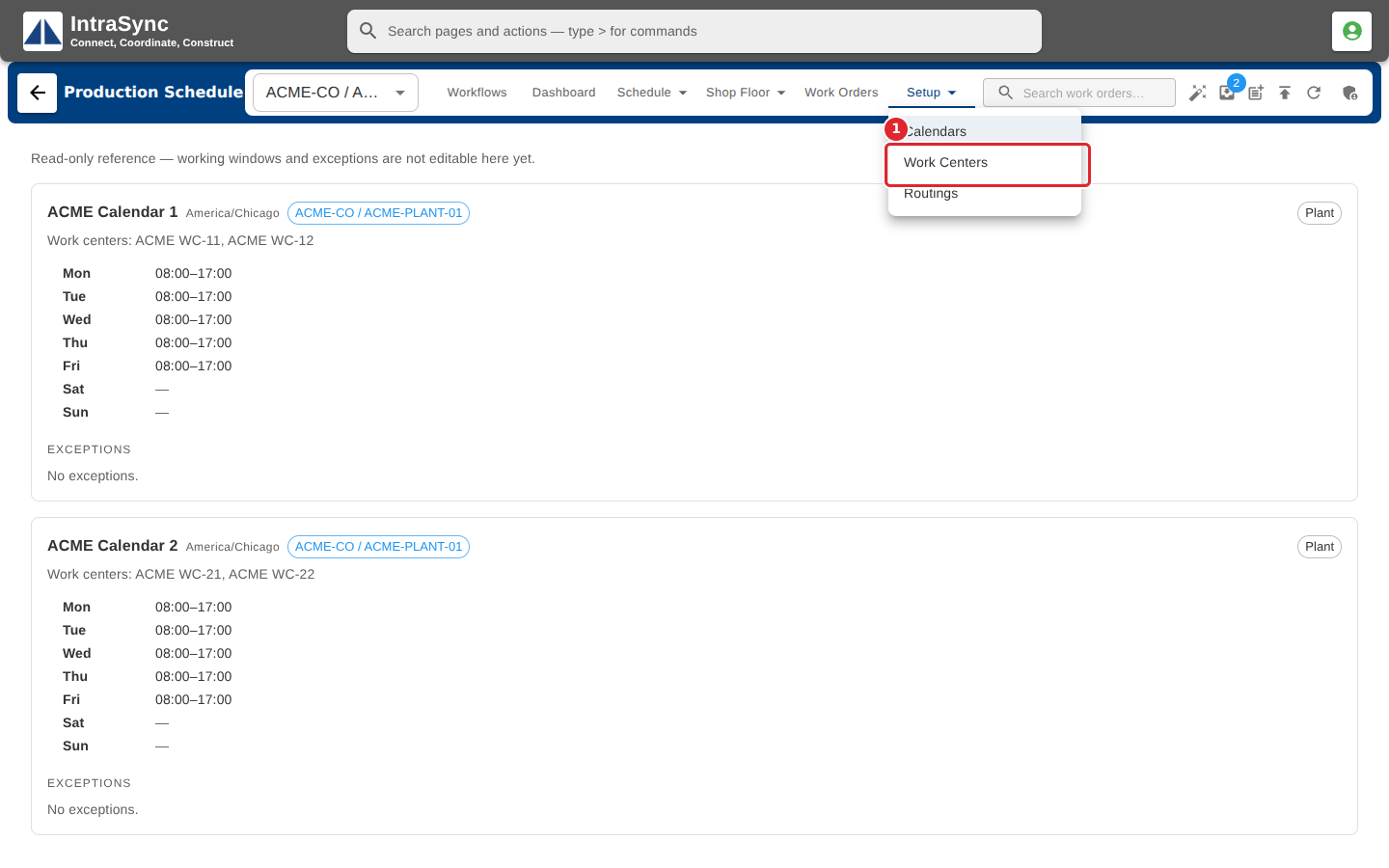
Select Setup > Work Centers.
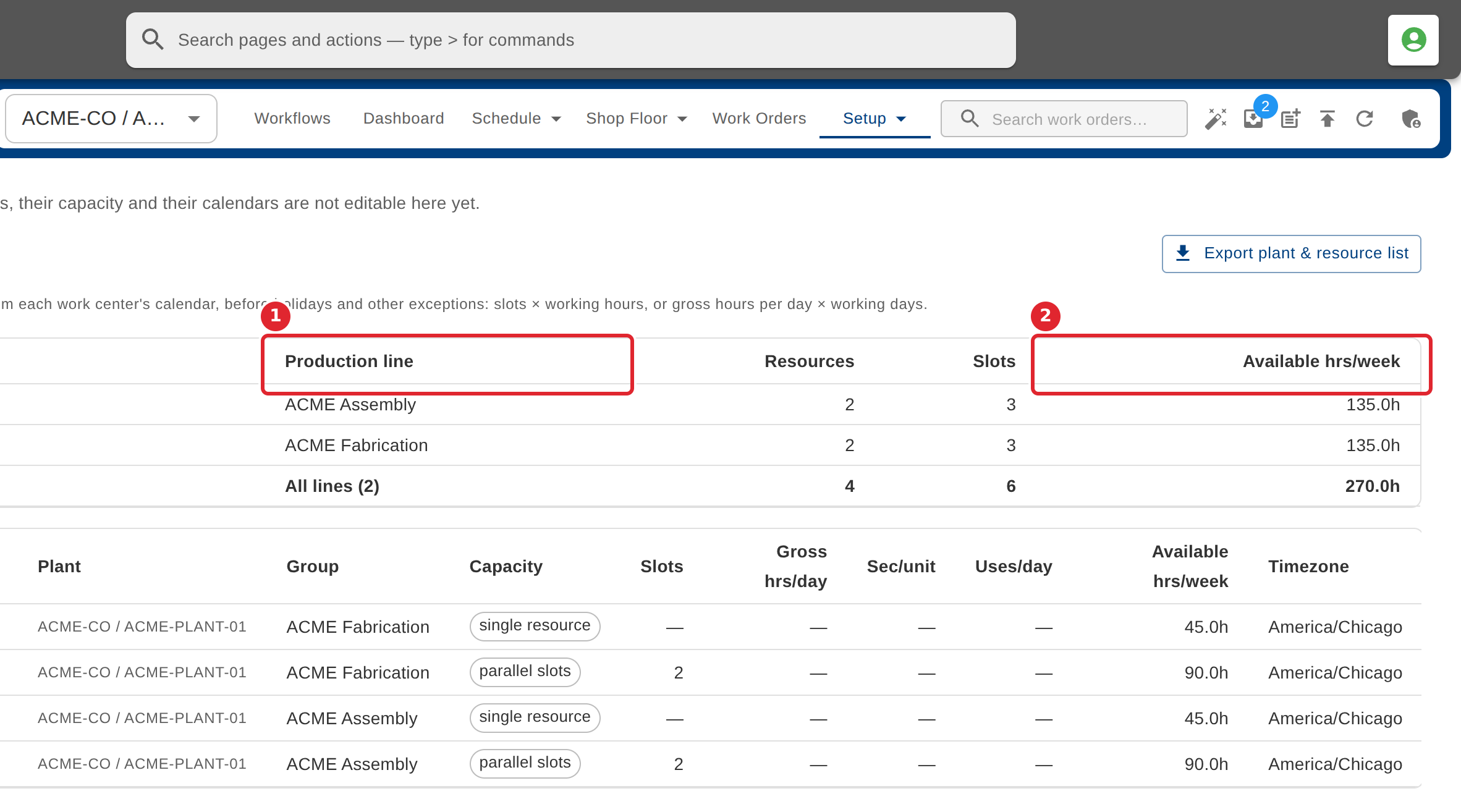
Read the plants and production lines, then each work center's plant, group, capacity and available hours a week.
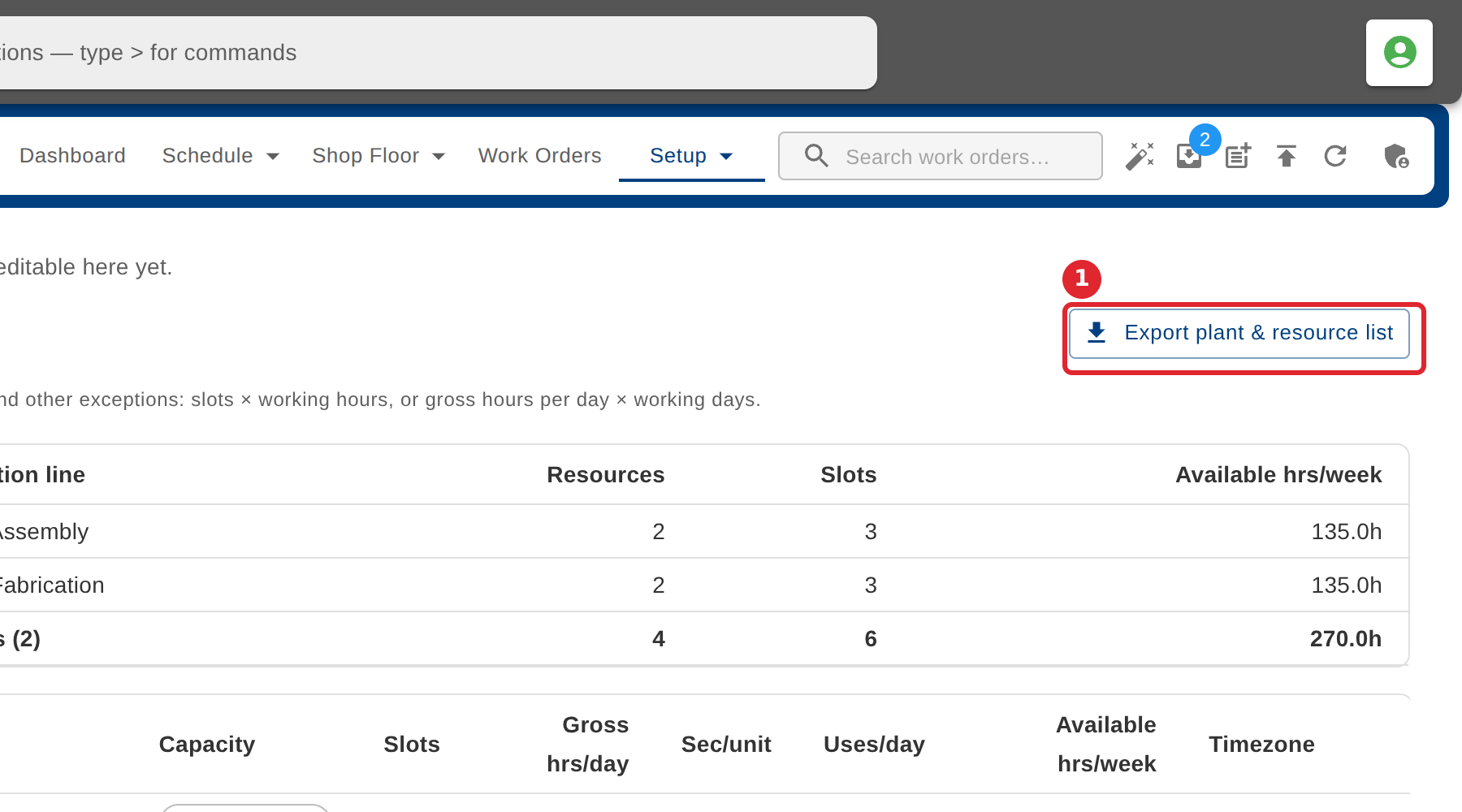
Select Export plant & resource list to download the list.
Tips
- Work centers are read-only here.
- Available hours are a standard week from each work center's calendar, before holidays and other exceptions.