Project Management guide · section 1 of 20
Find your way around the hub
Start each day on the Workflows tab, which groups the hub's jobs by stage and puts what needs you first.
Watch this in the video (0:03)
Before you start
- You are signed in and have opened Project Management.
Steps
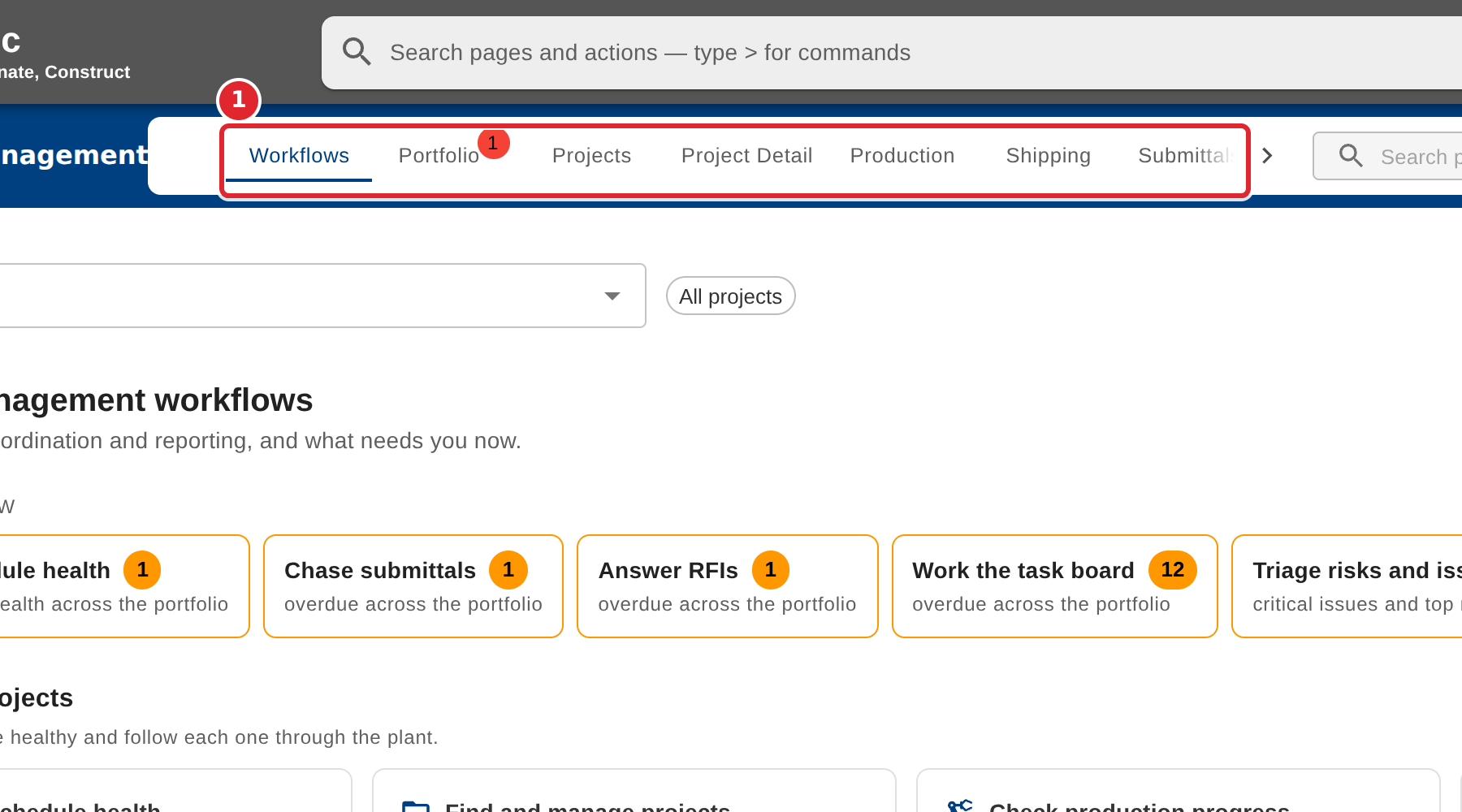
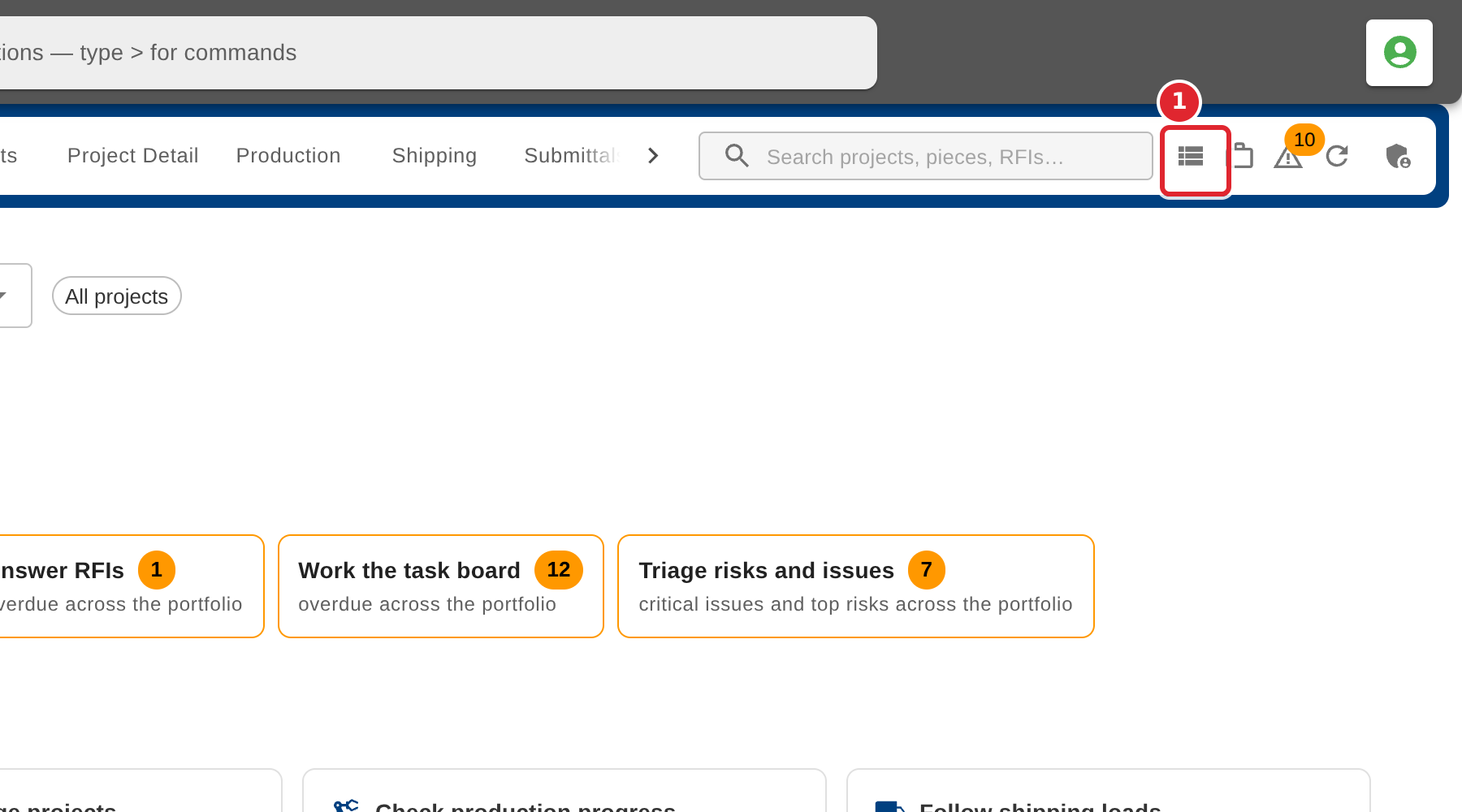
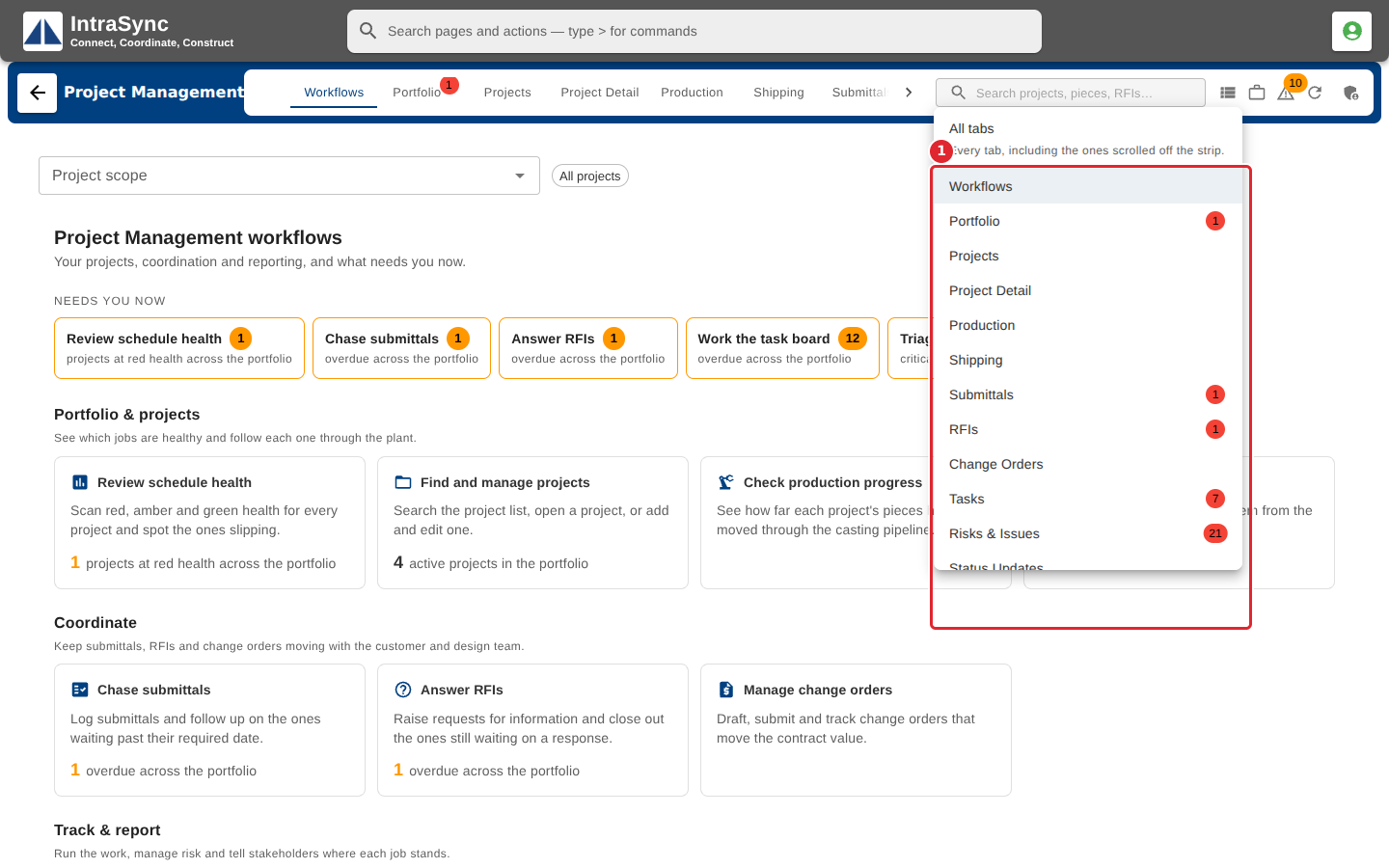
In the pictures, a numbered red box marks where to click or type. Where a picture has more than one box, the numbers give the order.
Open Project Management. It opens on the Workflows tab.
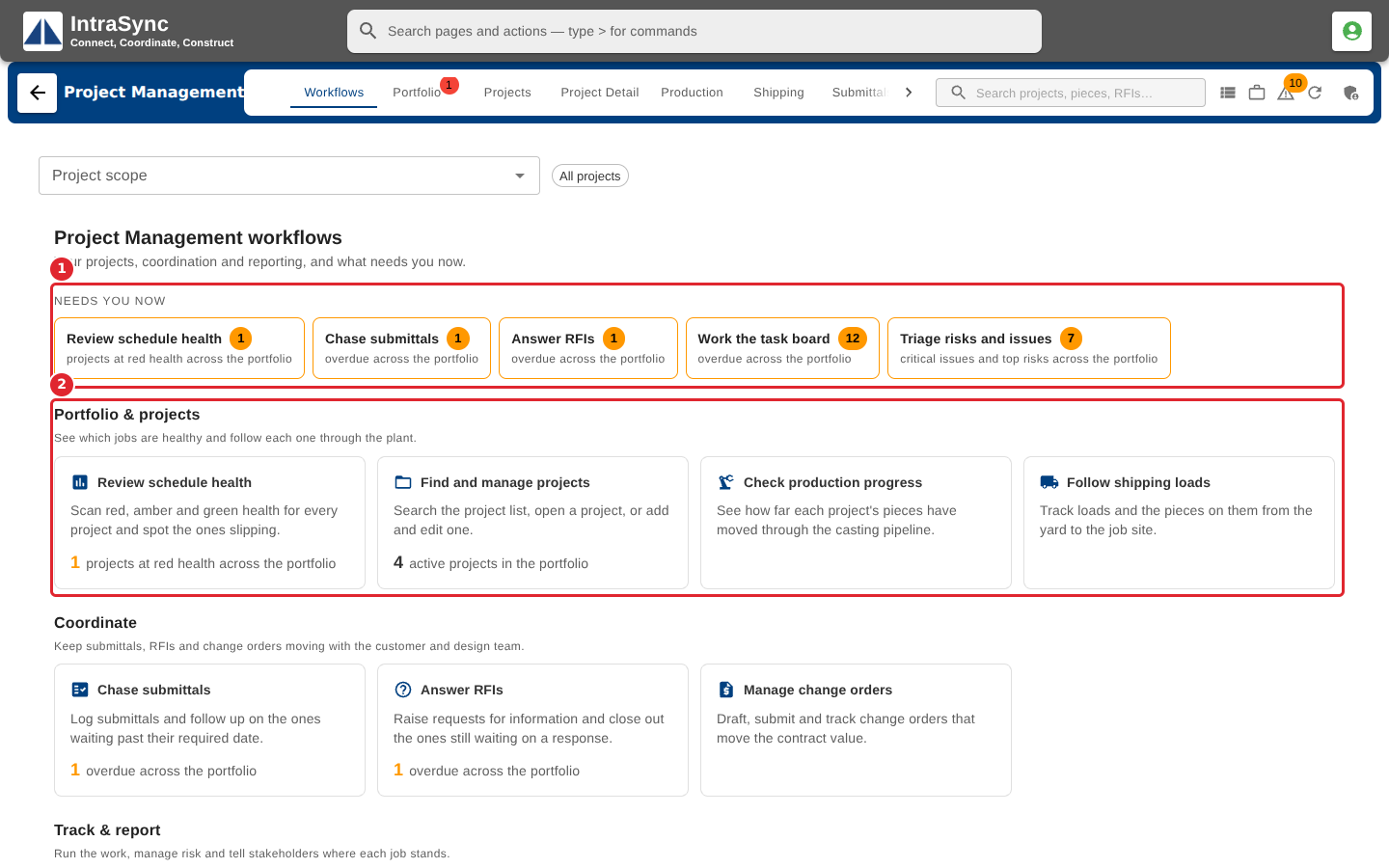
Use the tab strip to move between the hub's areas.
Select All tabs to see every tab, including the ones scrolled off the strip.
Choose a tab from the list to open it.
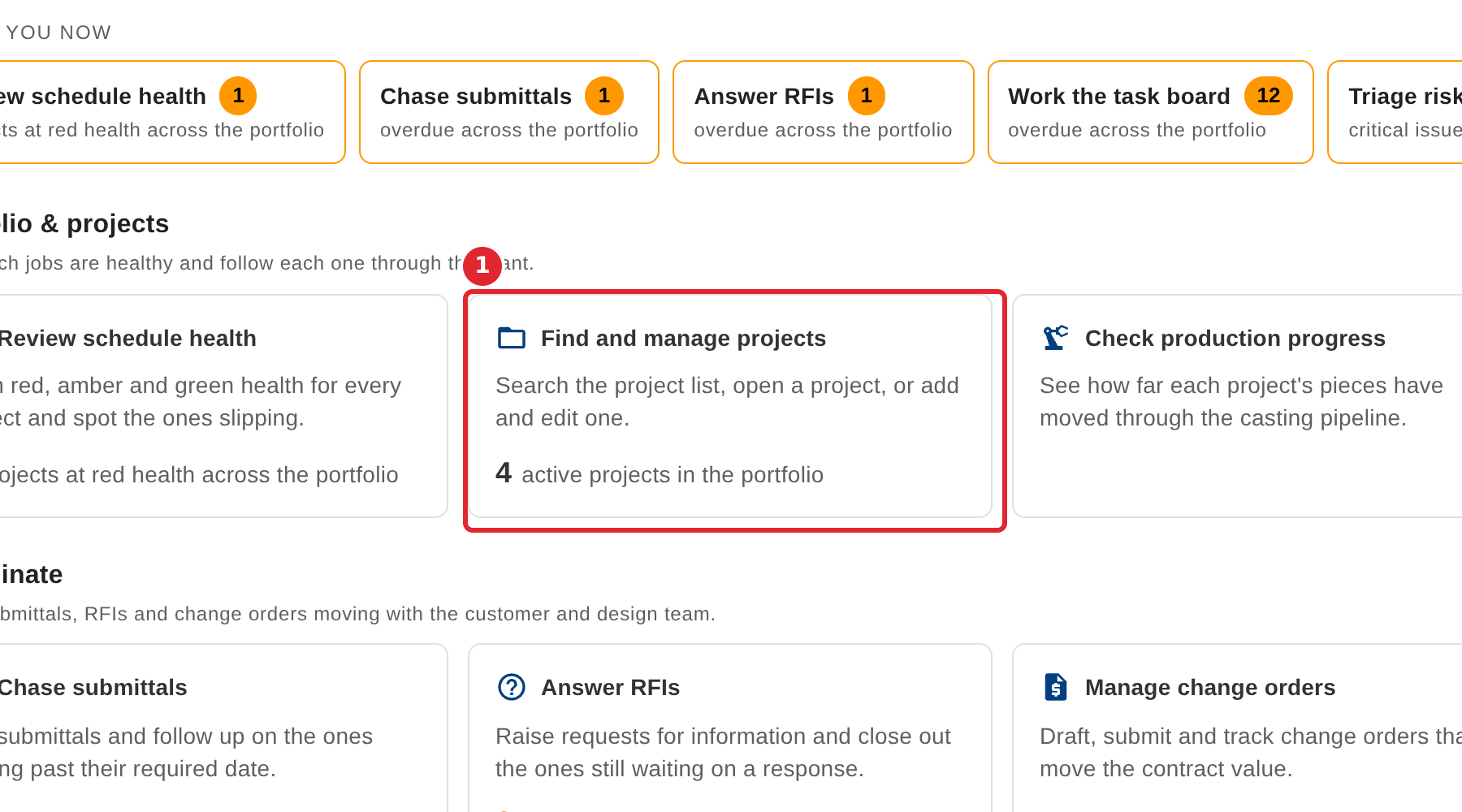
Select a workflow card to go straight to the tab that does that job.
Tips
- The "Needs you now" strip counts only what is overdue or at risk. A card without a number simply opens its tab.
- On a narrow screen the tab strip becomes a Sections menu.