Project Management guide · section 2 of 20
Focus the hub on one project
Scope the hub to one project so every tab shows only that project's records, and new records are filed against it.
Watch this in the video (0:30)
Before you start
- The project exists on the Projects tab.
Steps
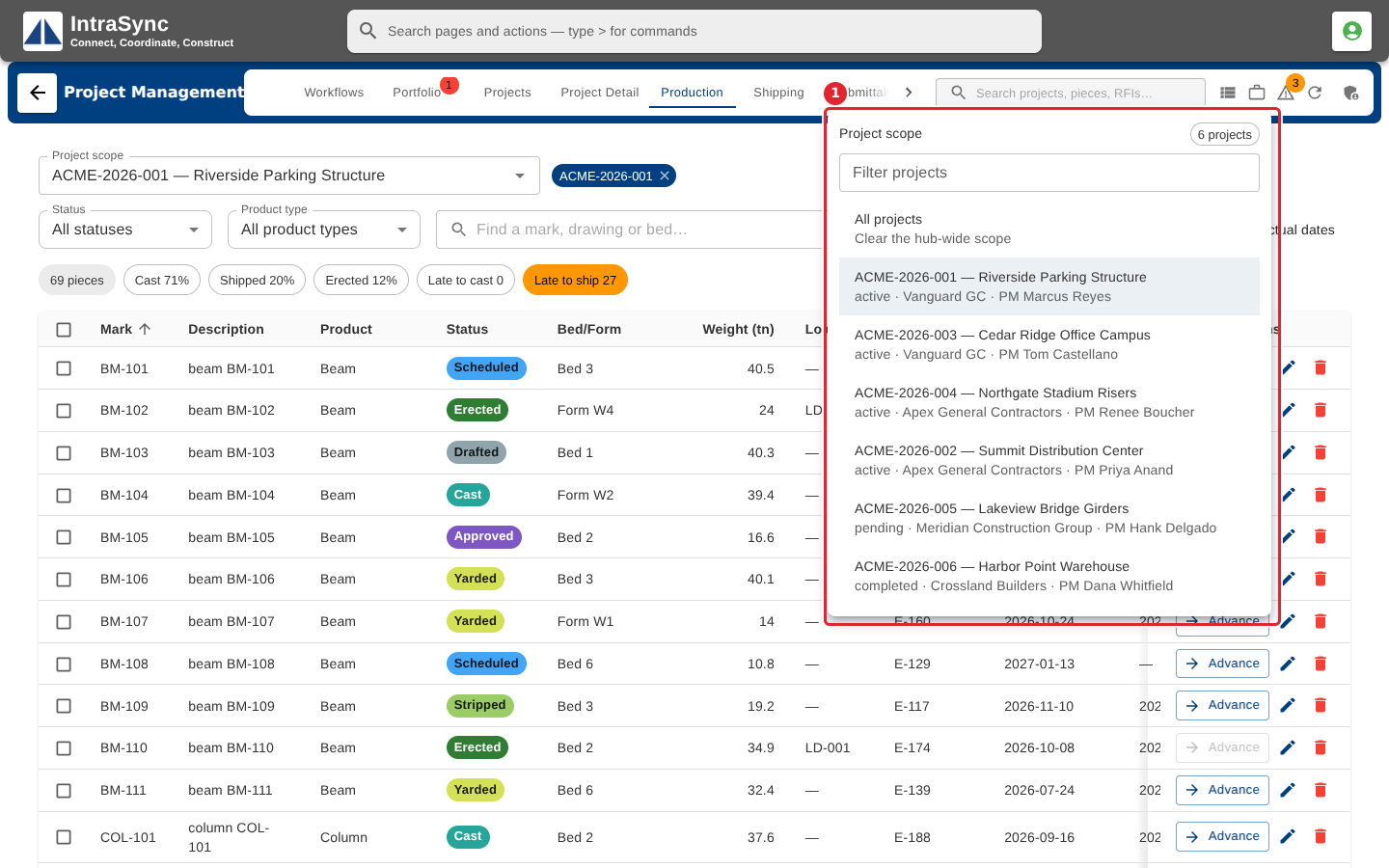
In the pictures, a numbered red box marks where to click or type. Where a picture has more than one box, the numbers give the order.
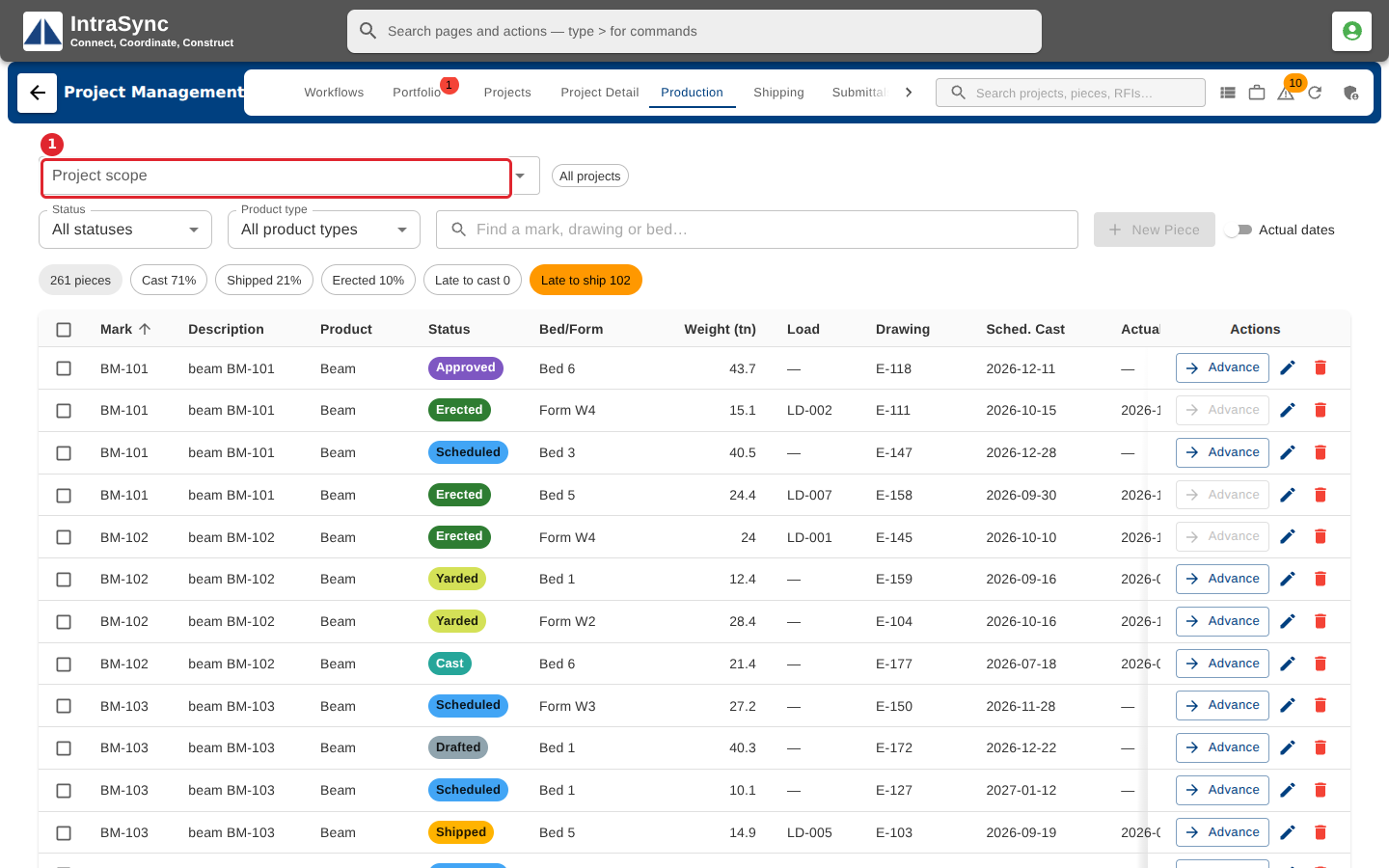
On any tab that shows the Project scope field, select the field.
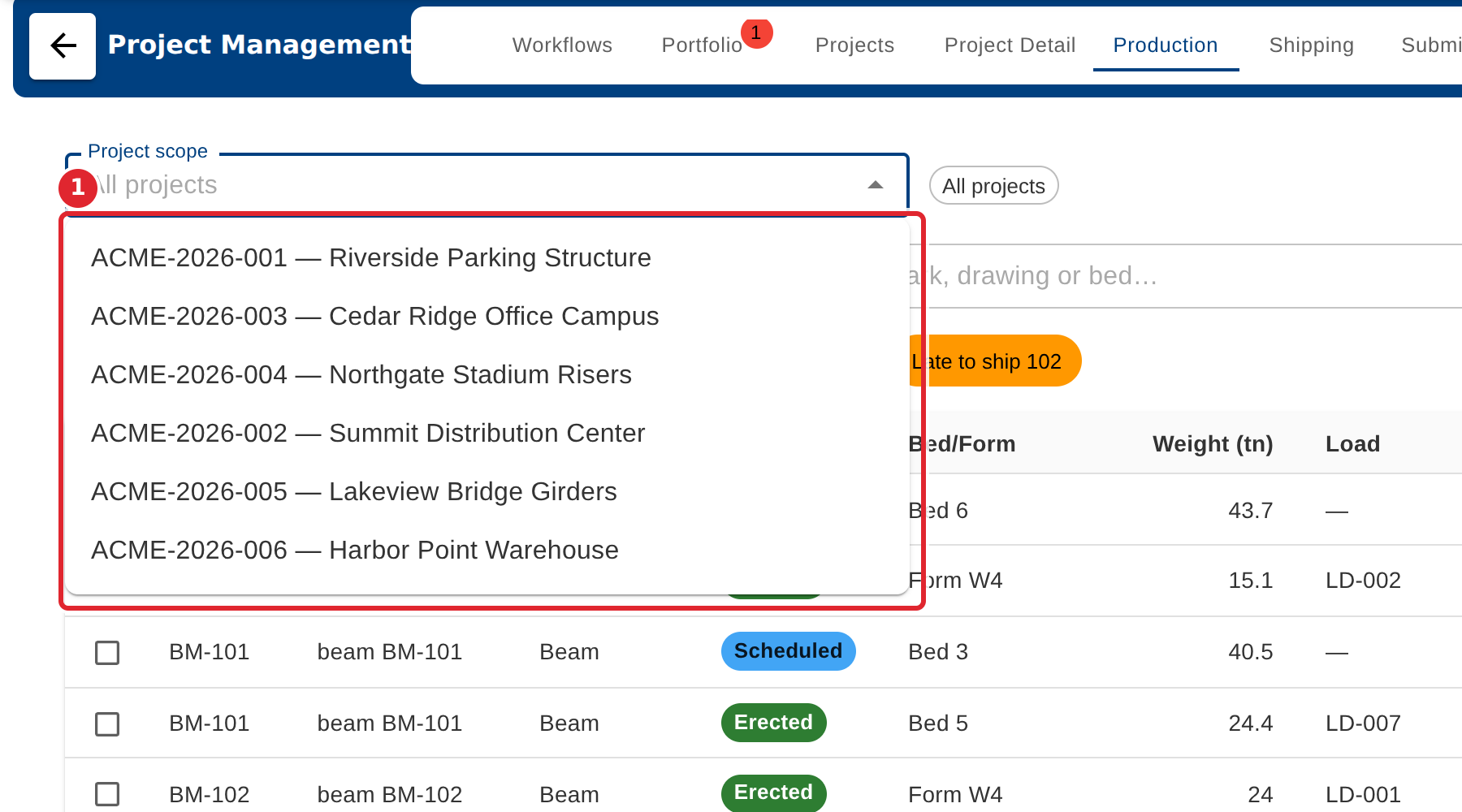
Choose the project from the list, or type part of its number or name to narrow it.
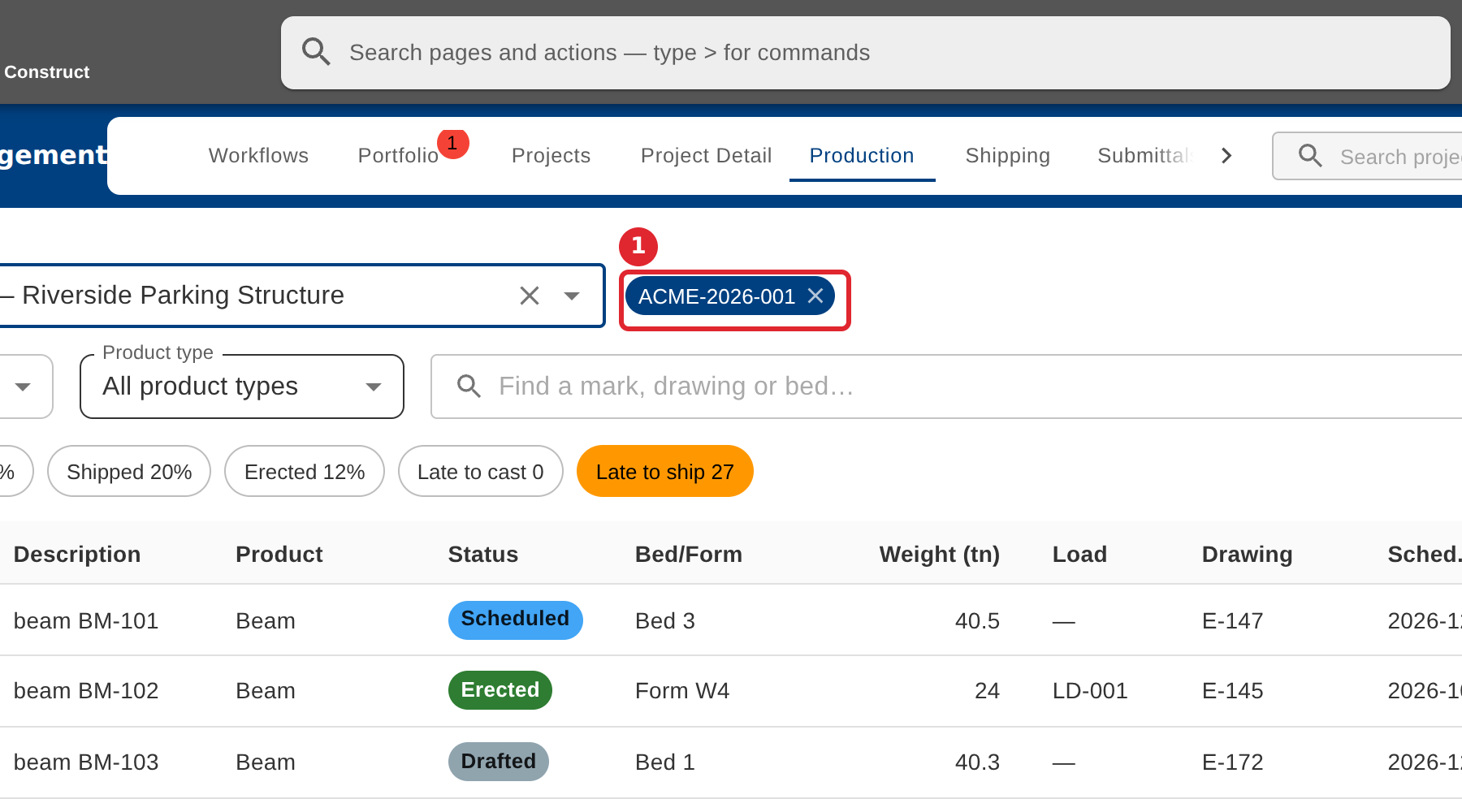
The chip shows the project in scope. Every tab now shows that project only. Select the cross on the chip to see all projects again.
You can also set the scope from Project scope in the header.
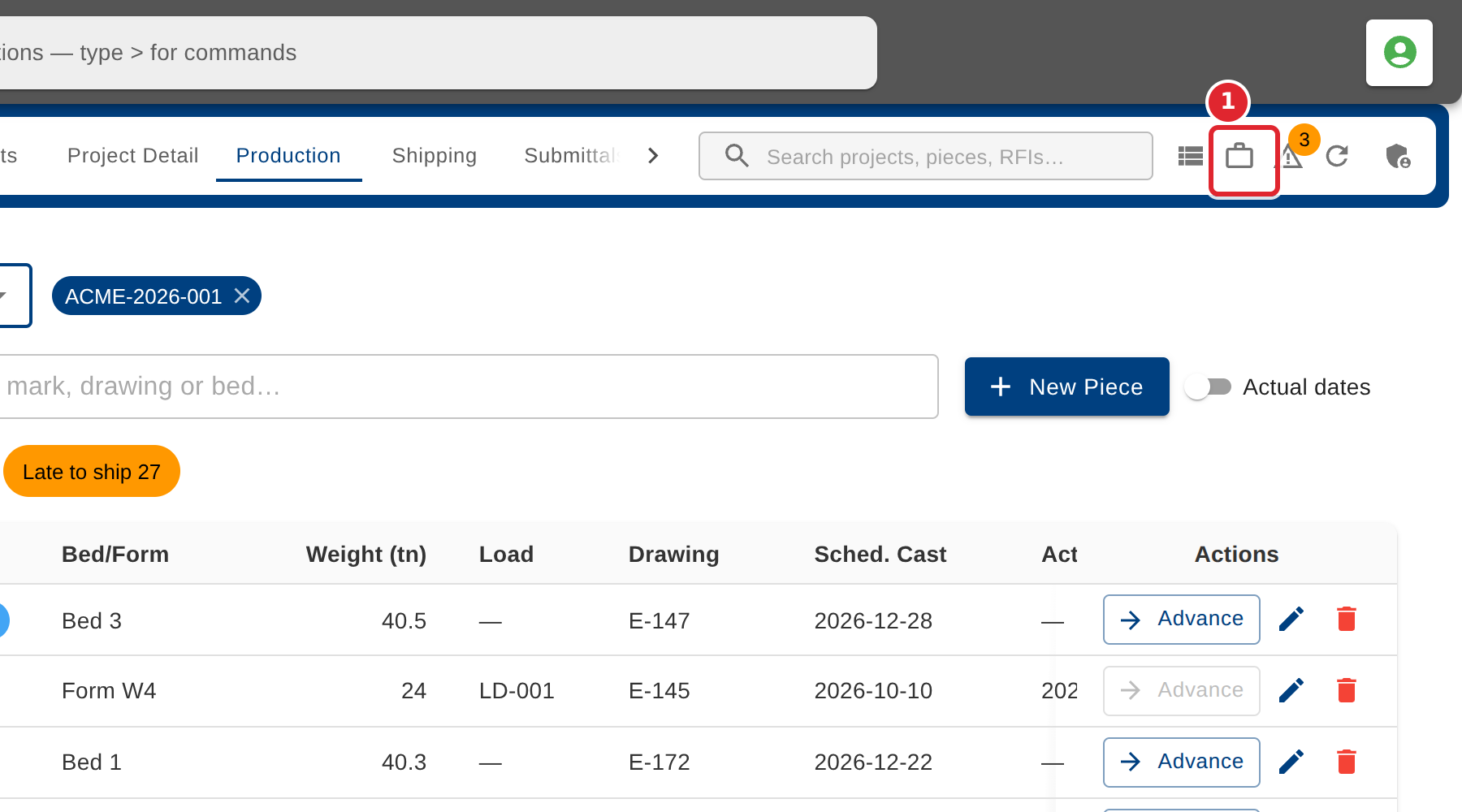
Filter the list, then choose a project, or choose All projects to clear the scope.
Tips
- The scope stays as you move between tabs. Clear it to see every project again.
- Some actions need a project in scope: adding a piece, a load, a risk or an issue. Their buttons say so when none is chosen.
- Portfolio and Projects always show every project, so they have no Project scope field.