Project Management guide · section 19 of 20
Check the module configuration and data health (administrators)
Confirm how the hub is set up for your company, and check that every data source has loaded.
Before you start
- You are an administrator. The admin button does not appear for other users.
Steps
In the pictures, a numbered red box marks where to click or type. Where a picture has more than one box, the numbers give the order.
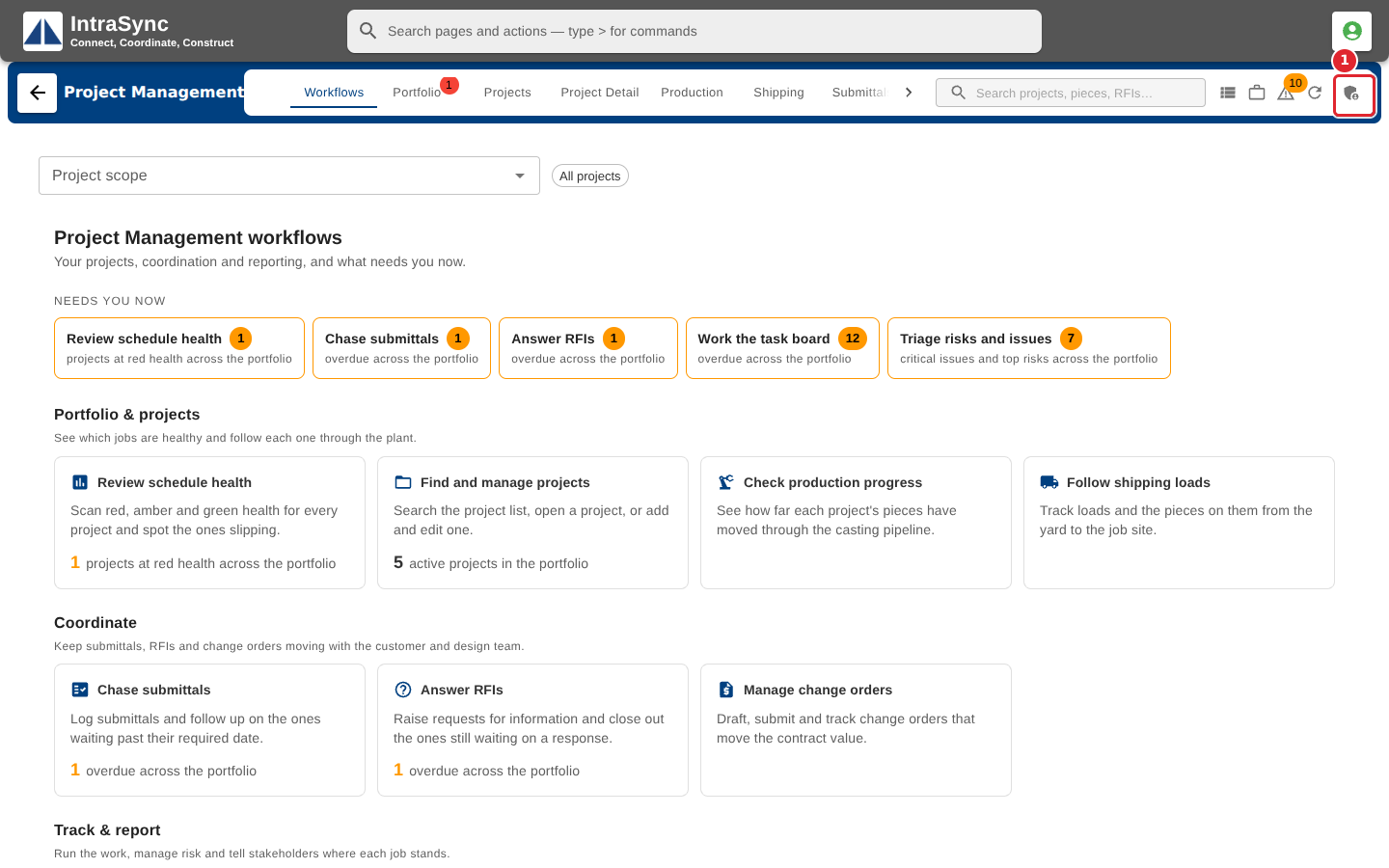
Administrators see an admin button at the right of the header. Select it.
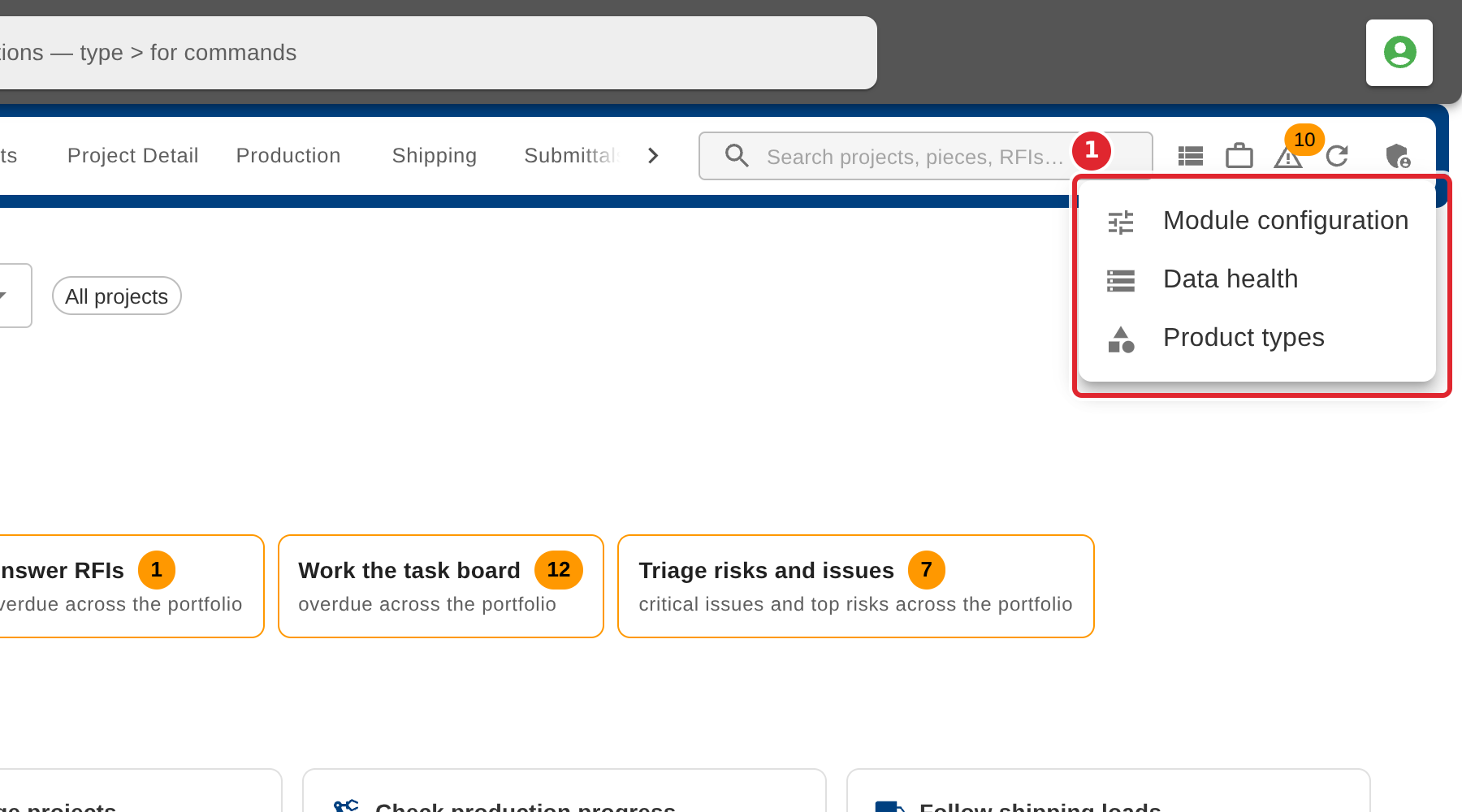
Choose Module configuration or Data health.
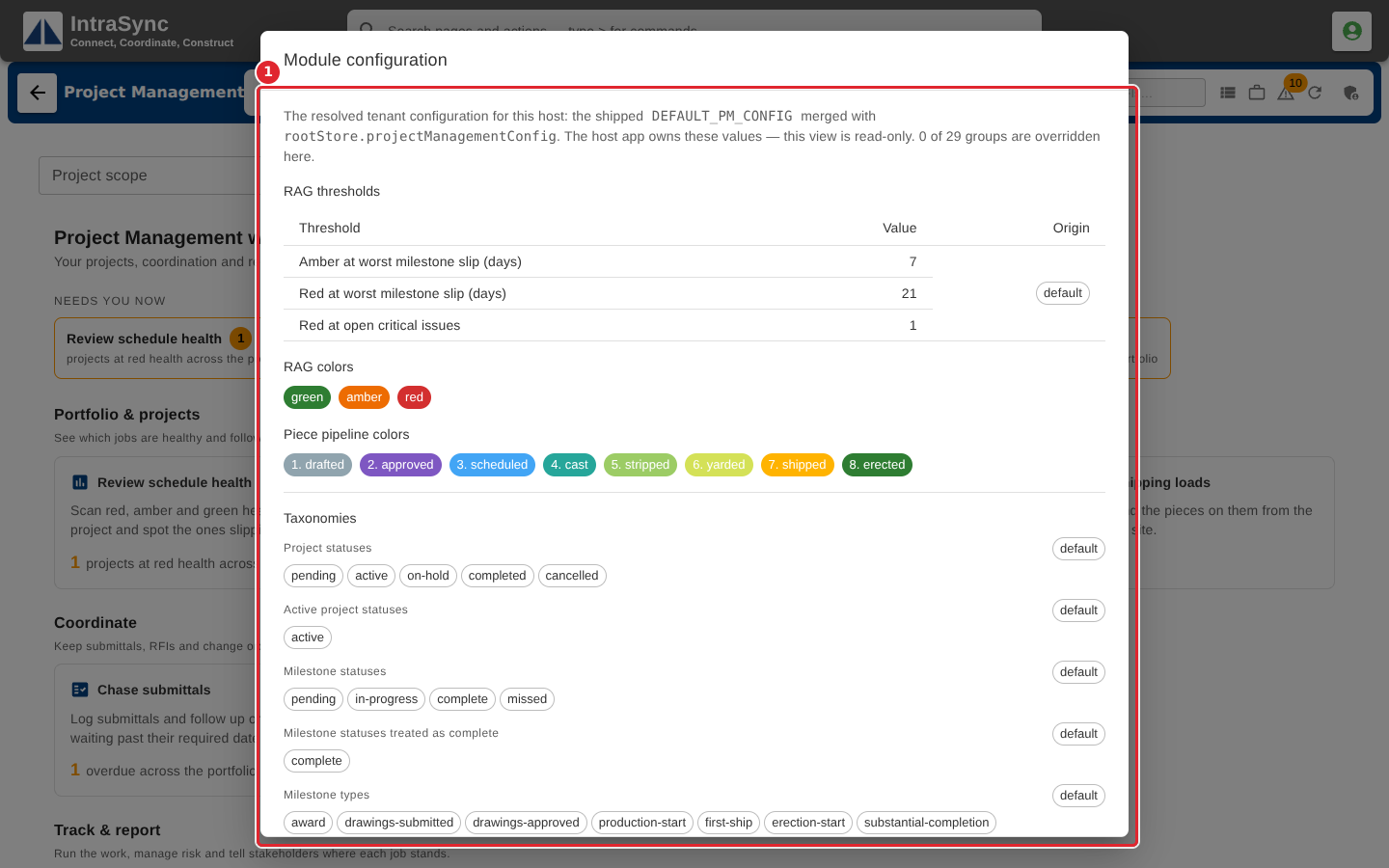
Module configuration shows the thresholds that turn a project amber or red, the colours, and the lists the hub offers. It is read-only: your system's administrator sets these values.
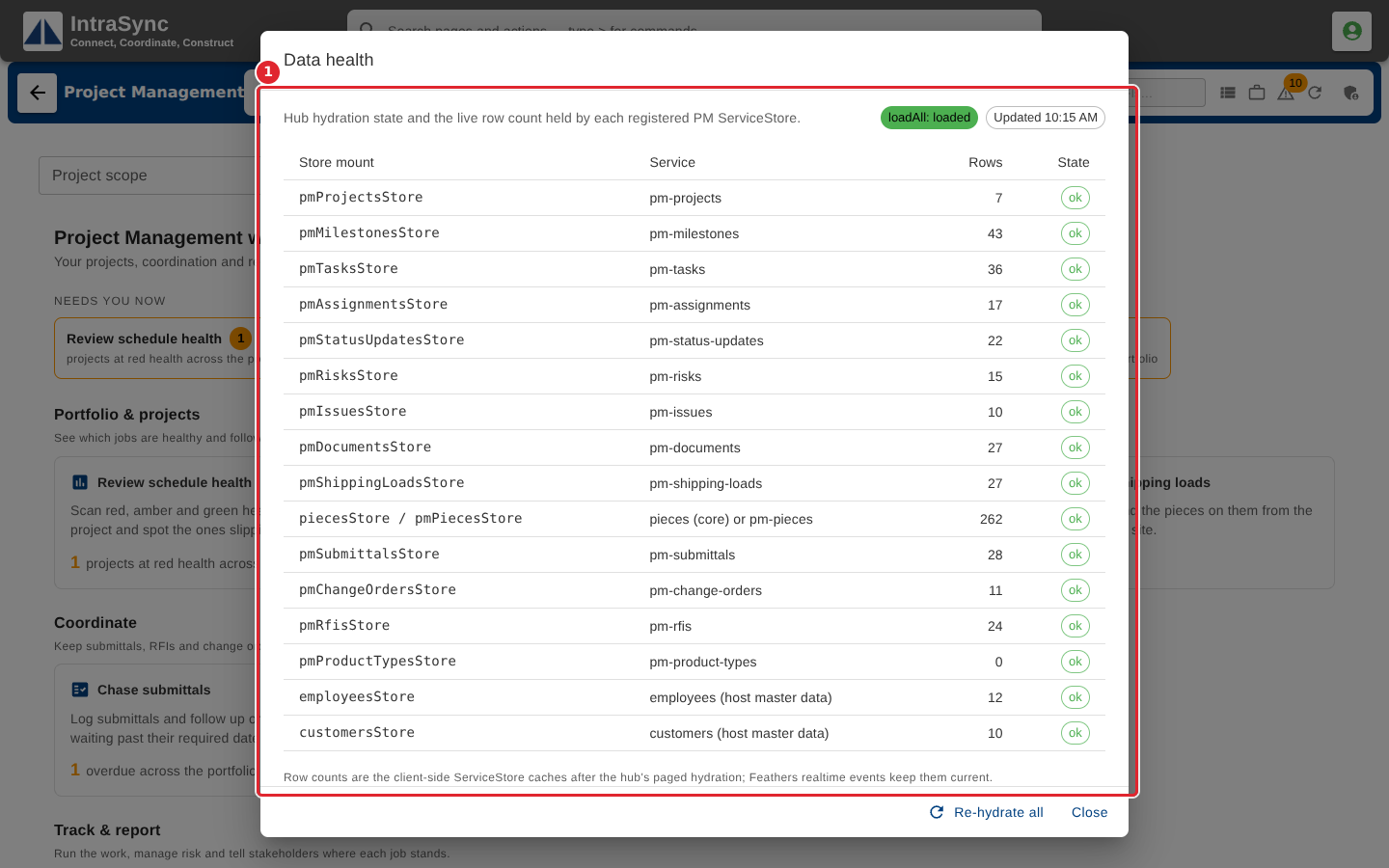
Data health lists each data source with its row count and state. Select Re-hydrate all to load everything again.
Tips
- Module configuration is read-only here. To change a threshold or a list, ask whoever administers your system. Product types are the exception: your company keeps its own list under Admin > Product types, and Module configuration says which list is in use.
- A data source marked with an error in Data health explains a tab that looks empty.