Project Management guide · section 18 of 20
Work through what needs attention
See everything overdue or critical across the projects in scope, and open each one where it is fixed.
Steps
In the pictures, a numbered red box marks where to click or type. Where a picture has more than one box, the numbers give the order.
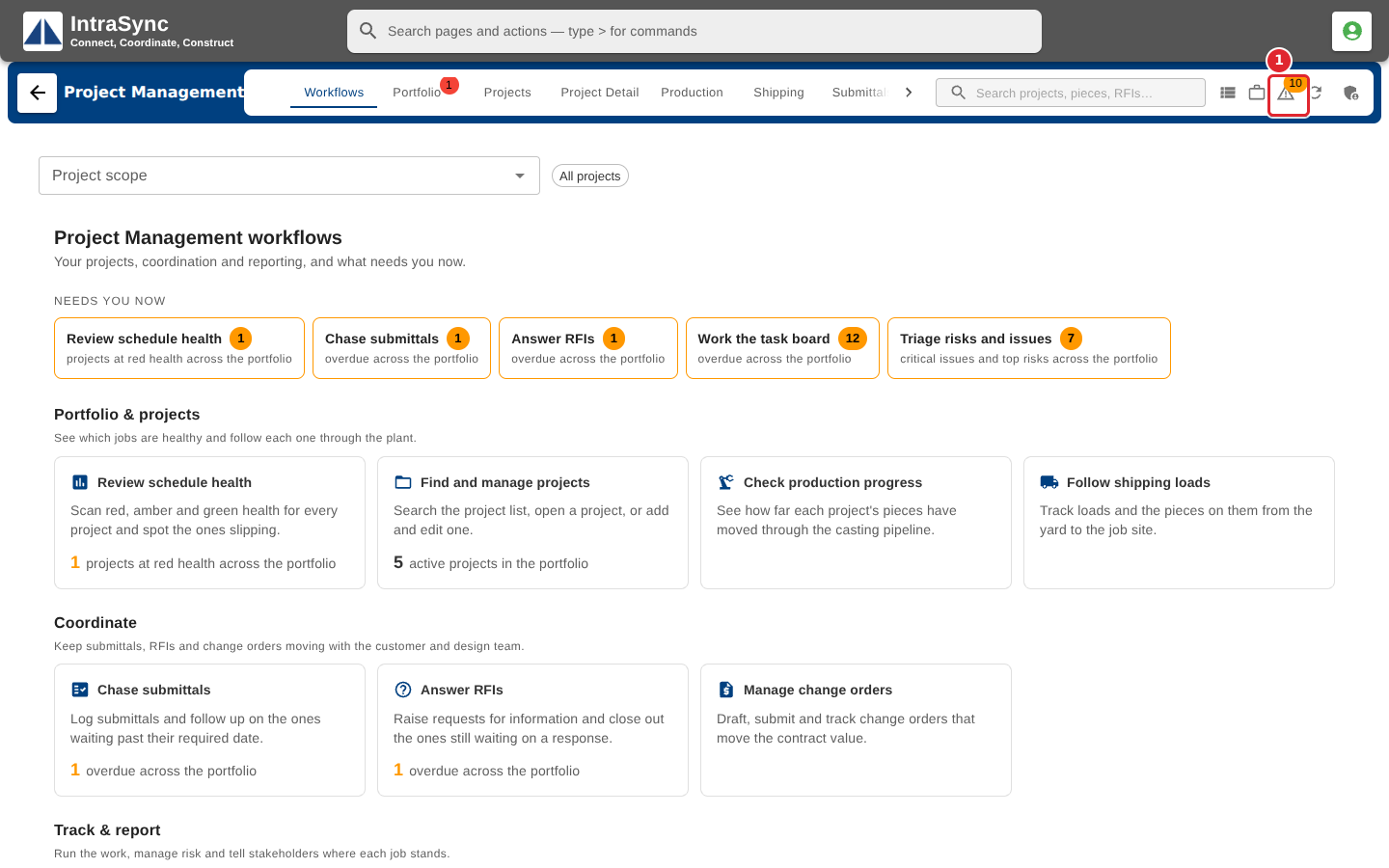
The warning icon in the header counts what is overdue or critical. Select it.
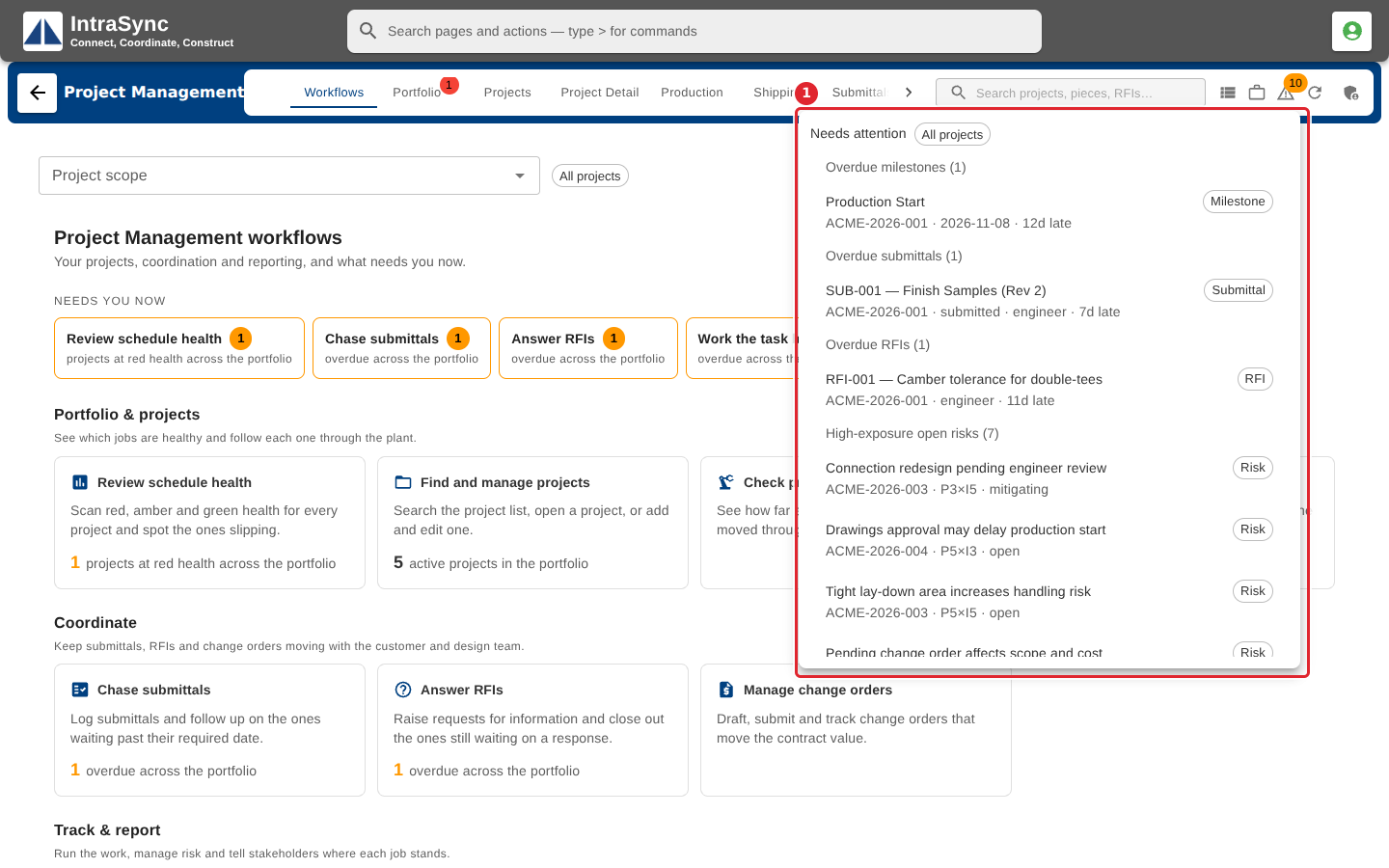
The list groups overdue milestones, submittals and RFIs, open critical issues and high-exposure risks. Select a row to open it on its tab.
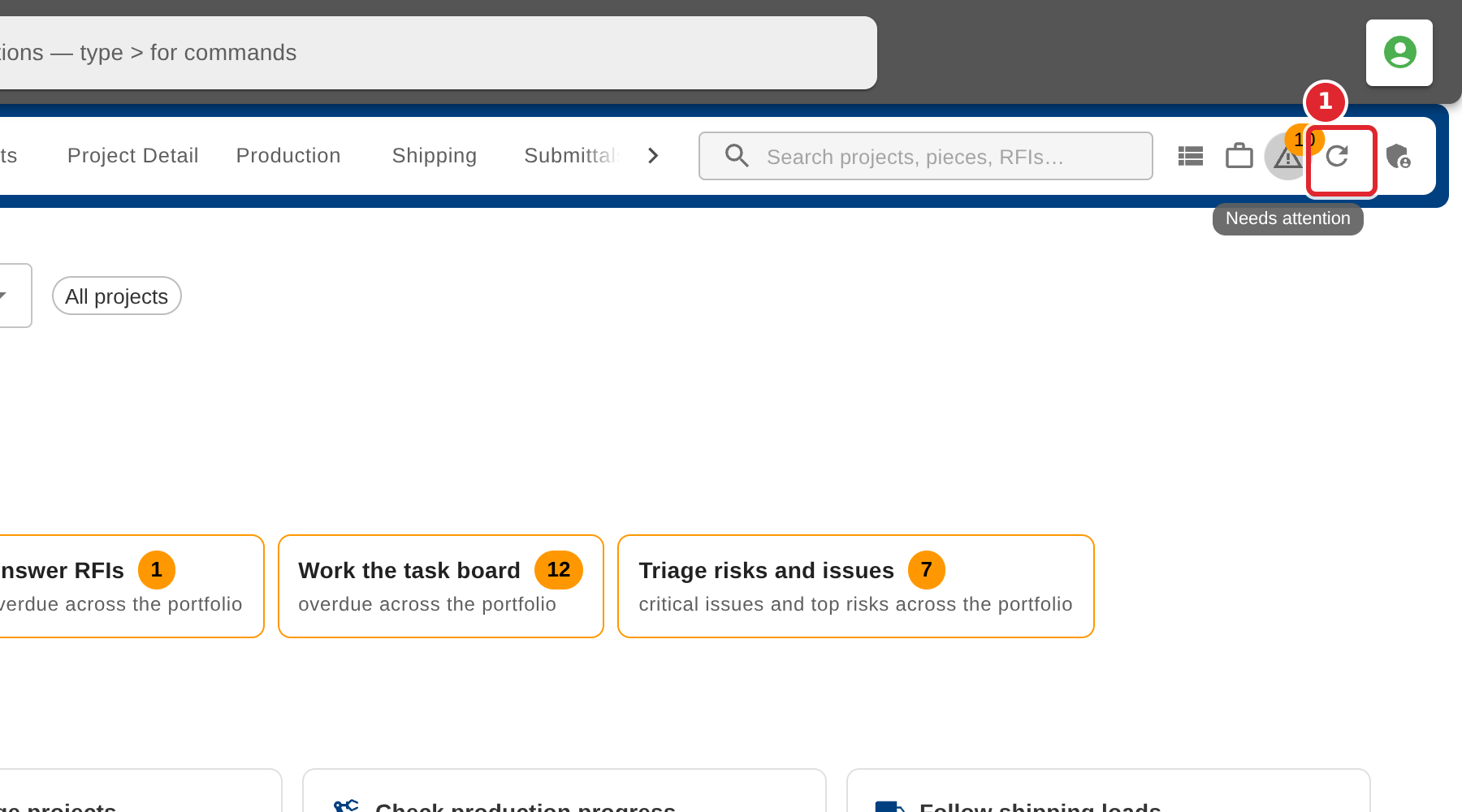
Select Refresh data to reload everything. Its tooltip says when the data was last updated.
Tips
- When nothing is overdue or critical, the list says so.
- If a refresh cannot reach every source, a message says how many did not respond.