Sales guide · section 1 of 18
Find your way around the Sales hub
Know where each part of post-won order work lives, and see at a glance what is waiting for you.
Watch this in the video (0:03)
Before you start
- You can open Sales from the main menu.
Steps
In the pictures, a numbered red box marks where to click or type. Where a picture has more than one box, the numbers give the order.
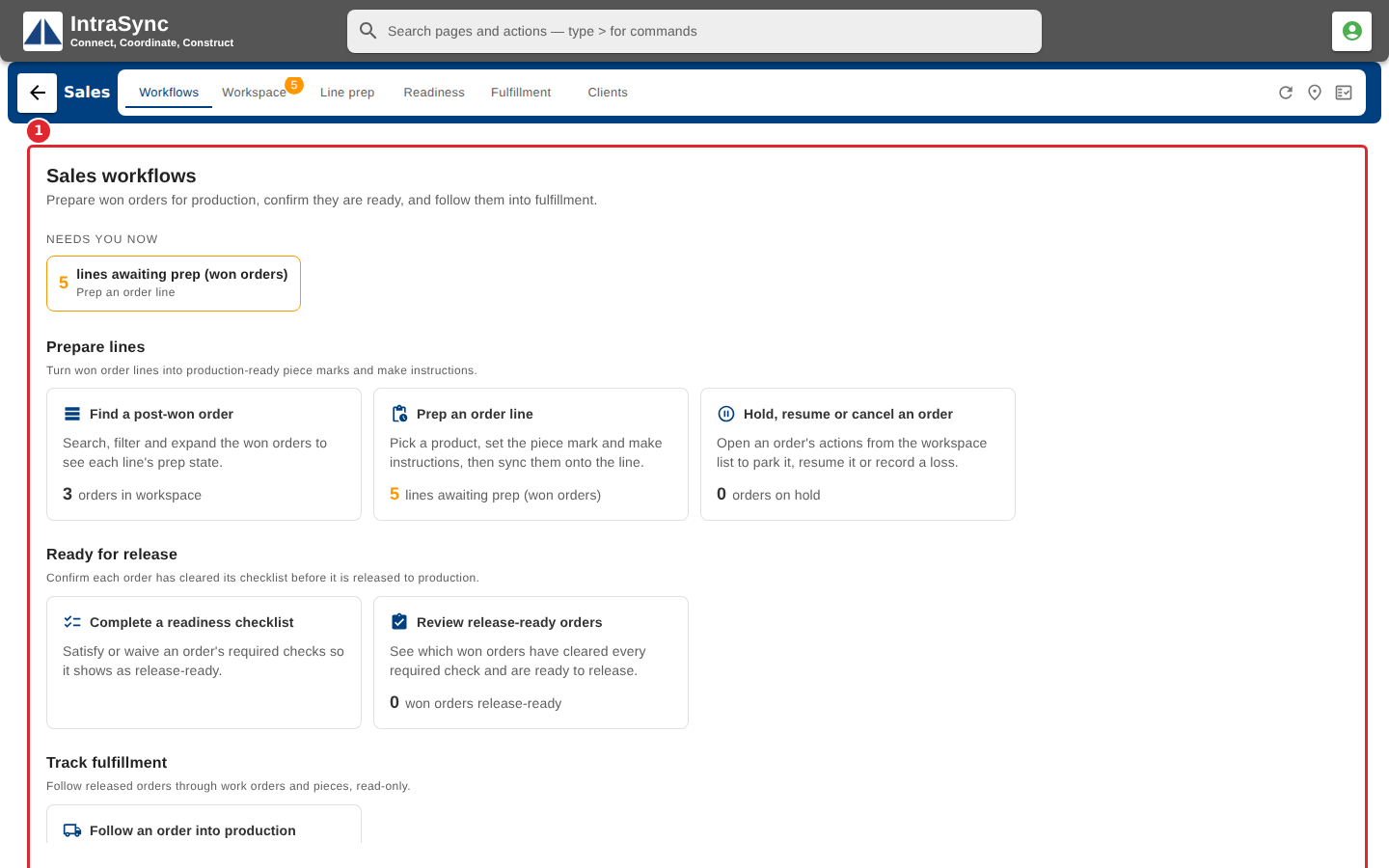
Open Sales. The hub opens on Workflows, which lists the work waiting for you.
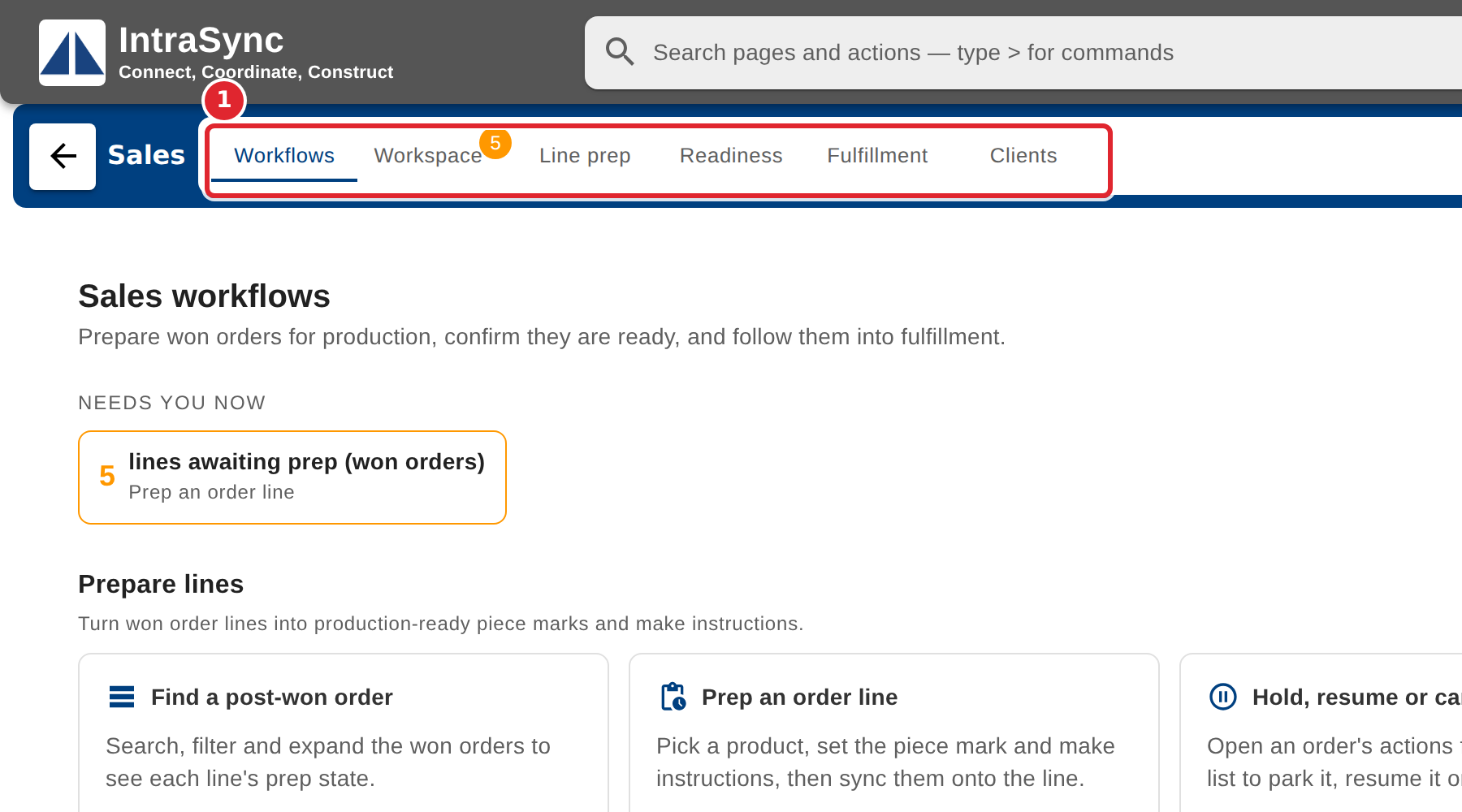
Use the tabs to move between Workflows, Workspace, Line prep, Readiness, Fulfillment and Clients.
At the top right, Project addresses opens the project form and Custom item approvals opens the approvals screen. Each is offered only when your system has it switched on.
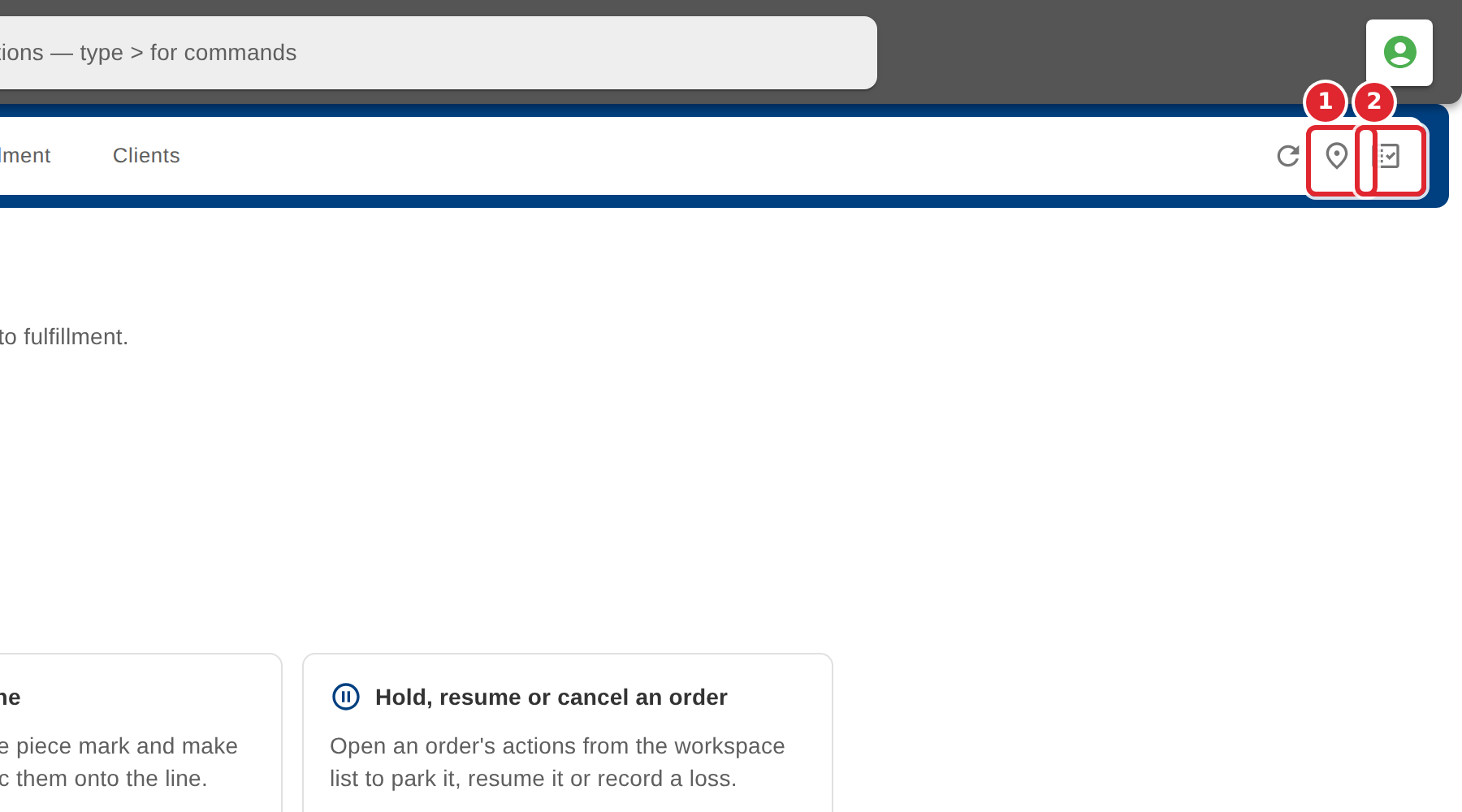
Select the refresh button at the top right to reload what the current tab shows. Its tooltip names what it will reload.
Tips
- Each card on Workflows opens the tab where that work is done, so it is the quickest way in when you are not sure where to start.