Review the yard before going live
Before the yard goes live, check how its workflow is set up, what is still missing, and record who signed it off.
Watch this in the video (2:55)
Before you start
- You are a yard administrator.
Steps
In the pictures, a numbered red box marks where to click or type. Where a picture has more than one box, the numbers give the order.
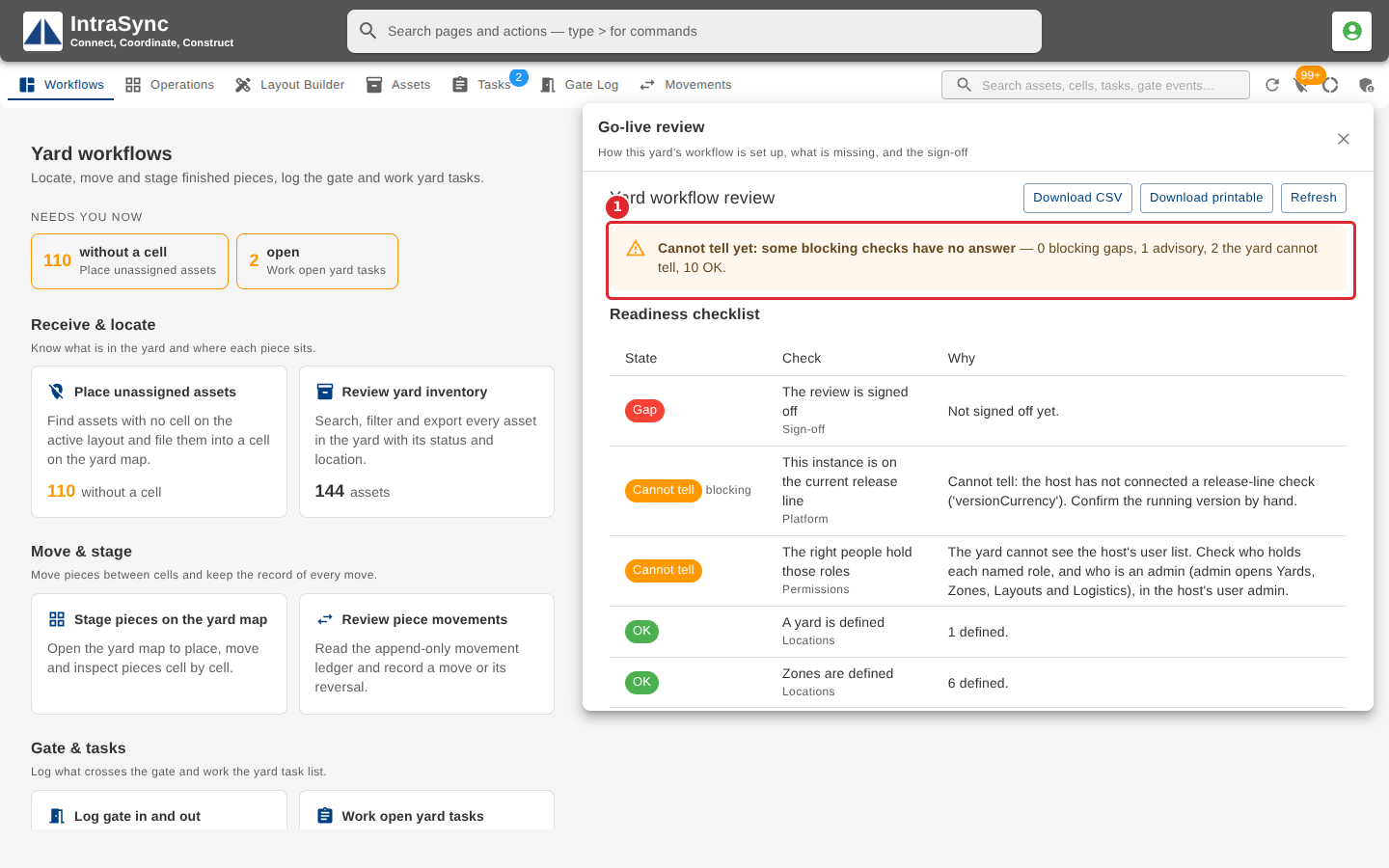
Select Yard administration, then Go-live review. The banner at the top gives the verdict: whether the yard is ready to go live, and how many checks are gaps, advisory, cannot be told by the yard, or OK.
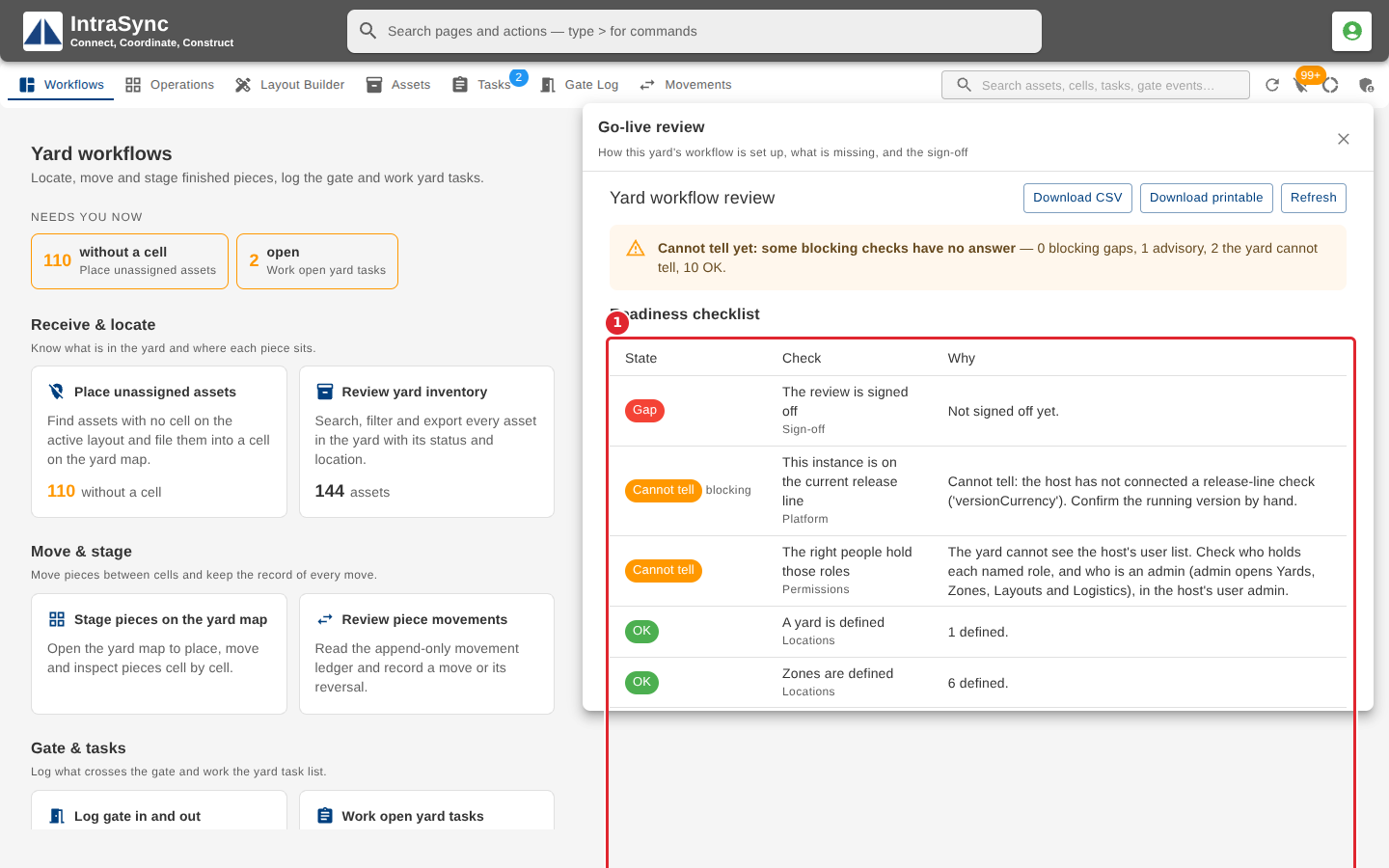
Read the Readiness checklist. Gaps come first; each row names the check, its area and why it is in that state. A check the yard cannot tell on its own says what to confirm by hand.
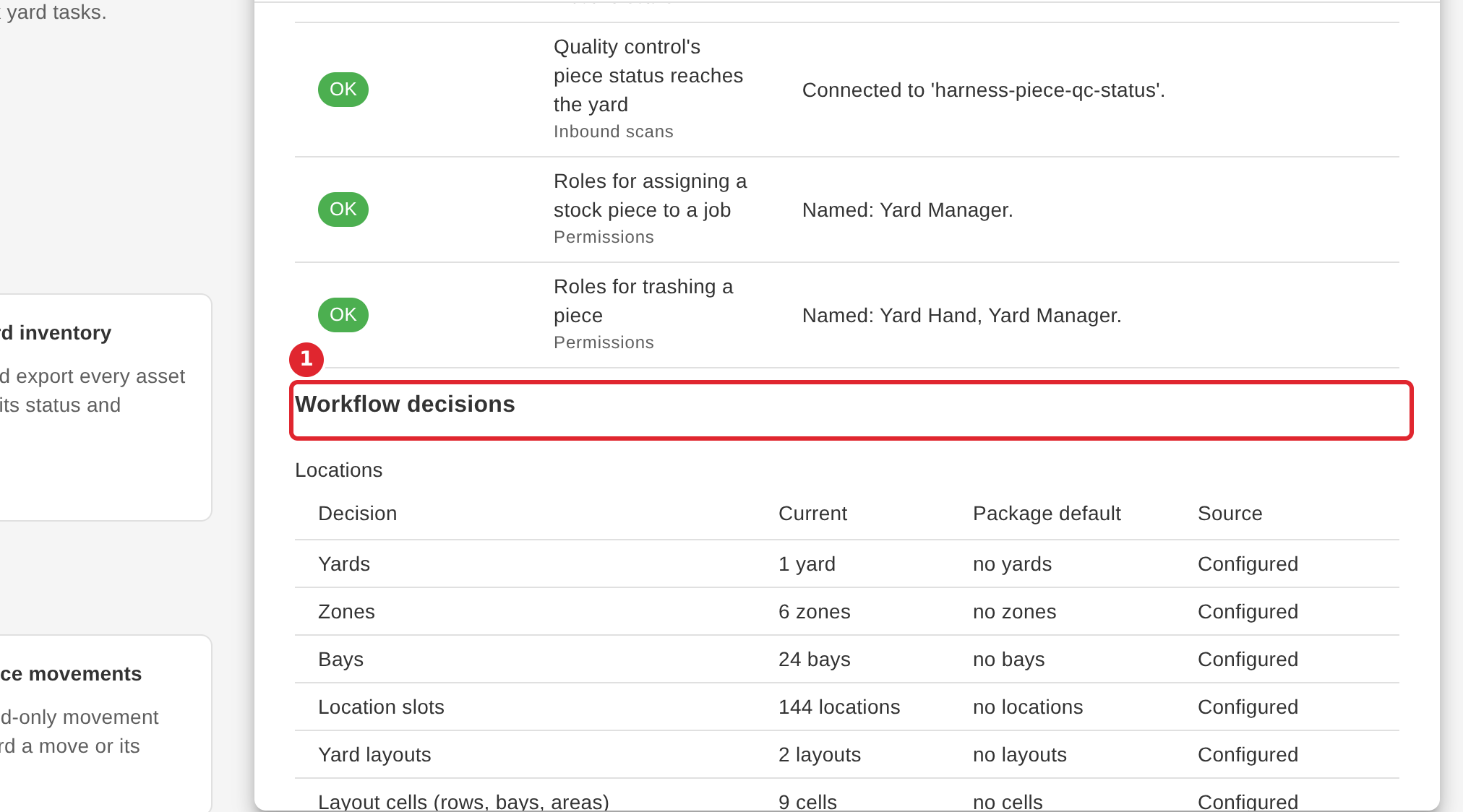
Under Workflow decisions, check each setting the yard runs with, in walk-through order: its current value, the default, and whether it was configured or left at the default.
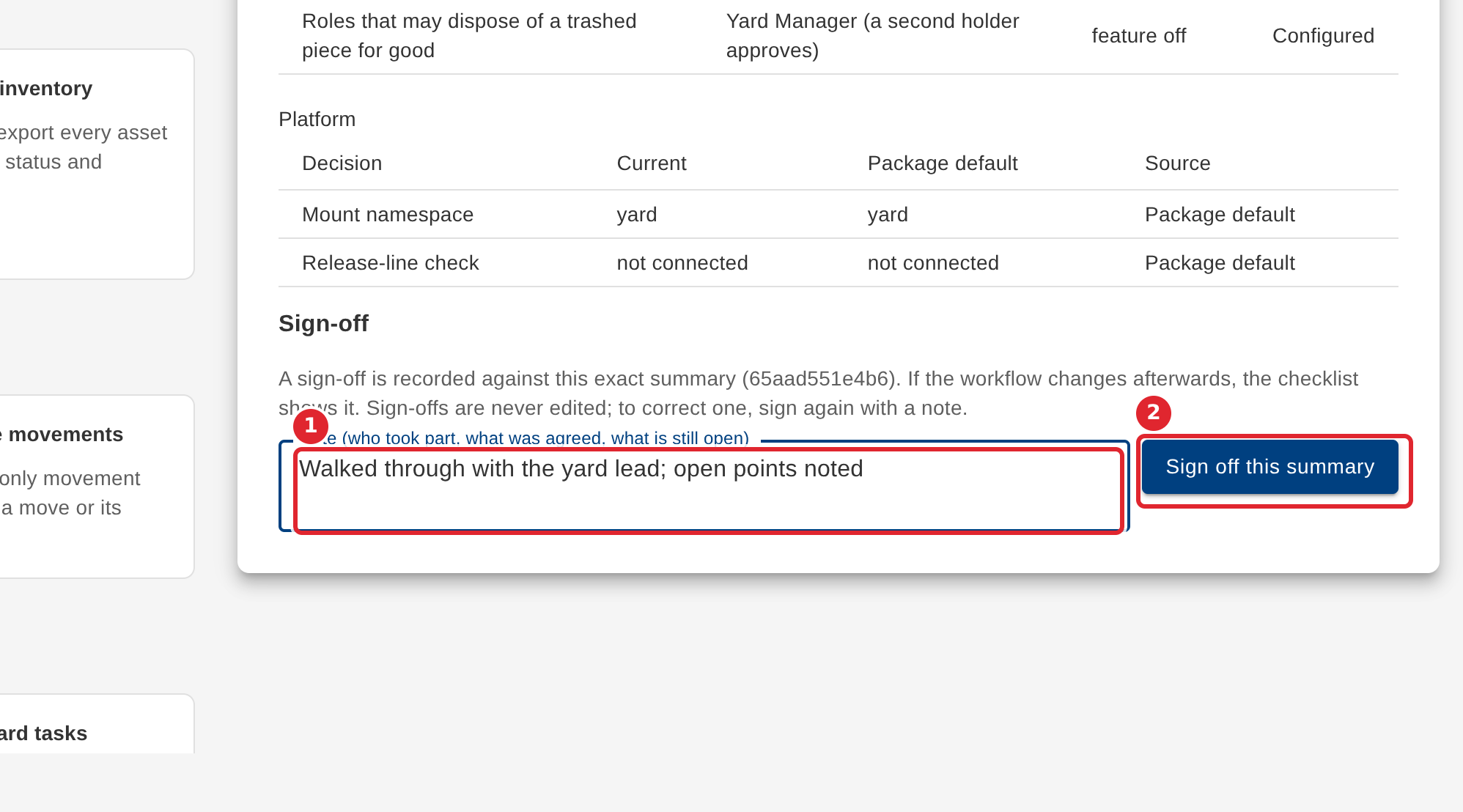
To sign off, write who took part, what was agreed and what is still open in the Note, then select Sign off this summary. A sign-off is recorded against this exact summary and is never edited; to correct one, sign again with a note.
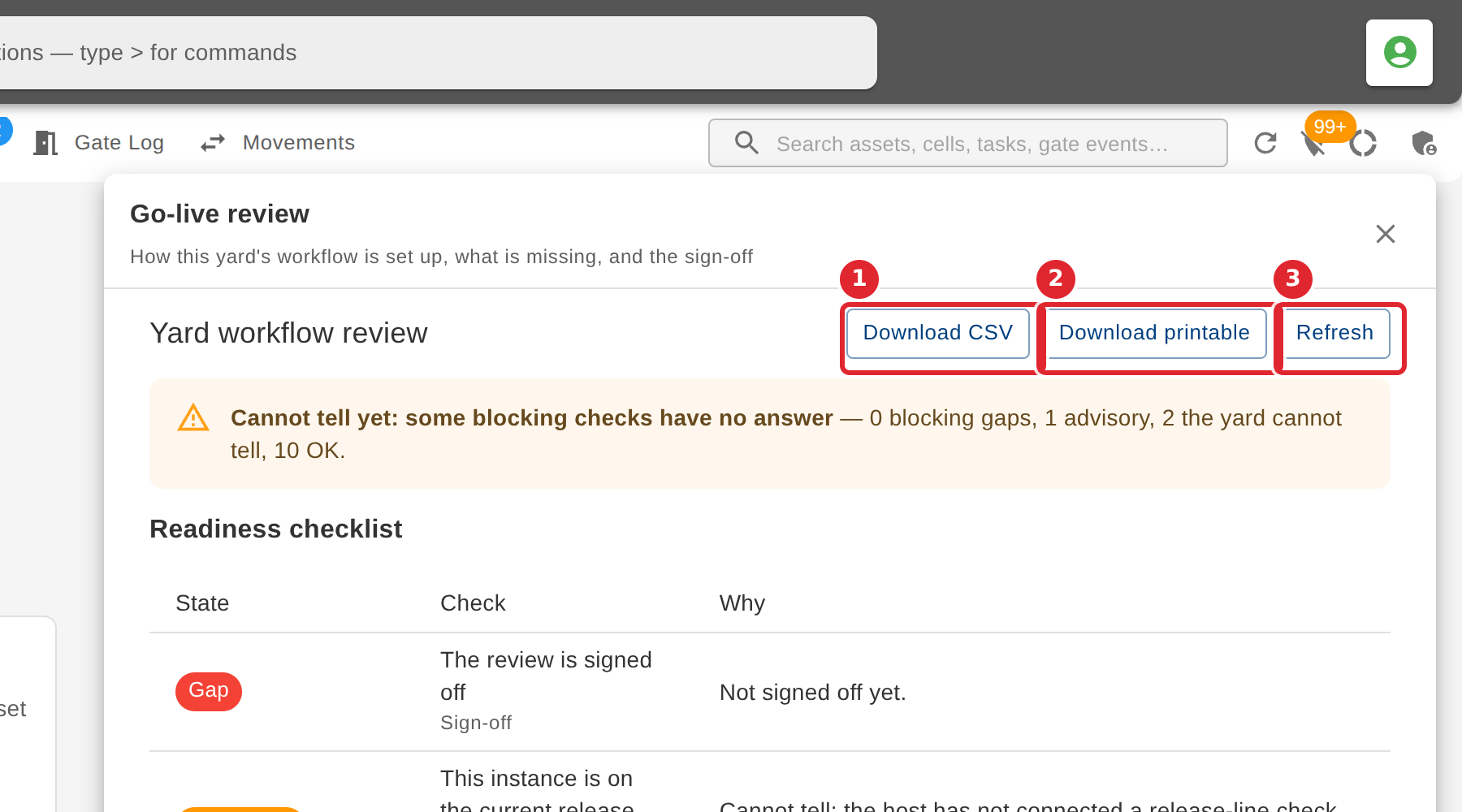
Select Download CSV or Download printable to take the review to a meeting, or Refresh to read it again.
Tips
- A check the yard cannot tell on its own is not a pass: its row says what to confirm by hand.
- A sign-off is tied to the summary it was given against. If the workflow changes afterwards, the checklist shows it.
- Sign-offs are never edited. To correct one, sign again with a note.