Accounting guide · section 24 of 28
Add a cost code
Cost codes classify job costs and decide which expense account they post to by default.
Watch this in the video (2:09)
Steps
In the pictures, a numbered red box marks where to click or type. Where a picture has more than one box, the numbers give the order.
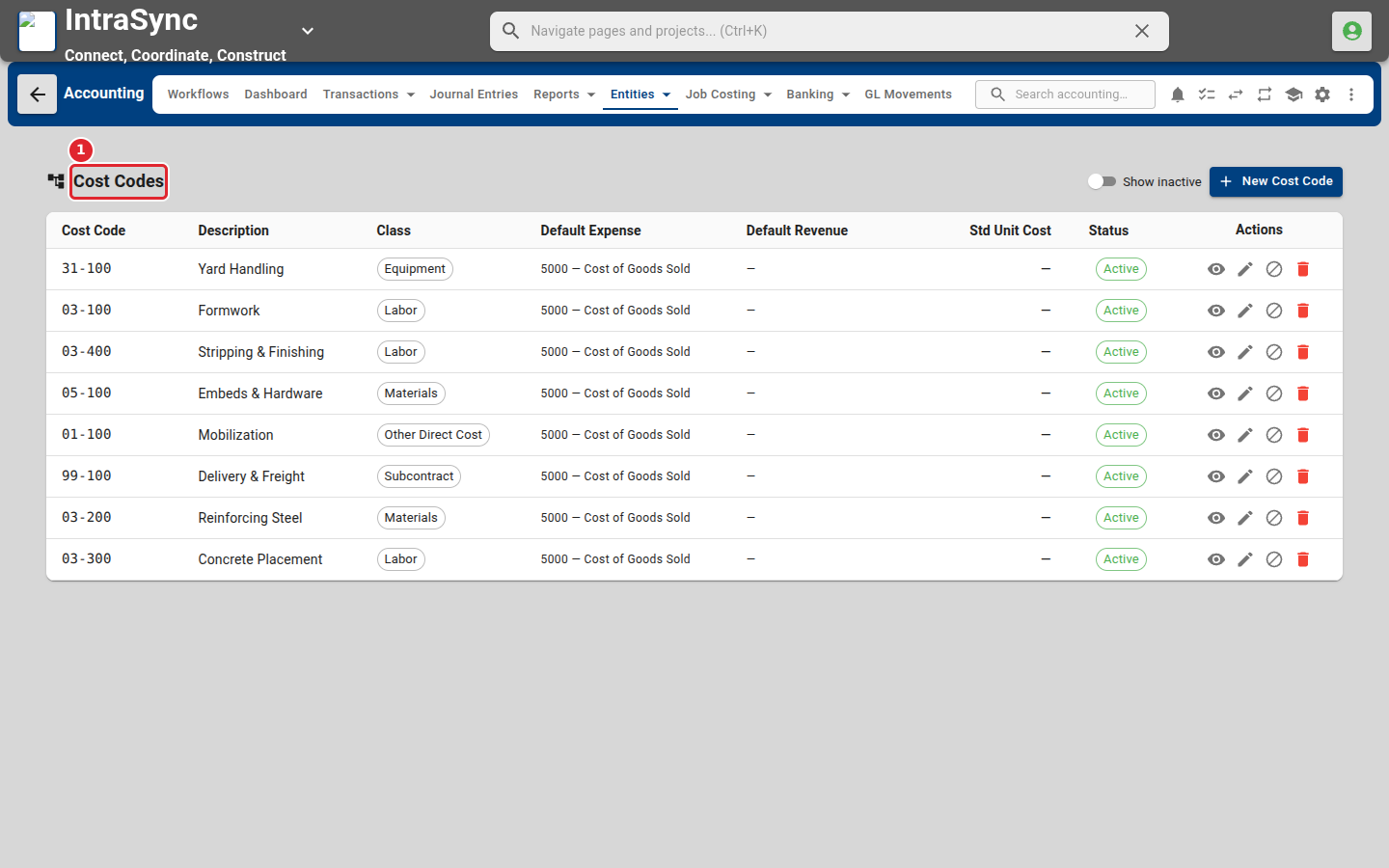
Select Entities > Cost Codes. Each code shows its class and default expense account.
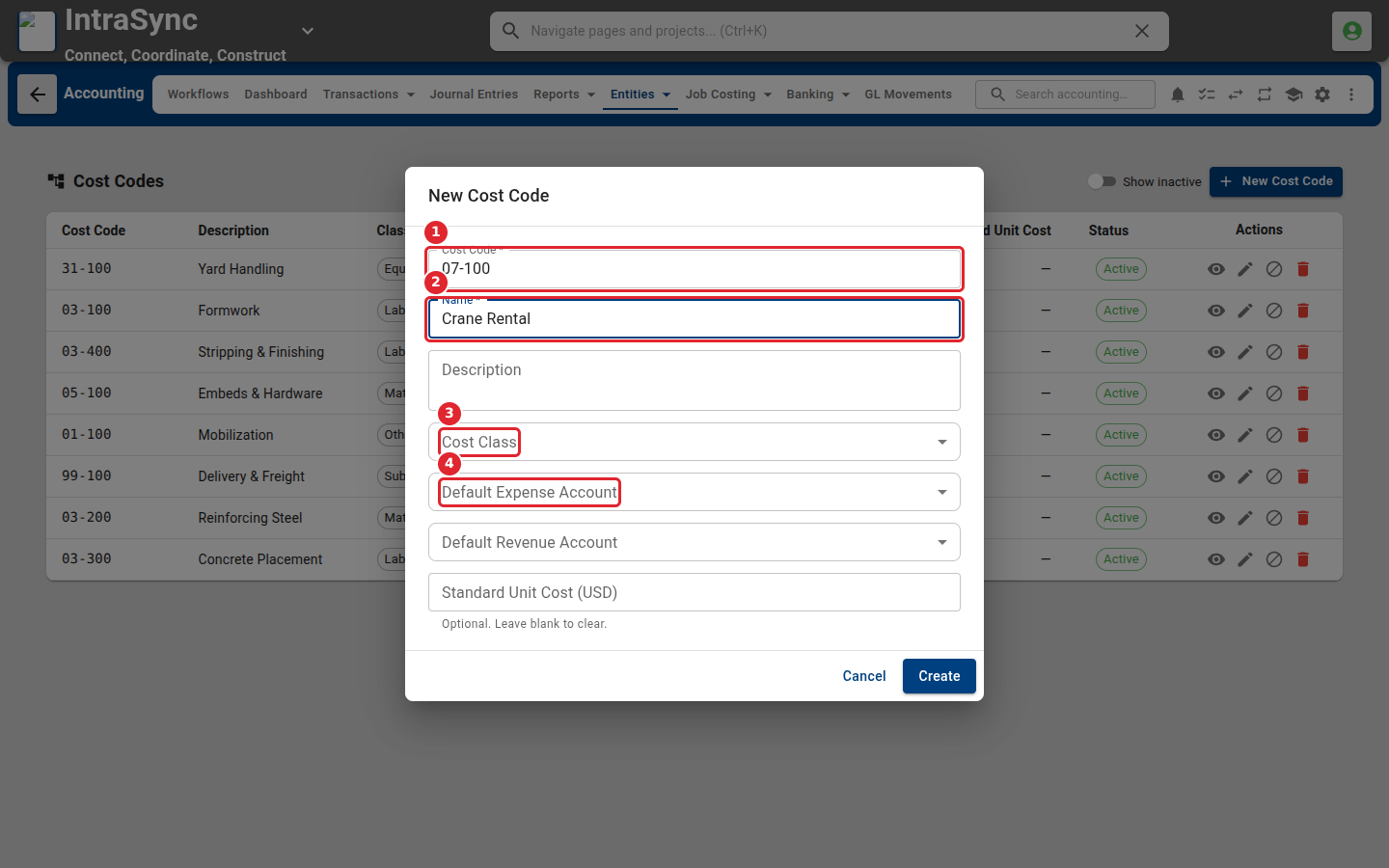
Select New Cost Code. Enter the code and name, then choose the cost class and the default expense account.
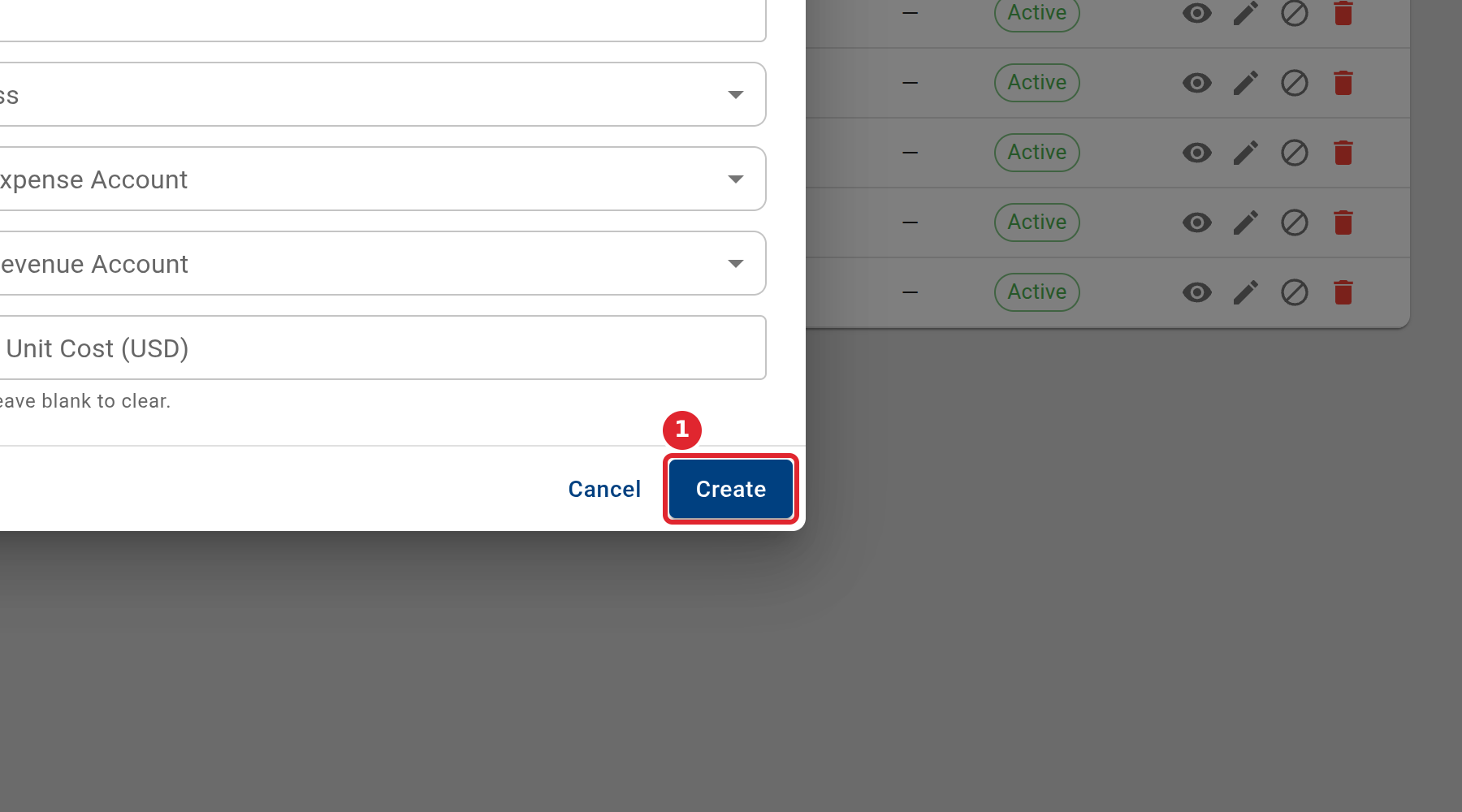
Select Create.
Tips
- The cost code is required.