Accounting guide · section 25 of 28
Use the other header tools
Reach the less frequent jobs: recurring entries, bulk import, freight matching, cardholders, tax rates and the payments register.
Watch this in the video (3:56)
Steps
In the pictures, a numbered red box marks where to click or type. Where a picture has more than one box, the numbers give the order.
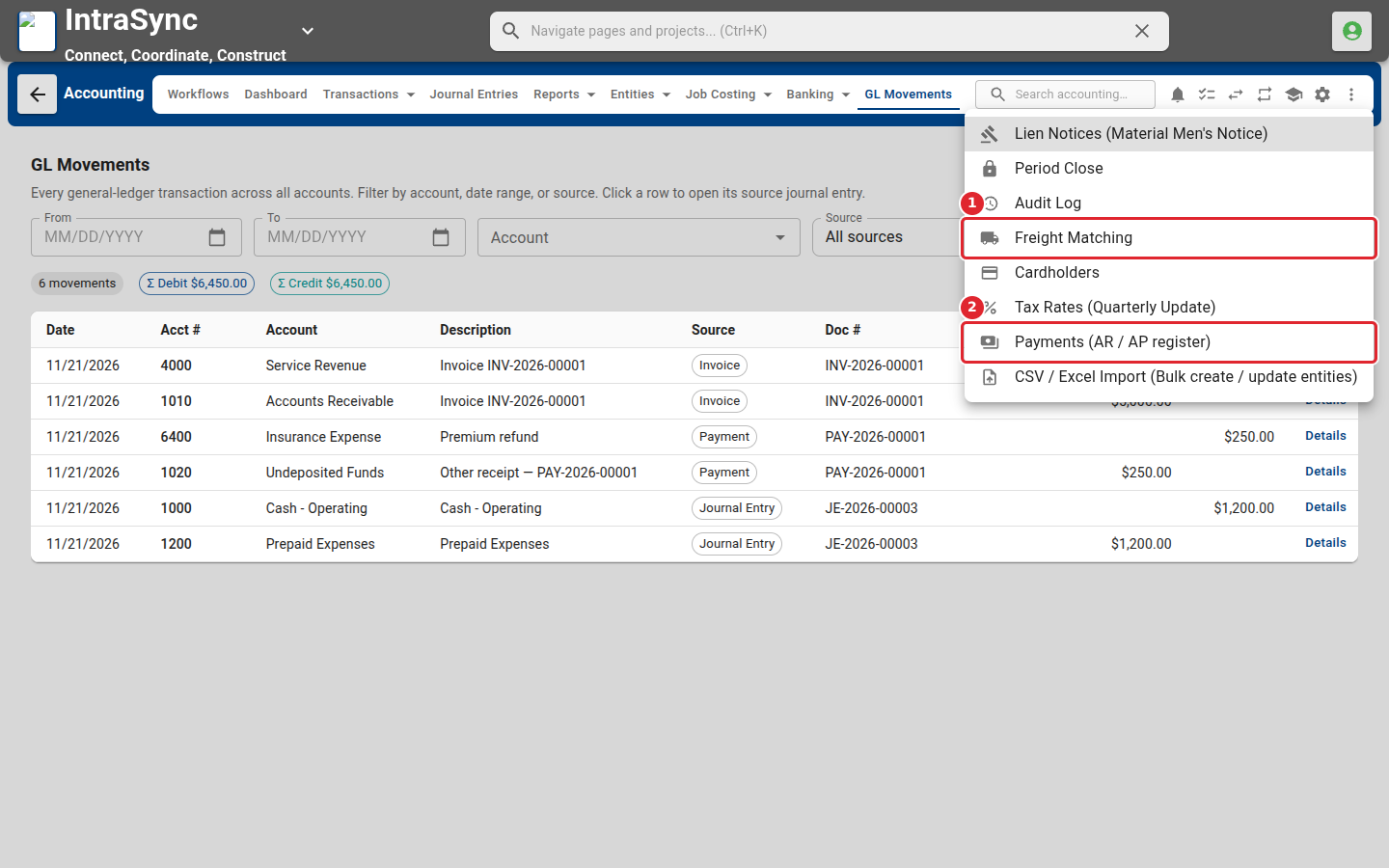
The More actions menu in the header opens the less frequent tools: freight matching, cardholders, tax rates, the payments register and bulk import.
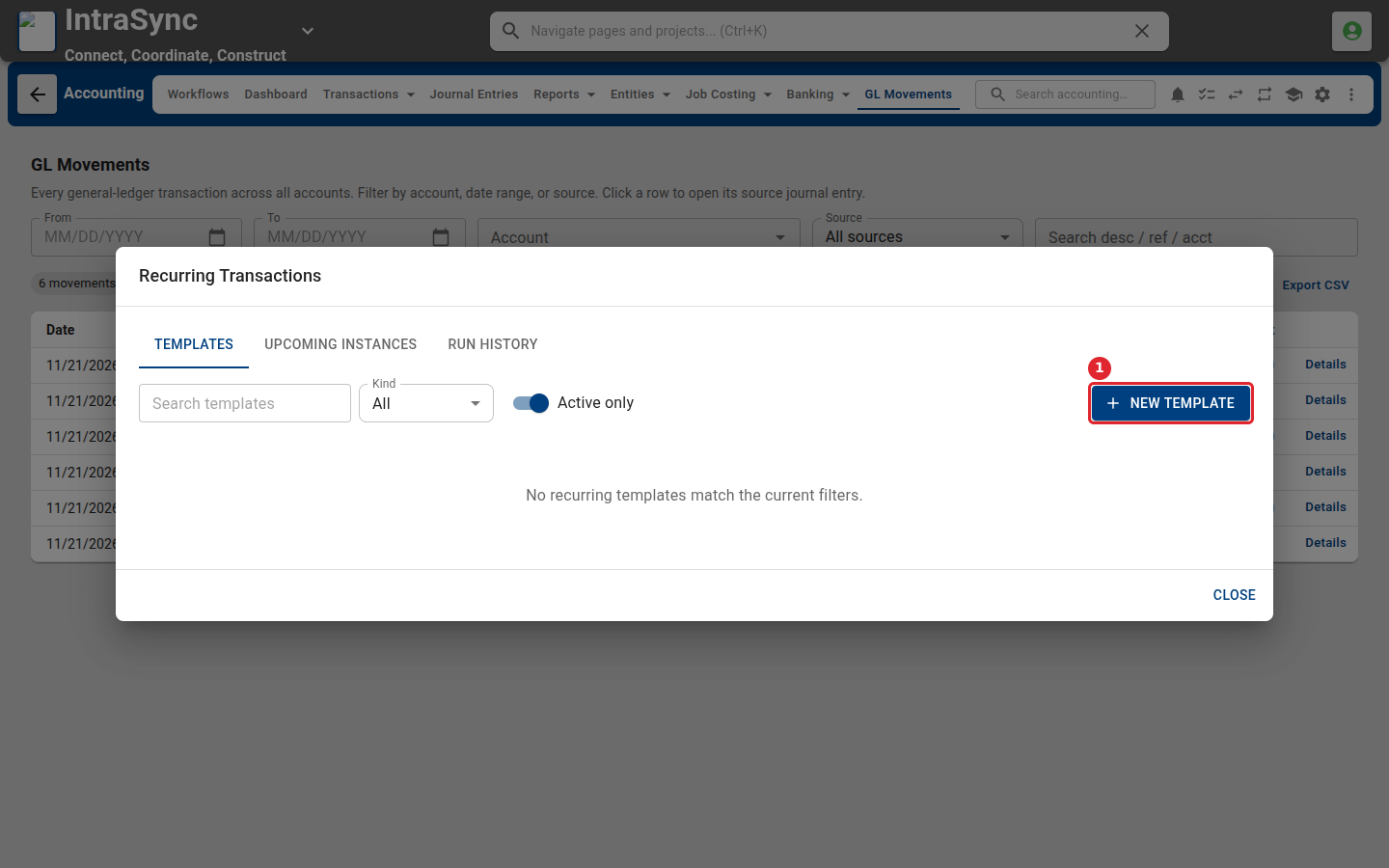
Recurring Transactions holds templates for entries you post every period. Select New Template to set one up.
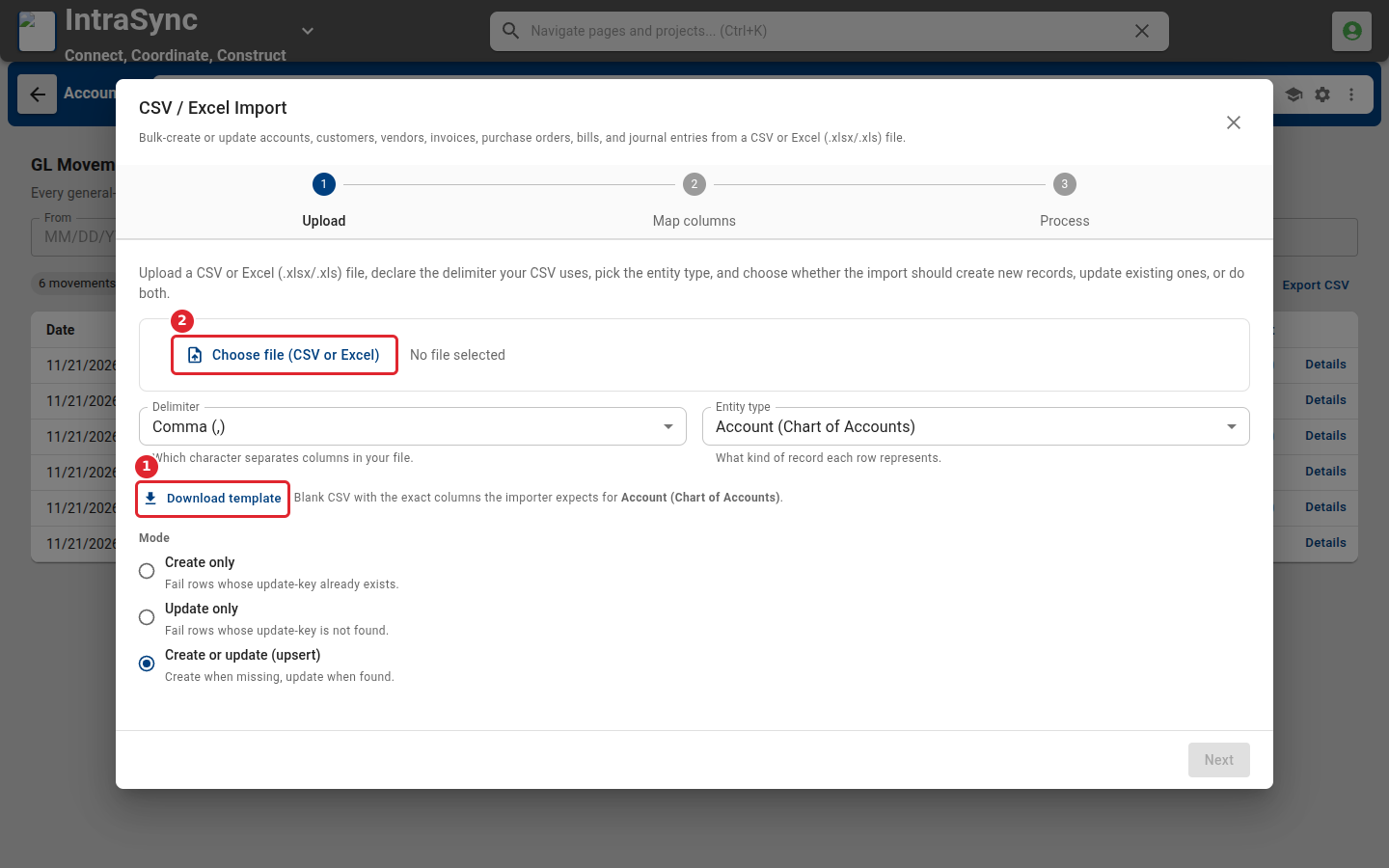
Bulk import creates or updates records from a spreadsheet. Select Download template, fill it in, then choose the file.
Tips
- Bulk import can create only, update only, or create and update records. Choose the mode before you upload.
- Intercompany transactions need a second company set up under Settings > Company / General.