Accounting guide · section 5 of 28
Add a vendor
A vendor must exist before you can raise a purchase order or enter a bill for them.
Watch this in the video (2:24)
Steps
In the pictures, a numbered red box marks where to click or type. Where a picture has more than one box, the numbers give the order.
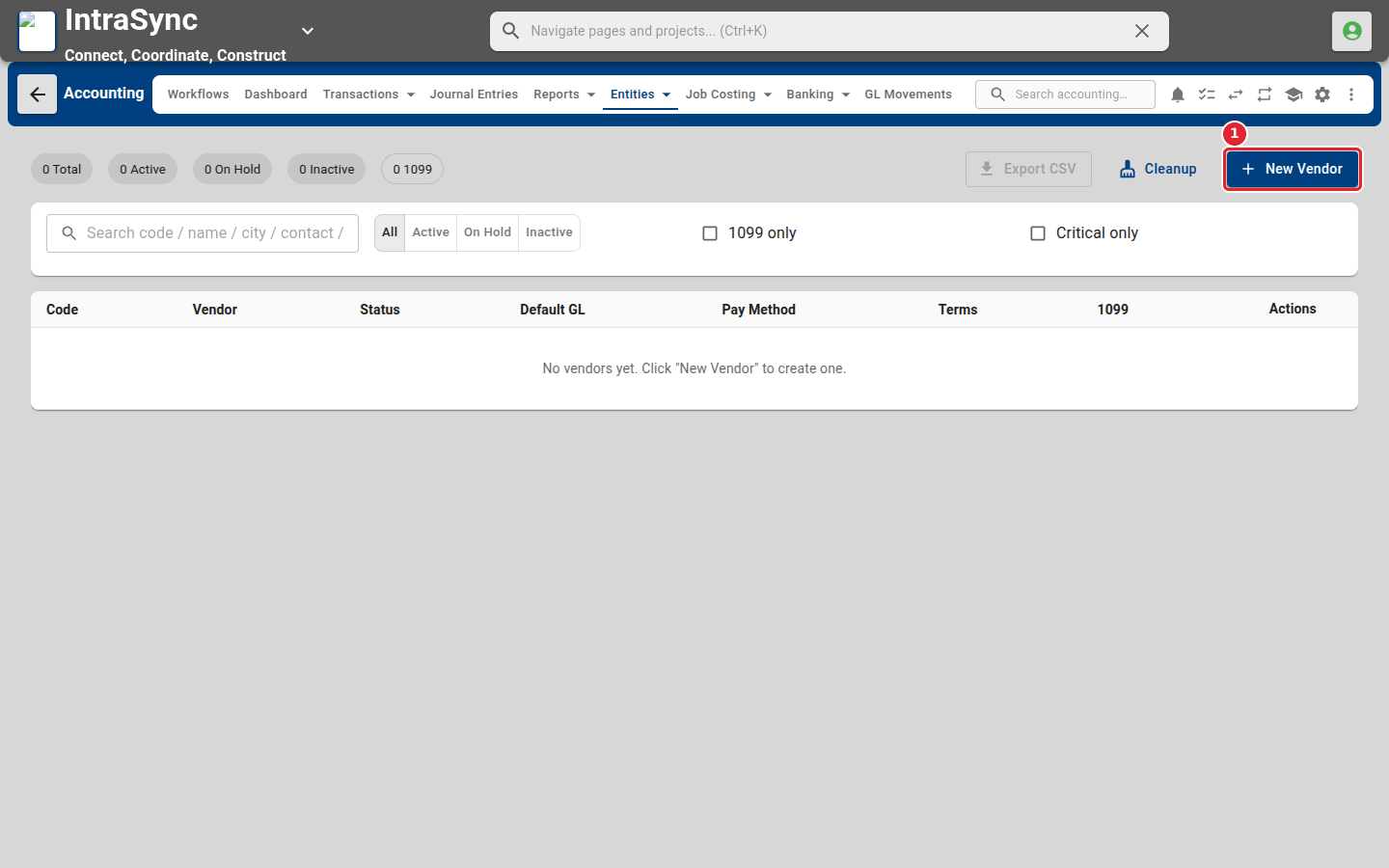
Select Entities > Vendors, then select New Vendor.
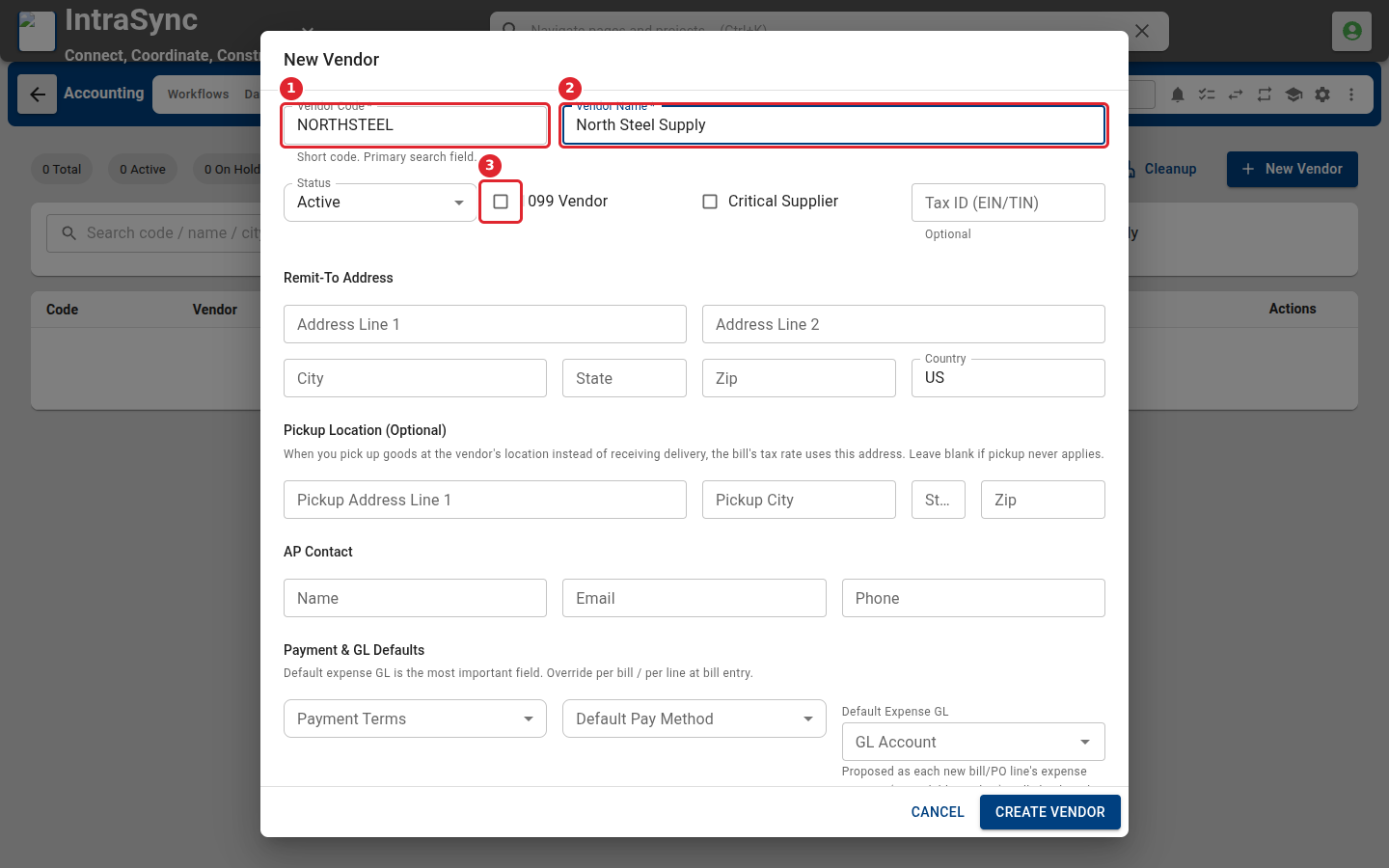
Enter a short vendor code and the vendor name. Tick 1099 Vendor if you report payments to this vendor on a 1099.
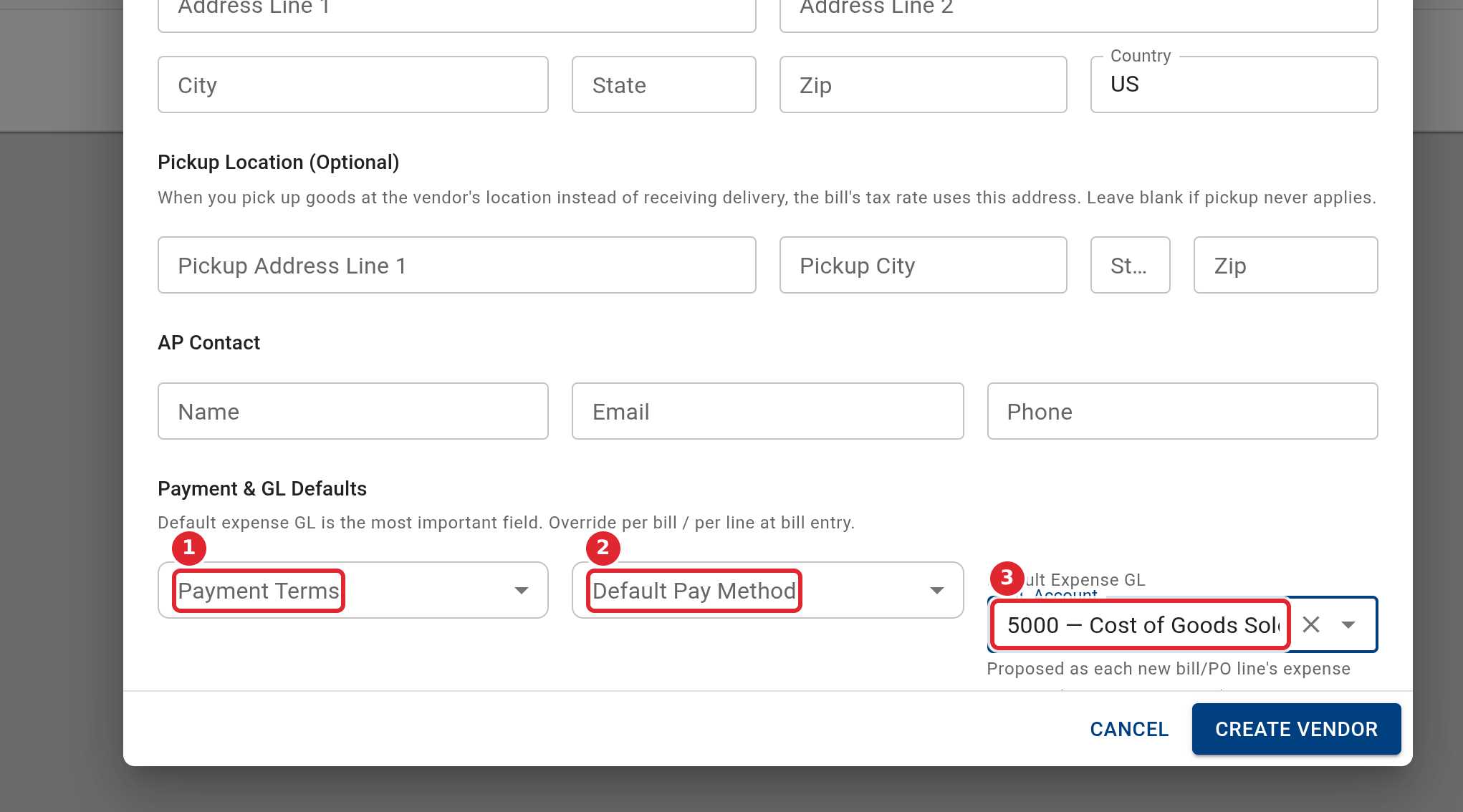
Under Payment & GL Defaults, choose the payment terms, the default pay method and the default expense account.
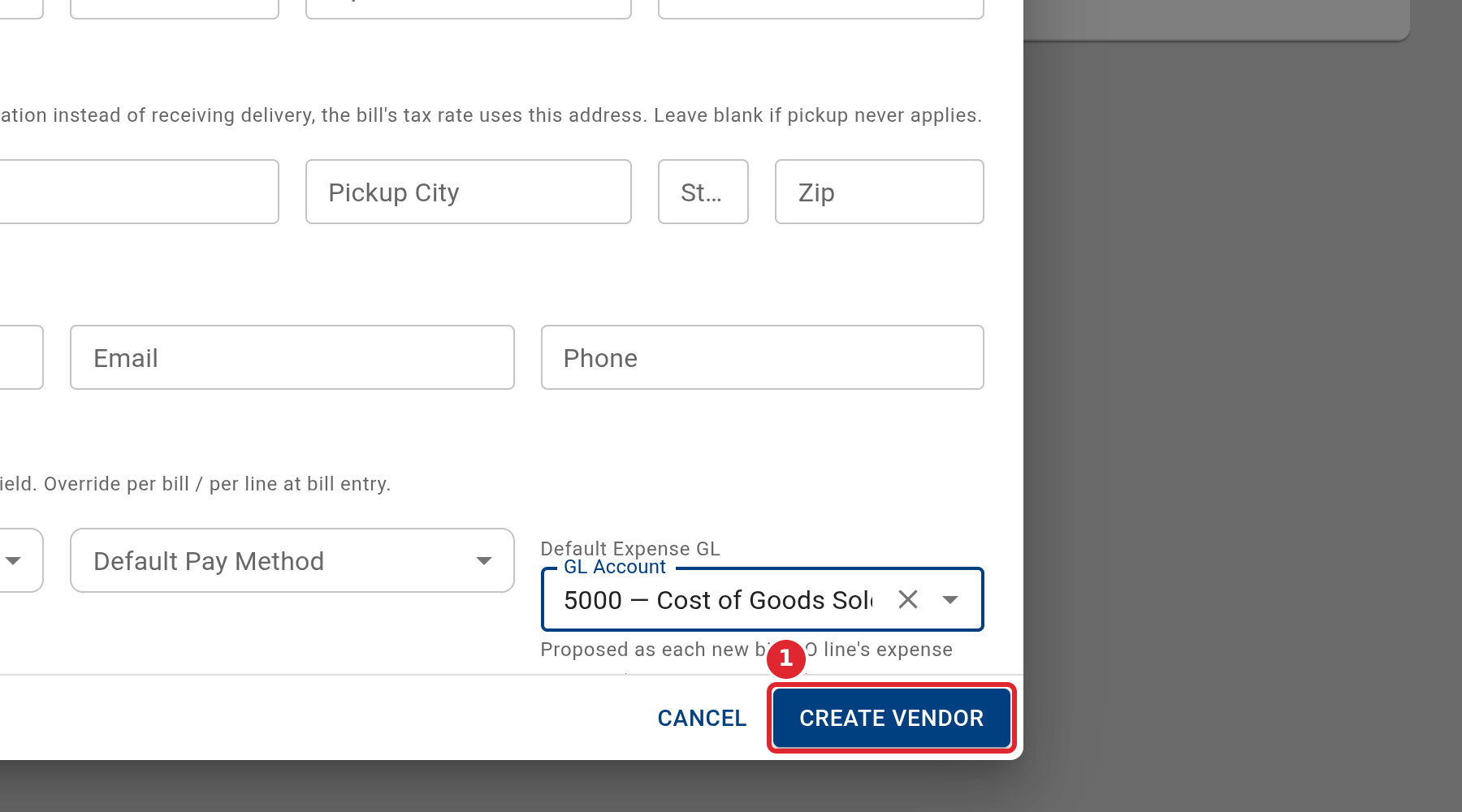
Select Create Vendor.
Tips
- The default expense account is the most important field: every new bill and purchase order line proposes it, and you can still change it per line.
- Fill in Pickup Location only if you collect goods from the vendor. The bill's tax rate then uses that address.
- You can also add a vendor while entering a bill or purchase order: type the name in the Vendor field and choose Create.