Accounting guide · section 14 of 28
Work through your approvals
Approve or reject the documents waiting on you, and see what has changed.
Watch this in the video (3:43)
Steps
In the pictures, a numbered red box marks where to click or type. Where a picture has more than one box, the numbers give the order.
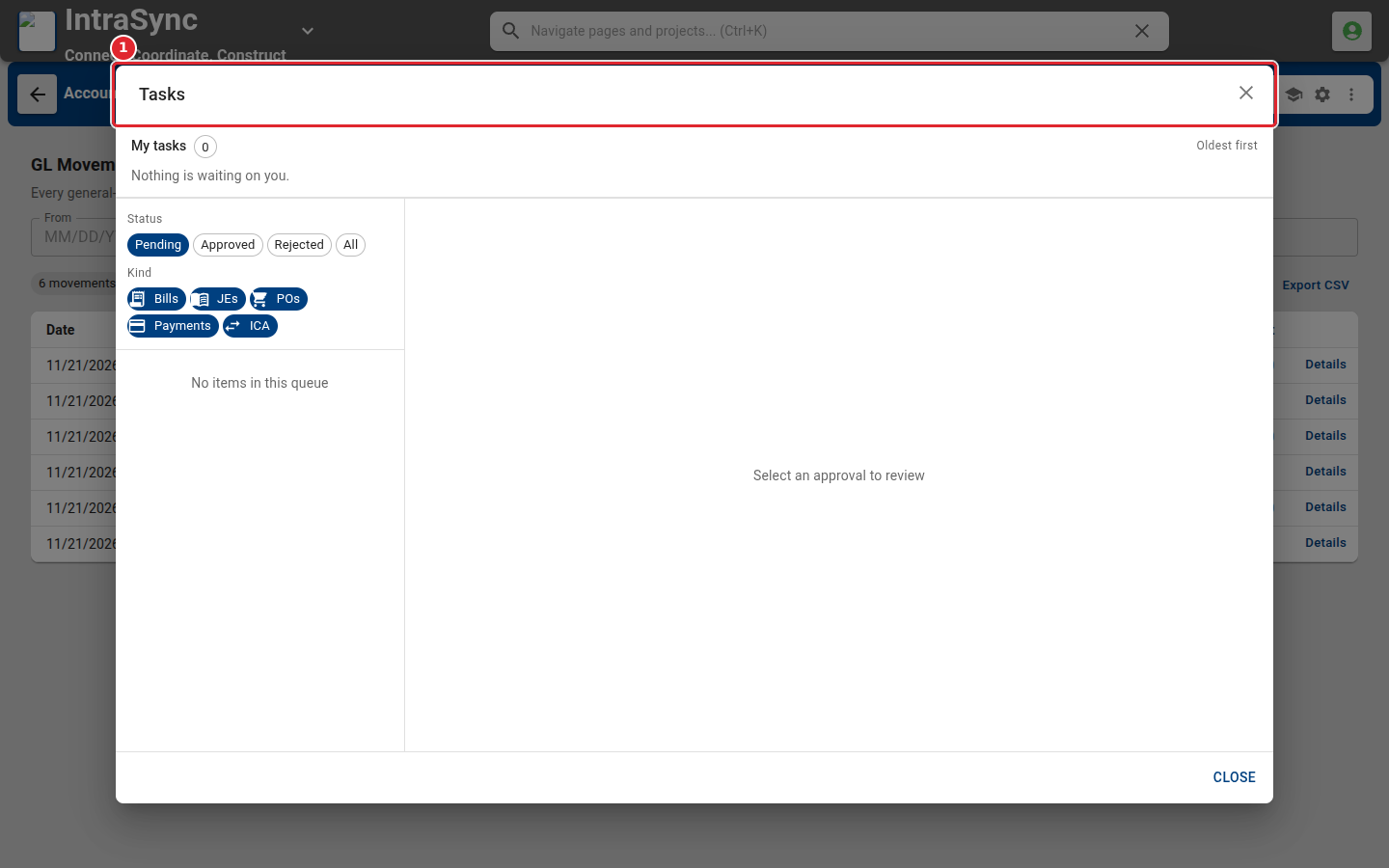
Select Tasks in the header to see the approvals waiting on you.
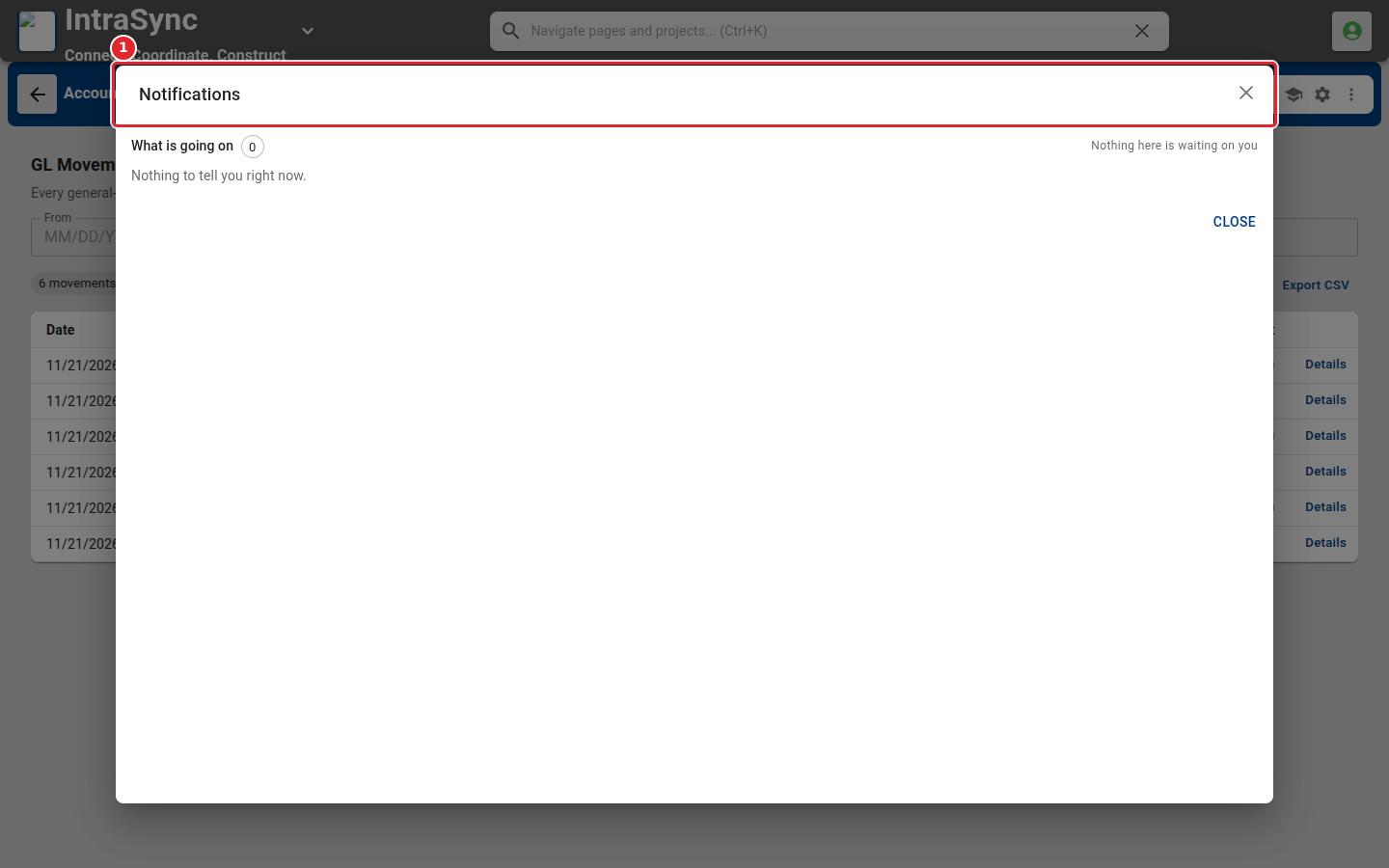
Select Notifications to see what has changed that needs your attention.
Tips
- Tasks can be filtered by status (pending, approved, rejected) and by kind of document.