Accounting guide · section 15 of 28
Run the financial statements
Read profit and loss, the balance sheet and cash flow for any period, and share them.
Watch this in the video (1:00)
Steps
In the pictures, a numbered red box marks where to click or type. Where a picture has more than one box, the numbers give the order.
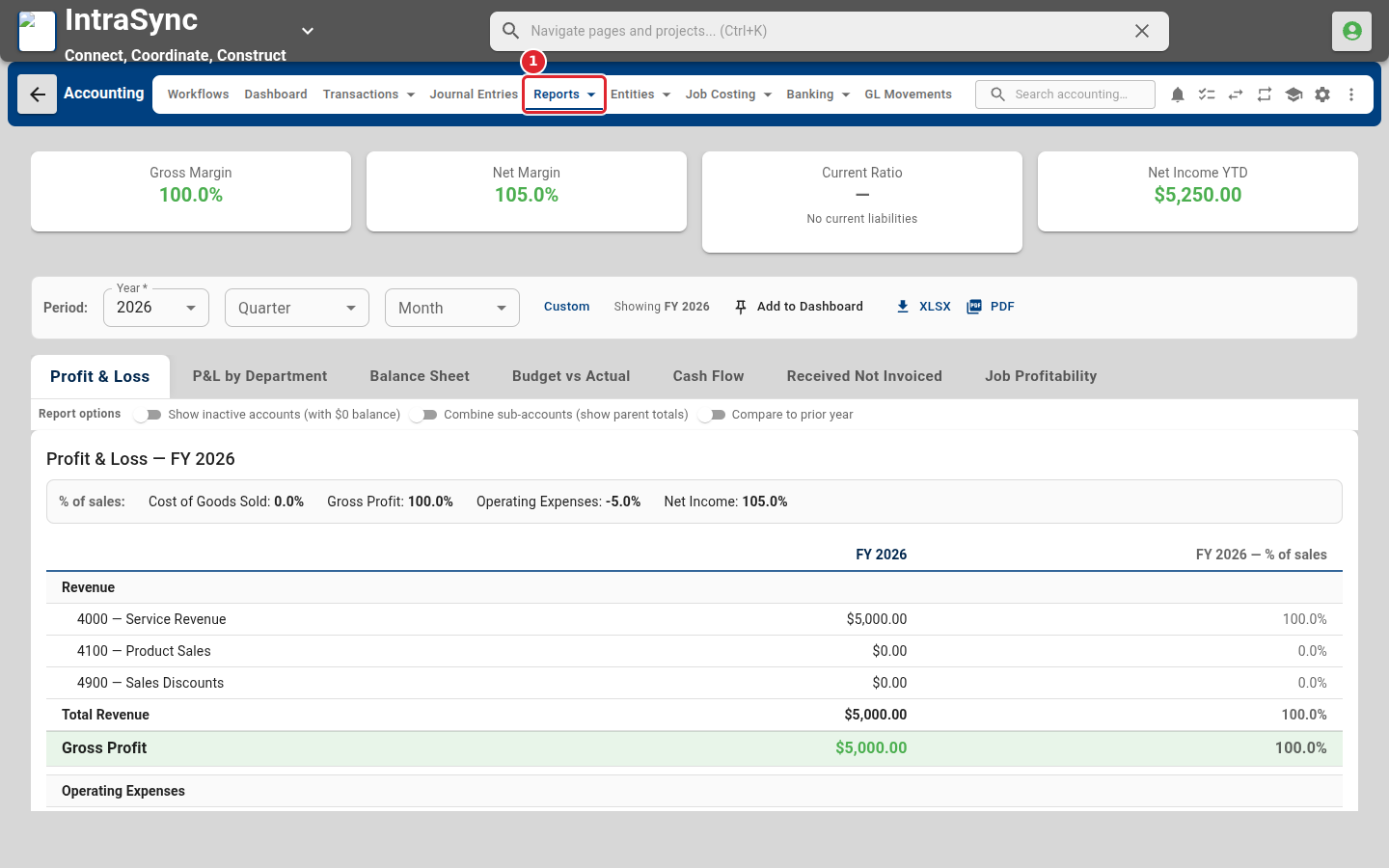
Select Reports > Financial > Financial Reports. Profit and loss opens first.
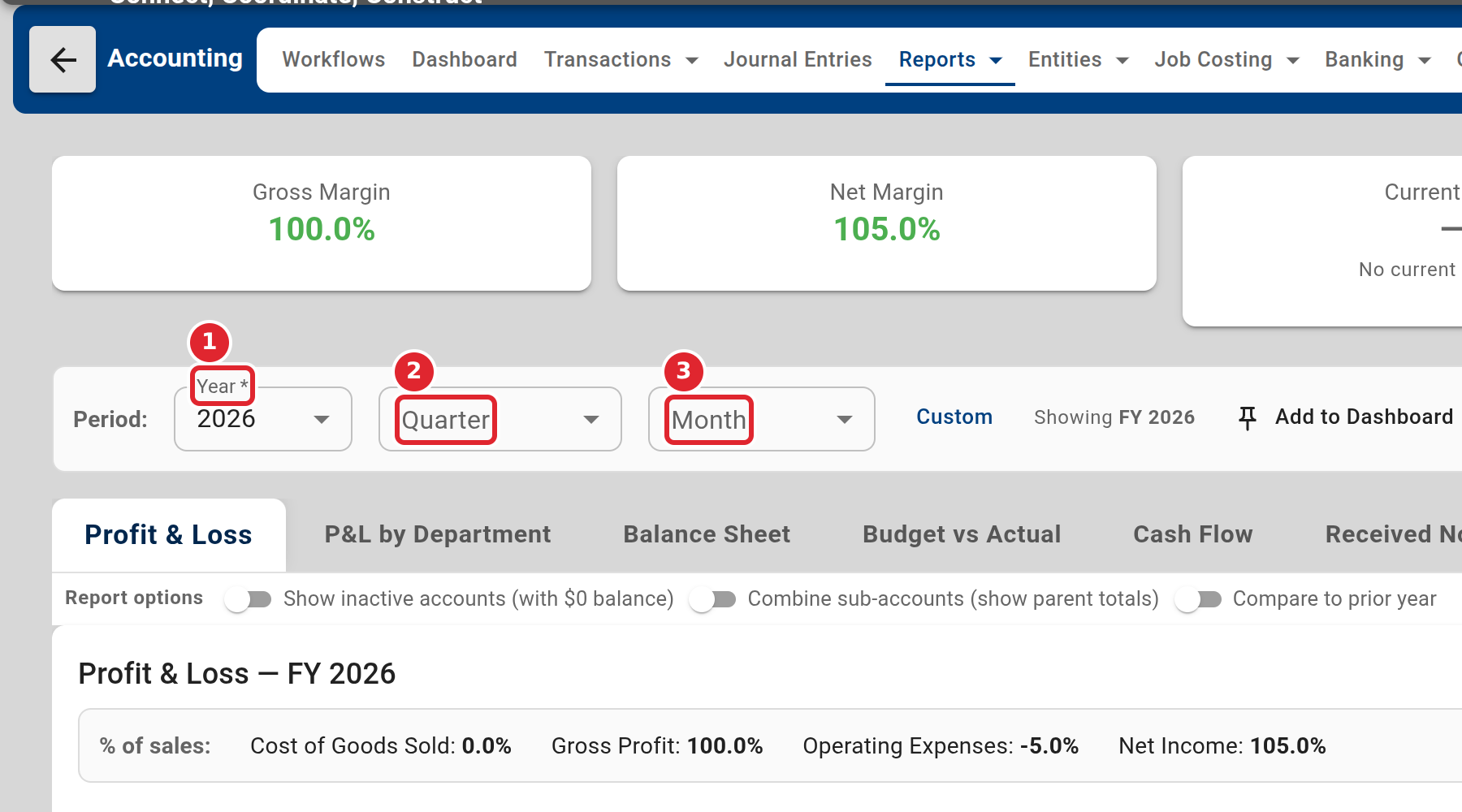
Choose the year, quarter or month the report covers.
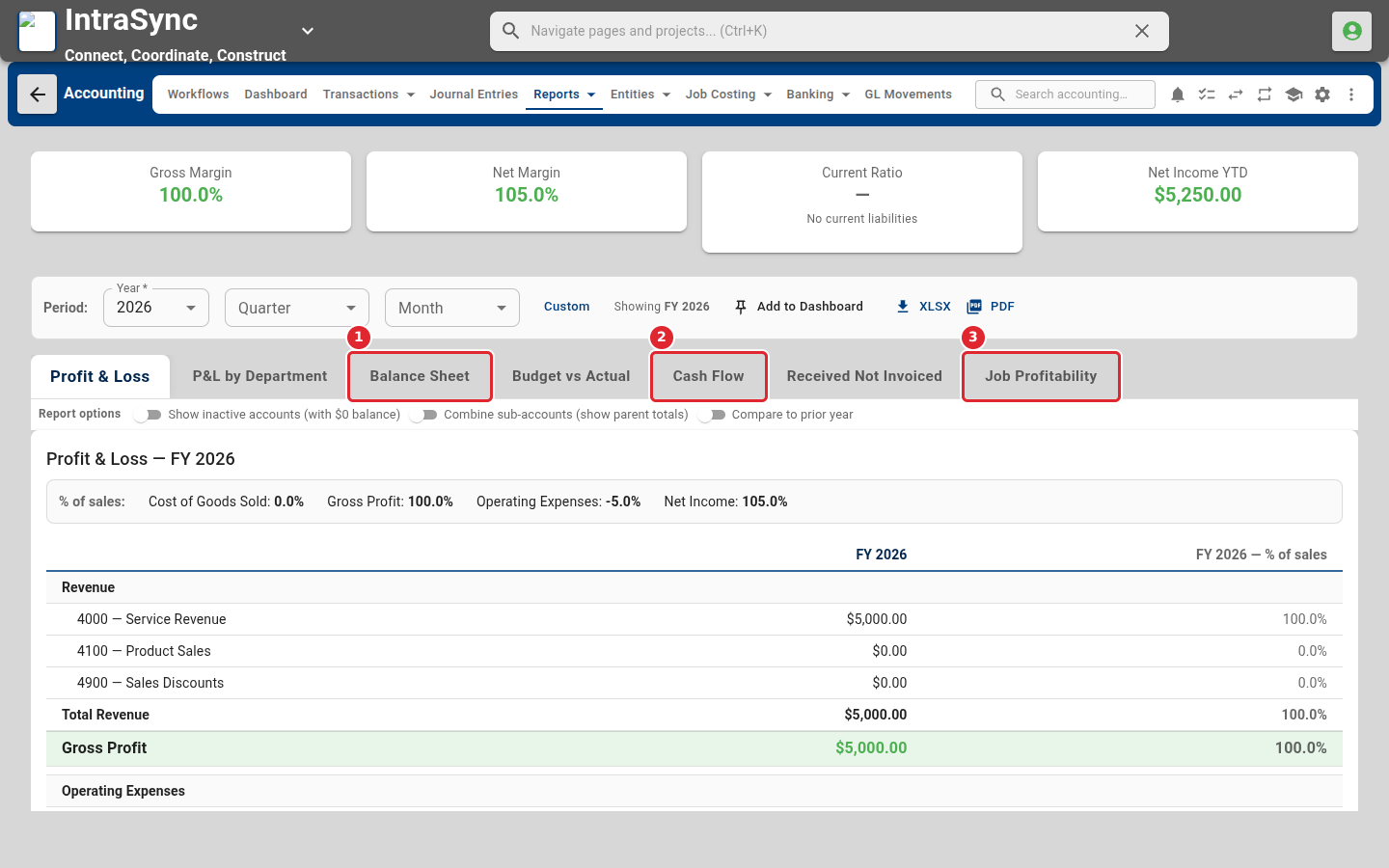
Select a tab to change the statement: by department, balance sheet, budget against actual, cash flow, received not invoiced, or job profitability.
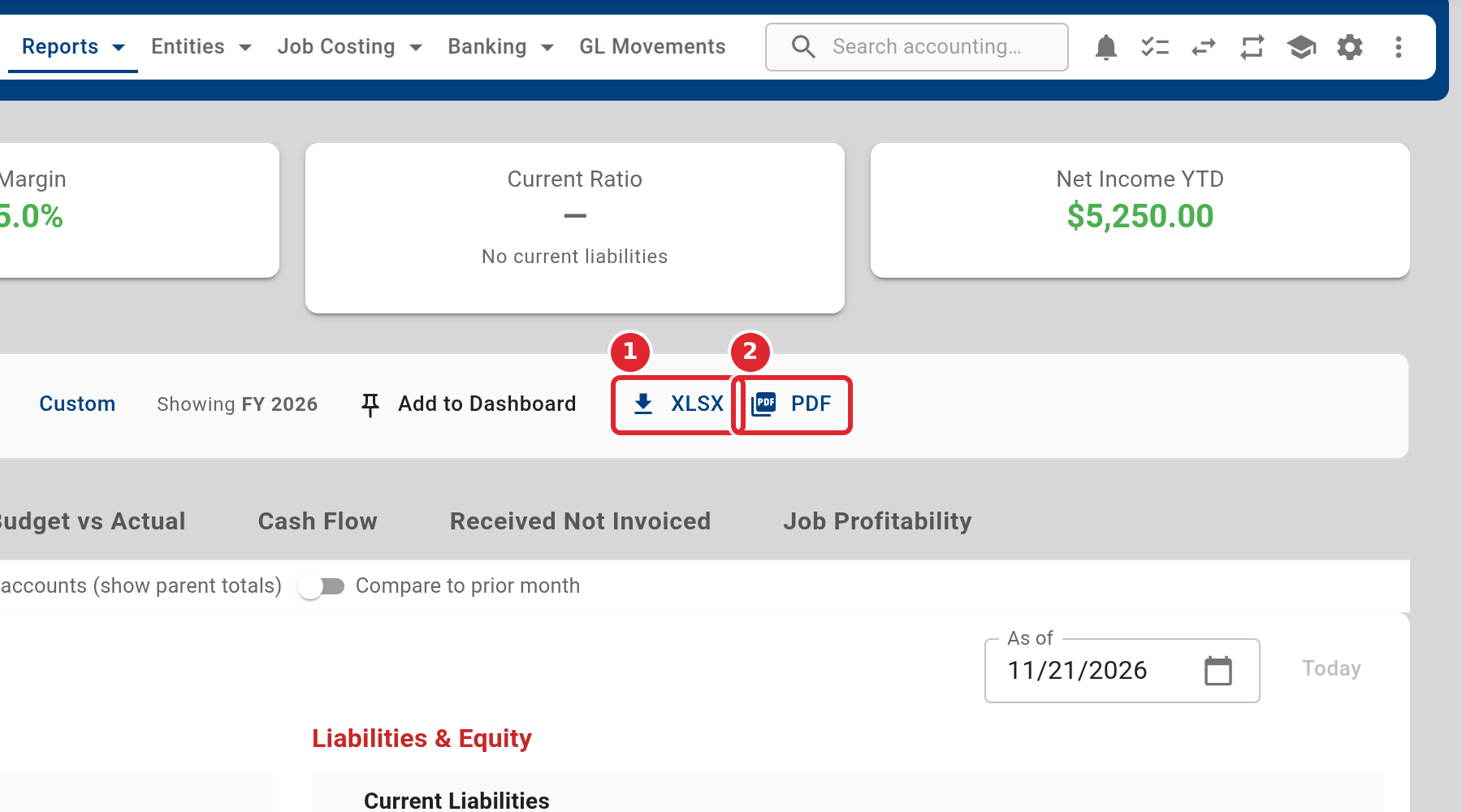
Use the export buttons to save the statement as an Excel file or a PDF.
Tips
- An account with no cash flow category is left out of the cash flow statement, which says so. Set the category on the account (see Add a GL account).