Accounting guide · section 3 of 28
Check the day's position on the Dashboard
See what is owed to you, what you owe, and your cash before you start the day's work.
Watch this in the video (0:06)
Steps
In the pictures, a numbered red box marks where to click or type. Where a picture has more than one box, the numbers give the order.
Select Dashboard to see receivables, payables, cash position, revenue and pending deposits at a glance.
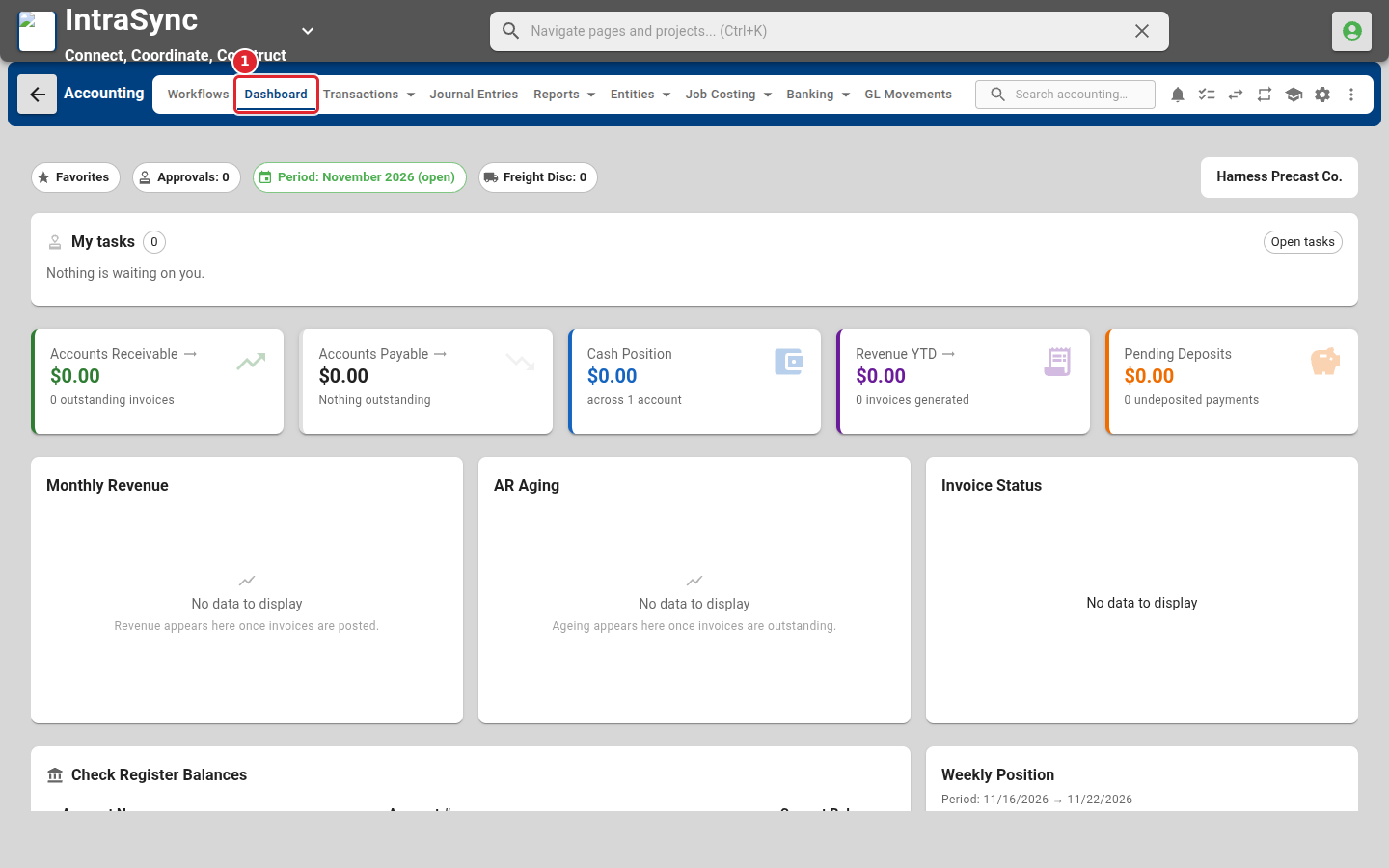
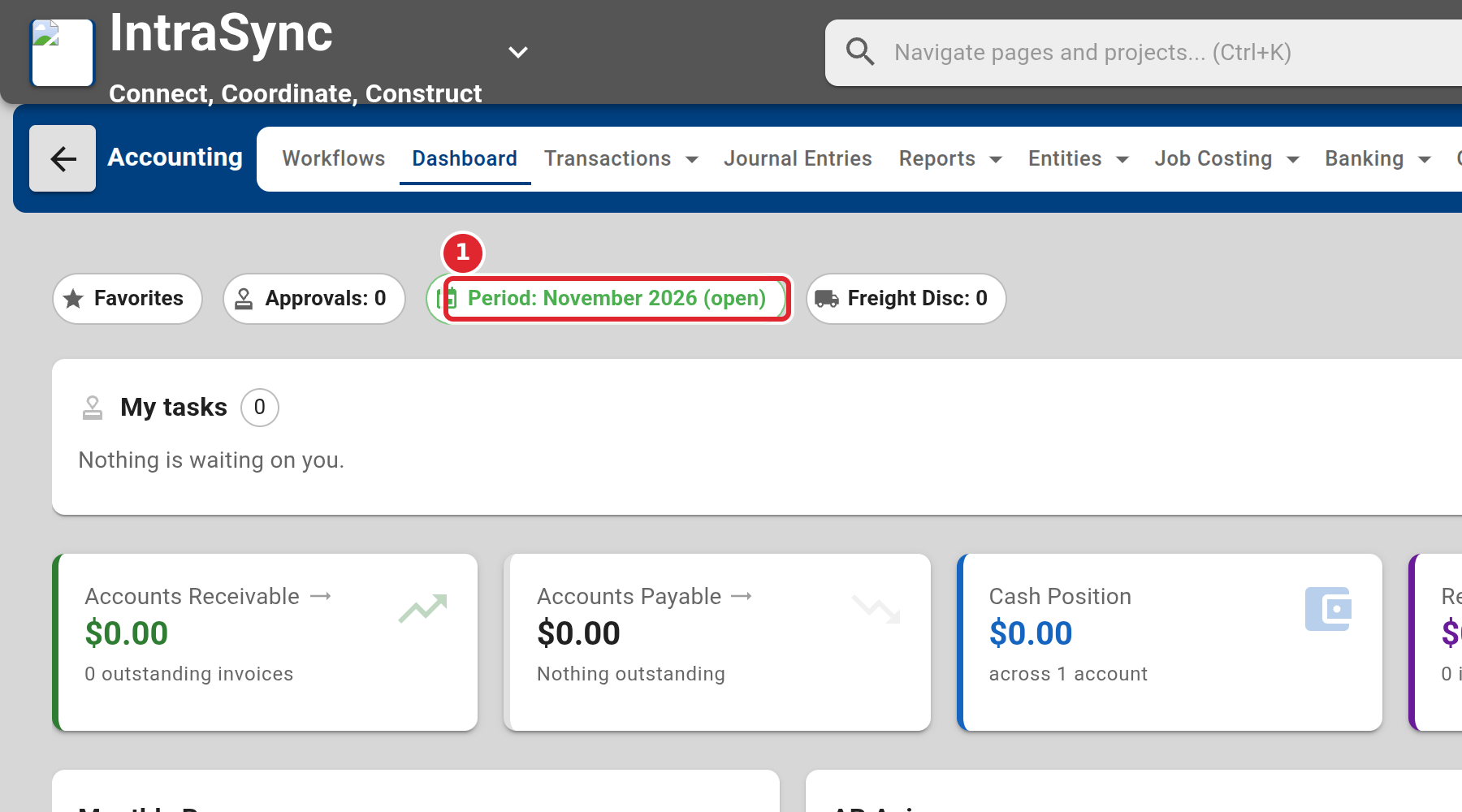
The chip at the top shows the fiscal period you are posting into, and whether it is open.