Core guide · section 18 of 21
Answer a question from the IntraSync team
When the IntraSync team needs a decision from your company, the question arrives here. Your answer decides how the software behaves for you.
Watch this in the video (2:06)
Before you start
- The question is addressed to you, or you are an administrator.
Steps
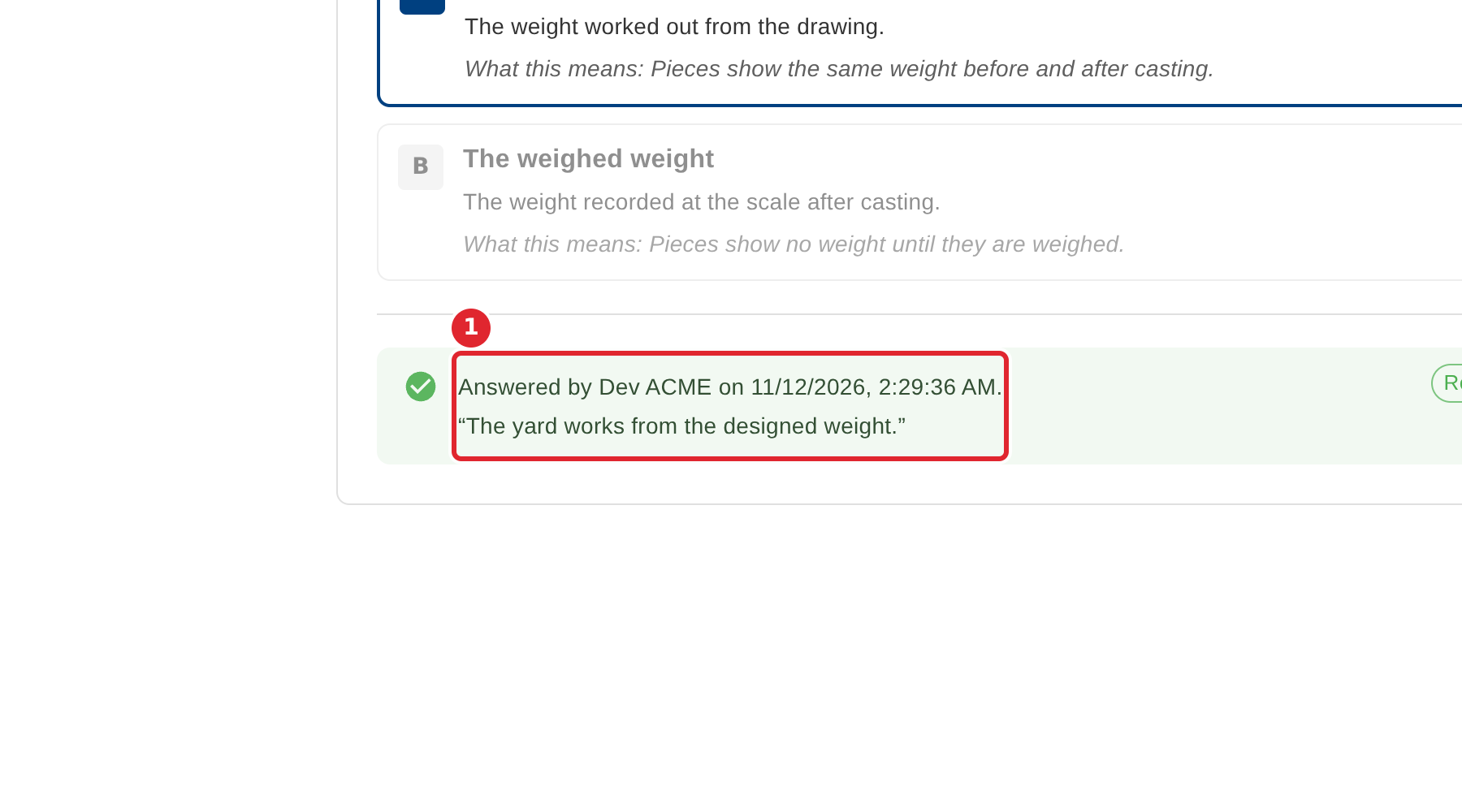
In the pictures, a numbered red box marks where to click or type. Where a picture has more than one box, the numbers give the order.
Open Inquiries. Questions waiting for your answer are listed first, marked Open.
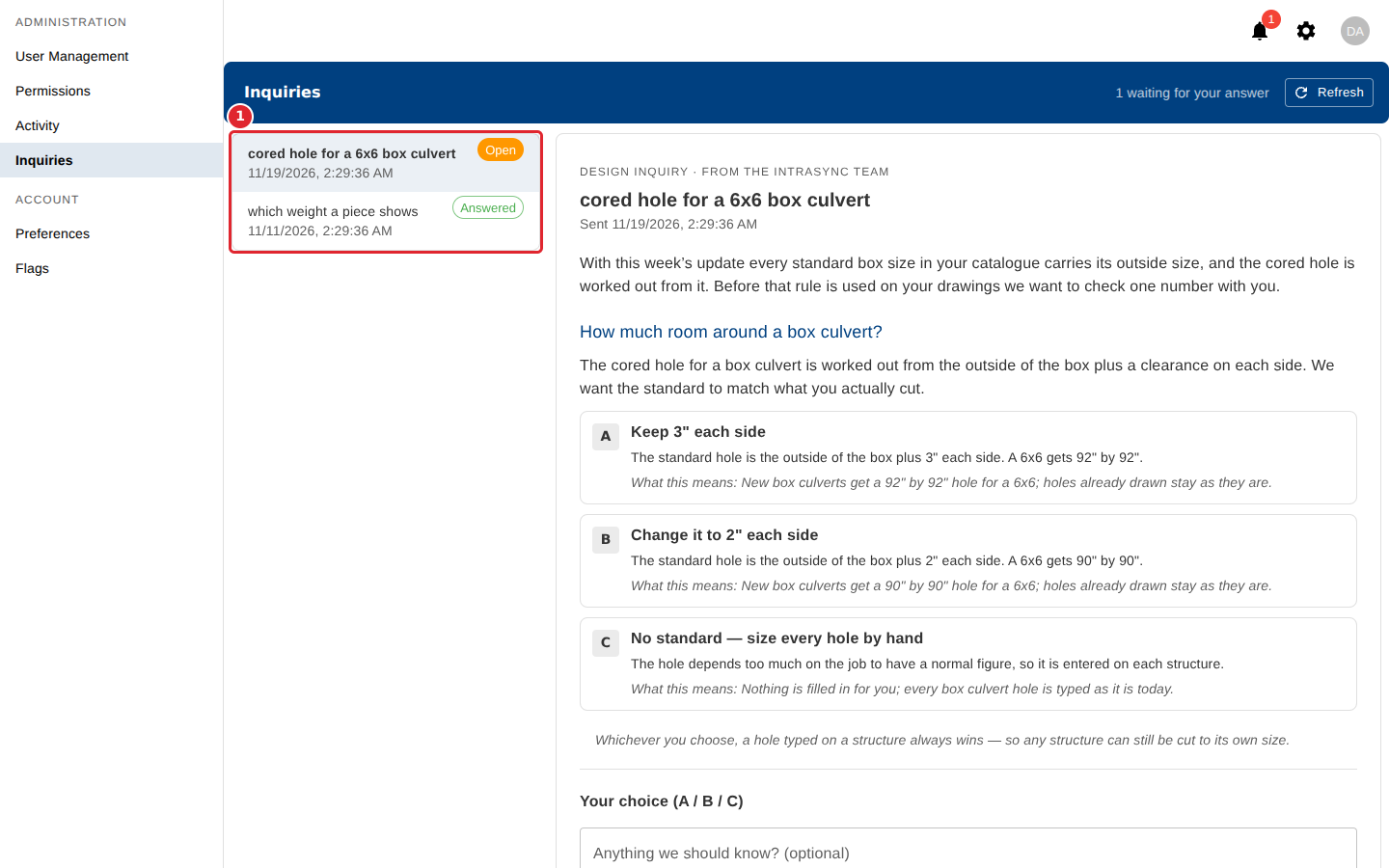
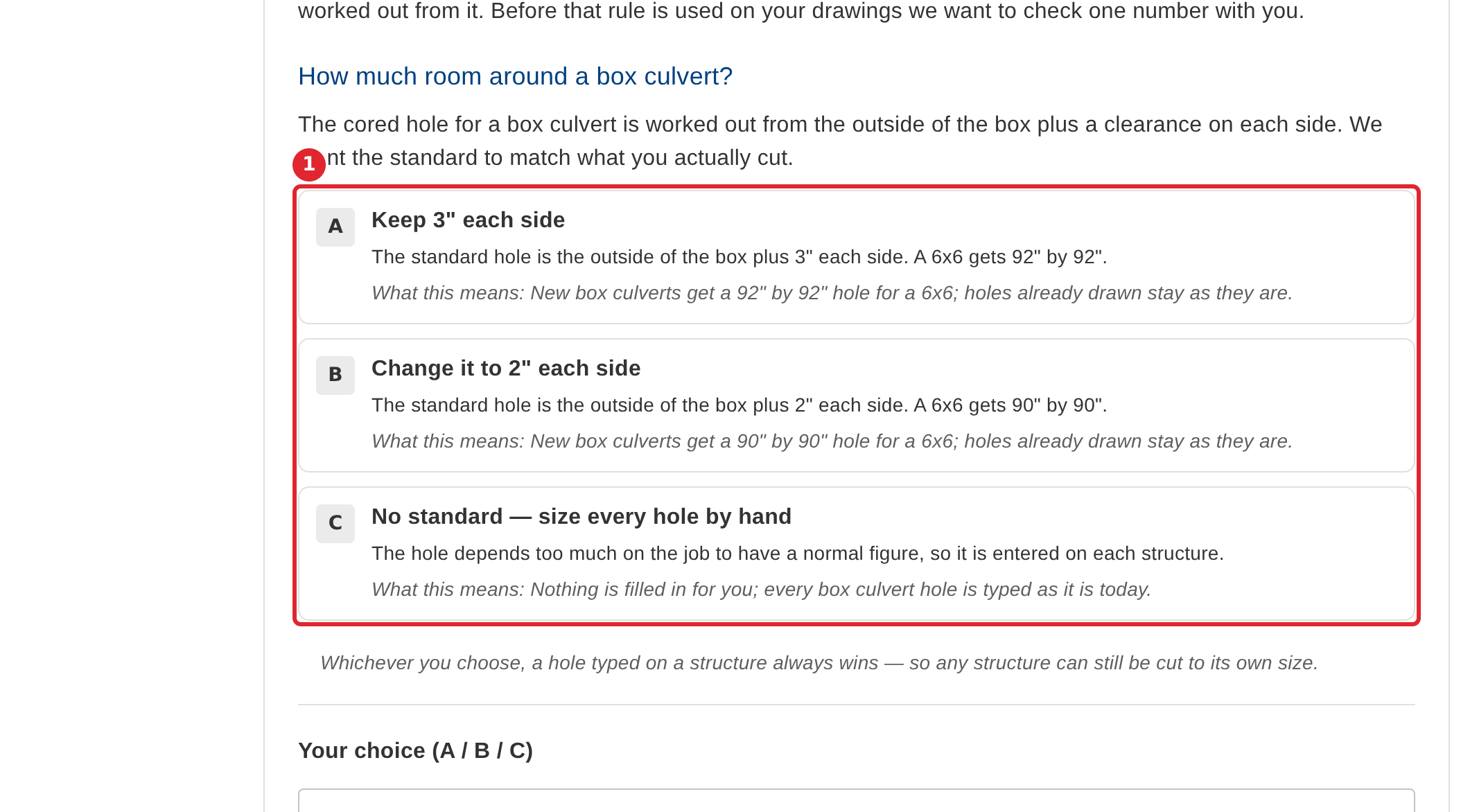
Read the question and the options. Each option says what it would mean for you.
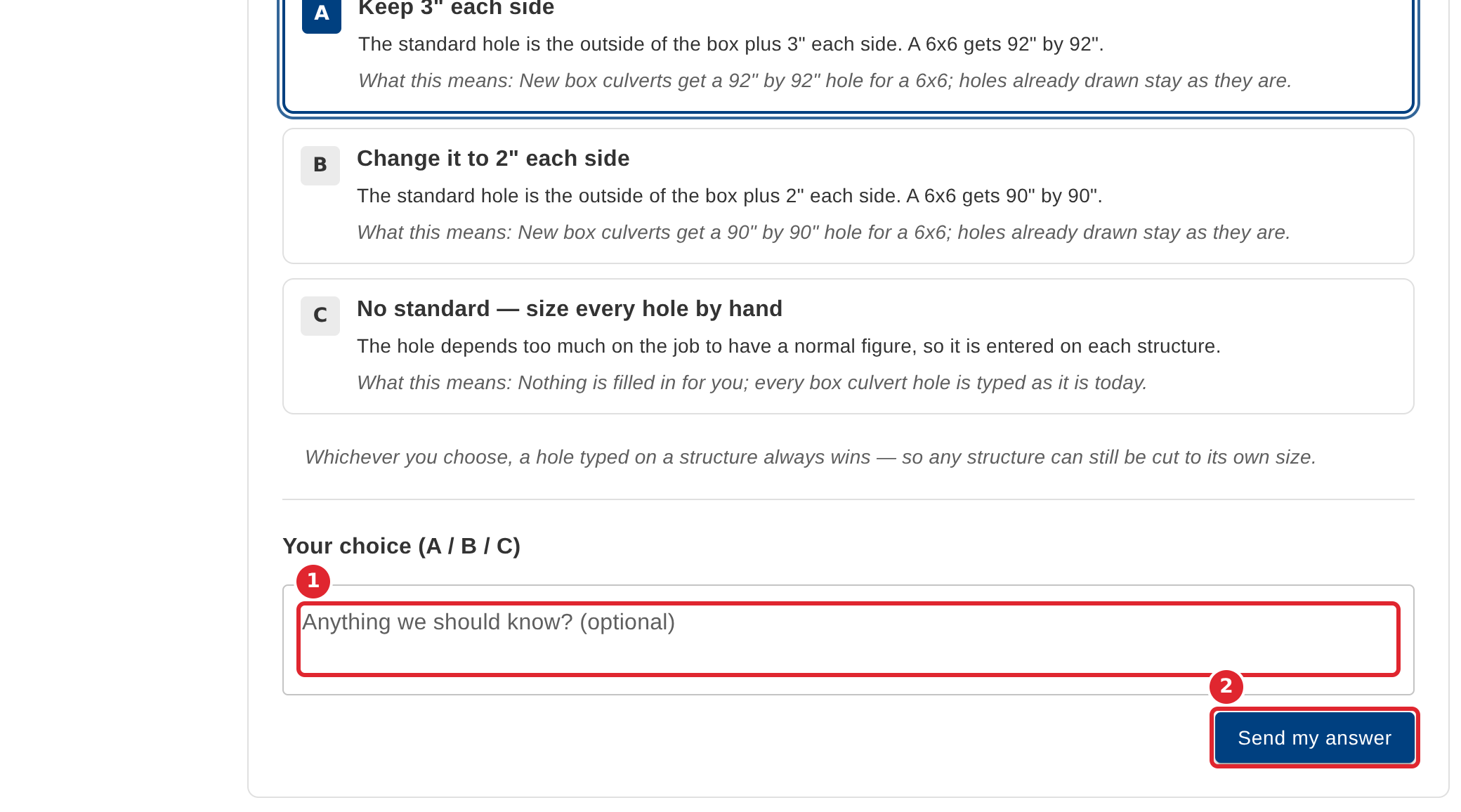
Pick an option, add a comment if you like, then select Send my answer.
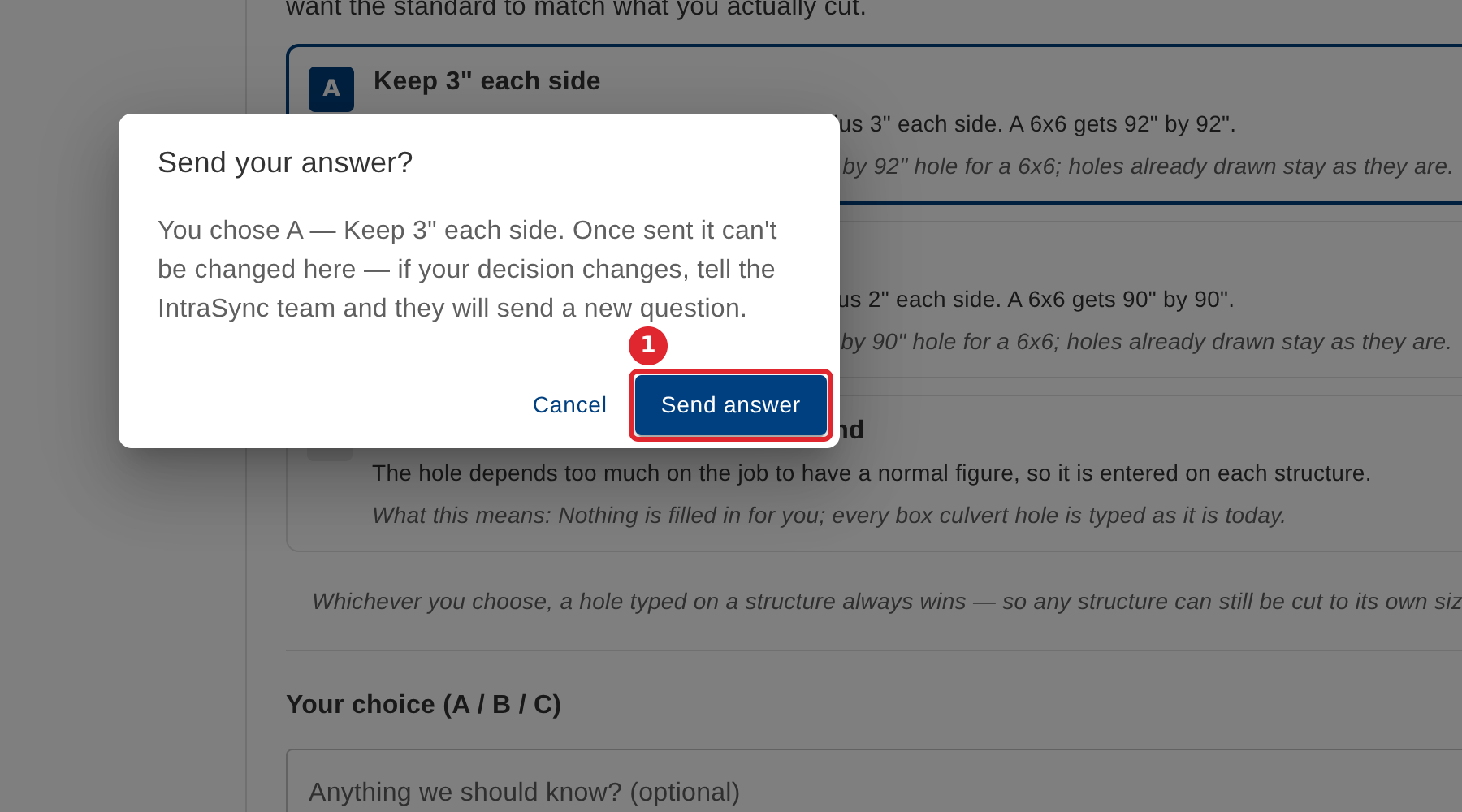
Check your choice and select Send answer. Once sent it cannot be changed here.
An answered question shows who answered and when, and whether the answer has reached the IntraSync team.
Tips
- Send my answer stays unavailable until you pick an option for each question.
- Once sent, an answer cannot be changed here. If your decision changes, tell the IntraSync team and they will send a new question.
- If someone else must answer, the page says only the person the question is addressed to, or an administrator, can answer it.
- You get a notification when a new question arrives.