Core guide · section 19 of 21
Work through the flags raised for you
Flags are requests from other people or departments to act on a record, such as a piece or a load. This page is your to-do list of them.
Watch this in the video (2:21)
Steps
In the pictures, a numbered red box marks where to click or type. Where a picture has more than one box, the numbers give the order.
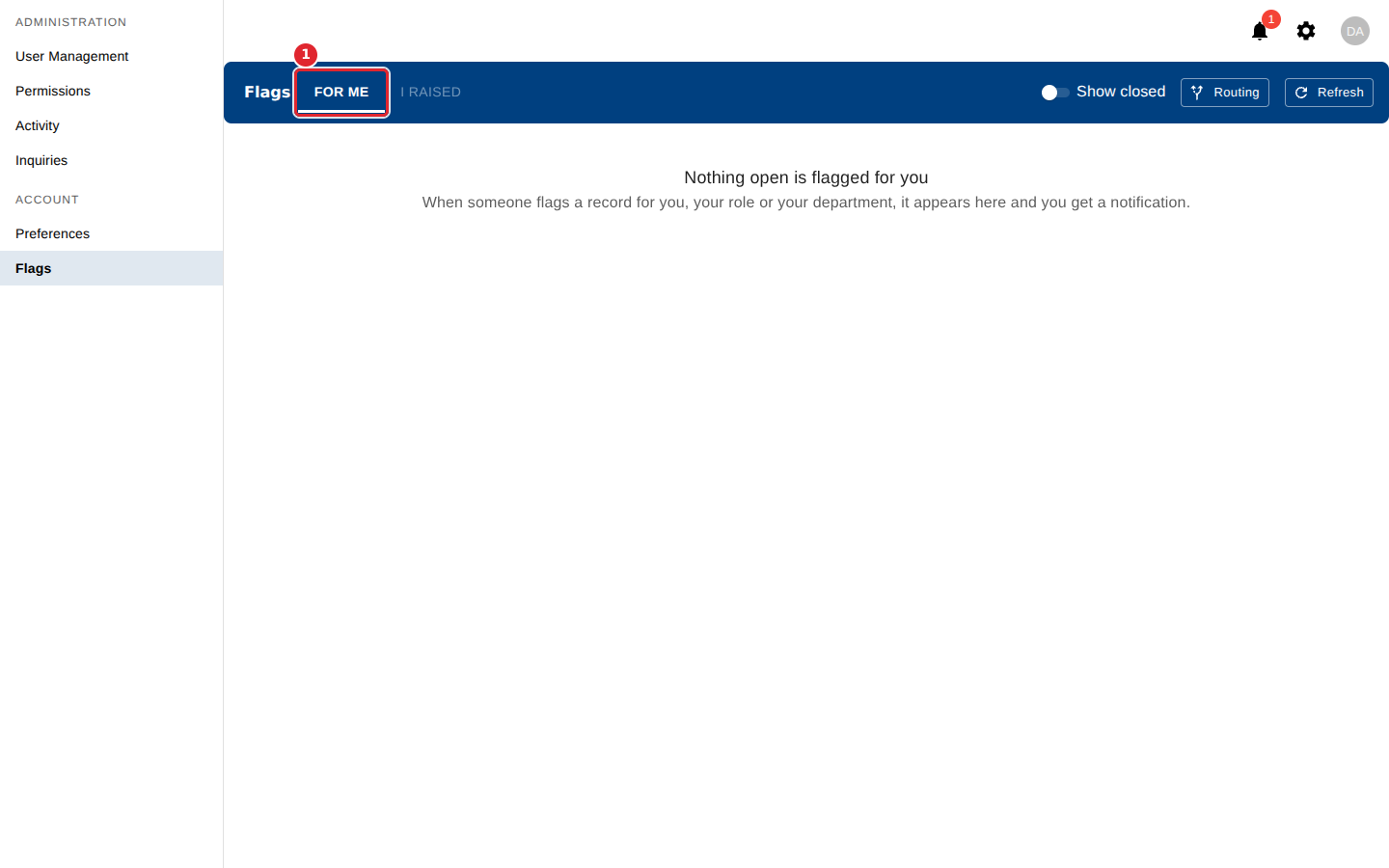
Open Flags. For me lists records flagged for you, your role or your department.
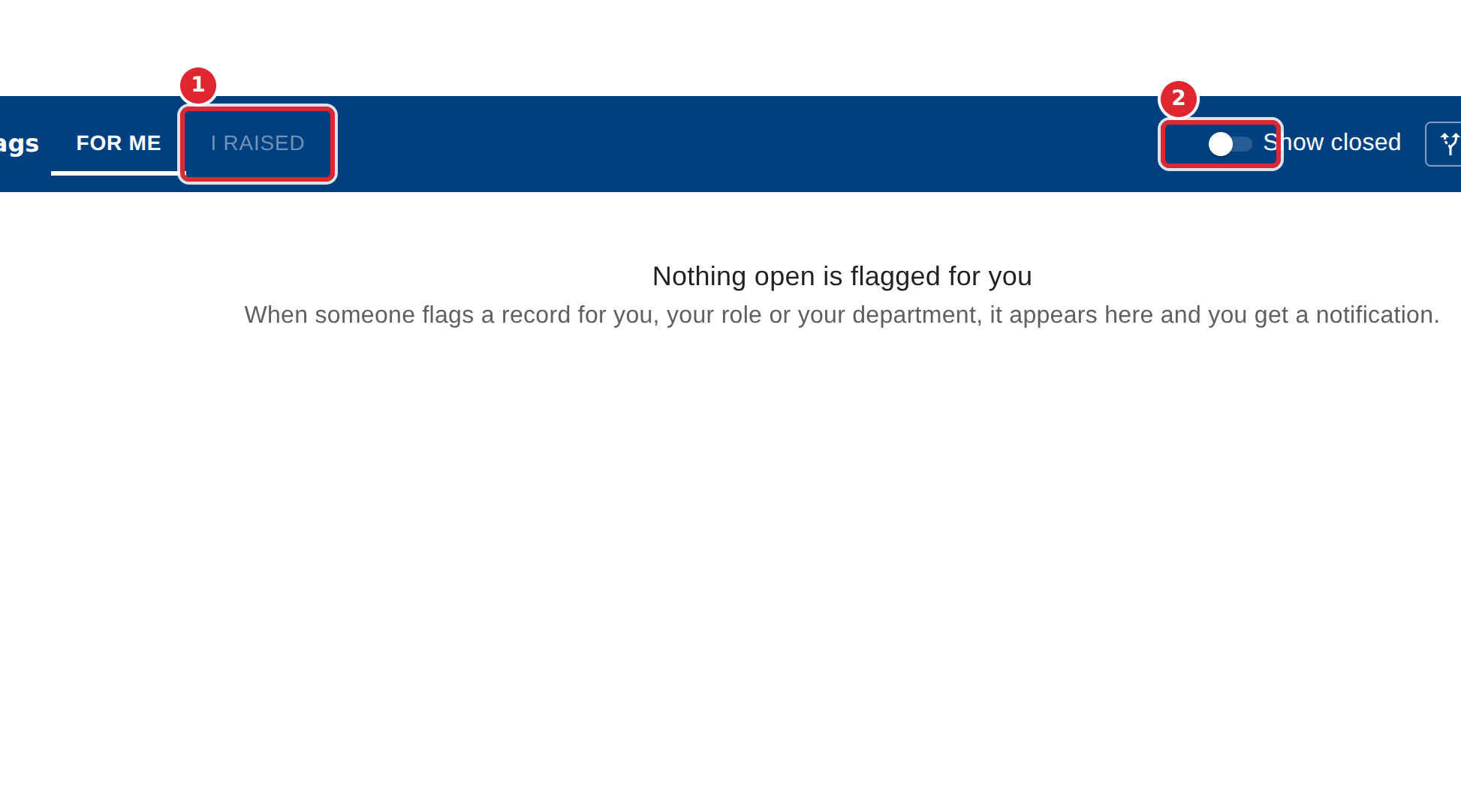
Select I raised to follow the flags you raised. Turn on Show closed to include flags already done or dismissed.
On a flag, select Done when the work is finished, or Dismiss if no action is needed. Add a note if you like, then confirm.
Tips
- A closed flag cannot be reopened, and the person who raised it sees your note.
- Flags are raised from the records themselves, in the modules that offer a Flag button, not from this page.
- You get a notification when a flag is raised for you, your role or your department.