Core guide · section 12 of 21
Check what a person can actually do
Answer the question "why can (or can't) this person open that page?" without adding up roles and overrides yourself.
Watch this in the video (1:06)
Before you start
- The person is selected on the User Access tab.
Steps
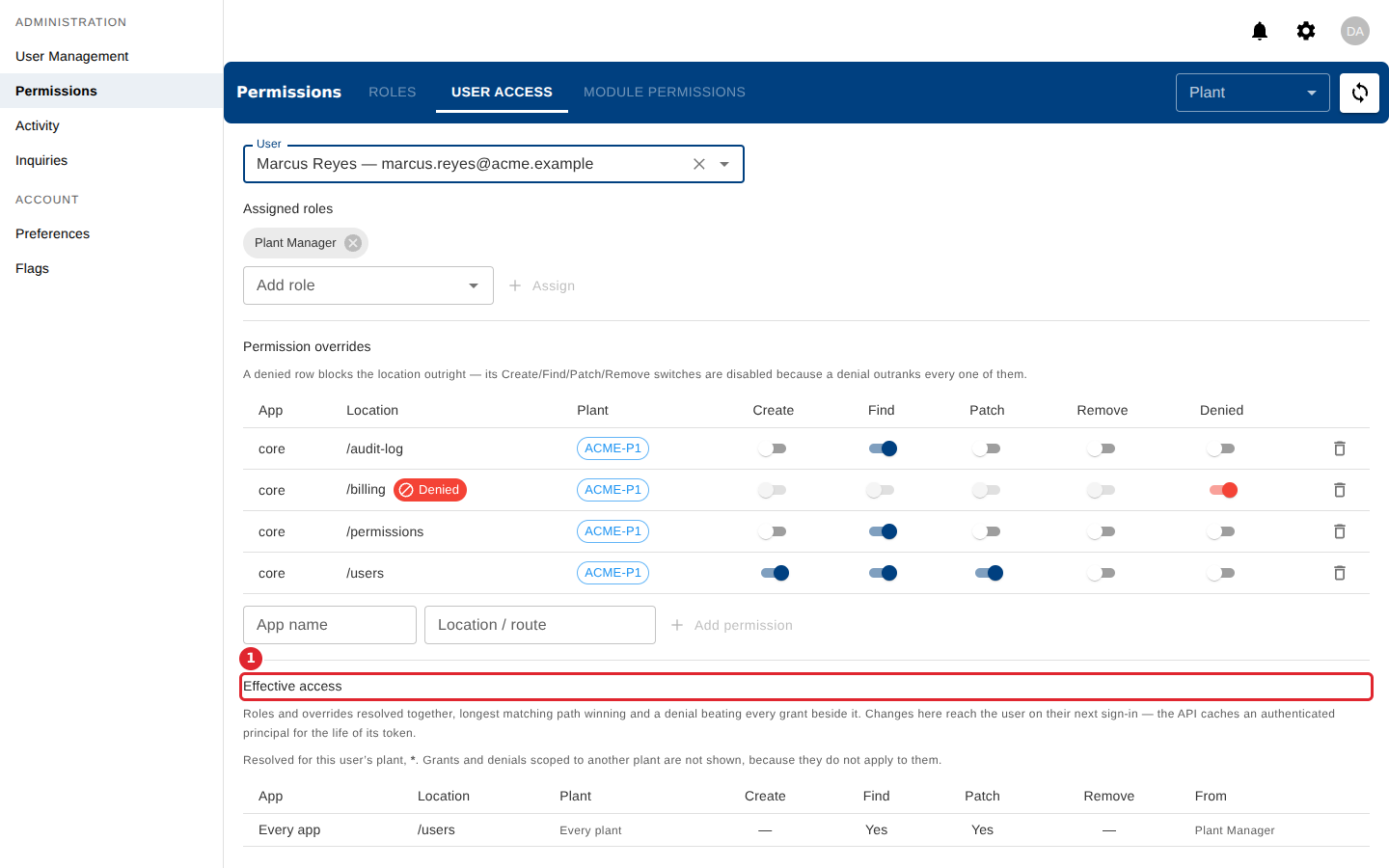
In the pictures, a numbered red box marks where to click or type. Where a picture has more than one box, the numbers give the order.
Effective access shows what the person can actually do, after roles and overrides are combined. From names the grant that decides.
Tips
- Every app means the grant applies in all of your apps.
- A Denied chip beside a location means the person is blocked there.