Core guide · section 13 of 21
Decide who may use each module's permissions
Some modules declare permissions of their own, such as raising a flag. Here you decide who may use them in your company.
Before you start
- You are an administrator.
Steps
In the pictures, a numbered red box marks where to click or type. Where a picture has more than one box, the numbers give the order.
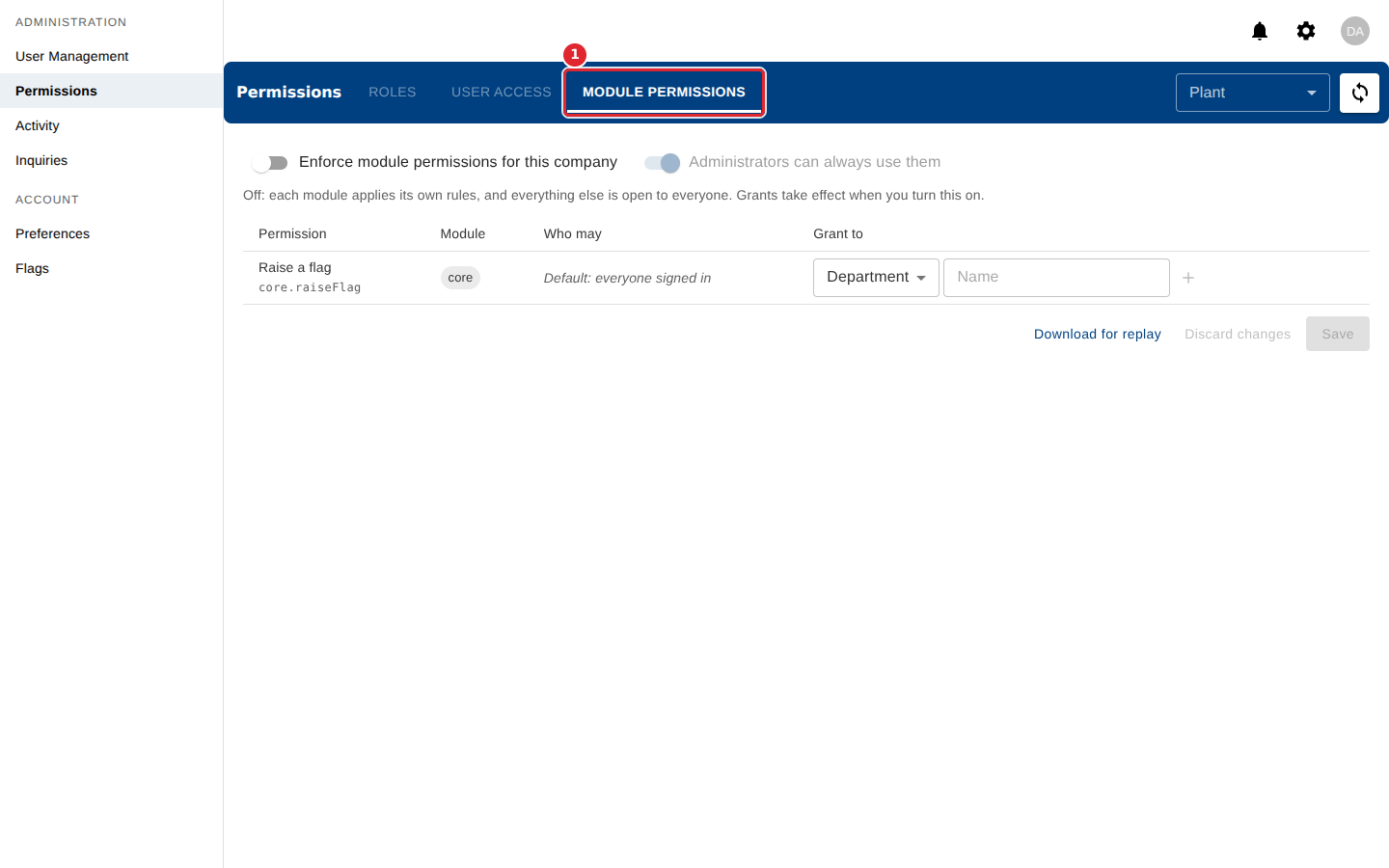
Select the Module Permissions tab to decide who may use each permission other modules declare.
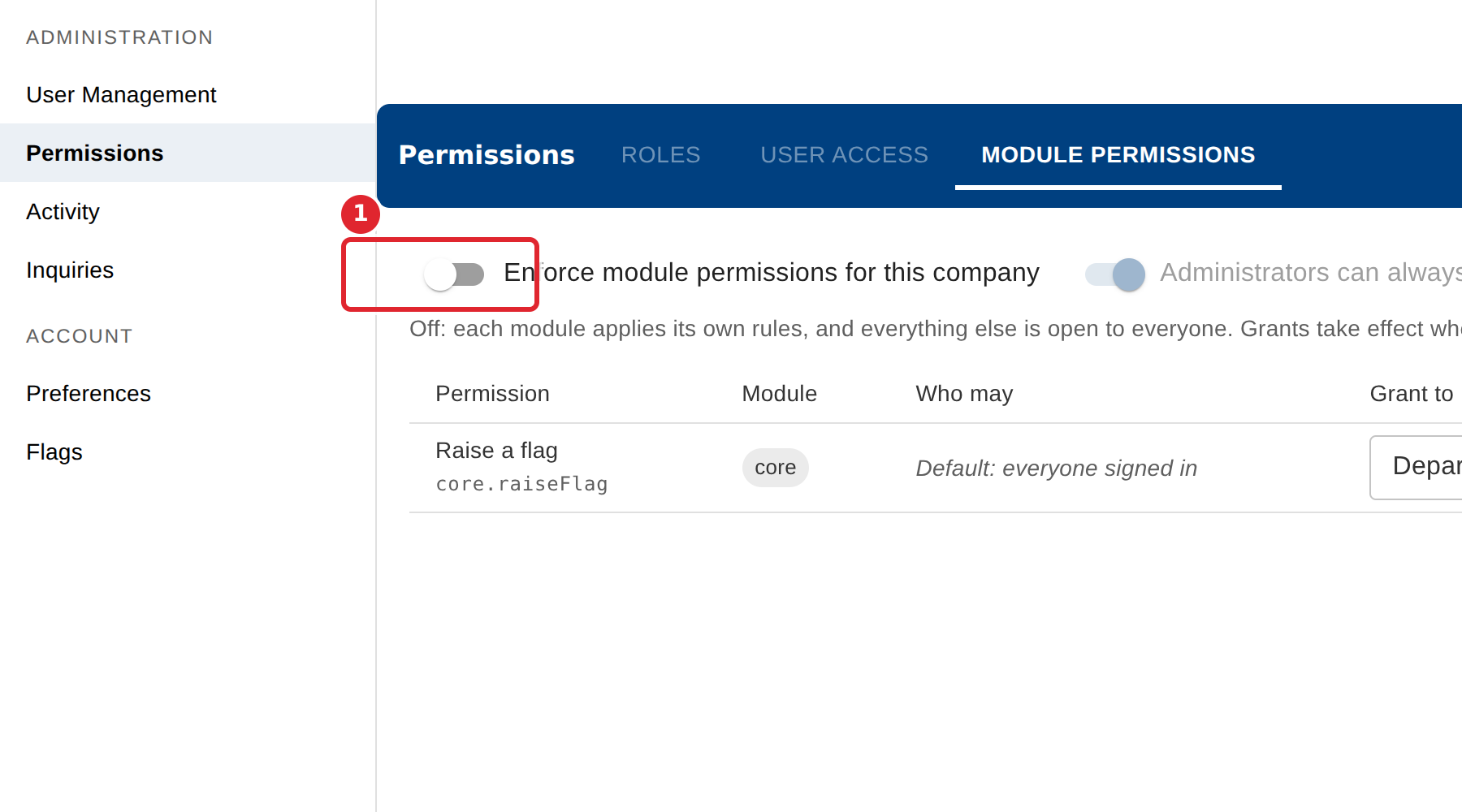
Turn on Enforce module permissions for this company, grant each permission to a role, department or person, then select Save.
Select Discard changes to undo what you have not saved yet.
Tips
- While enforcement is off, each module applies its own rules and grants you add take effect only when you turn it on.
- A permission with no grants uses its default, shown in the Who may column.