Core guide · section 16 of 21
Read your notifications
See what other modules and people need you to know, as it happens.
Watch this in the video (1:30)
Steps
In the pictures, a numbered red box marks where to click or type. Where a picture has more than one box, the numbers give the order.
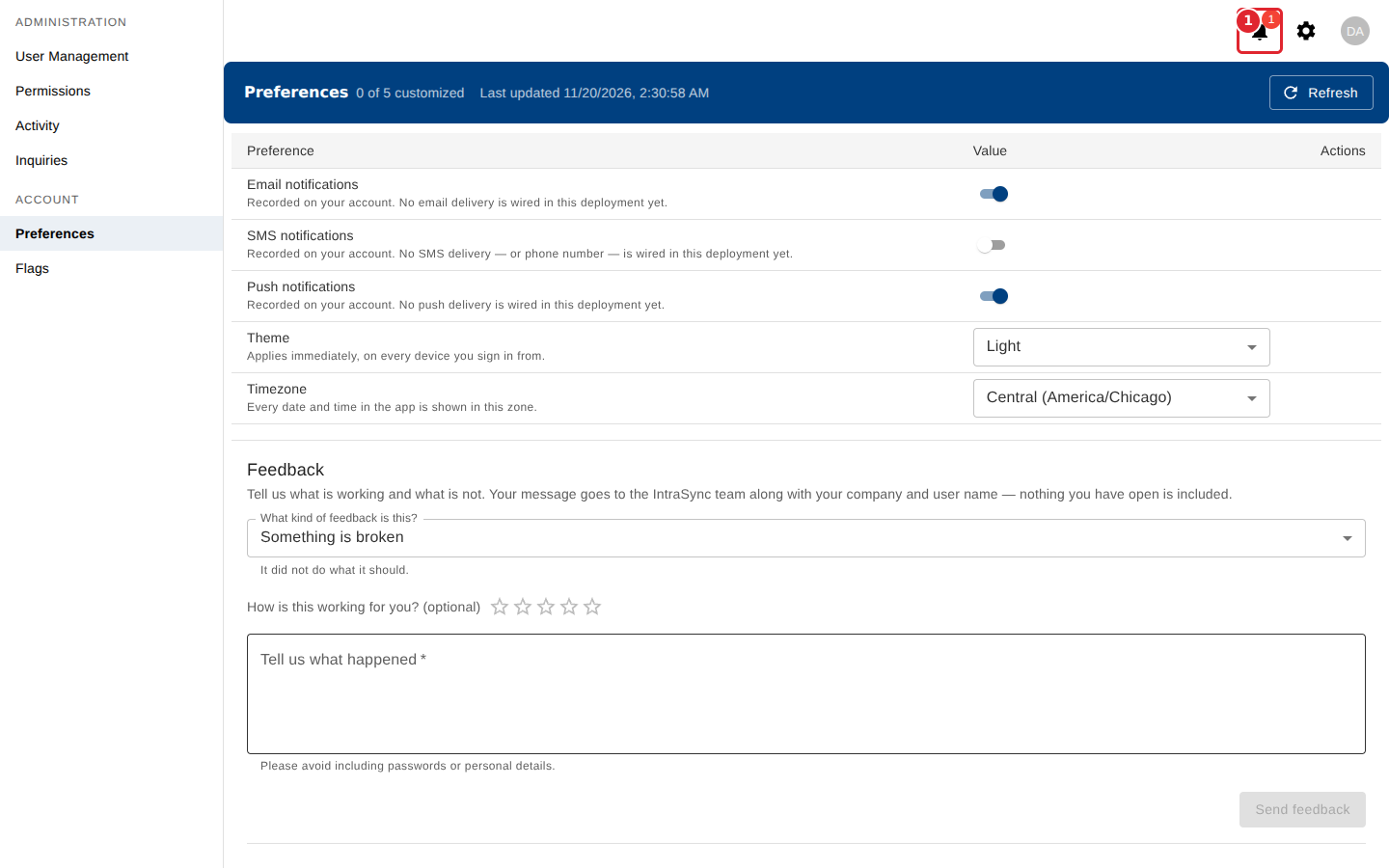
The number on the bell is how many notifications you have not read. Select the bell.
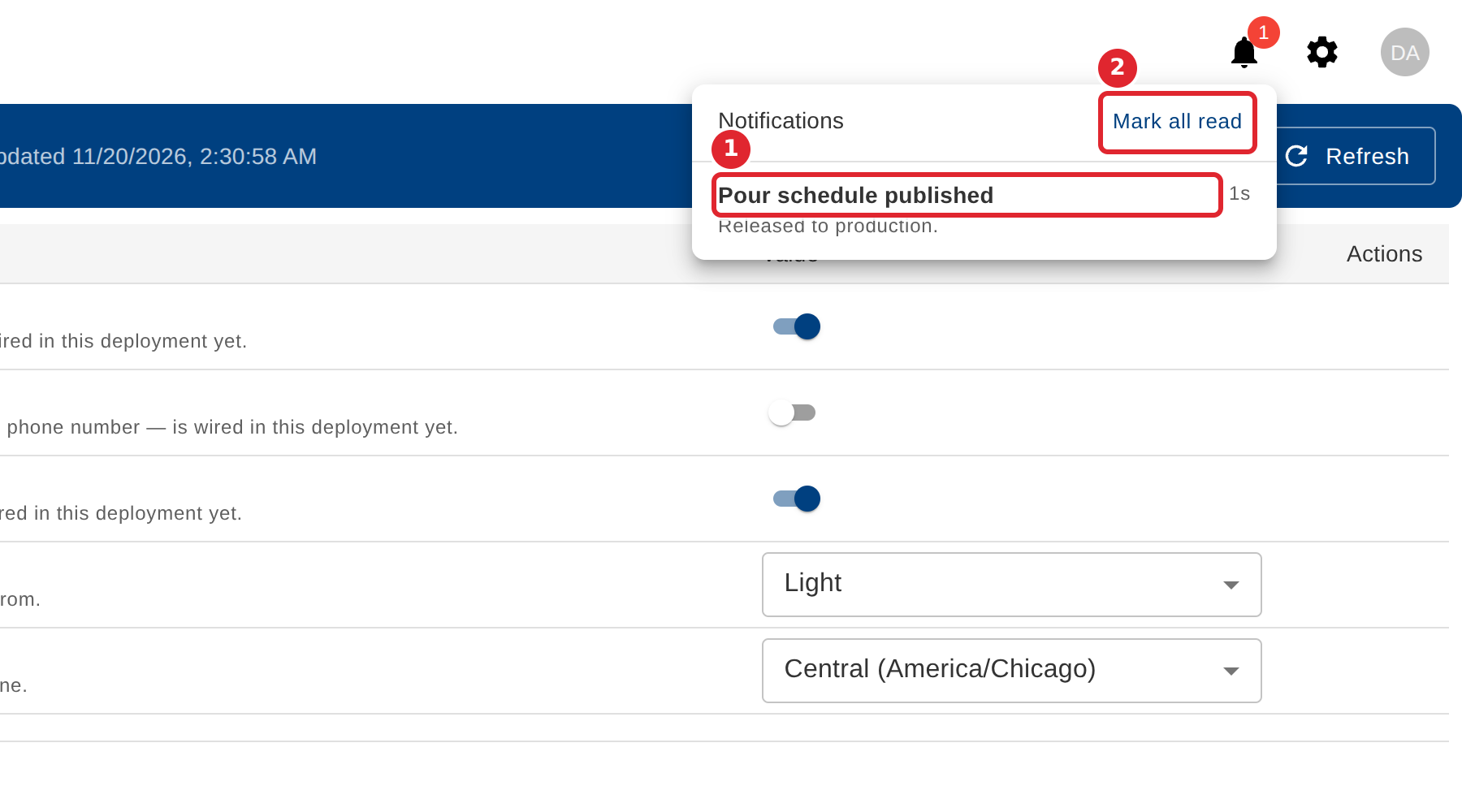
Select a notification to open the page it is about. Select Mark all read to mark every one as read.
Tips
- New notifications arrive without reloading the page.
- When you have more notifications than the list holds, it says how many it is showing.
- When nothing is unread, the list says you are all caught up.