Core guide · section 20 of 21
Choose where flags go
When someone raises a flag without naming who it is for, routing sends it to the right role or department for that kind of record.
Watch this in the video (2:31)
Before you start
- You are an administrator. Everyone else can read the rules but not change them.
Steps
In the pictures, a numbered red box marks where to click or type. Where a picture has more than one box, the numbers give the order.
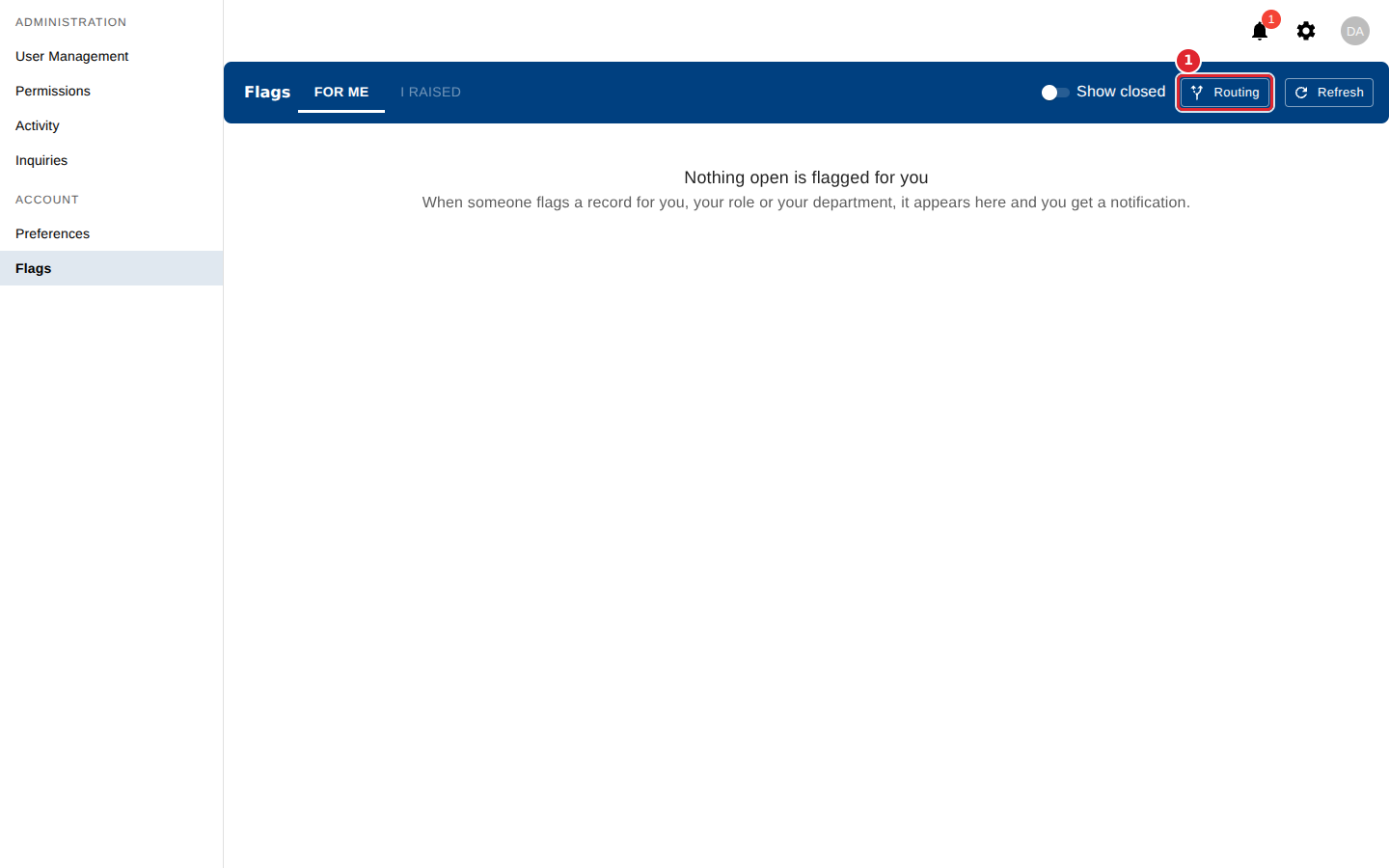
Select Routing.
Select Add a rule. Enter the kind of record, choose whether it goes to a Department or a Role, and name it. Then select Save.
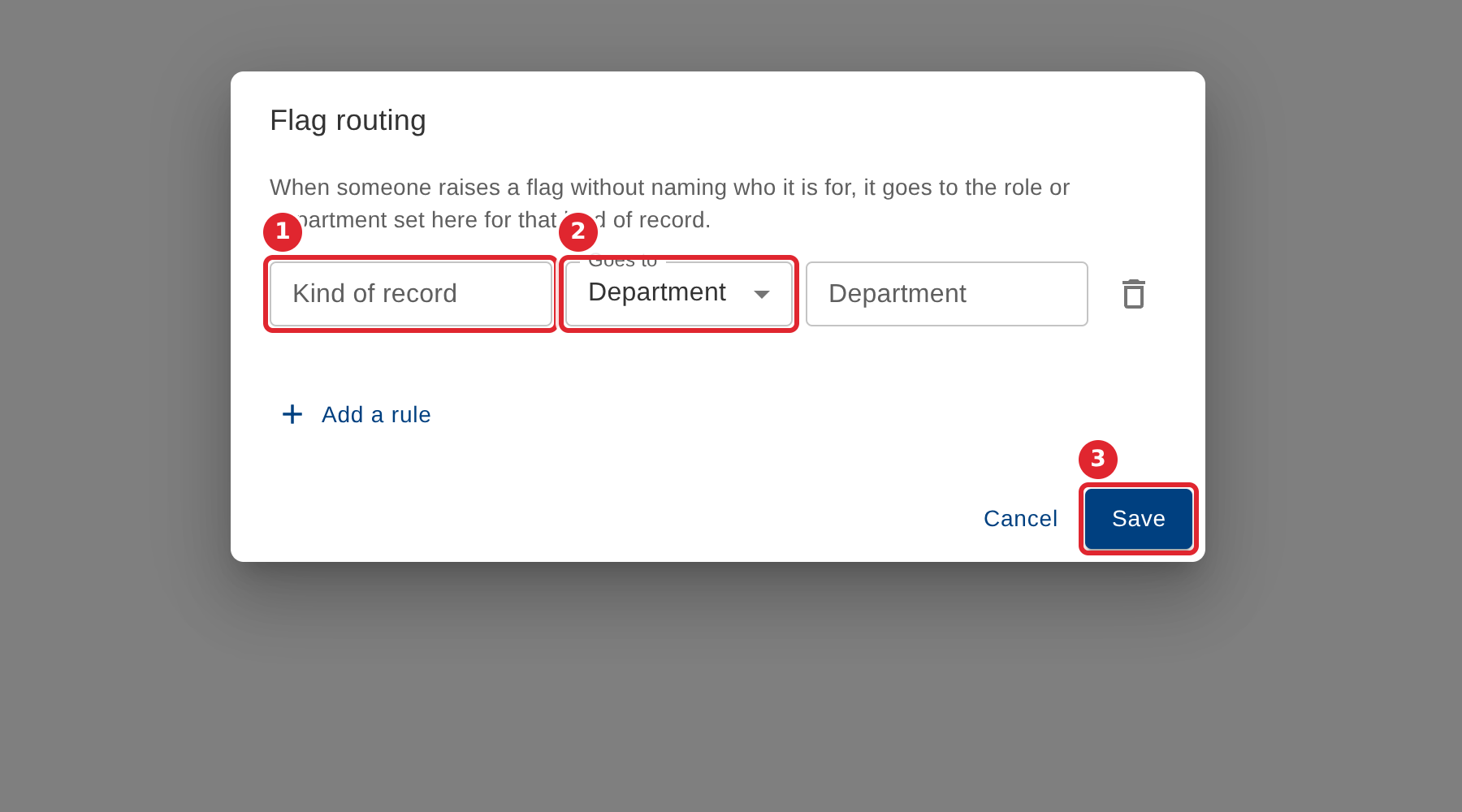
To remove a rule, select the bin icon at the end of its row, then select Save.
Tips
- With no rules, every flag must name who it is for.