Dashboard guide · section 9 of 14
Add a widget to a board
Put a figure, chart, list or table from your modules on the board.
Watch this in the video (0:48)
Before you start
- Open the board in edit mode first.
Steps
In the pictures, a numbered red box marks where to click or type. Where a picture has more than one box, the numbers give the order.
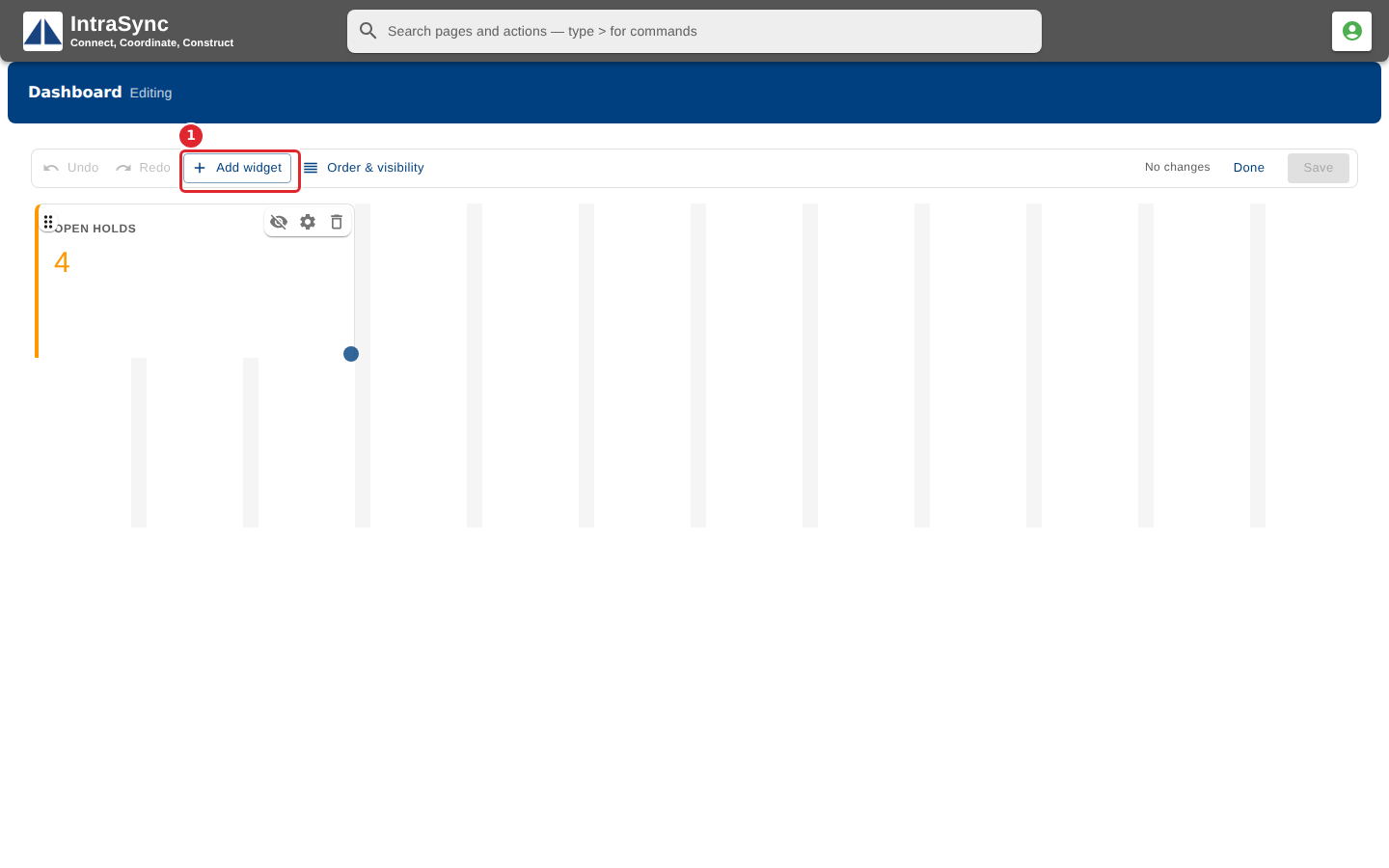
In edit mode, select Add widget.
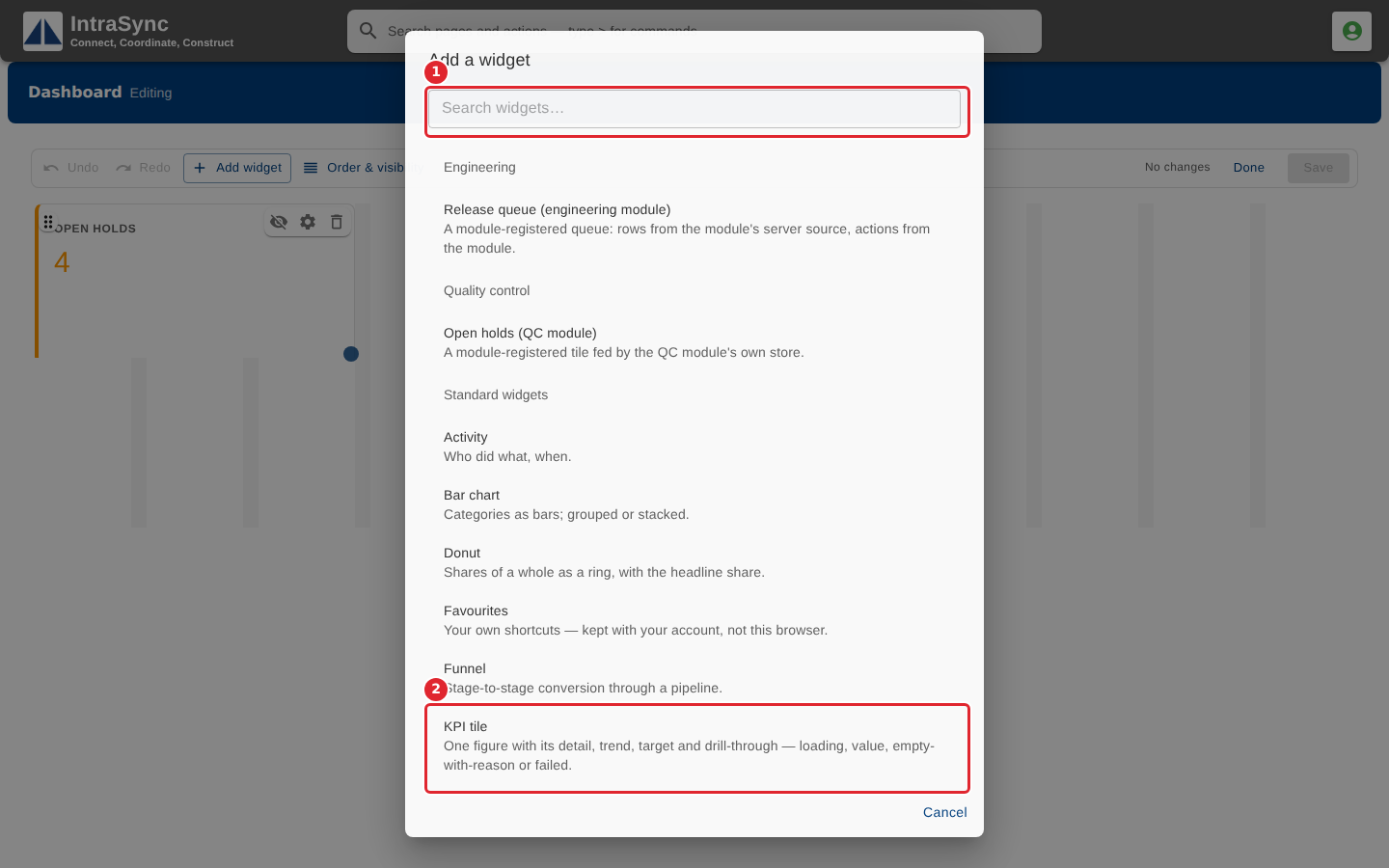
Search, or choose a widget. The module widgets come first, then the standard widgets.
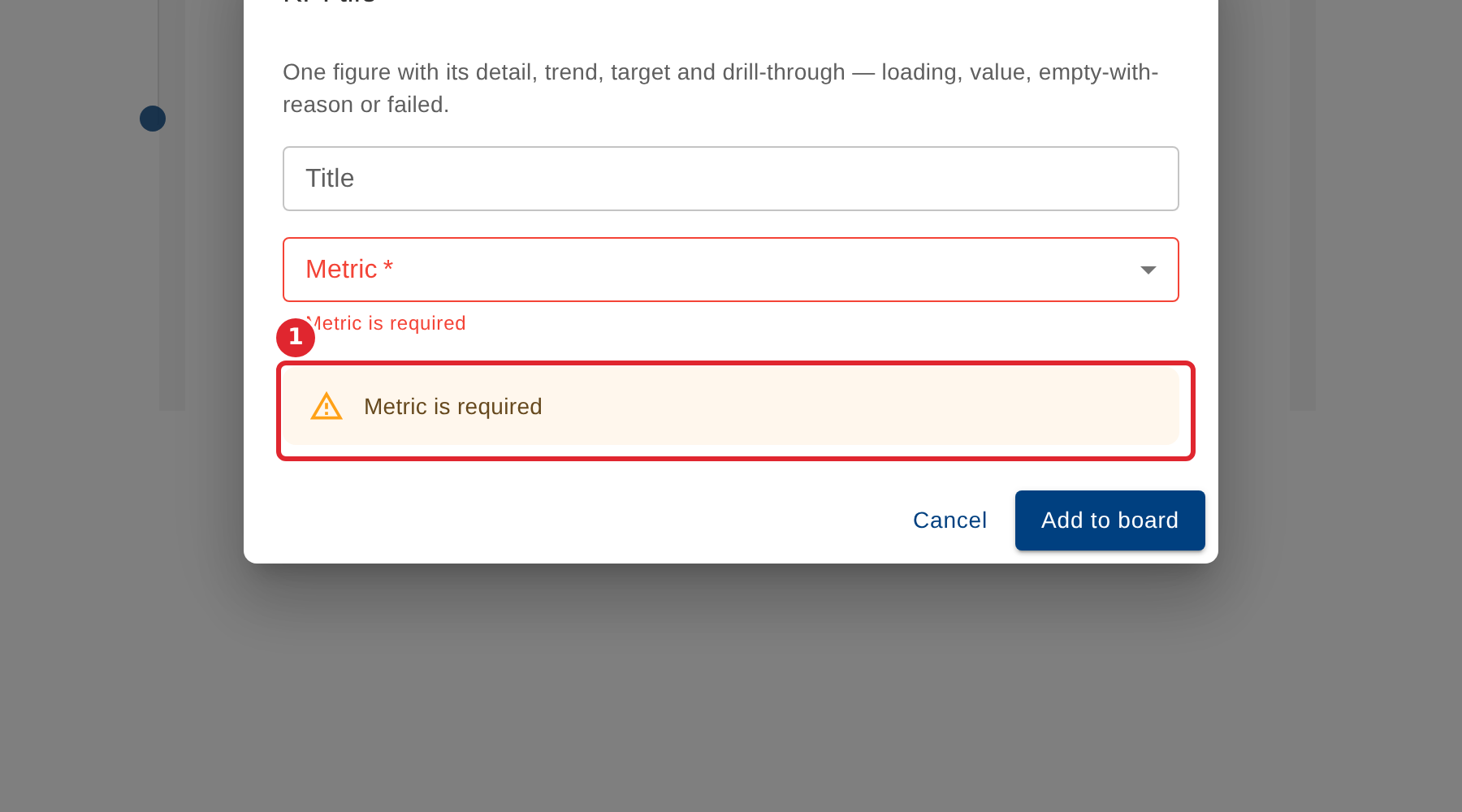
Fill in the form. A field marked with a star is required, and the form says what is missing.
Choose the figure. Leave the Title blank to use the figure's own name.
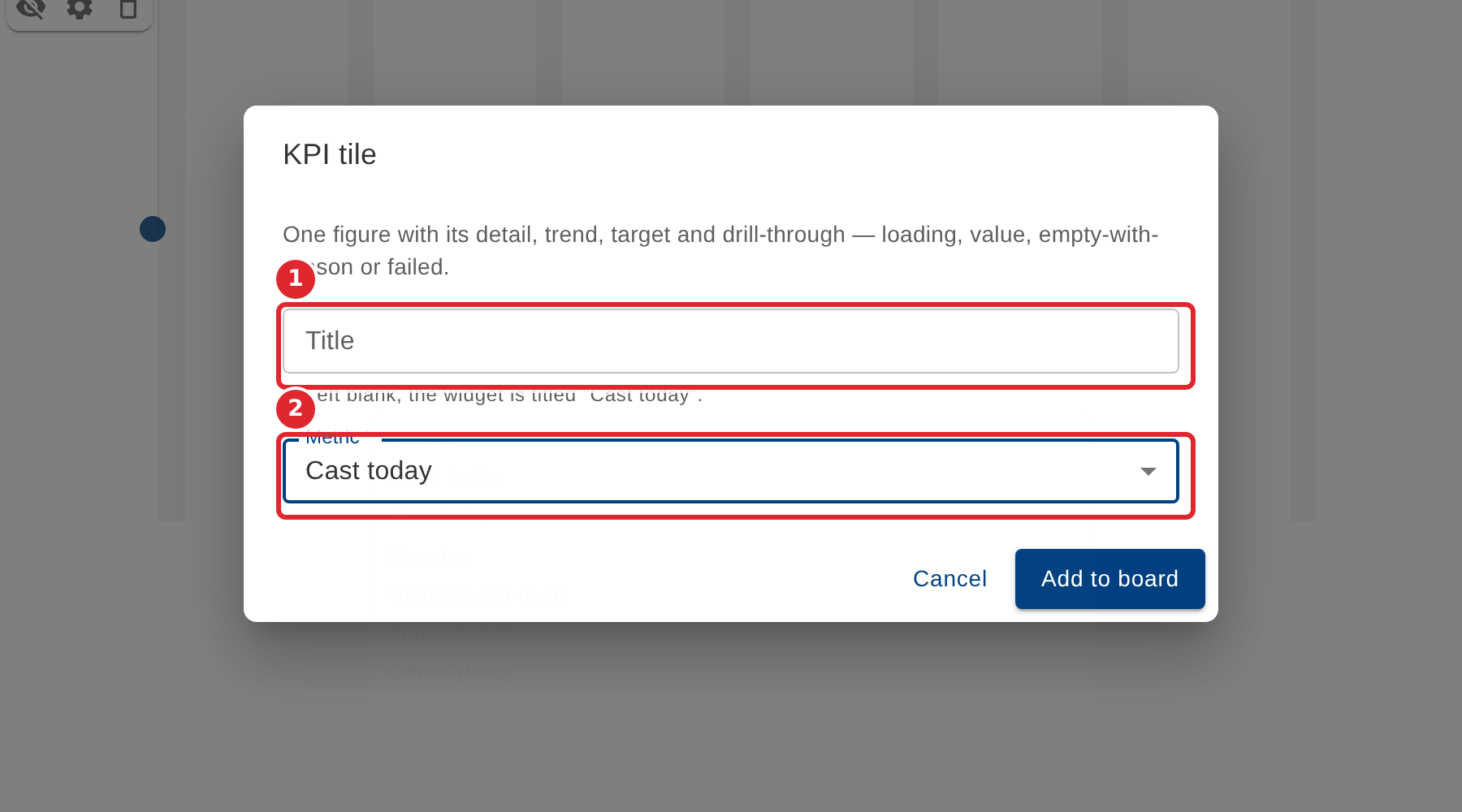
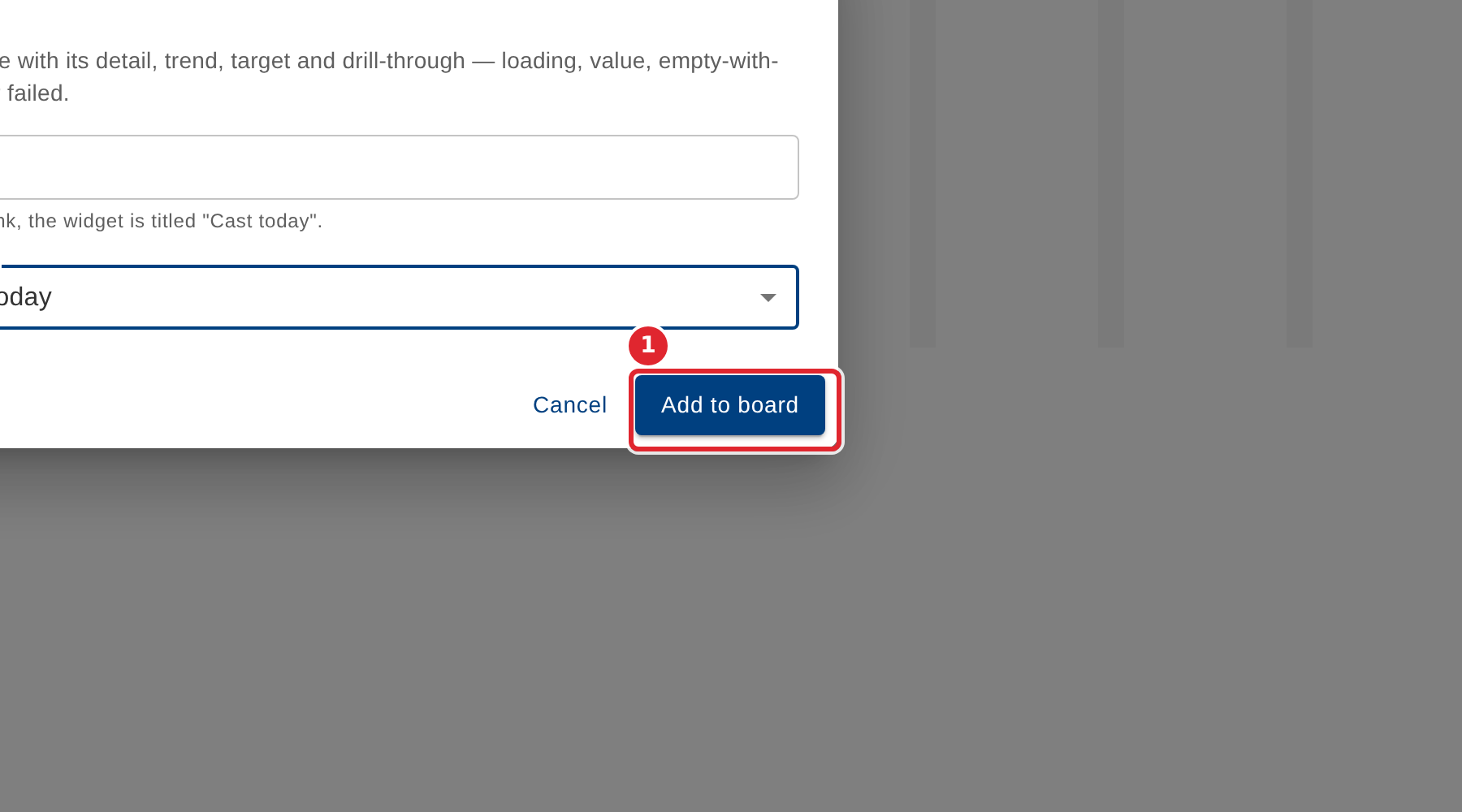
Select Add to board.
Tips
- Metric is required: a figure tile cannot be added until you choose the figure it shows.
- Only widgets your system can supply data for are offered, so the list can differ between boards.