Dashboard guide · section 10 of 14
Change or remove a widget
Change what a widget shows, hide it from the board, or take it off.
Before you start
- Open the board in edit mode first.
Steps
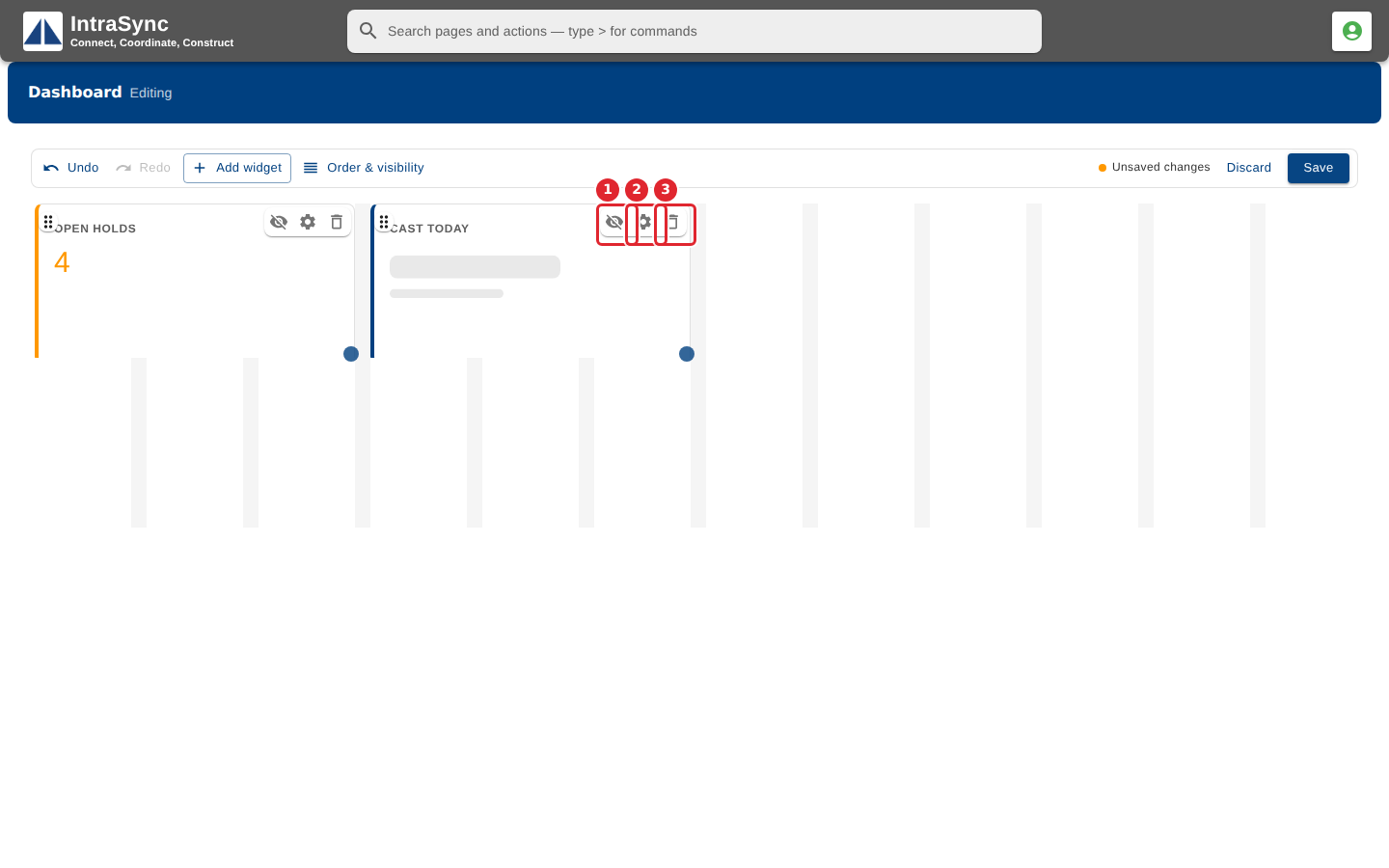
In the pictures, a numbered red box marks where to click or type. Where a picture has more than one box, the numbers give the order.
Use the buttons on a widget's bar: hide it for everyone, change its settings, or remove it.
Tips
- A widget hidden for everyone stays on the board and can be shown again from Order & visibility.