Dashboard guide · section 8 of 14
Move and resize widgets
Lay the board out the way you read it.
Watch this in the video (0:43)
Before you start
- You can edit your own boards, and boards shared with you for editing.
Steps
In the pictures, a numbered red box marks where to click or type. Where a picture has more than one box, the numbers give the order.
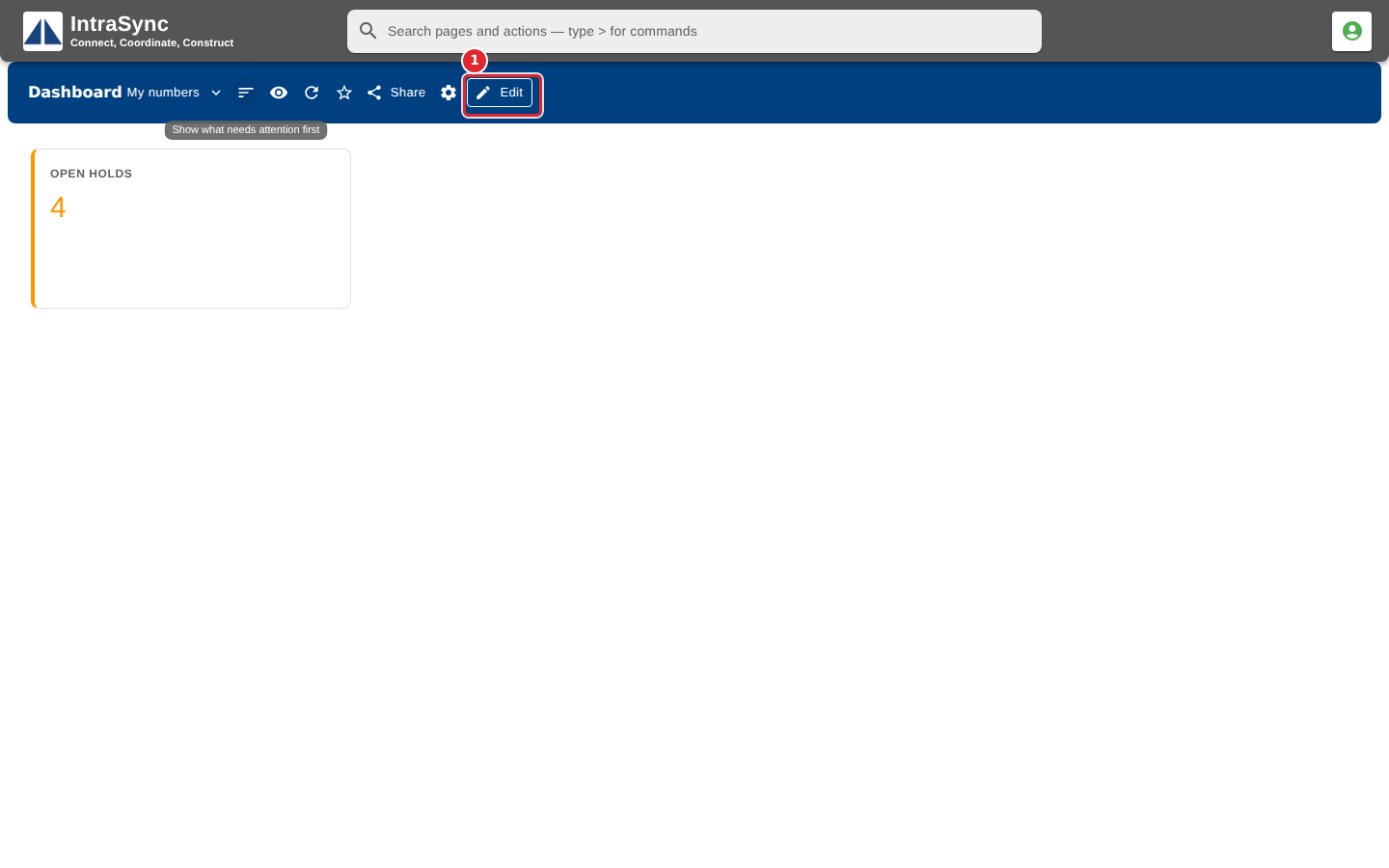
Open a board you may change, then select Edit.
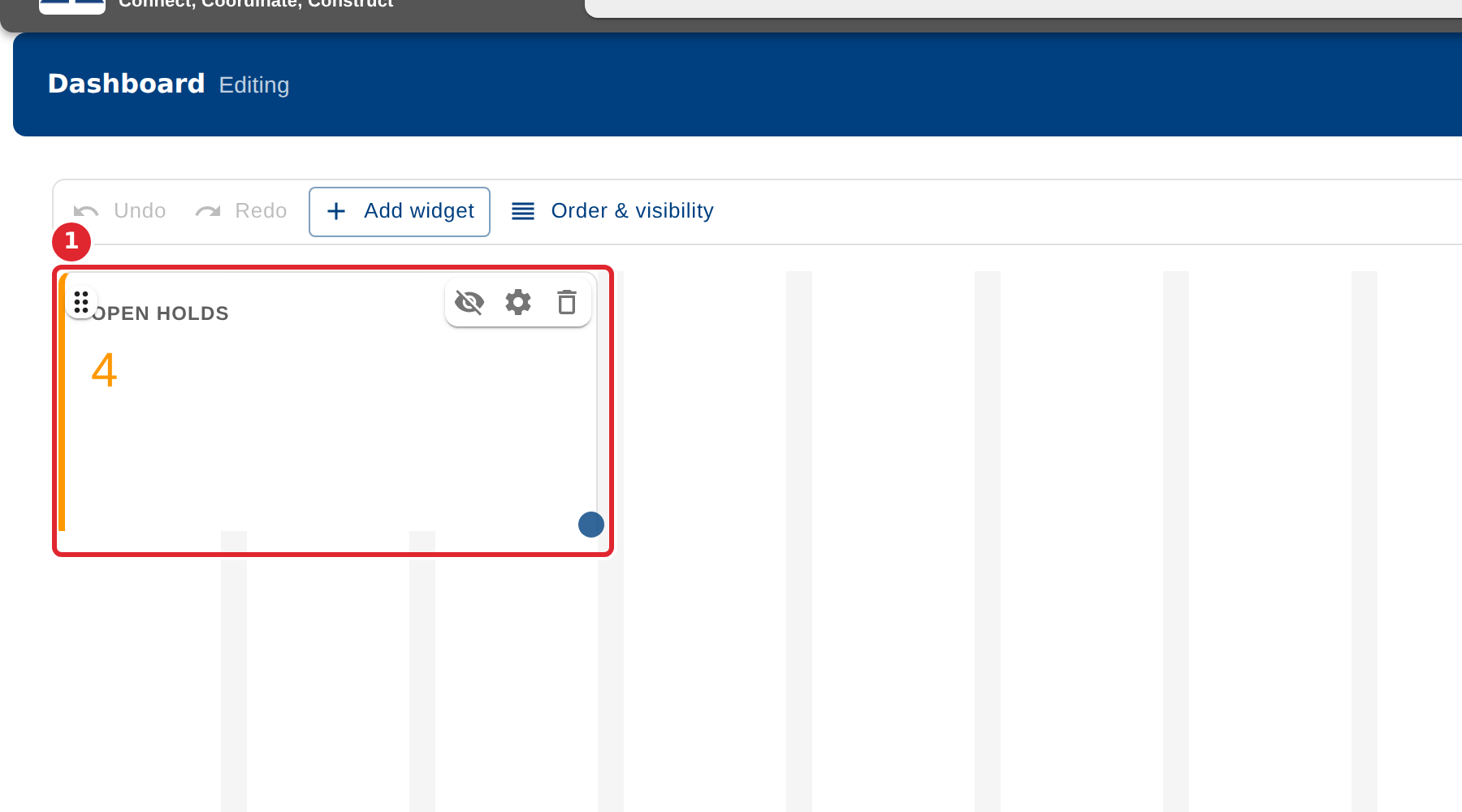
Drag a widget to move it, and drag its lower right corner to resize it.
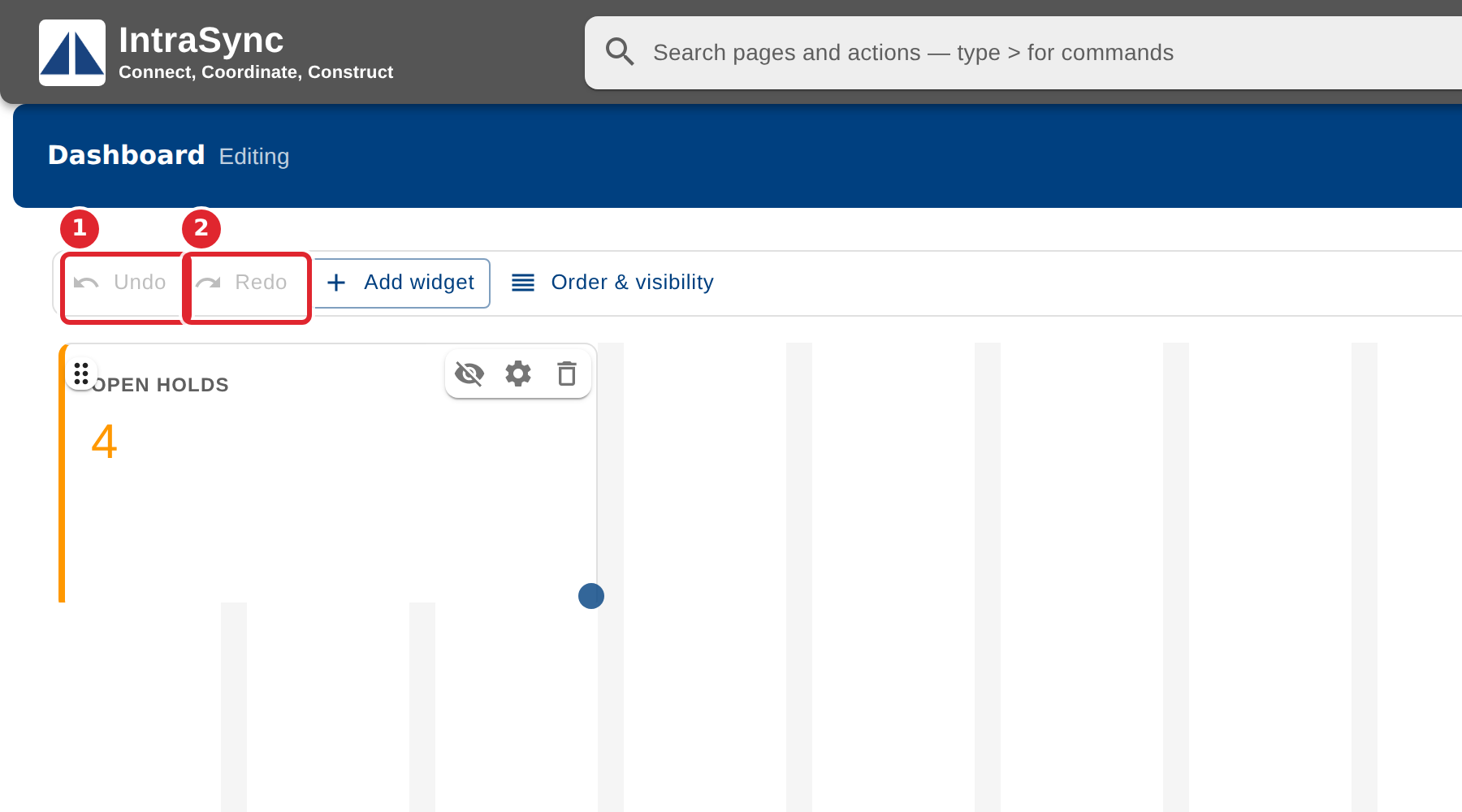
Use Undo and Redo to step back and forward through your changes.
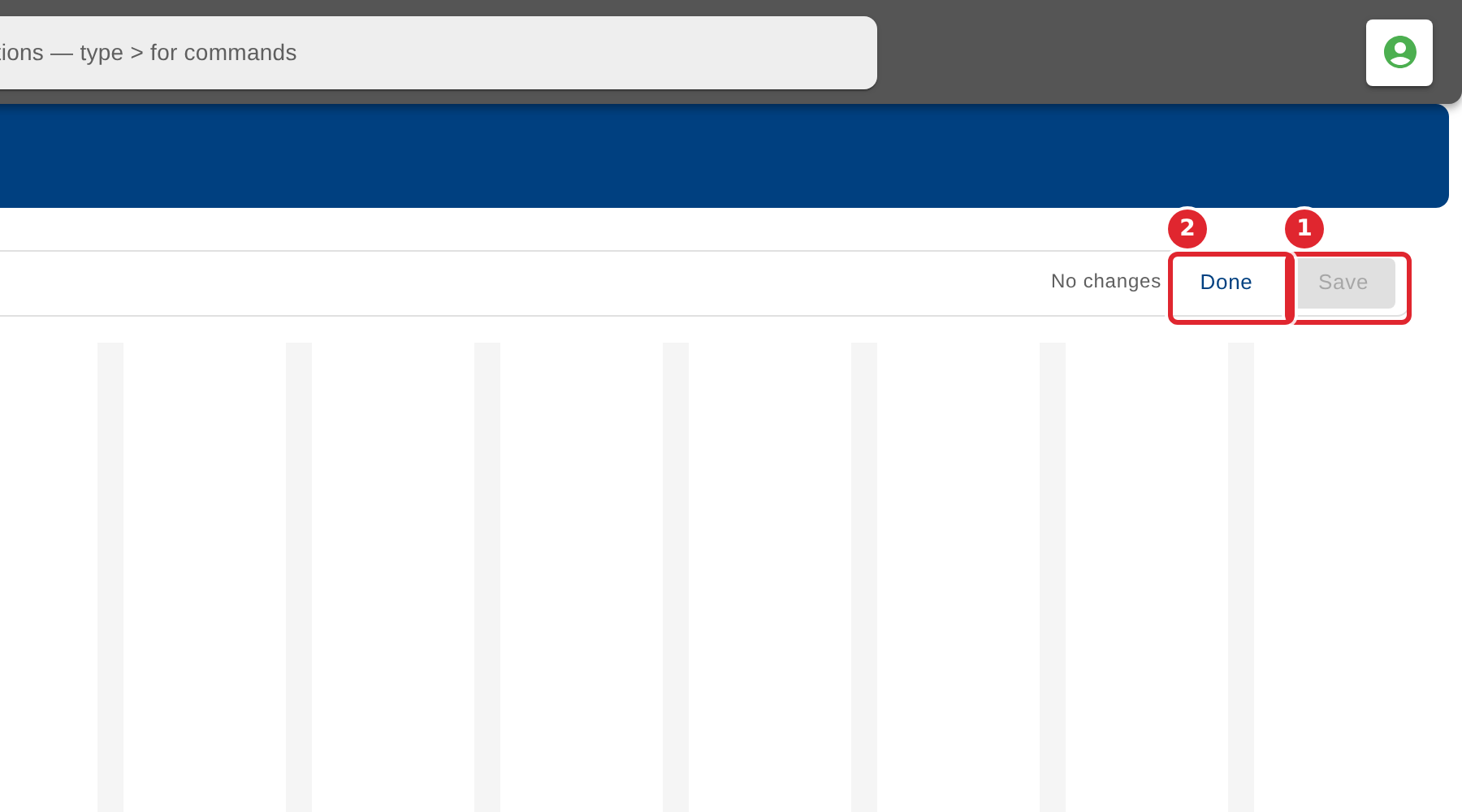
Select Save to keep your changes. Beside it, Done closes the editor when nothing has changed; once something has, it reads Discard and leaves the board as it was.
Tips
- Nothing is saved until you select Save. If you leave without saving, the board stays as it was.