Dashboard guide · section 7 of 14
Sort, refresh and keep a board as your default
Put what needs attention first, get the latest figures, and open on the board you use most.
Steps
In the pictures, a numbered red box marks where to click or type. Where a picture has more than one box, the numbers give the order.
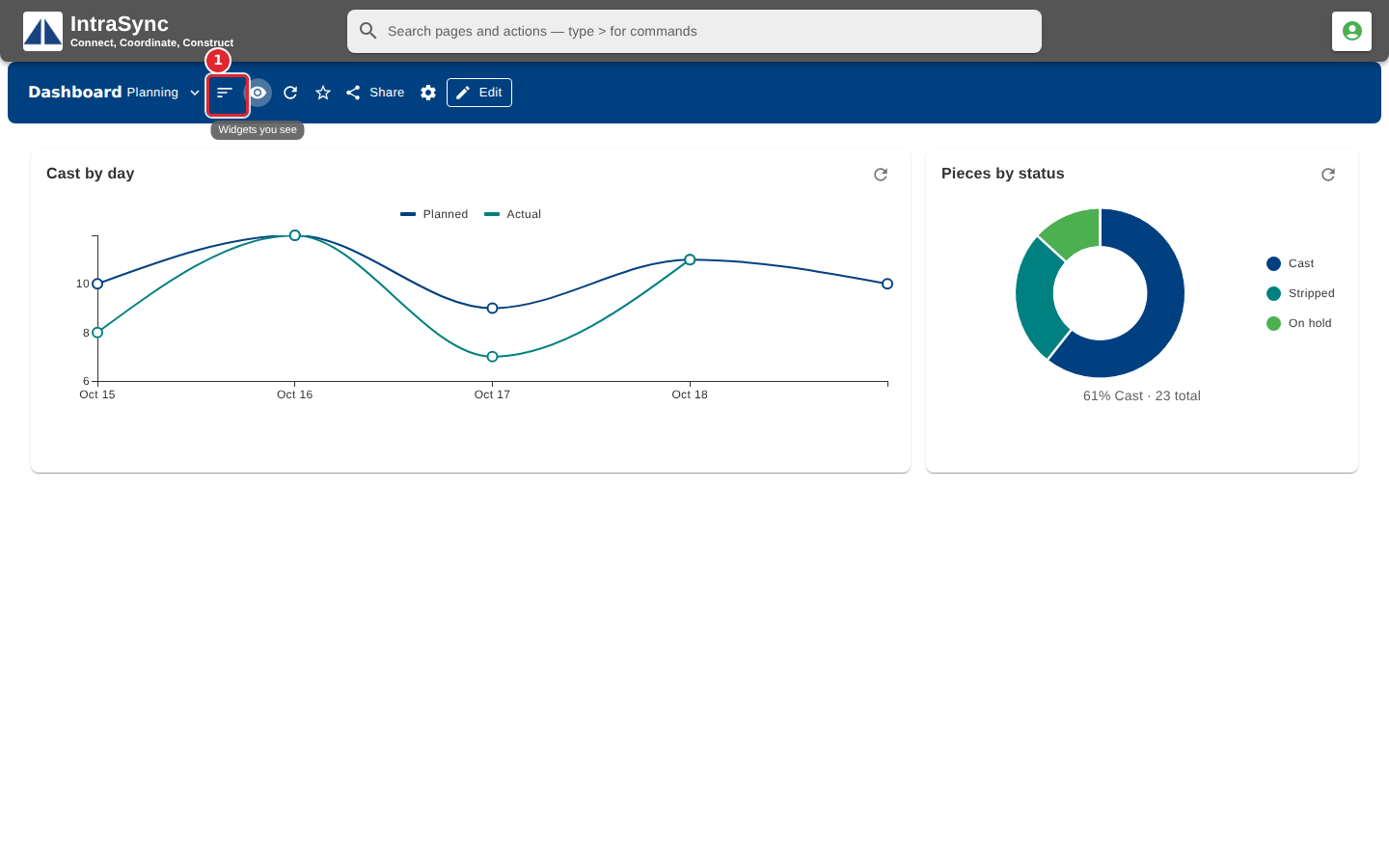
Select Worst first to put the widgets that need attention at the top.
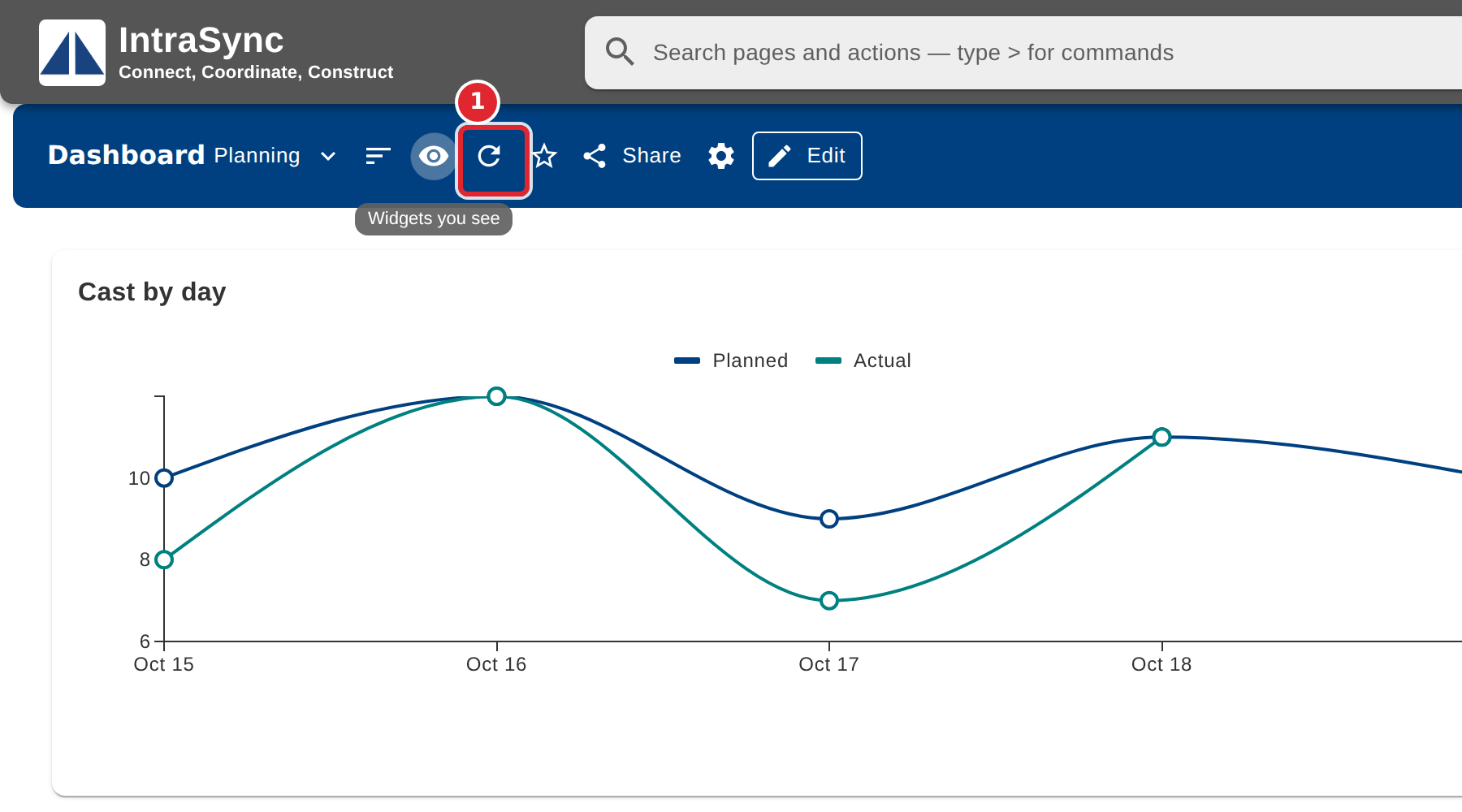
Select Refresh to load every widget again.
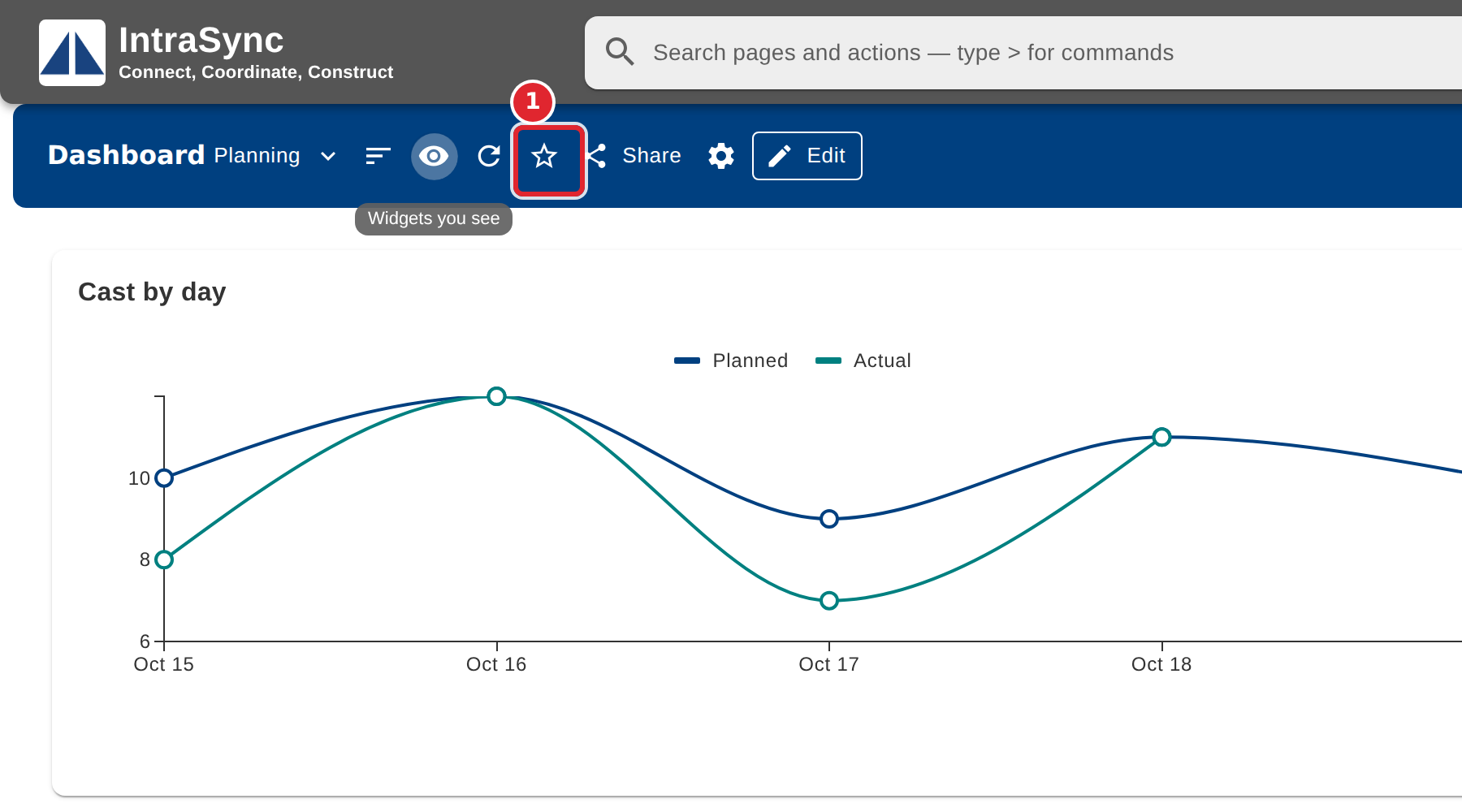
Select the star to make this board the one that opens first for you. Select it again to stop.
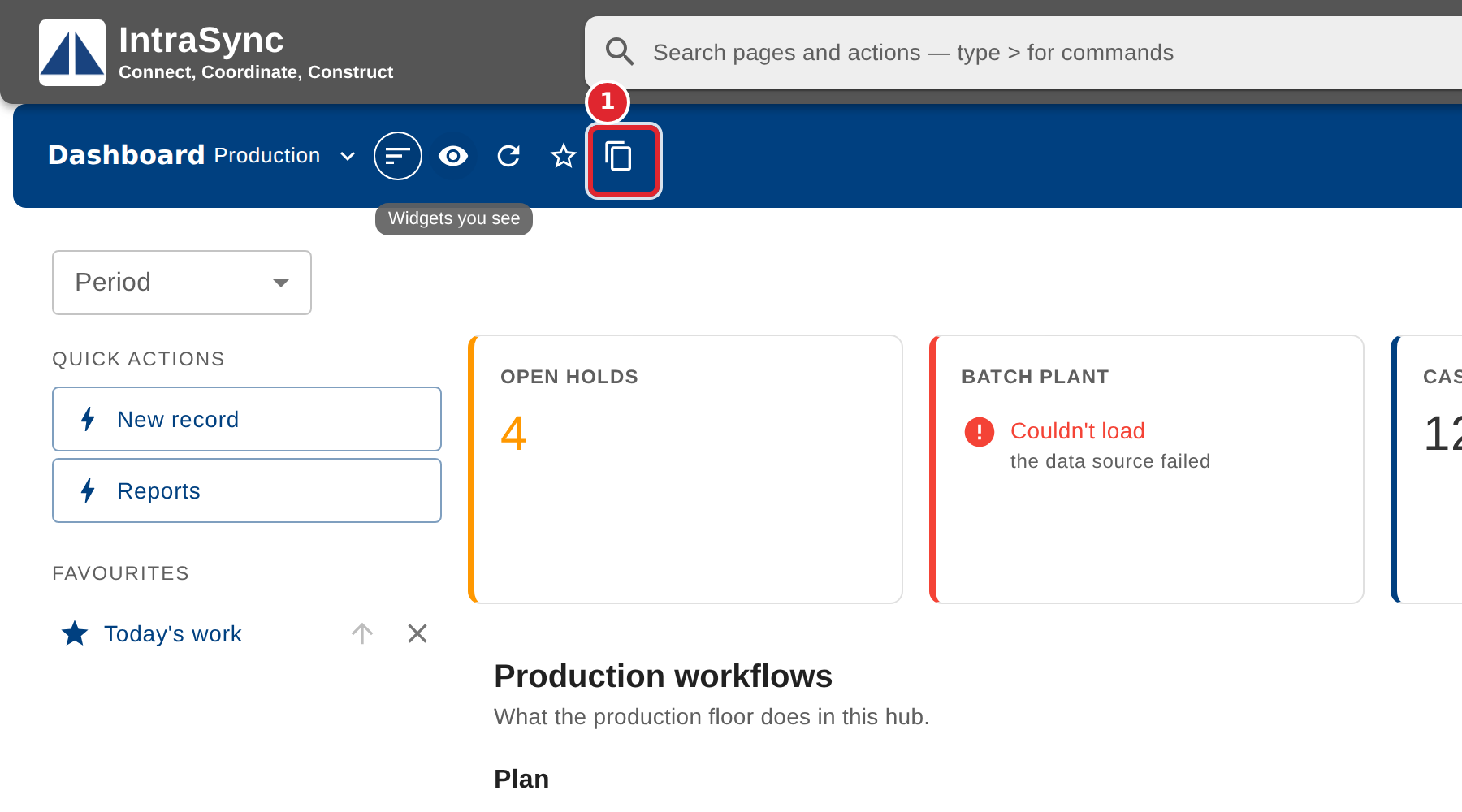
On a board you may only read, select Make my own copy to get a board of your own to change.
Tips
- Make my own copy gives you a board you can change freely; the original stays as it was.