Dashboard guide · section 6 of 14
Hide widgets you do not need
Keep a shared board focused on your own work without changing what anyone else sees.
Watch this in the video (0:35)
Steps
In the pictures, a numbered red box marks where to click or type. Where a picture has more than one box, the numbers give the order.
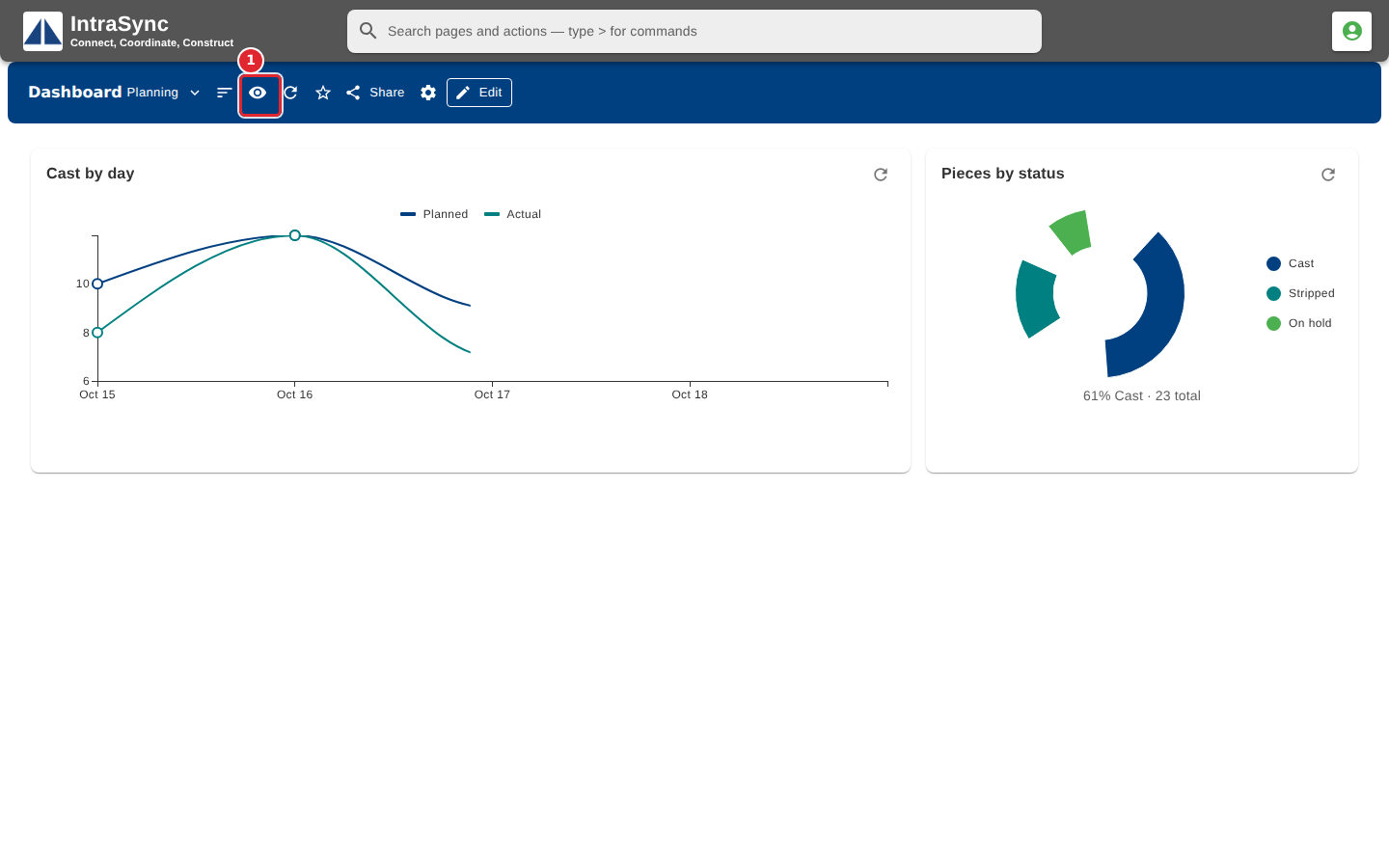
Select Widgets you see in the header.
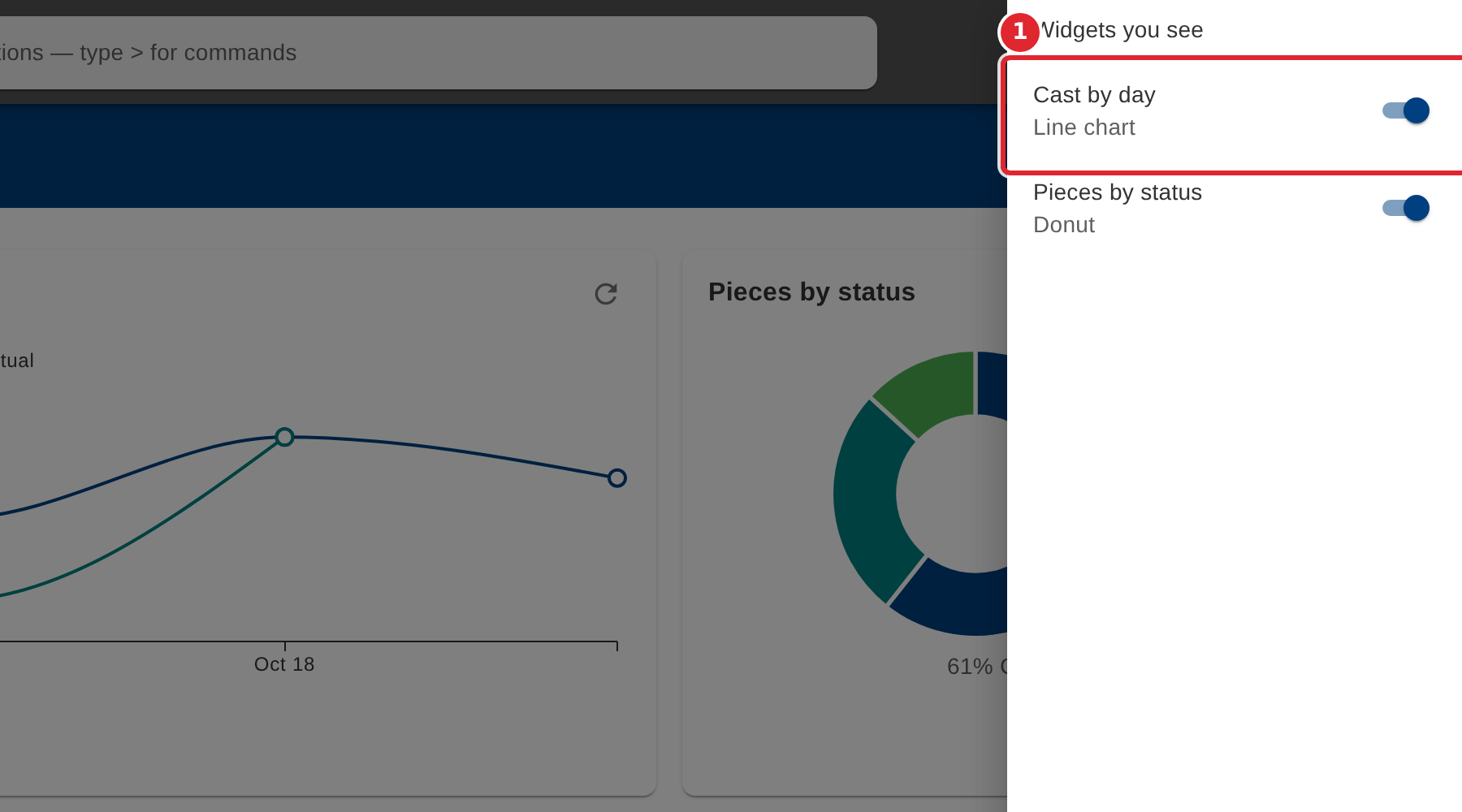
Turn a widget's switch off to hide it for yourself. Others still see it.
Tips
- To hide a widget for everyone instead, edit the board and use Order & visibility.