Dashboard guide · section 11 of 14
Set the order of the widgets
Decide which widgets come first and which ones the board shows, for everyone who opens it.
Watch this in the video (0:57)
Before you start
- Open the board in edit mode first.
Steps
In the pictures, a numbered red box marks where to click or type. Where a picture has more than one box, the numbers give the order.
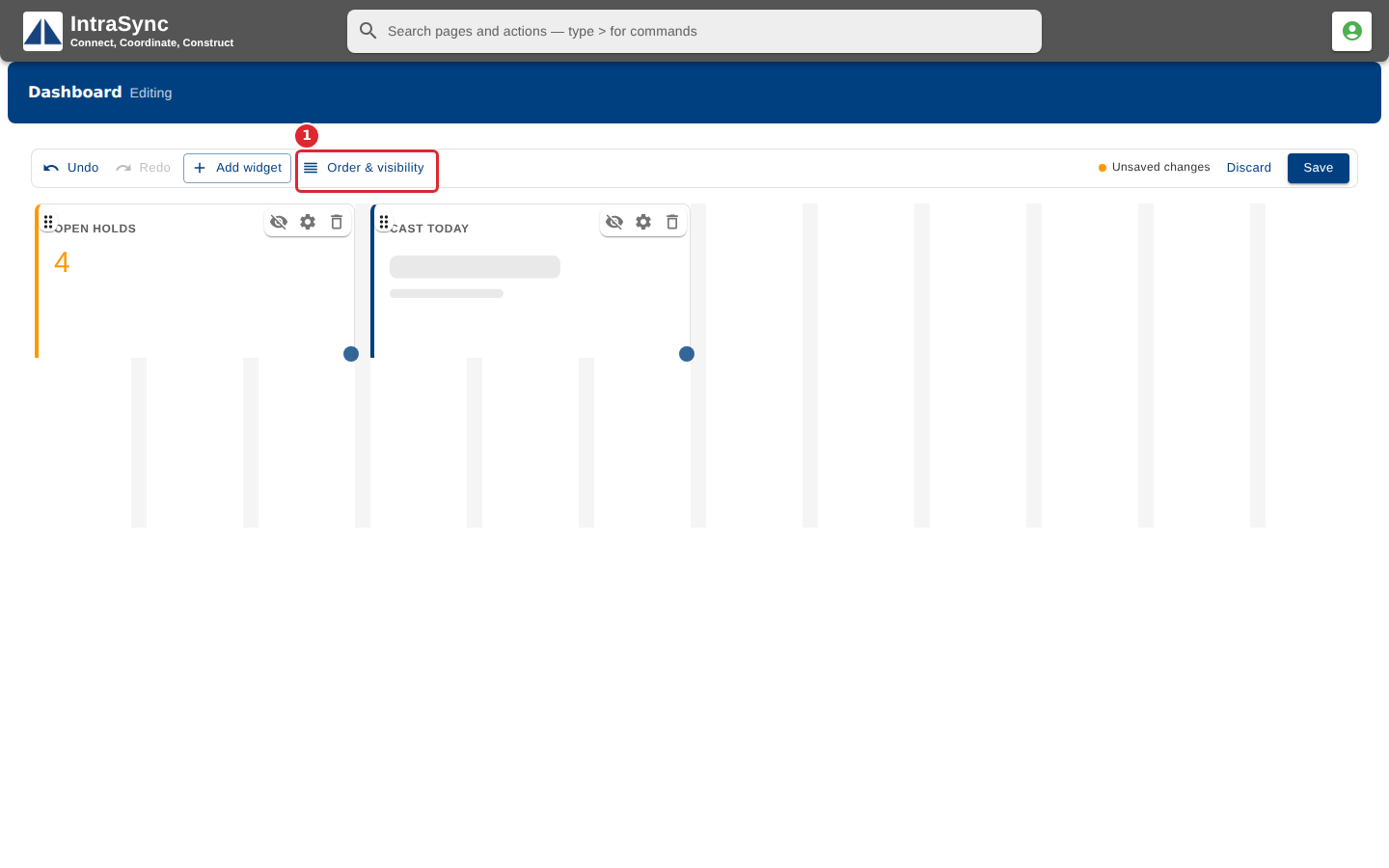
In edit mode, select Order & visibility.
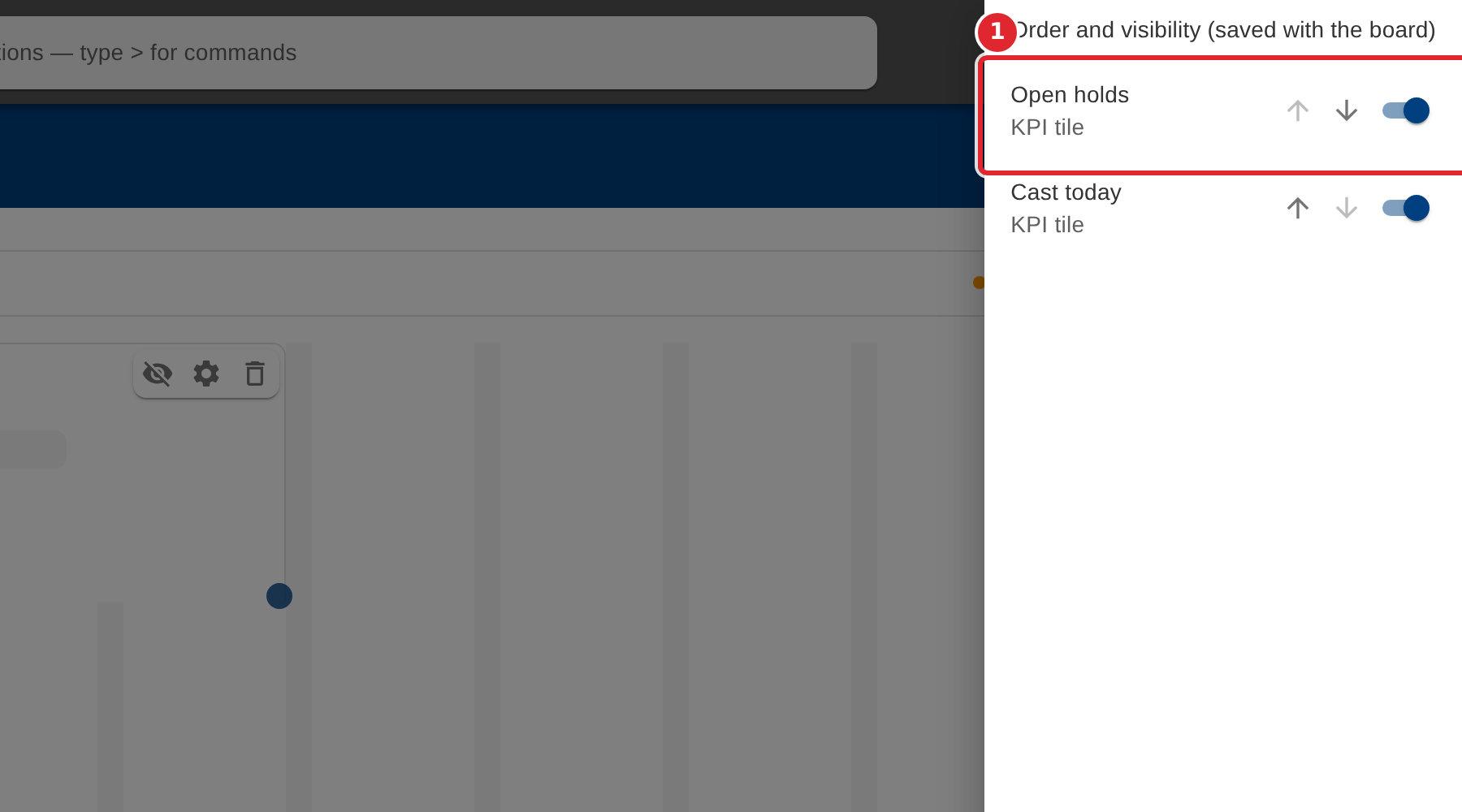
Use the arrows to move a widget up or down, and the switch to show or hide it on the board.
Tips
- This order is saved with the board. Select Save afterwards.