Dispatch guide · section 16 of 20
Use your own board: Dispatch — my work
Dispatch — my work gathers what needs you, your own counts and the load calendar on one page.
Watch this in the video (0:42)
Before you start
- Dispatch — my work is in the page menu where your system includes IntraSync's dashboards.
Steps
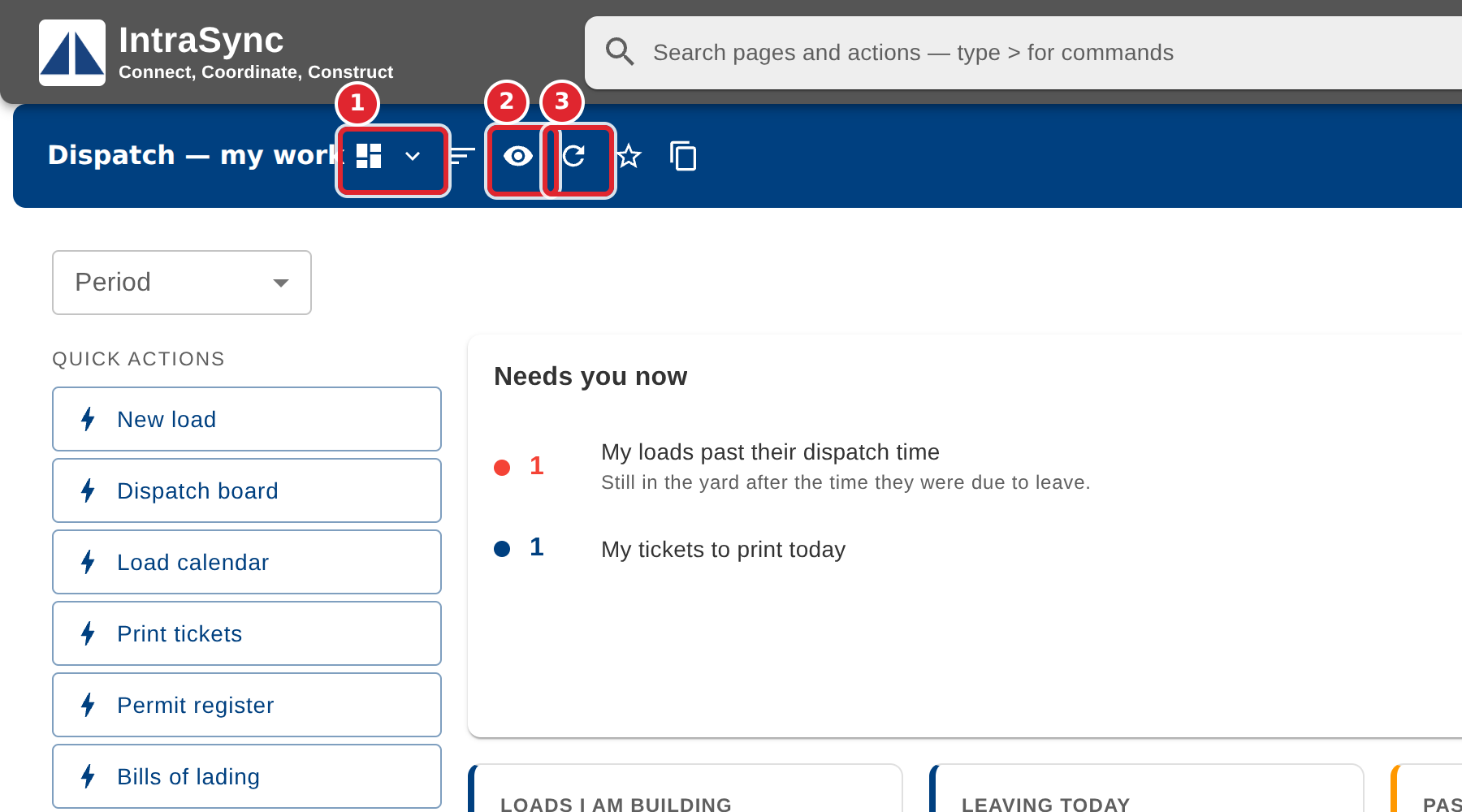
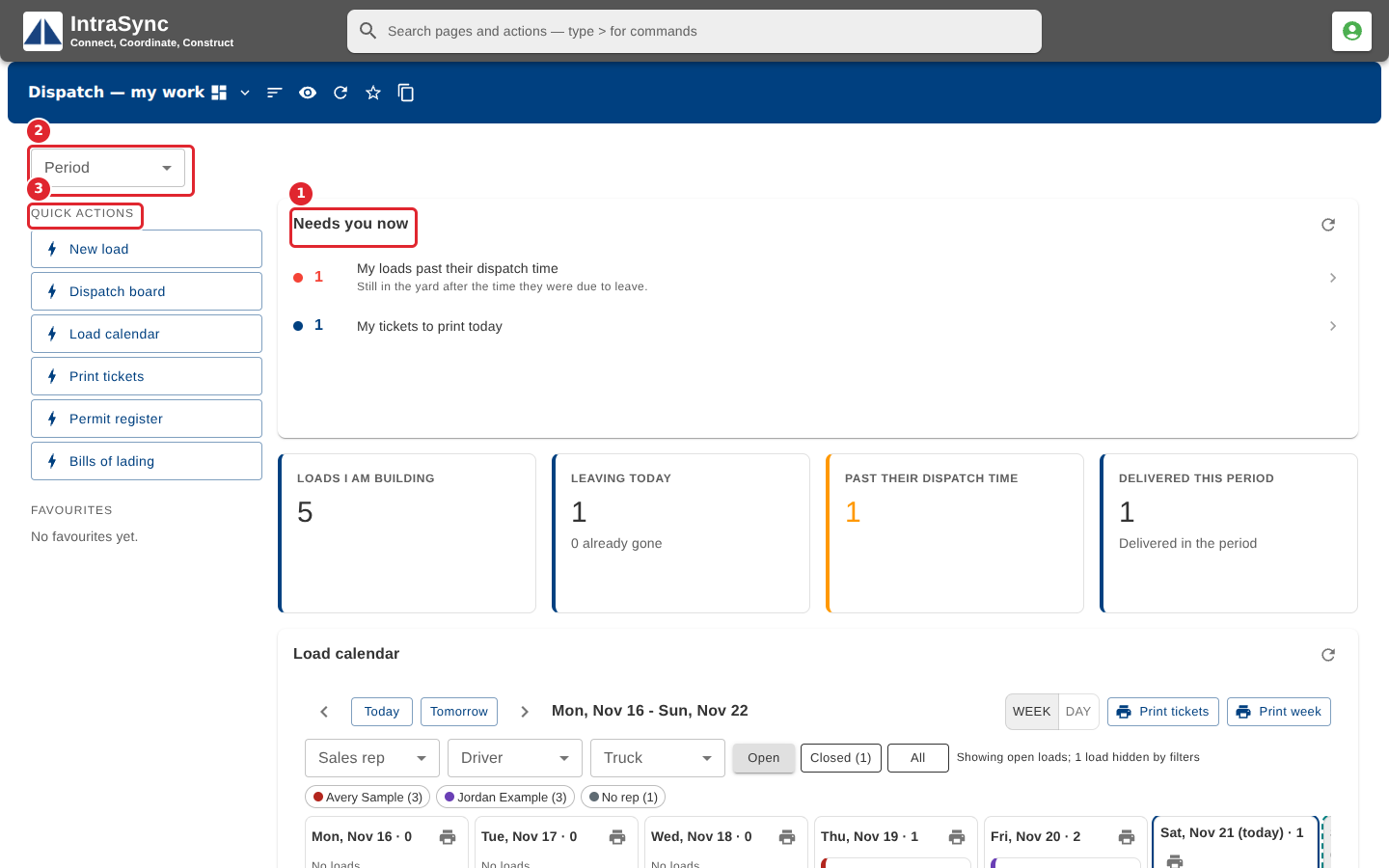
In the pictures, a numbered red box marks where to click or type. Where a picture has more than one box, the numbers give the order.
Open Dispatch — my work from the page menu. Needs you now lists what is waiting on you, the tiles count your loads for the Period you choose, and Quick actions open the screens you use most.
Use Switch board to change boards, Widgets you see to choose what the board shows, and Refresh all widgets to update them.