Look at a load from the top, the side and the A-frame
Each view answers a different question: where the pieces sit on the deck, how high they stack, and how they sit on an A-frame trailer.
Watch this in the video (1:21)
Steps
In the pictures, a numbered red box marks where to click or type. Where a picture has more than one box, the numbers give the order.
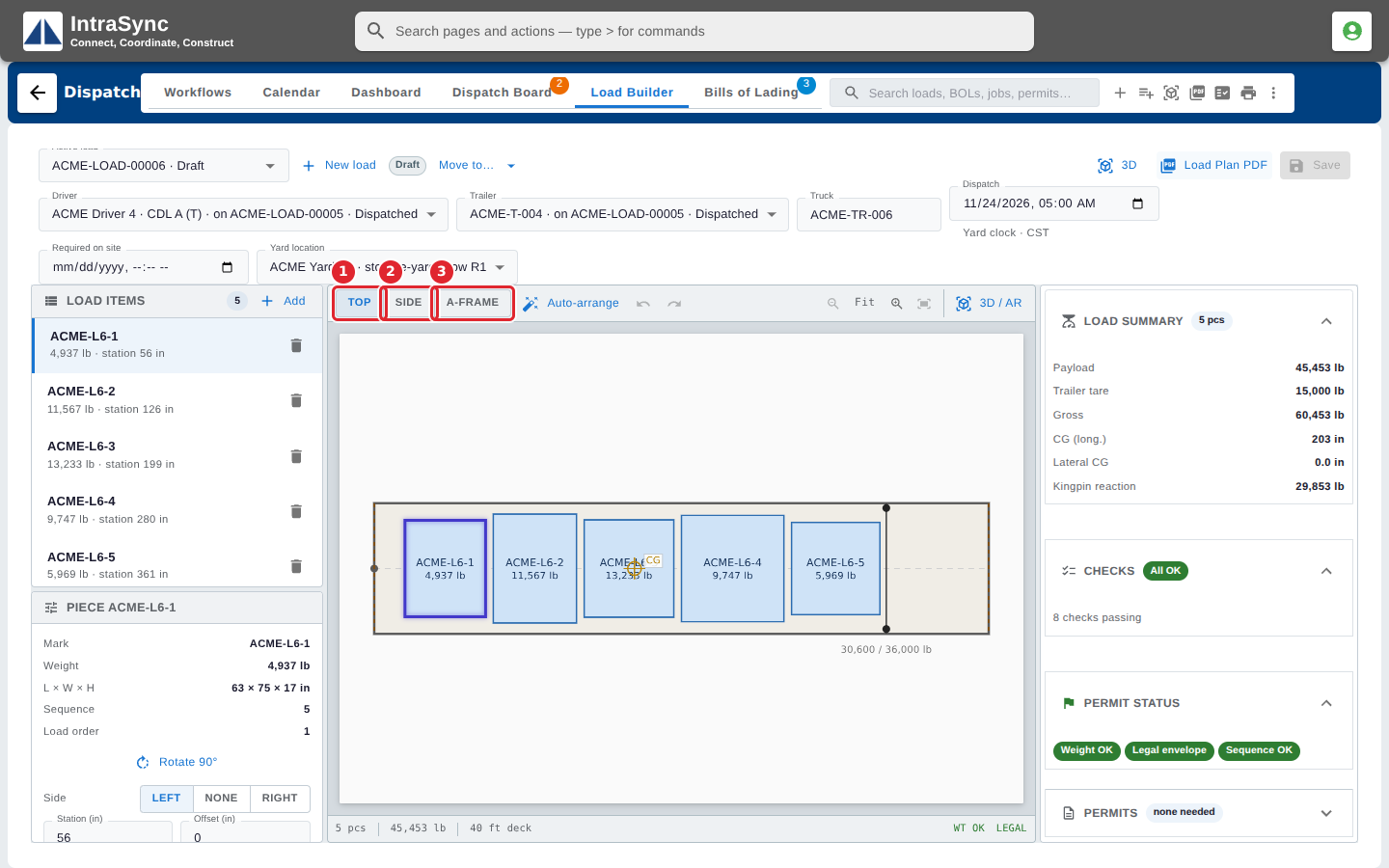
Choose Top, Side or A-Frame above the drawing. Place pieces in the Top view; Side and A-Frame are for looking only.
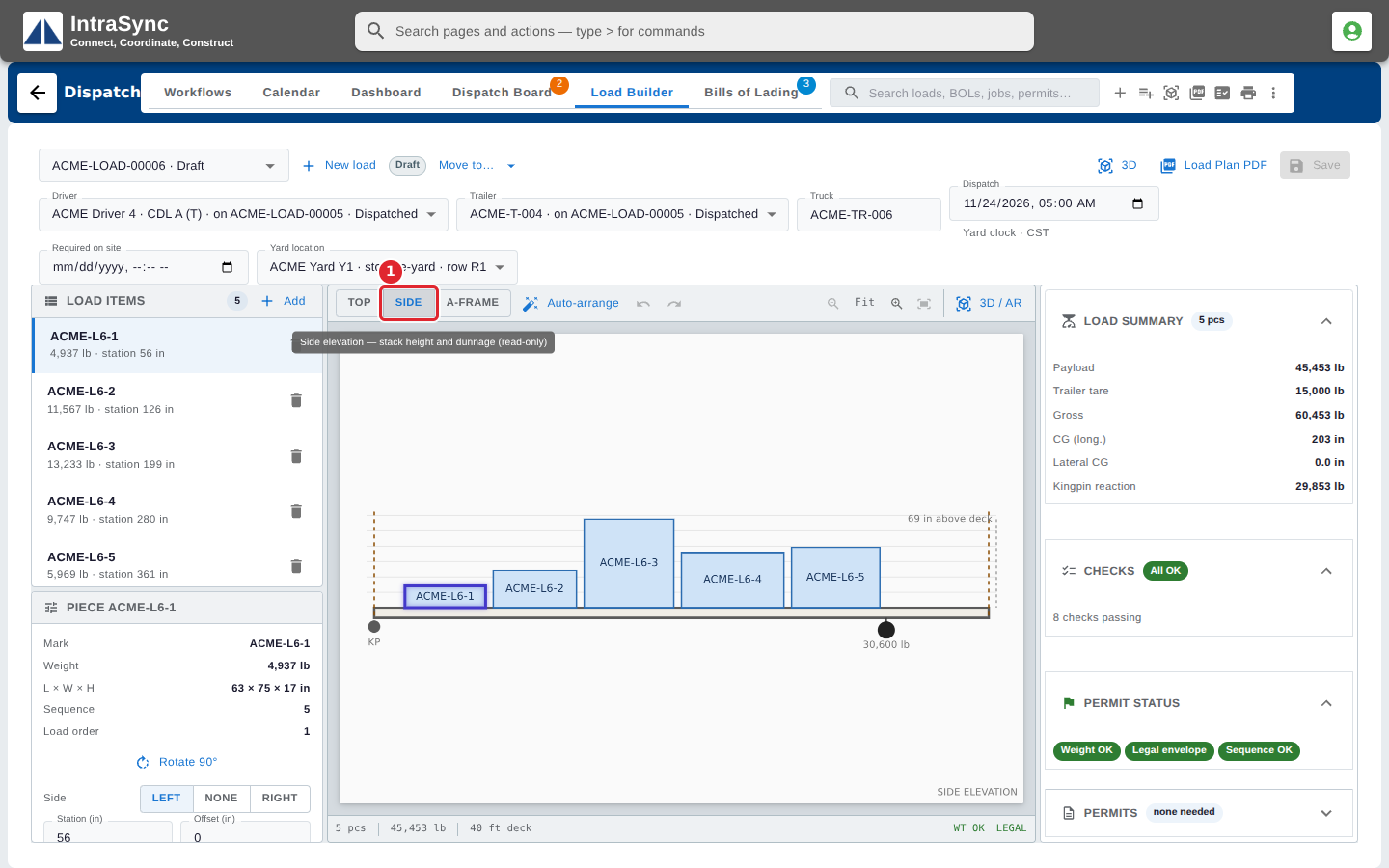
The Side view shows how high the pieces stack and the dunnage under them.
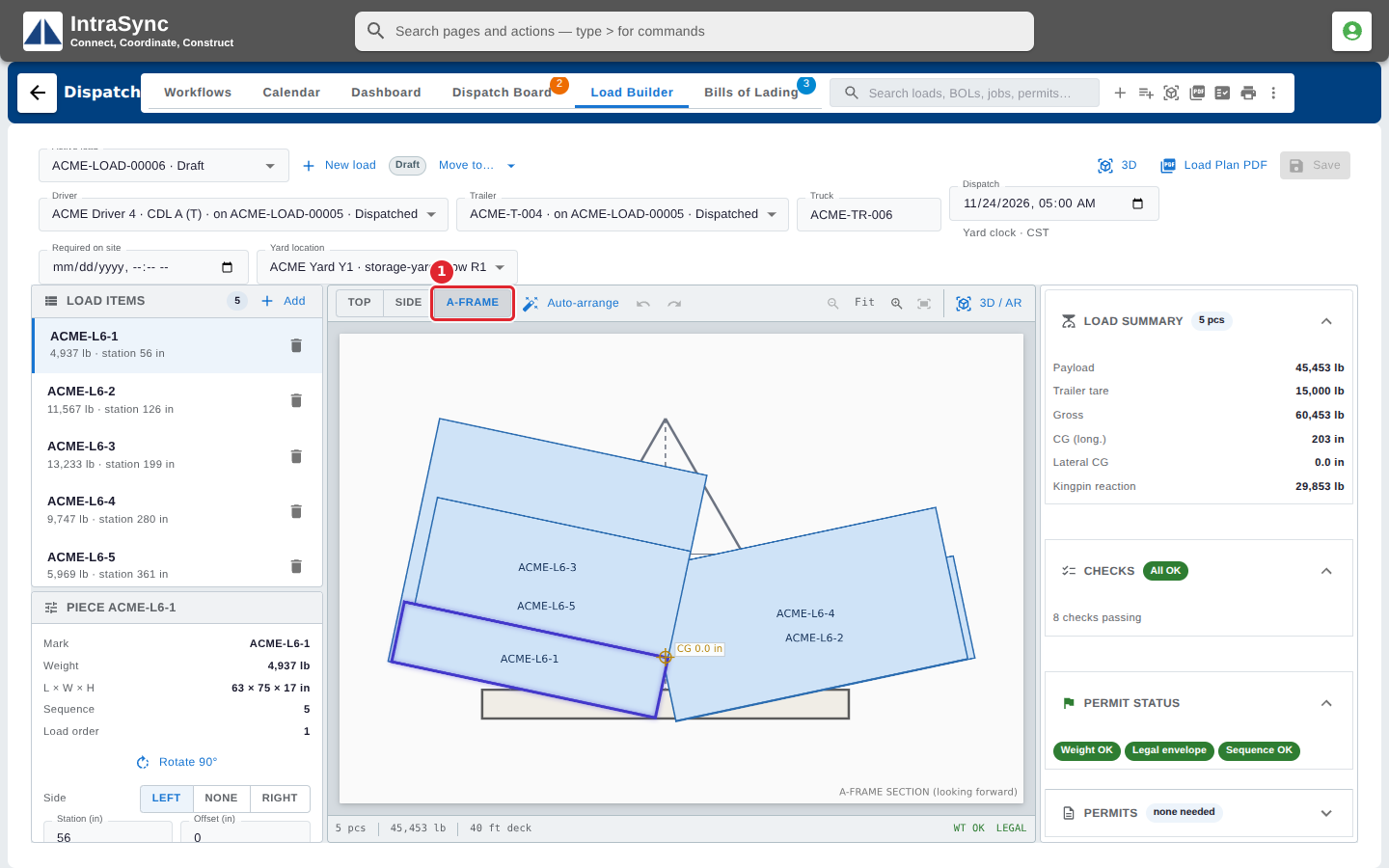
The A-Frame view shows the load in section, looking forward.
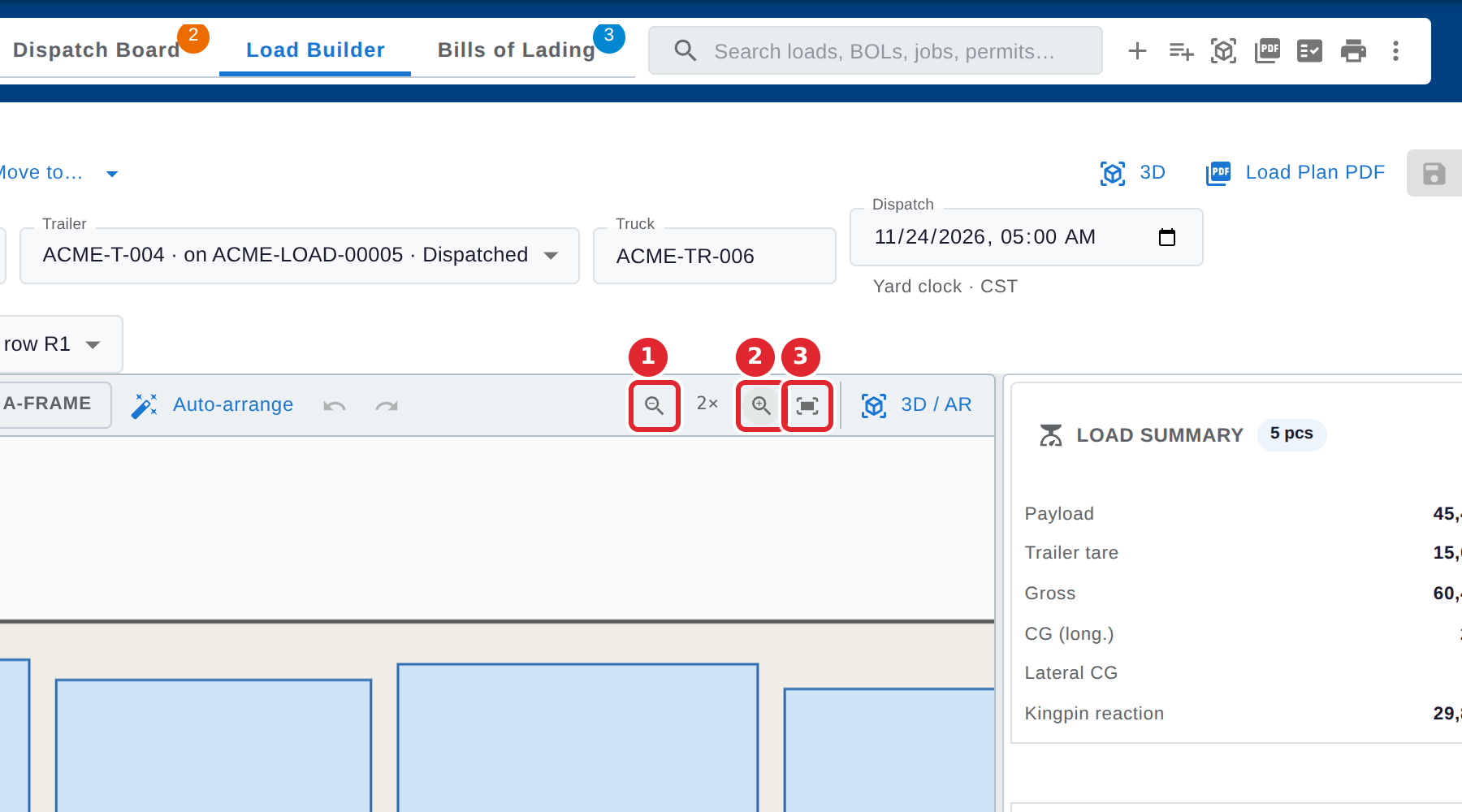
Use Zoom out and Zoom in for detail, and Fit to panel to see the whole load again.
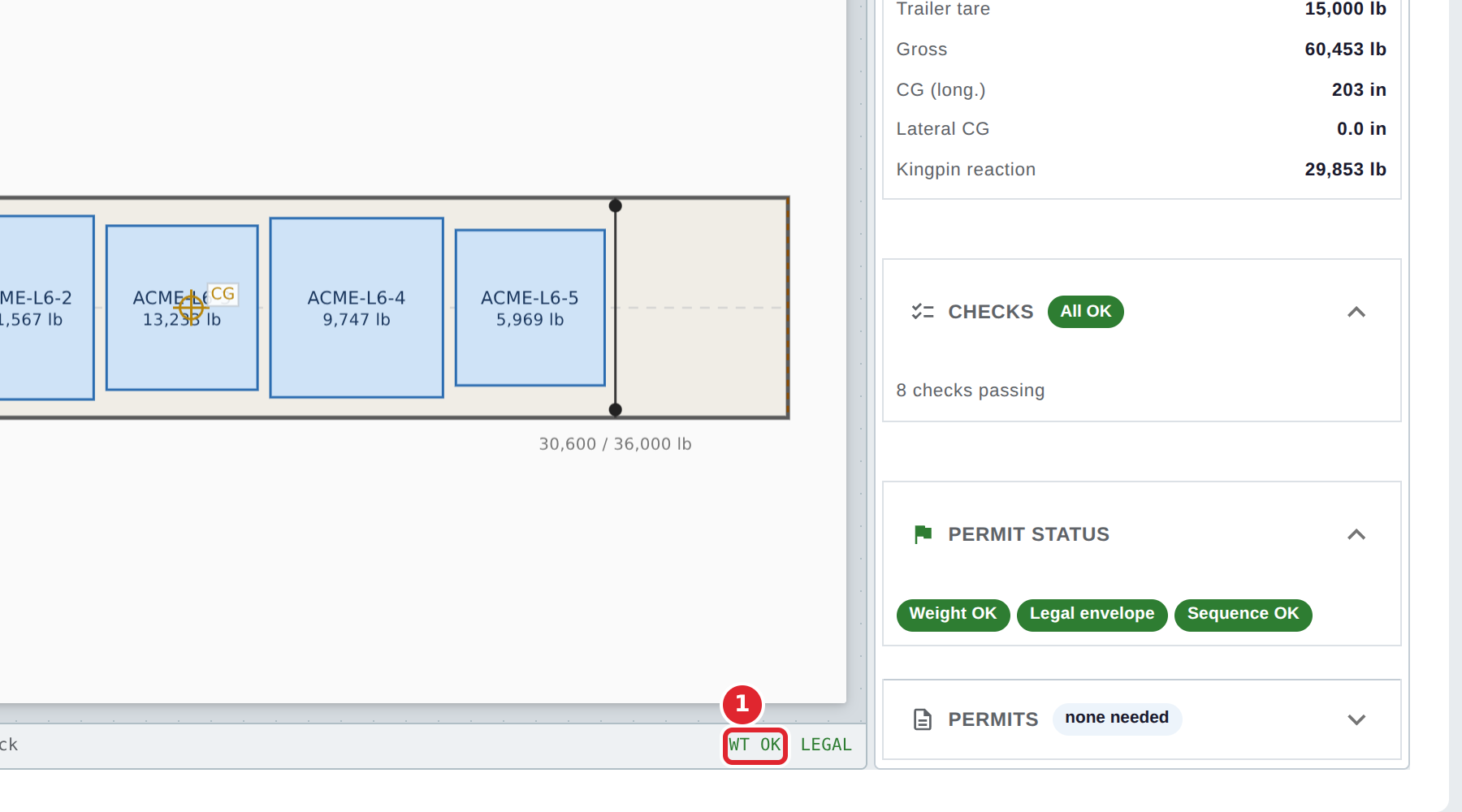
The strip under the drawing shows the number of pieces, the weight and the deck length, and whether the load is within its weight rating and the legal envelope.
Tips
- Side and A-Frame are for looking only. Go back to Top to move pieces.