Engineering guide · section 1 of 25
Find your way around the Engineering hub
Know where each list lives and where the everyday actions are, before you start work.
Watch this in the video (0:03)
Before you start
- Access to the Engineering hub (its page permission).
Steps
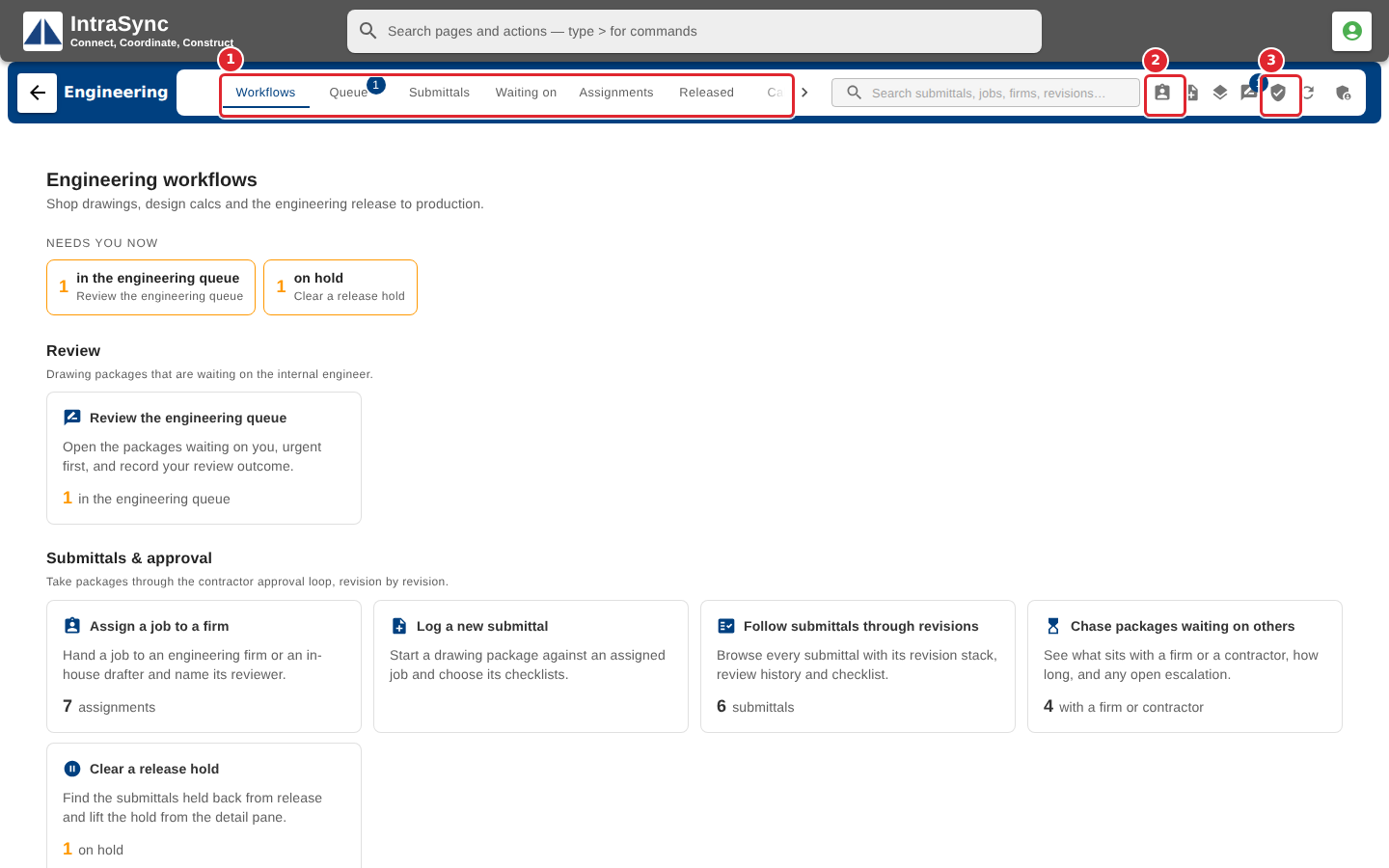
In the pictures, a numbered red box marks where to click or type. Where a picture has more than one box, the numbers give the order.
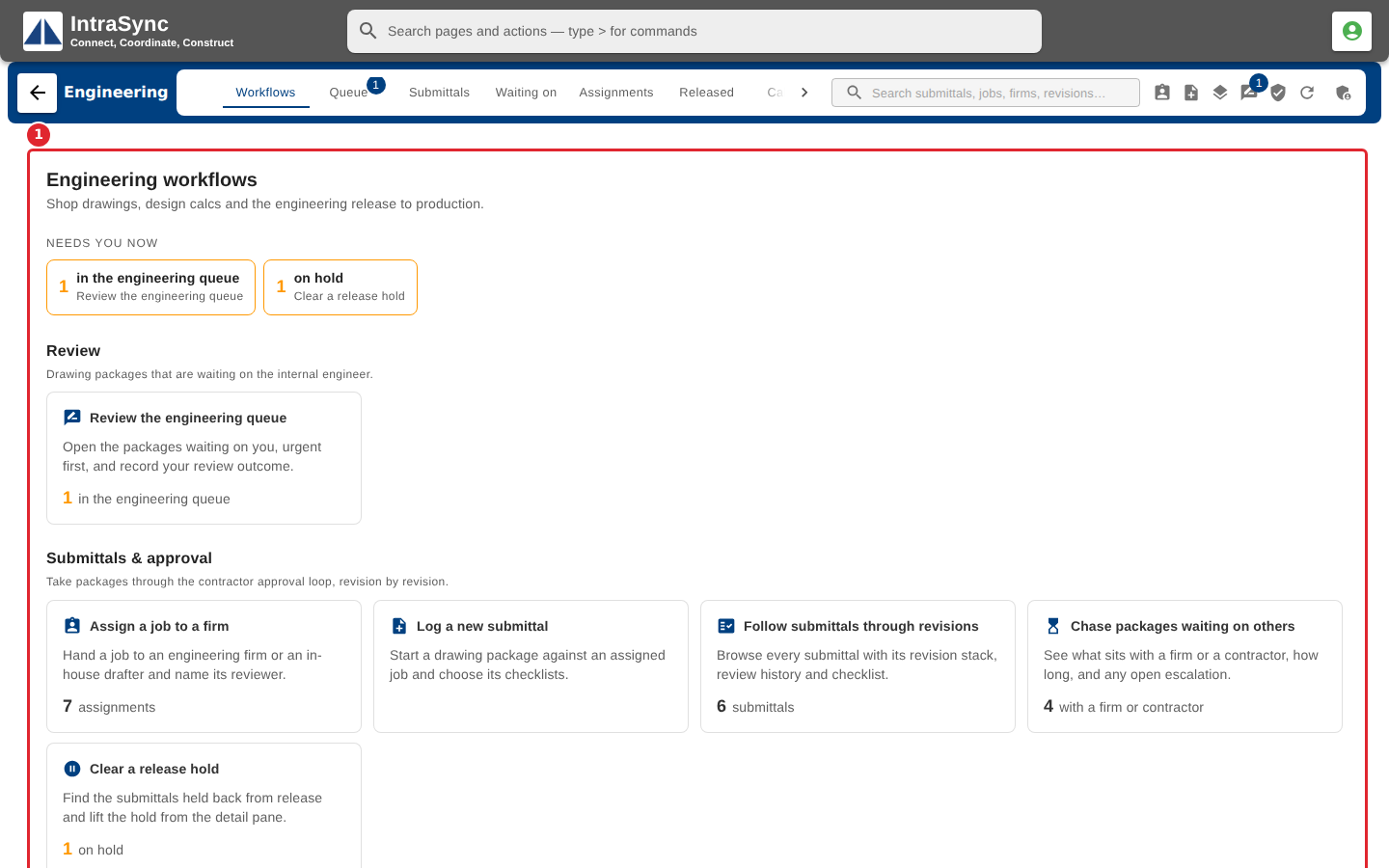
Open Engineering. The hub opens on the Workflows tab, a dashboard of the department's work grouped by what needs doing now.
Use the tabs to move between lists: Queue, Submittals, Waiting on, Assignments, Released, Calendar, Drawing vs order and BOM drafts. The buttons at the right of the tabs are the everyday actions: New assignment, New submittal, Add revision, Advance review, Engineering release, and Refresh.
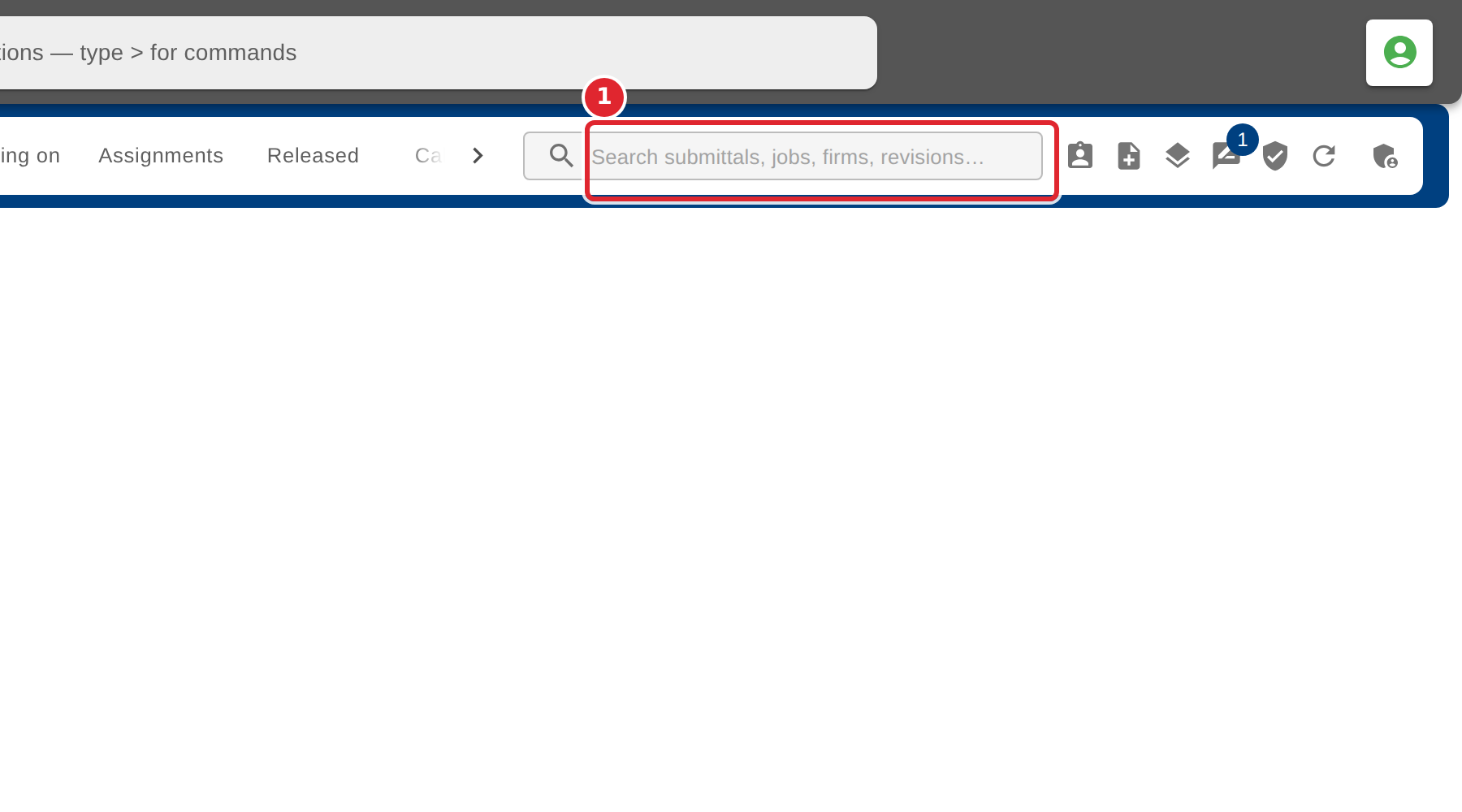
Use the search field at the right of the hub to find any engineering record.
Tips
- Hover over a button at the right of the tabs to see its name.
- Some tabs appear only when your system turns them on: Drawing vs order and BOM drafts are off unless switched on.