Engineering guide · section 20 of 25
Review draft bills of materials
Check and accept the bills of materials drafted for products that have none yet.
Before you start
- Access to the Engineering hub (its page permission).
- BOM drafts are switched on for your system.
Steps
In the pictures, a numbered red box marks where to click or type. Where a picture has more than one box, the numbers give the order.
Select the BOM drafts tab. When no draft is waiting, select Make drafts for products without a BOM.
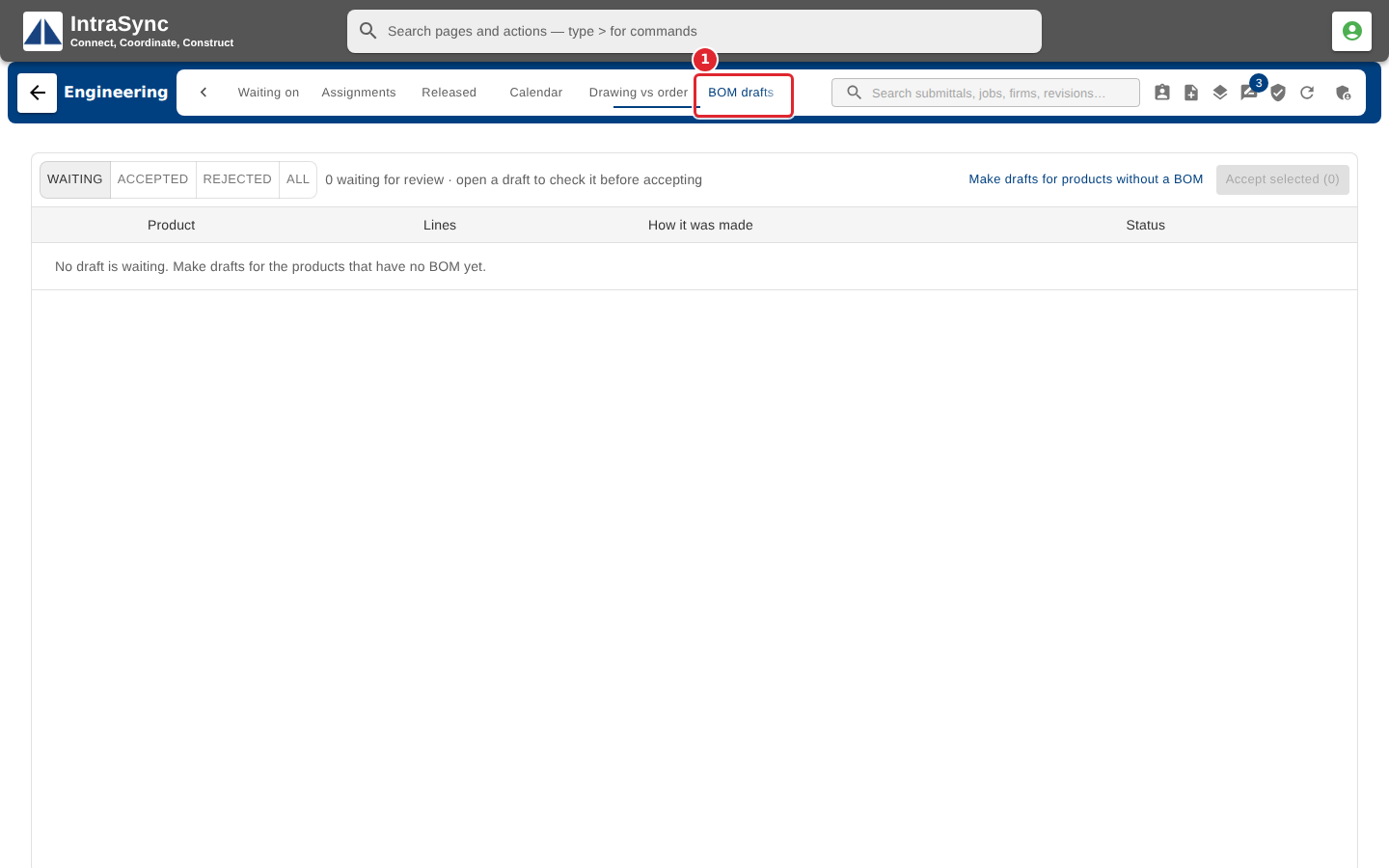
Open a draft to check its components and quantities. Change a quantity, remove a line or add a component, then accept the draft.
To accept several at once, tick them and select Accept selected.
Tips
- Drafts copy the closest existing product, plus any BOM rules that apply.
- Use Waiting, Accepted, Rejected and All to choose which drafts are shown.