Engineering guide · section 19 of 25
Answer differences between the drawing and the order
Make sure what is ordered matches what engineering approved, or record why it may differ.
Watch this in the video (4:31)
Before you start
- Access to the Engineering hub (its page permission).
- Drawing vs order is switched on for your system.
- Approved values are recorded for the job, and the job is linked to its sales order.
Steps
In the pictures, a numbered red box marks where to click or type. Where a picture has more than one box, the numbers give the order.
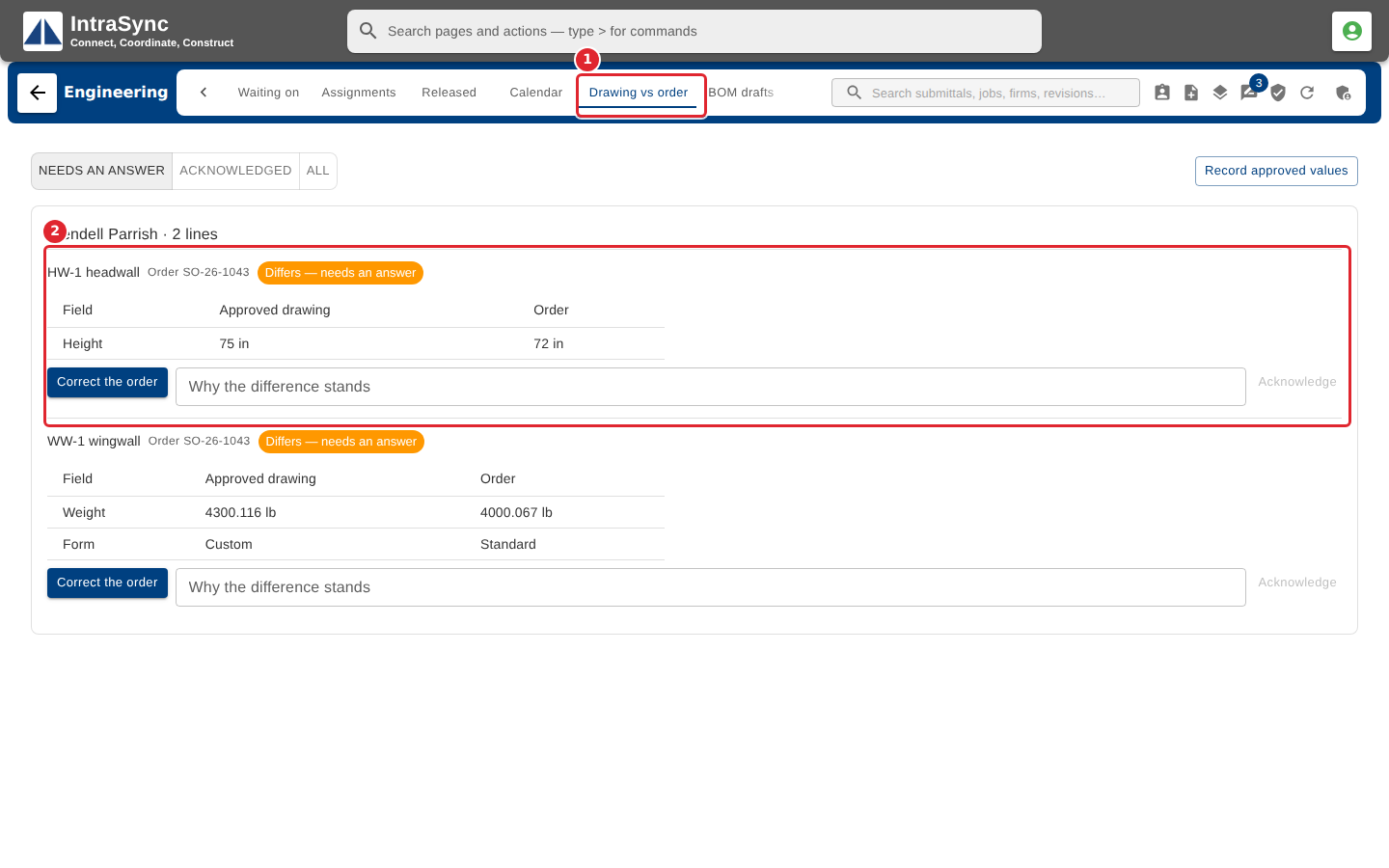
Select the Drawing vs order tab. Each order line that differs from the approved drawing is listed field by field, grouped by salesperson.
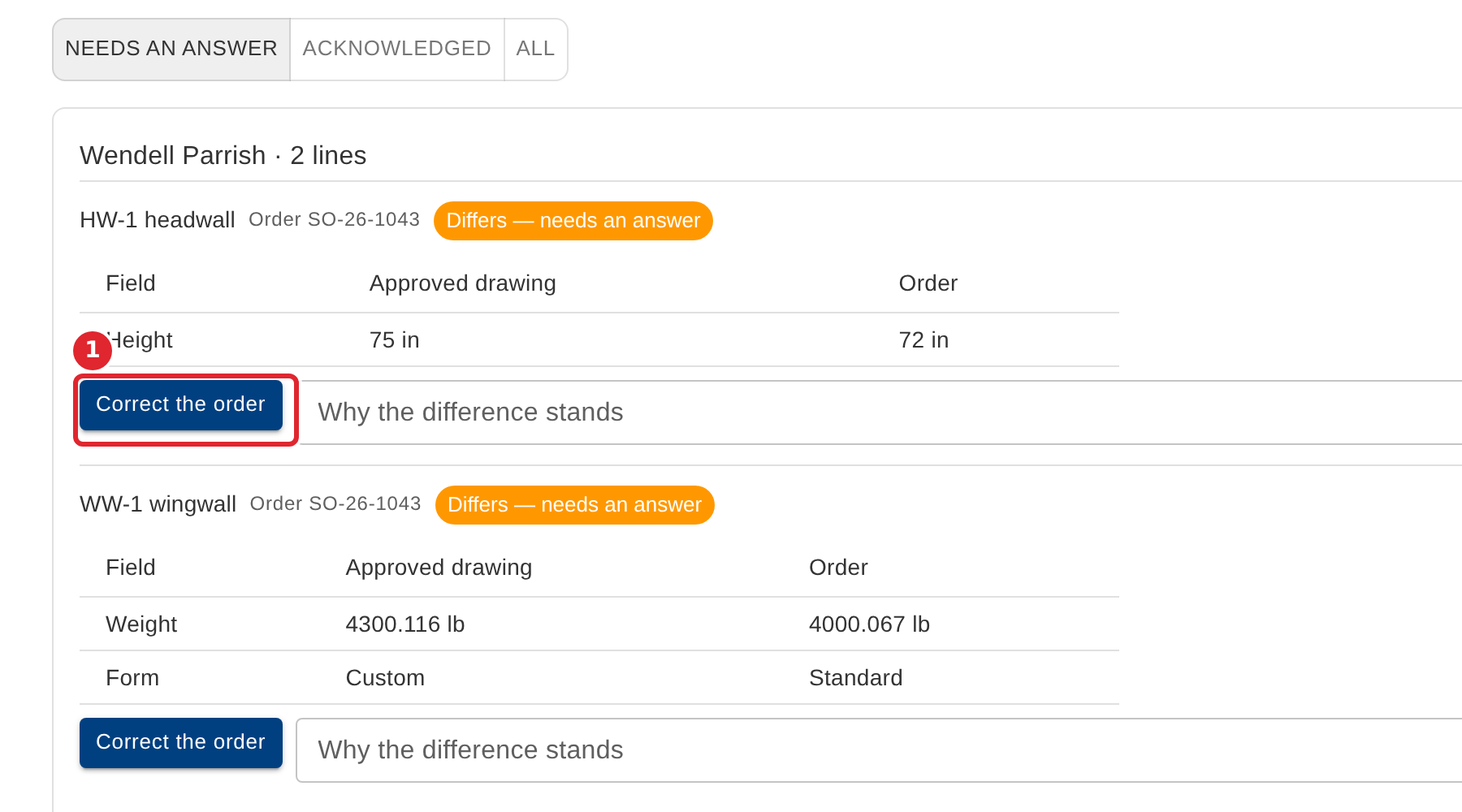
To change the order to match the drawing, select Correct the order.
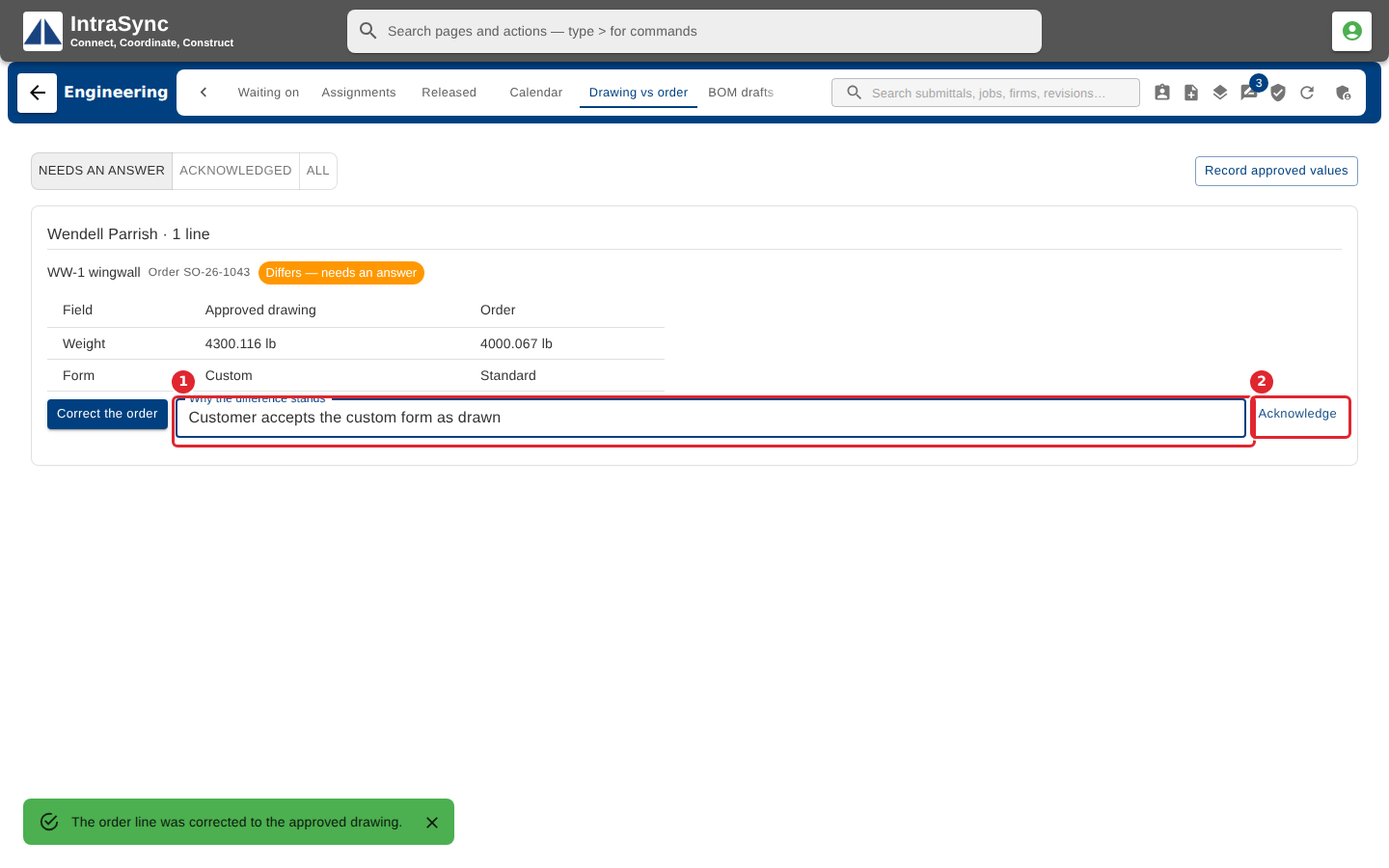
To keep the difference, enter why it stands, then select Acknowledge.
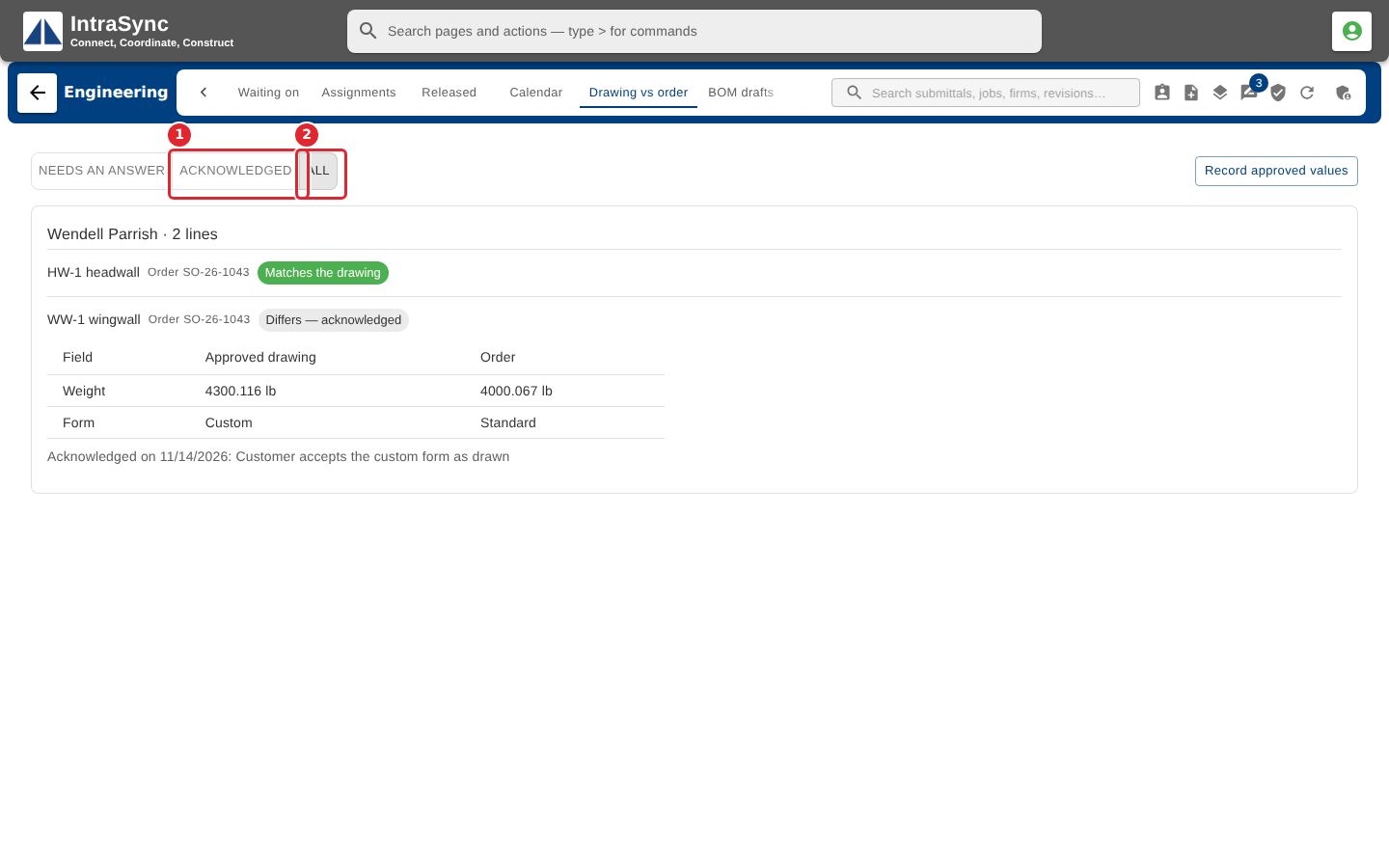
Use Needs an answer, Acknowledged and All to choose which lines are shown.
Tips
- Acknowledge stays unavailable until you give a reason.
- Quantities show in your plant's units.