Engineering guide · section 22 of 25
Set up engineering firms
Keep the list of outside firms and in-house drafters that jobs are assigned to.
Watch this in the video (4:45)
Before you start
- An administrator account: the Engineering admin menu is shown to administrators only.
Steps
In the pictures, a numbered red box marks where to click or type. Where a picture has more than one box, the numbers give the order.
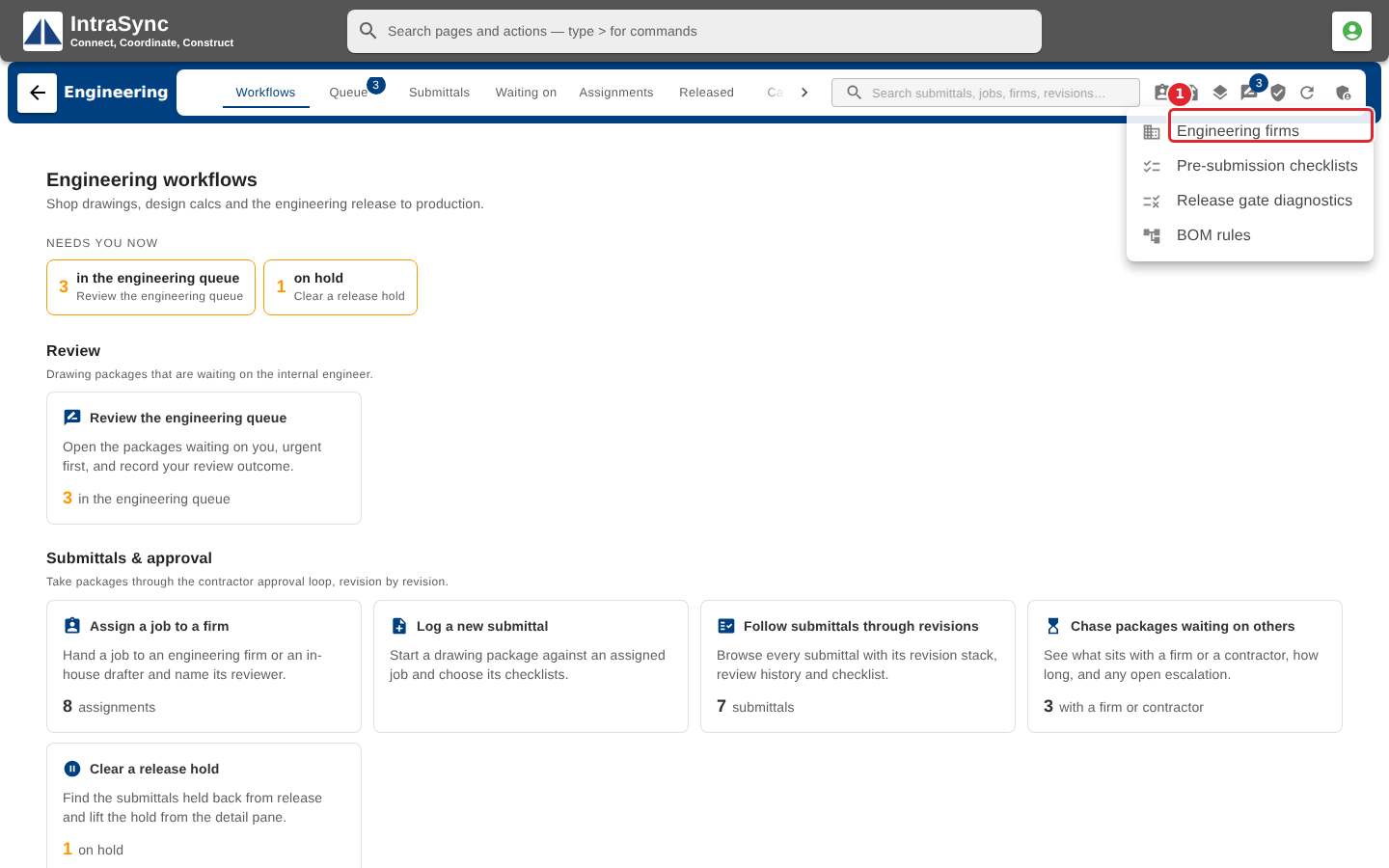
Select Engineering admin, then Engineering firms.
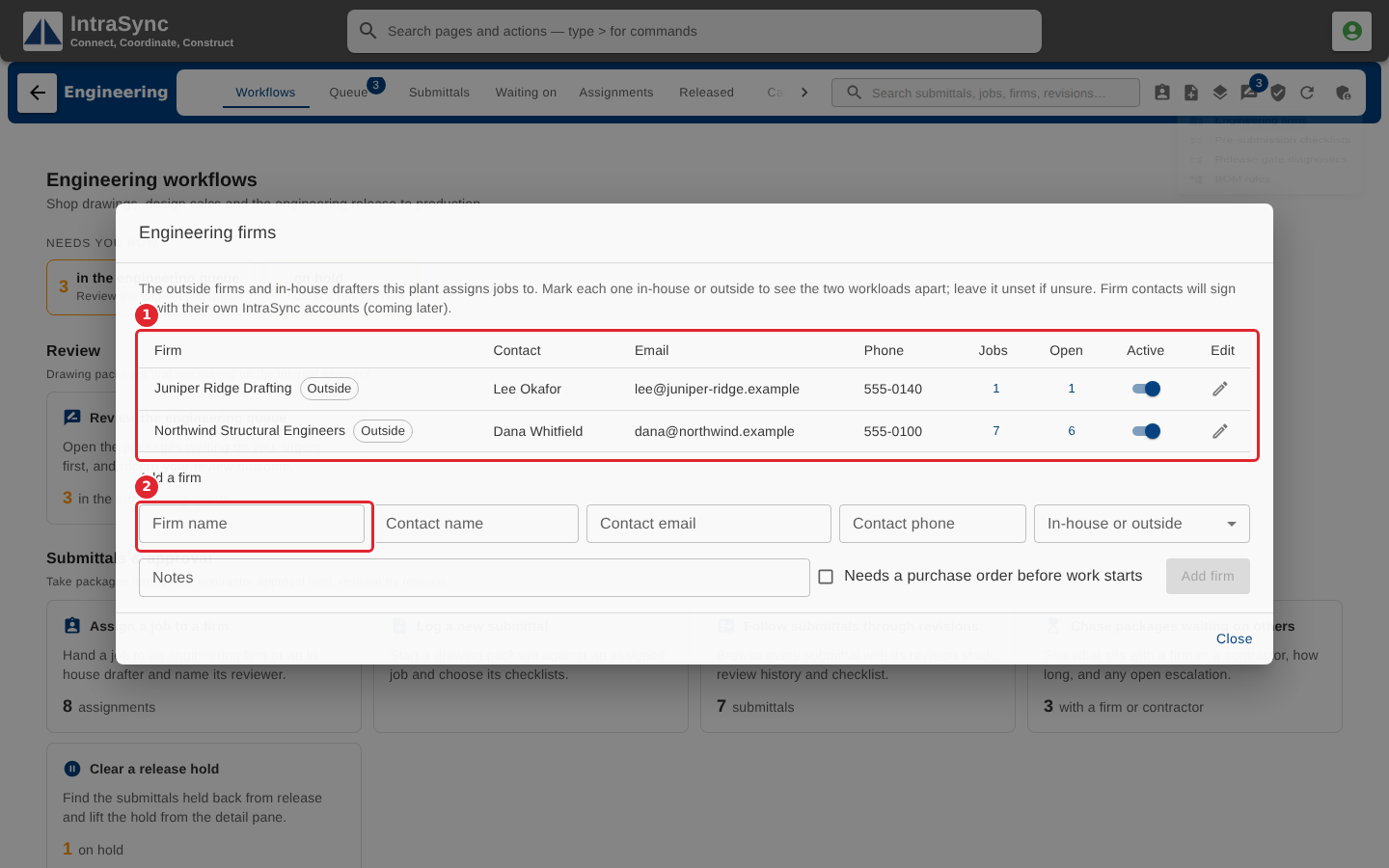
Add a firm with its contact name, email and phone, mark it in-house or outside, and tick Needs a purchase order before work starts if it does. Edit a firm, or switch it inactive, from its row.
Tips
- Leave in-house or outside unset if you are unsure.