Add, change and remove an estimate's lines
Build up what the estimate quotes: stock items, custom pieces, labor, freight and adders.
Before you start
- Lines can be changed only while the estimate is In progress or Revised and has not been converted to an order. A submitted quote is frozen.
- Custom pieces need the company setting Estimators can add custom pieces (Estimating admin > Estimating settings).
Steps
In the pictures, a numbered red box marks where to click or type. Where a picture has more than one box, the numbers give the order.
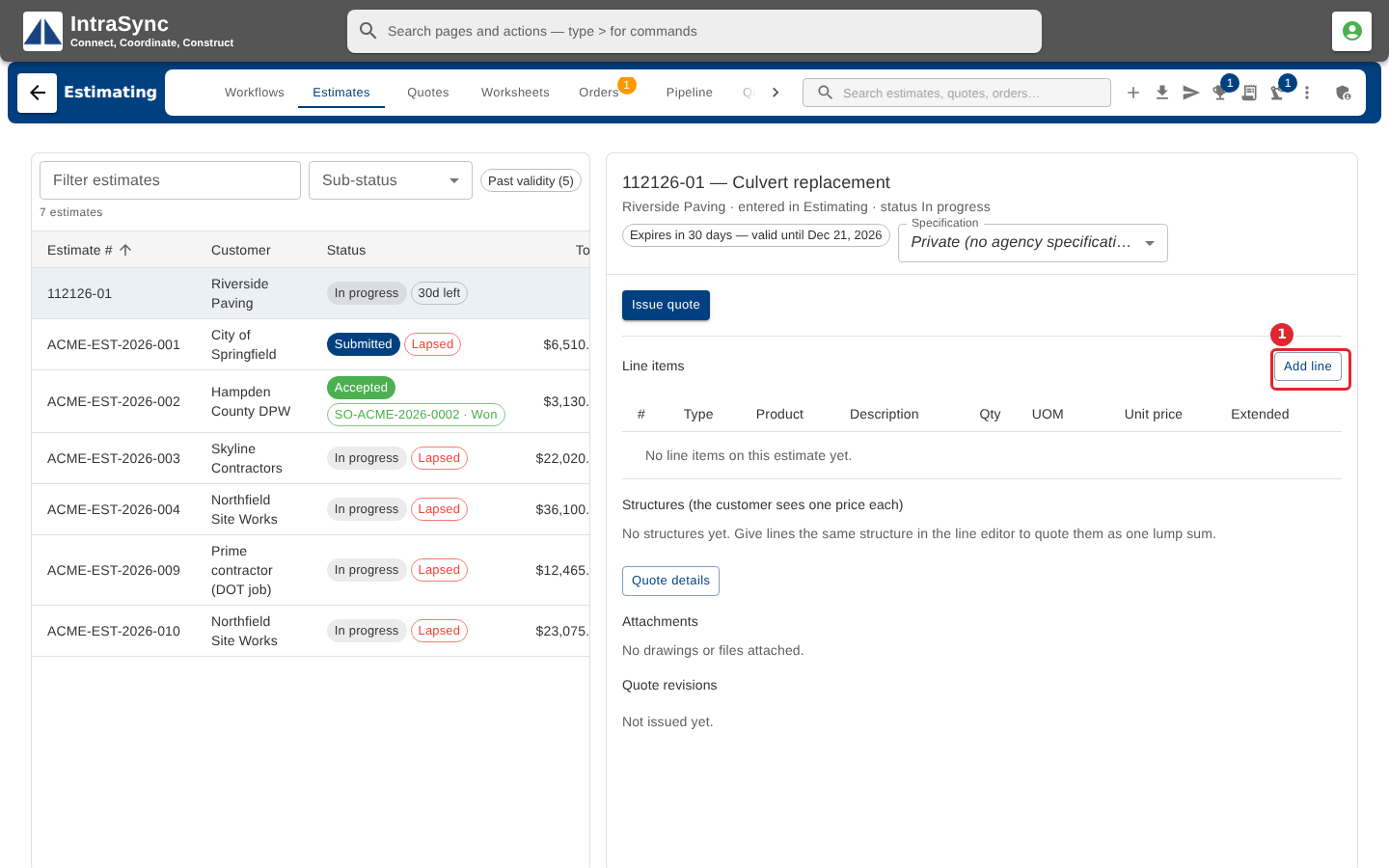
On an estimate that is In progress or Revised, select Add line.
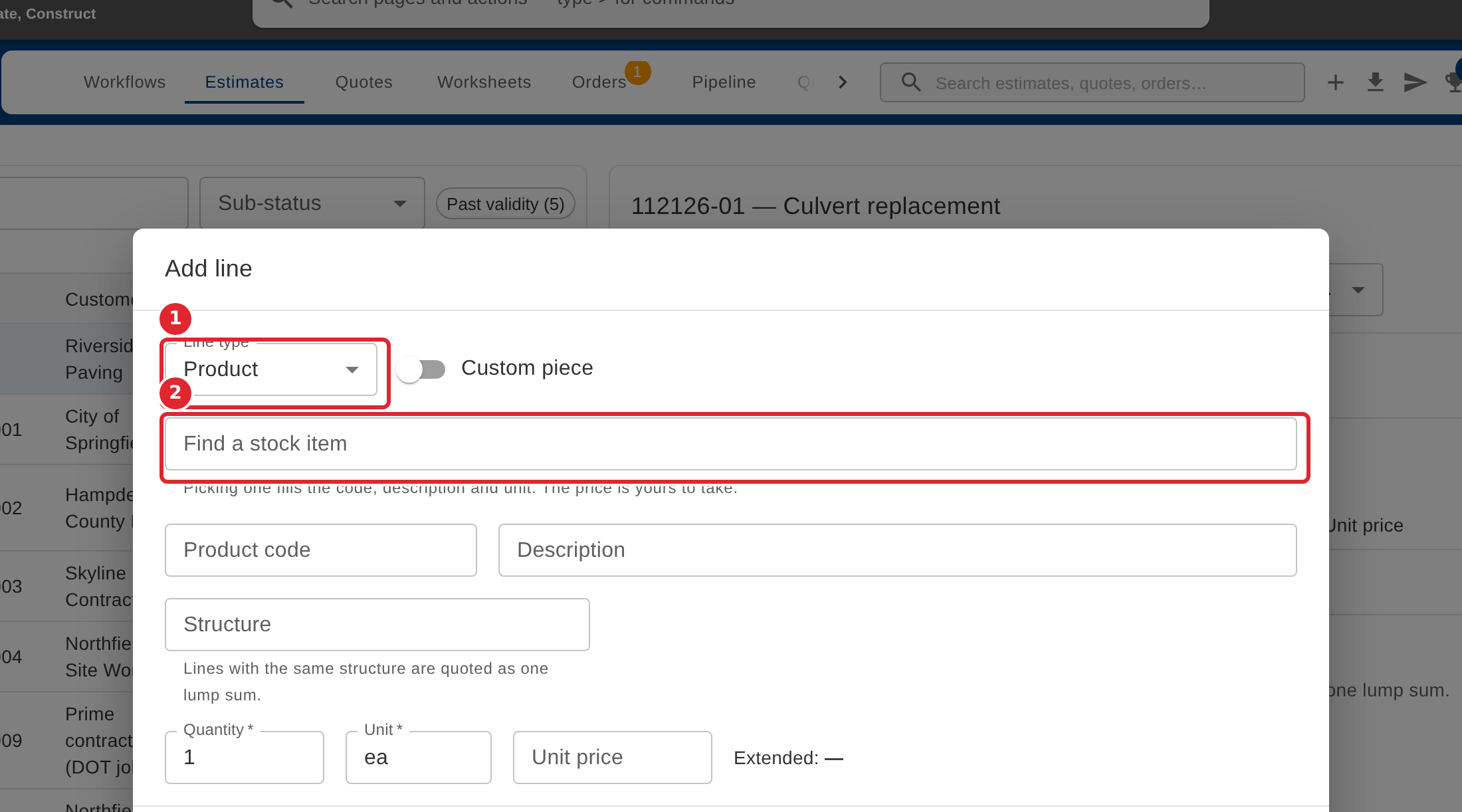
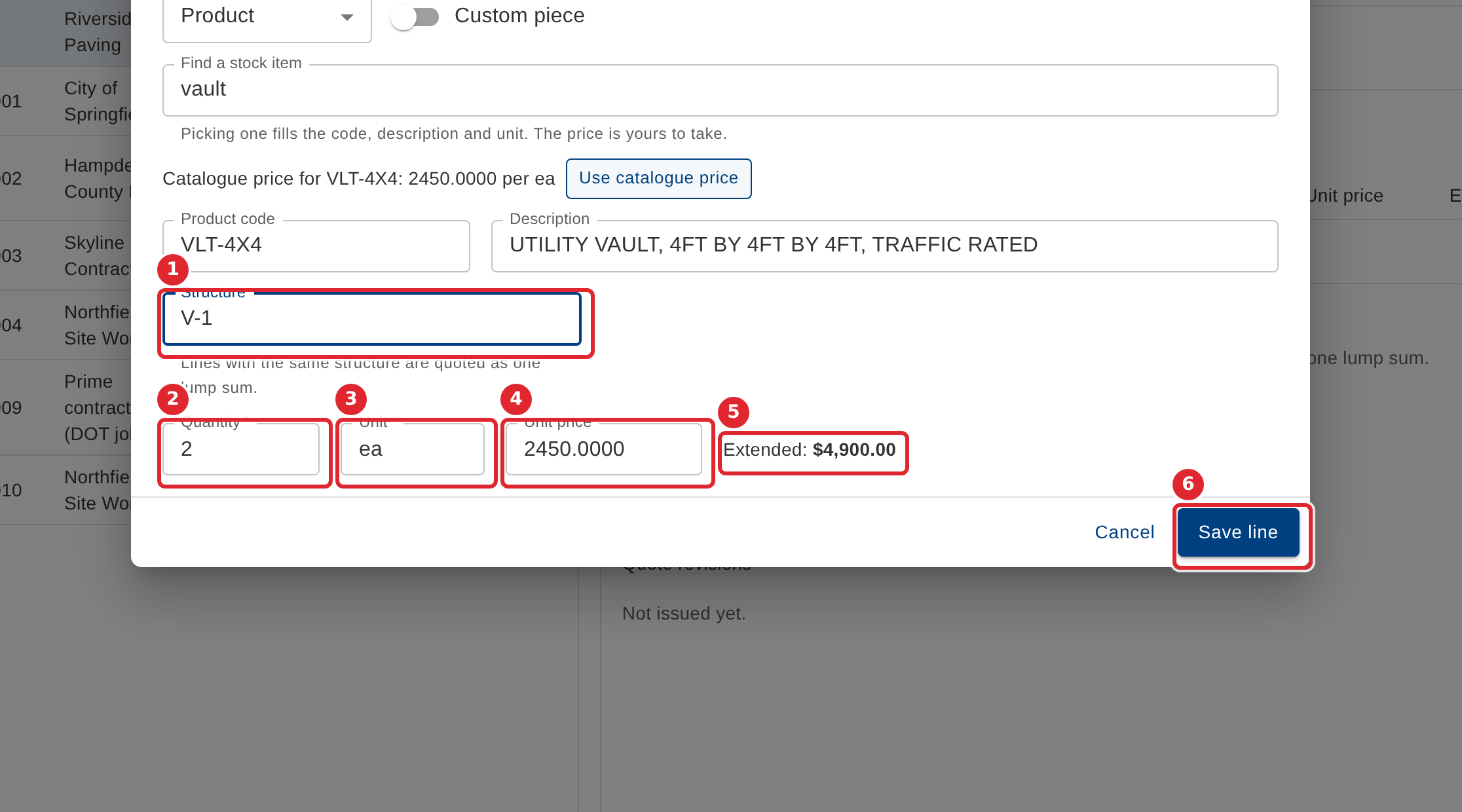
Choose the line type: Product, Labor, Freight or Adder. To take a stock item from the item master, type its name, code or description in Find a stock item.
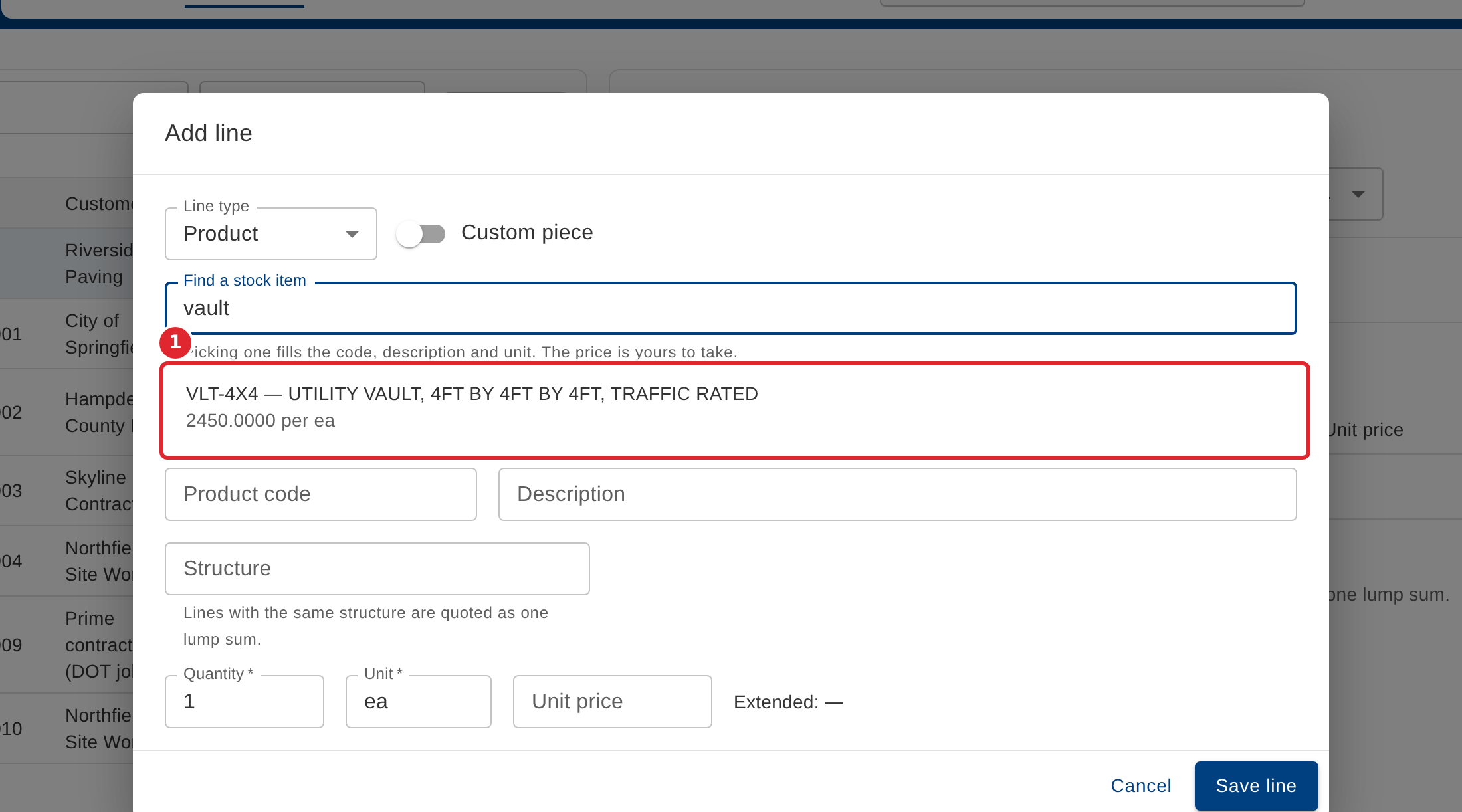
Pick the item from the list. Its code, description and unit are filled in for you, and its catalogue price shows beside it when it has one.
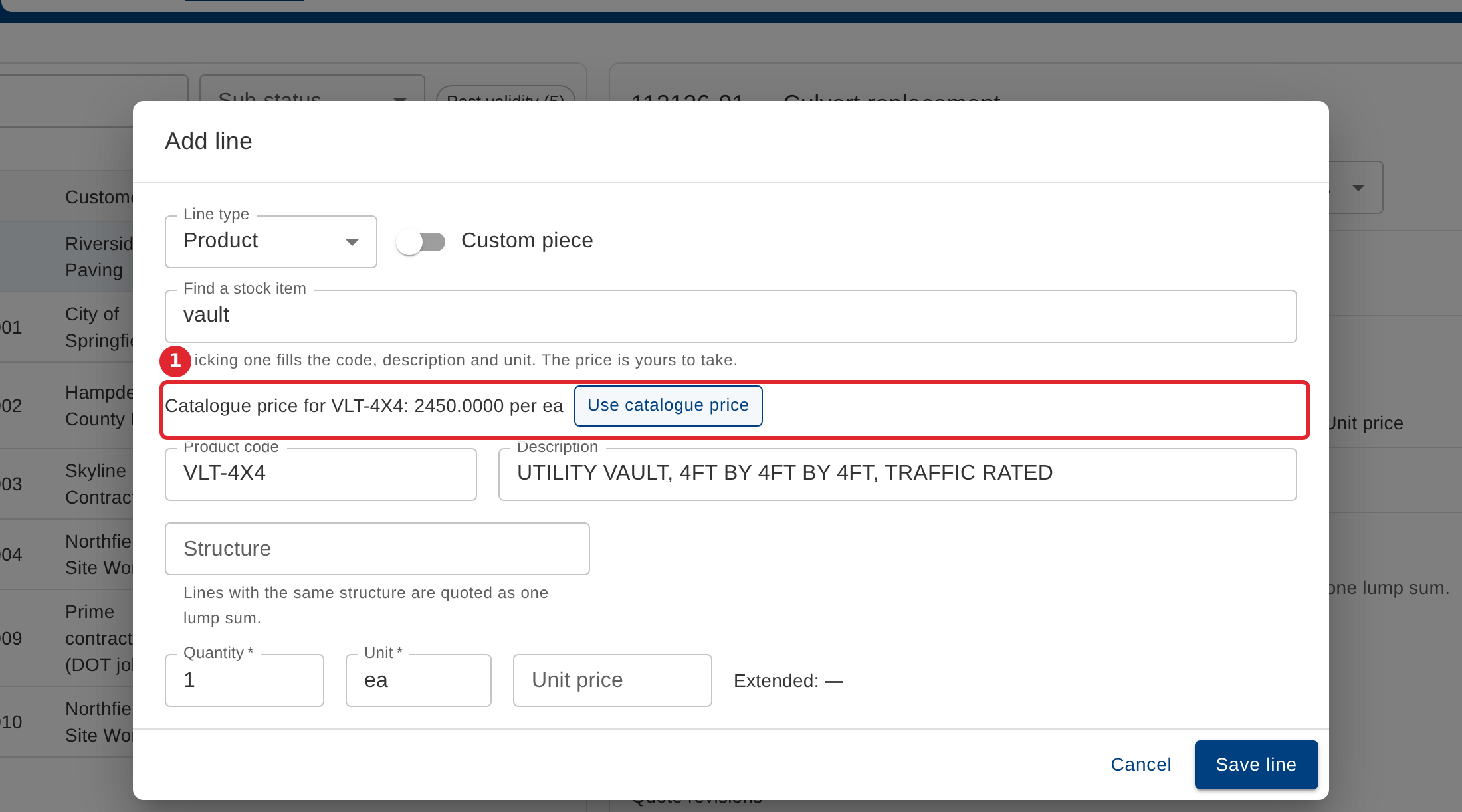
The catalogue price is shown, but not filled in: the price is yours to set. Select Use catalogue price to take it.
Enter the quantity and unit, and check the unit price. When the company quotes structures as one lump sum, give lines that belong together the same Structure. The extended amount updates as you type. Select Save line.
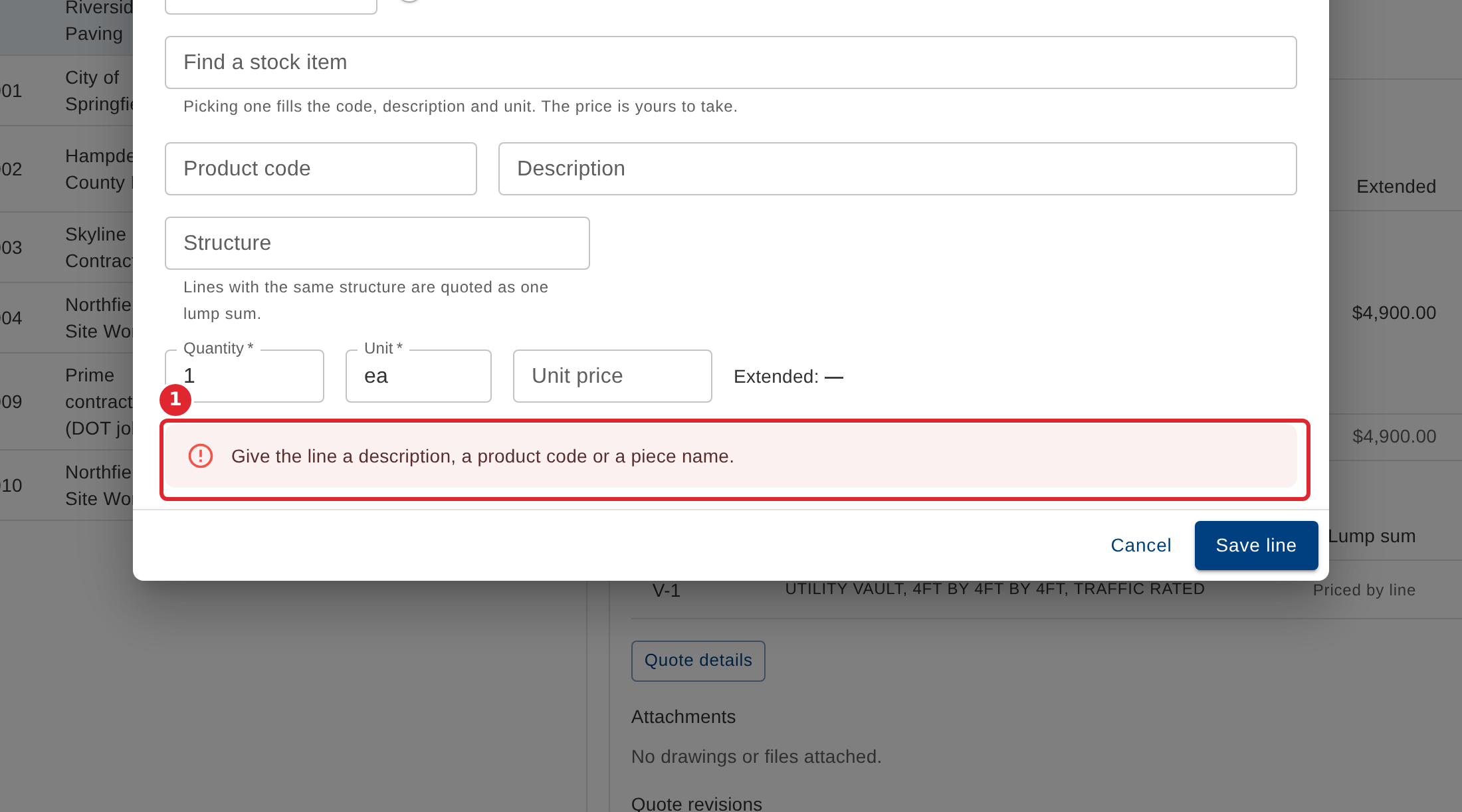
The line is not saved until it has a description, a product code or a piece name. The editor lists what is missing above the buttons.
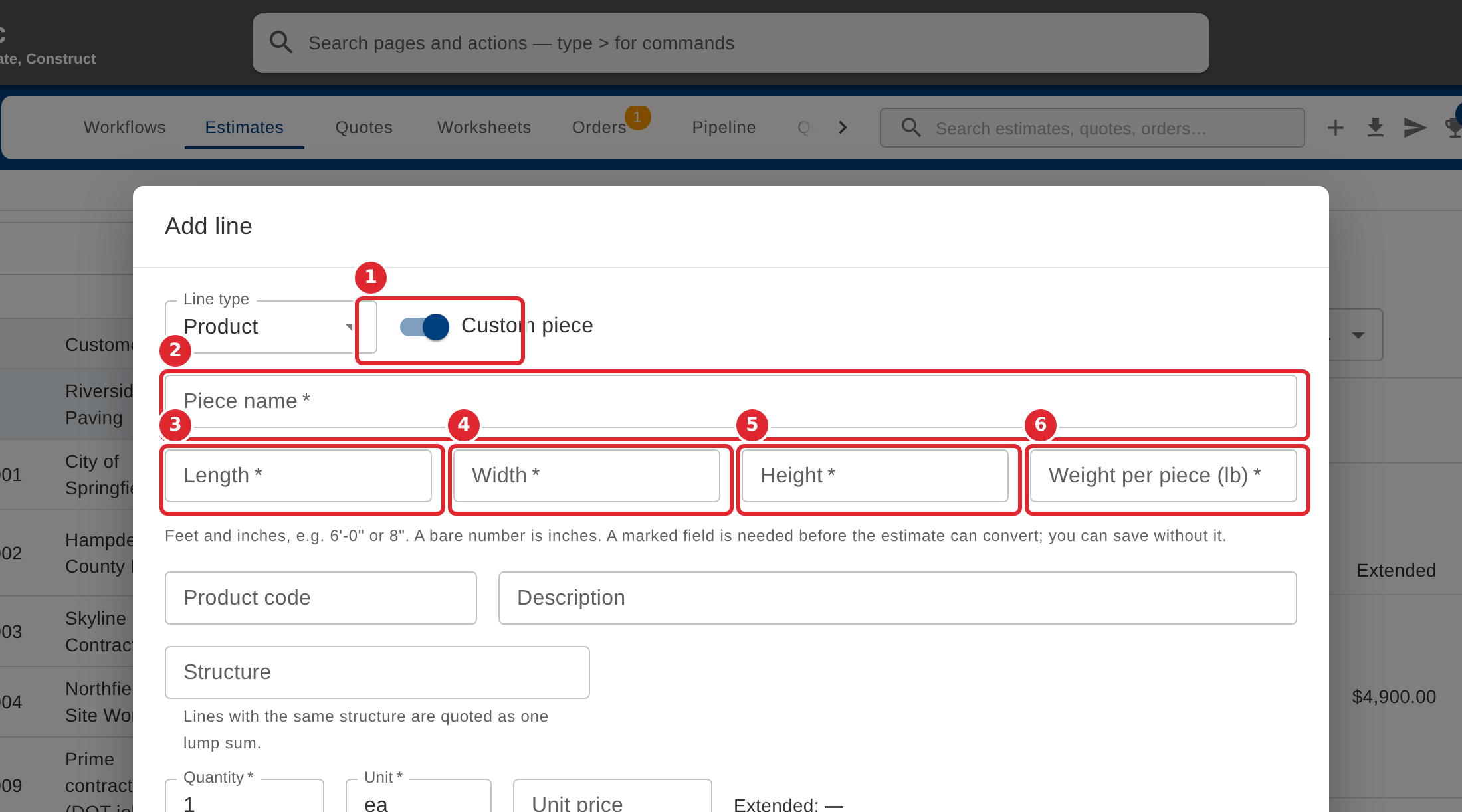
For work with no stock item, turn on Custom piece and give the piece name, its size and its weight. Sizes take feet and inches such as 6'-0", or a bare number of inches.
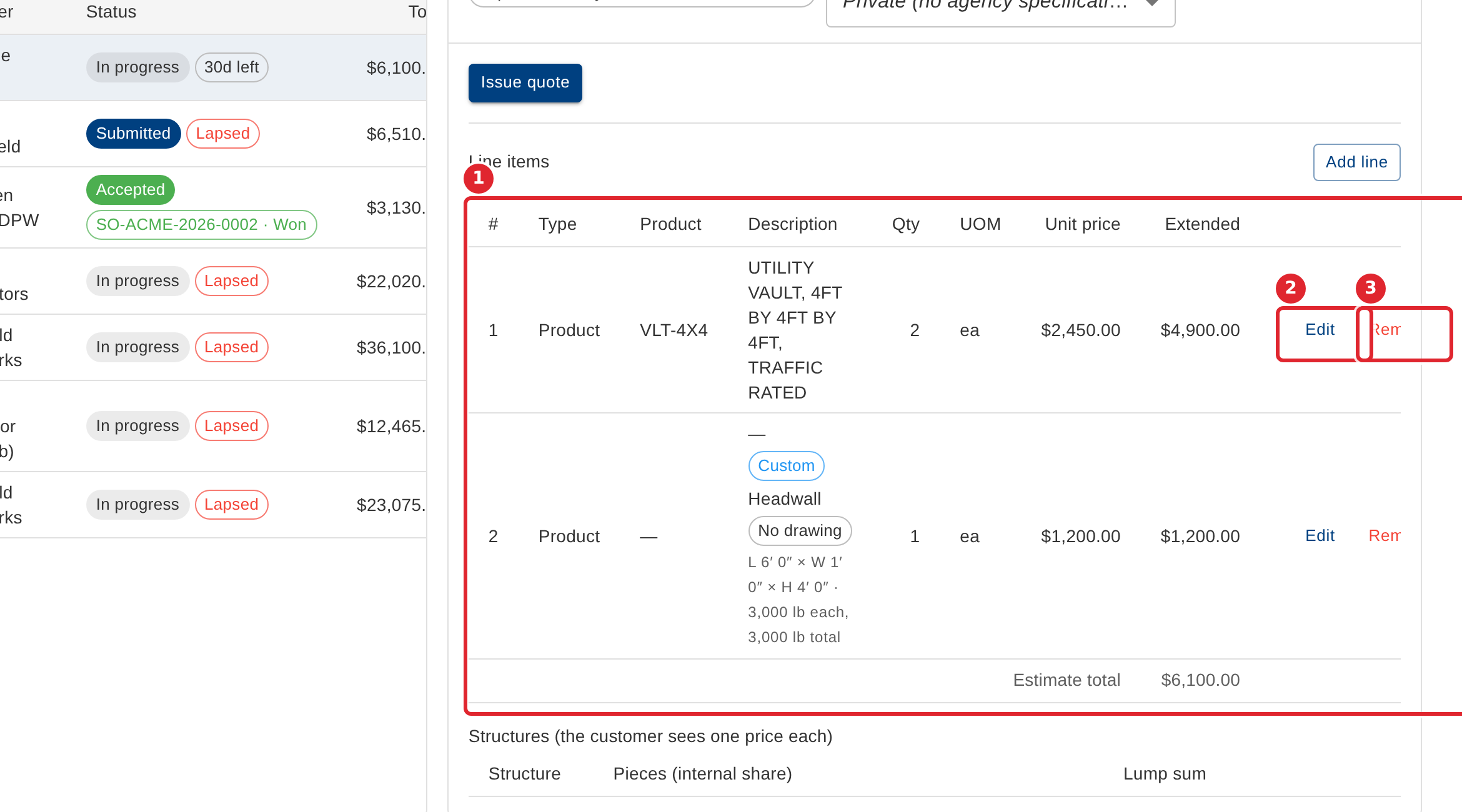
The lines and the estimate total appear on the estimate. A custom piece shows its size and weight under the description. Select Edit to change a line, or Remove to take it off.
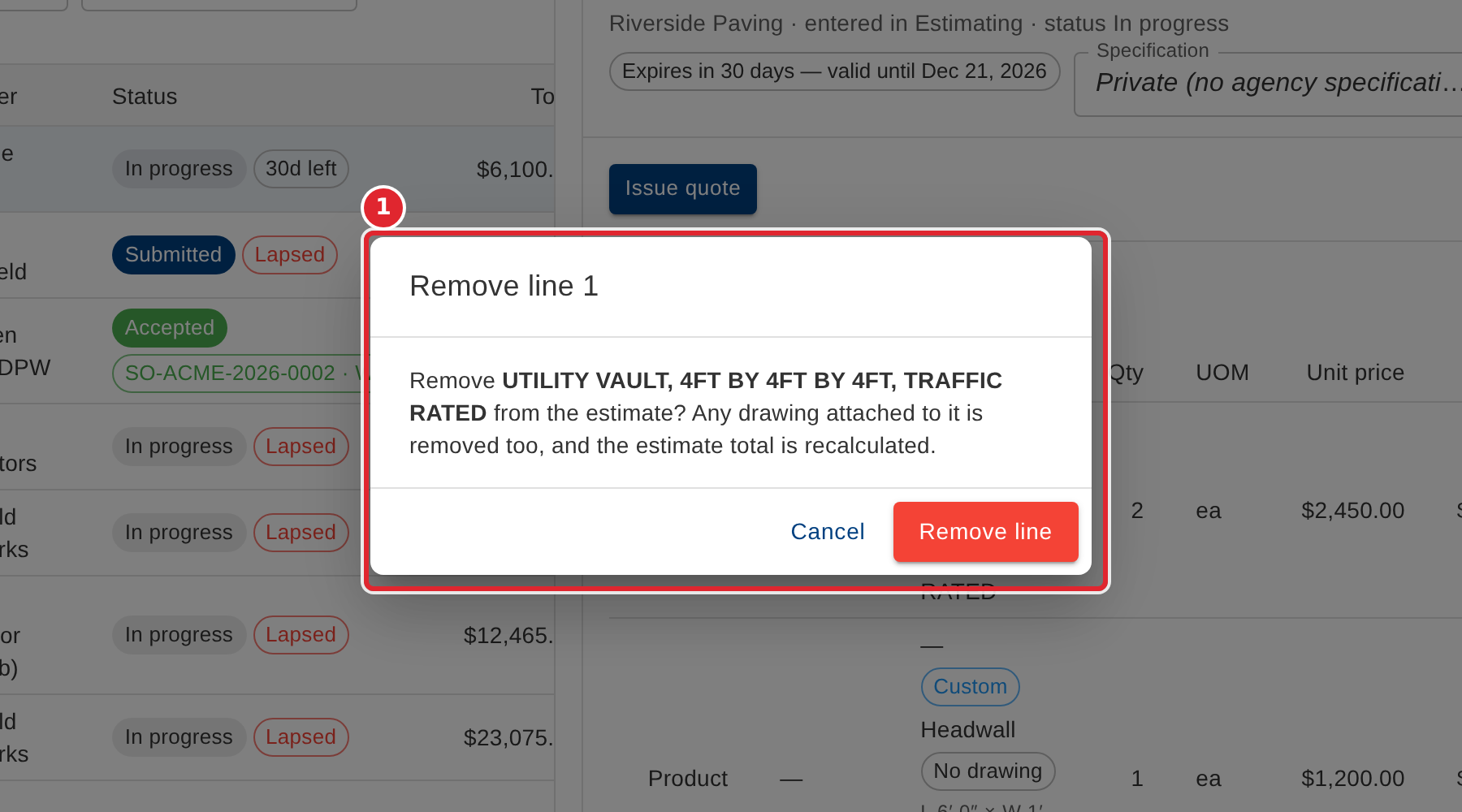
Removing a line asks you to confirm. Any drawing attached to the line goes with it, and the total is worked out again. Select Remove line to confirm, or Cancel to keep it.
Tips
- Quantity must be a number greater than zero, and the unit is required.
- A line needs a description, a product code or a piece name.
- A size must be feet and inches such as 6'-0", or a number of inches, and greater than zero. A weight must be a number of pounds.
- Custom-piece fields your company marks as required can be left blank while you work. The line then lists what is missing, and the estimate cannot convert until it is filled in.
- Lines that share a Structure are quoted to the customer as one lump sum.